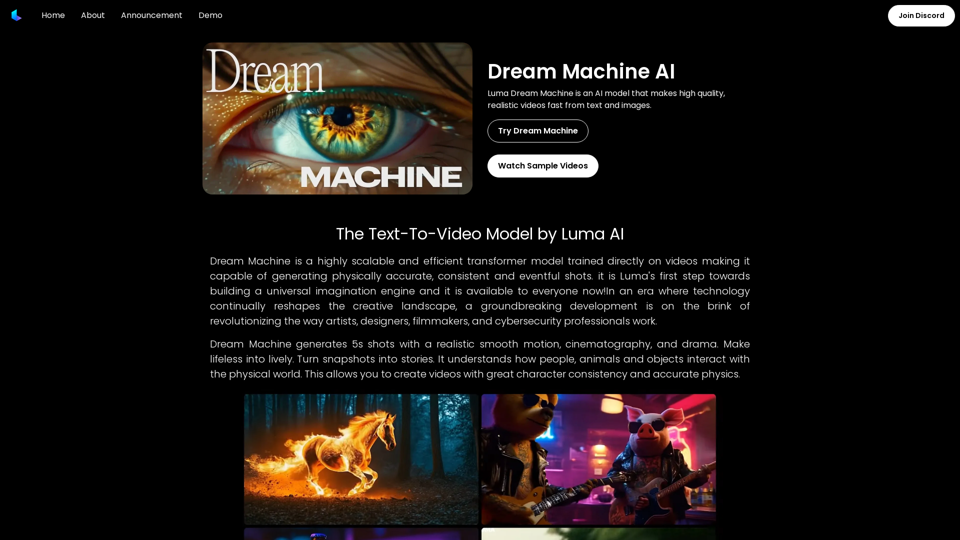
Dream Machine AI is a cutting-edge AI model designed to generate high-quality, realistic videos from text and images. This innovative technology utilizes a highly scalable and efficient transformer model trained directly on videos, enabling it to produce physically accurate, consistent, and eventful shots. Dream Machine AI stands out for its ability to create 5-second videos with smooth motion, cinematography, and dramatic elements, effectively turning static snapshots into dynamic stories.
Dream Machine AI: Try Luma AI Video Generator for Free
Try Dream Machine AI Video Generator for Free Online. Dream Machine is a new text-to-video model by Luma Ai, able to create high-definition videos.
Introduction
Feature
Realistic Video Generation
Dream Machine AI excels in creating 5-second video shots with:
- Smooth, realistic motion
- Cinematic quality
- Dramatic elements
- Ability to transform static images into lively videos
Advanced Physics Understanding
The model demonstrates:
- Comprehension of physical interactions between people, animals, and objects
- Creation of videos with consistent character representation
- Accurate physics simulation in generated content
Free Usage and Pricing
- Open access for all users
- 30 free videos per month
- Additional videos available at $29.99/month for 120 videos (research preview pricing)
Scalability and Efficiency
- Highly scalable model
- Efficient video generation process
- Easy integration into various applications
Complex Scene Generation
- Ability to create intricate scenes with precise details
- Representation of vibrant emotions
- Dynamic motion in generated videos
Language and Physical World Interpretation
- Deep understanding of language prompts
- Accurate interpretation of physical world concepts
- Remarkable prompt-to-video accuracy
Multi-Shot Consistency
- Capability to produce multiple shots within a single video
- Maintenance of consistent characters and visual styles throughout the video
FAQ
Will my information be used for your training data?
No, your data will not be used for any training purposes. You have the option to delete your account at any time, which will result in the removal of all your data.
When would I need a subscription?
A subscription becomes necessary if:
- The 30 free videos per month are insufficient for your needs
- You heavily rely on Dream Machine AI for your projects
Can I generate videos with complex scenes?
Yes, Dream Machine AI is capable of generating complex scenes featuring:
- Precise details
- Vibrant emotions
- Dynamic motion
Related Websites

Discover a supportive and understanding mental health bot designed to help you manage stress, anxiety, and everyday emotional challenges. Accessible anytime to provide guidance, resources, and comfort, ensuring you never feel alone in your journey towards mental wellness.
0

【Youdao Lingdong Translation】Using Youdao's large translation model, the top choice for immersive web translation tools! Real-time contrast translation: Turn any web page into a contrast. Image translation: Easily extract text from images. Instant translation input box: Enter Chinese and easily convert to English.
193.90 M
ScreenRedact on the Mac App Store #Description ScreenRedact is a powerful and easy-to-use screenshot editing tool that allows you to quickly and easily remove sensitive information from your screenshots. With its intuitive interface and advanced features, ScreenRedact is the perfect solution for anyone who needs to share screenshots online or with others. #Features * Easy to use: ScreenRedact's intuitive interface makes it easy to get started, even if you're not tech-savvy. * Advanced editing tools: ScreenRedact offers a range of advanced editing tools, including blur, pixelate, and redact, to help you remove sensitive information from your screenshots. * Customizable: ScreenRedact allows you to customize the appearance of your redactions, including the color, opacity, and style. * Support for multiple file formats: ScreenRedact supports a range of file formats, including JPEG, PNG, and TIFF. * Share easily: ScreenRedact makes it easy to share your edited screenshots with others, either by saving them to your computer or sharing them directly to social media or email. #What's New * Improved performance: ScreenRedact is now faster and more efficient, making it easier to edit your screenshots. * New editing tools: ScreenRedact now includes new editing tools, including a magic wand and a lasso tool, to make it even easier to remove sensitive information from your screenshots. * Enhanced customization options: ScreenRedact now offers even more customization options, including the ability to change the color and opacity of your redactions. #Ratings and Reviews * 4.5/5 stars: ScreenRedact has an average rating of 4.5 out of 5 stars on the Mac App Store. * "Easy to use and effective": One reviewer praised ScreenRedact's ease of use and effectiveness, saying "I was able to quickly and easily remove sensitive information from my screenshots." * "A must-have for anyone who shares screenshots online": Another reviewer called ScreenRedact "a must-have for anyone who shares screenshots online," citing its ease of use and advanced features.
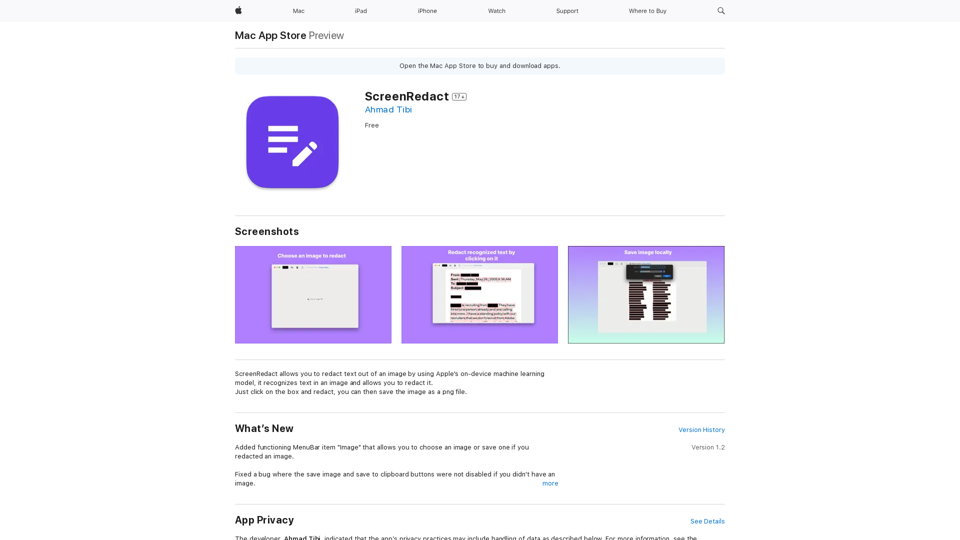
ScreenRedact on the Mac App Store #Description ScreenRedact is a powerful and easy-to-use screenshot editing tool that allows you to quickly and easily remove sensitive information from your screenshots. With its intuitive interface and advanced features, ScreenRedact is the perfect solution for anyone who needs to share screenshots online or with others. #Features * Easy to use: ScreenRedact's intuitive interface makes it easy to get started, even if you're not tech-savvy. * Advanced editing tools: ScreenRedact offers a range of advanced editing tools, including blur, pixelate, and redact, to help you remove sensitive information from your screenshots. * Customizable: ScreenRedact allows you to customize the appearance of your redactions, including the color, opacity, and style. * Support for multiple file formats: ScreenRedact supports a range of file formats, including JPEG, PNG, and TIFF. * Share easily: ScreenRedact makes it easy to share your edited screenshots with others, either by saving them to your computer or sharing them directly to social media or email. #What's New * Improved performance: ScreenRedact is now faster and more efficient, making it easier to edit your screenshots. * New editing tools: ScreenRedact now includes new editing tools, including a magic wand and a lasso tool, to make it even easier to remove sensitive information from your screenshots. * Enhanced customization options: ScreenRedact now offers even more customization options, including the ability to change the color and opacity of your redactions. #Ratings and Reviews * 4.5/5 stars: ScreenRedact has an average rating of 4.5 out of 5 stars on the Mac App Store. * "Easy to use and effective": One reviewer praised ScreenRedact's ease of use and effectiveness, saying "I was able to quickly and easily remove sensitive information from my screenshots." * "A must-have for anyone who shares screenshots online": Another reviewer called ScreenRedact "a must-have for anyone who shares screenshots online," citing its ease of use and advanced features.ScreenRedact allows you to remove sensitive text from an image by utilizing Apple's on-device machine learning model, which identifies text within an image and enables you to redact it with ease.
124.77 M
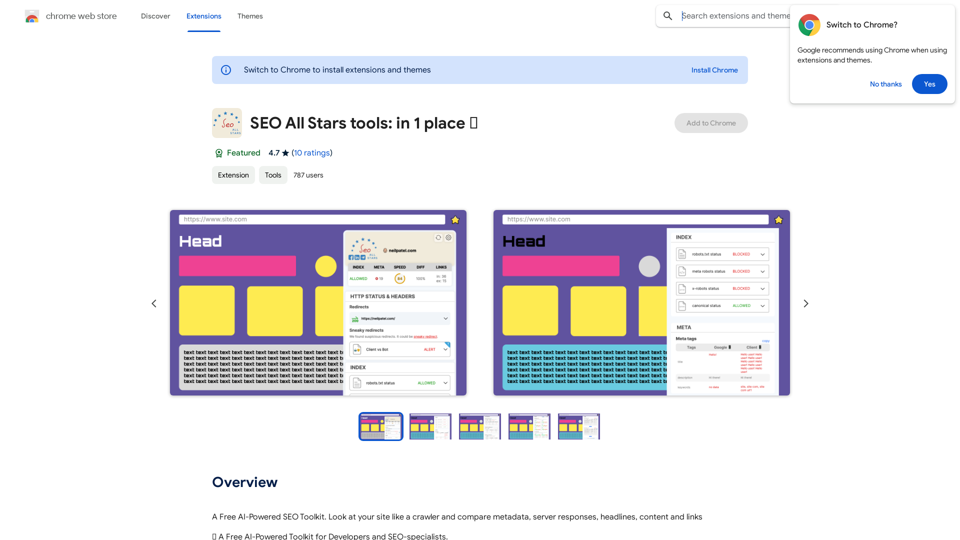
A Free AI-Powered SEO Toolkit. Analyze your website from a crawler's perspective, comparing metadata, server responses, headlines, content, and links.
193.90 M
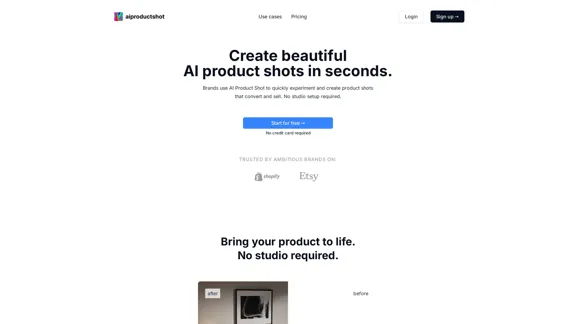
AI Product Shot - Create Beautiful Product Images with AI
AI Product Shot - Create Beautiful Product Images with AIAI Product Shot - Create stunning and professional AI-generated product images that boost your sales. Achieve expert-level product photos using AI technology. Begin your journey for free.
1.69 K
An independent research laboratory investigating novel modes of thinking and enhancing the creative capabilities of humanity.
17.37 M
