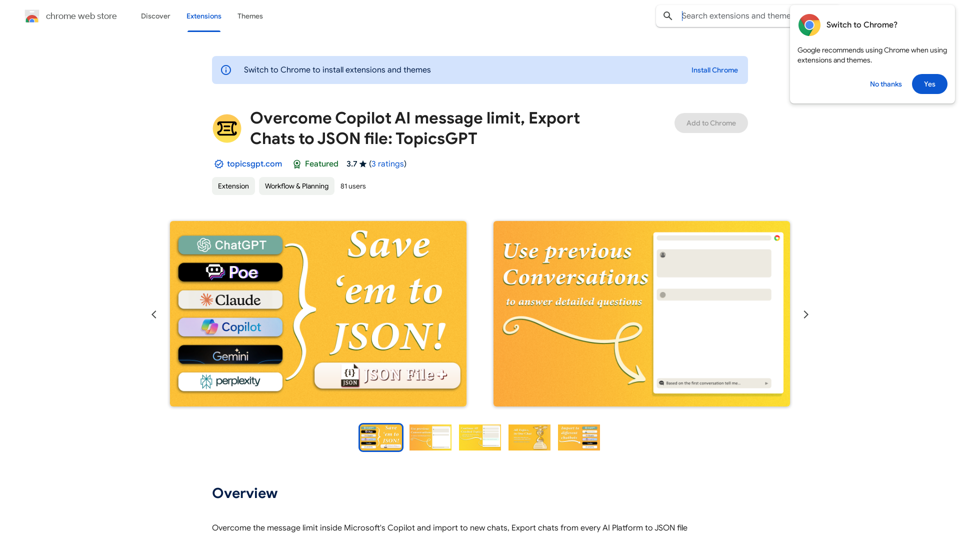
TopicsGPT is a Chrome extension designed to enhance the user experience with AI chatbots, particularly Microsoft's Copilot. It allows users to overcome message limits, export chats from various AI platforms to JSON files, and import conversations to new sessions. The extension prioritizes user privacy by processing all data locally within the browser.
Overcome Copilot AI Message Limit, Export Chats to JSON File: TopicsGPT This is a tool to help you work around the message limit in Copilot AI and export your conversations to a JSON file. Here's how it works: * Extend Your Conversations: TopicsGPT allows you to continue your conversations with Copilot AI beyond the usual message limit. * Save Your History: Export your entire chat history with Copilot AI as a structured JSON file. This makes it easy to review past interactions, analyze your conversations, or even use the data for other purposes. Benefits: * No More Interruptions: Keep your creative flow going without worrying about hitting the message limit. * Organized Data: Have a clear and organized record of your conversations with Copilot AI. * Flexibility: Use the exported JSON data for your own projects or analysis. Let me know if you have any questions!
Bypass Copilot's Message Limit and Move Conversations
* Get around the message limit in Microsoft's Copilot: Find ways to exceed the character or message count restrictions within Copilot.
* Transfer conversations to new chats: Move existing conversations from one chat space to another.
Export AI Chat Histories
* Download chat history from any AI platform: Save your conversations with various AI systems as JSON files.
Introduction
Feature
Overcome Message Limits
TopicsGPT enables users to bypass the message limit in Microsoft's Copilot, allowing for extended conversations and improved productivity.
Export and Import Functionality
- Export chats from multiple AI platforms to JSON files
- Import chats to new conversations
- Save conversations as JSON files for future reference
Privacy-Focused Design
All chat processing occurs locally within the user's browser, ensuring data privacy and security.
User-Friendly Setup
- Install the Chrome extension
- Sign up with email and password (free)
- Select the AI bot for export
- Choose chats to export
- Select export destination
- Initiate import process
Subscription Options
TopicsGPT offers in-app purchases for additional features and benefits, catering to users who require more than the standard 20 free GPT-4o conversations per day.
FAQ
How do I install TopicsGPT?
TopicsGPT can be installed by clicking the "Add to Chrome" button on the Chrome Web Store page.
Is my information used for training data?
No, TopicsGPT does not use your data for training purposes. All data is processed locally, ensuring your information remains private and secure.
When would I need a TopicsGPT subscription?
If you heavily rely on GPT-4o and the 20 free conversations per day are insufficient, subscribing to TopicsGPT's affordable products may be beneficial.
What are some helpful tips for using TopicsGPT?
- Sign up with an email and password to access all features
- Select the correct AI bot for chat export
- Be patient during chat processing
- Explore in-app purchases for additional benefits
Related Websites
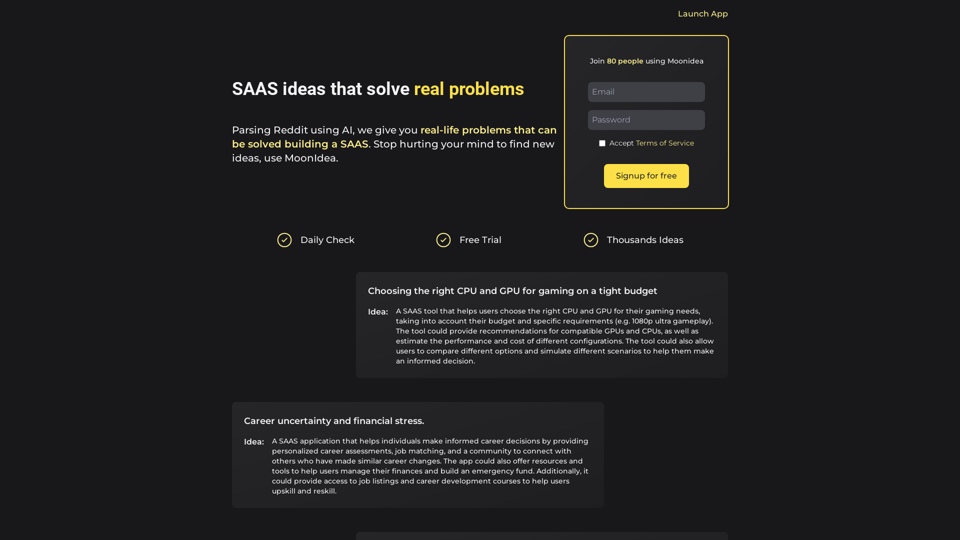
Moonidea AI-powered SaaS idea generation using Reddit threads.
Moonidea AI-powered SaaS idea generation using Reddit threads.Moonidea is an AI-powered software-as-a-service (SaaS) idea generation platform. It uses Reddit discussions to find real-world problems that could be solved by creating a new SaaS product.
0
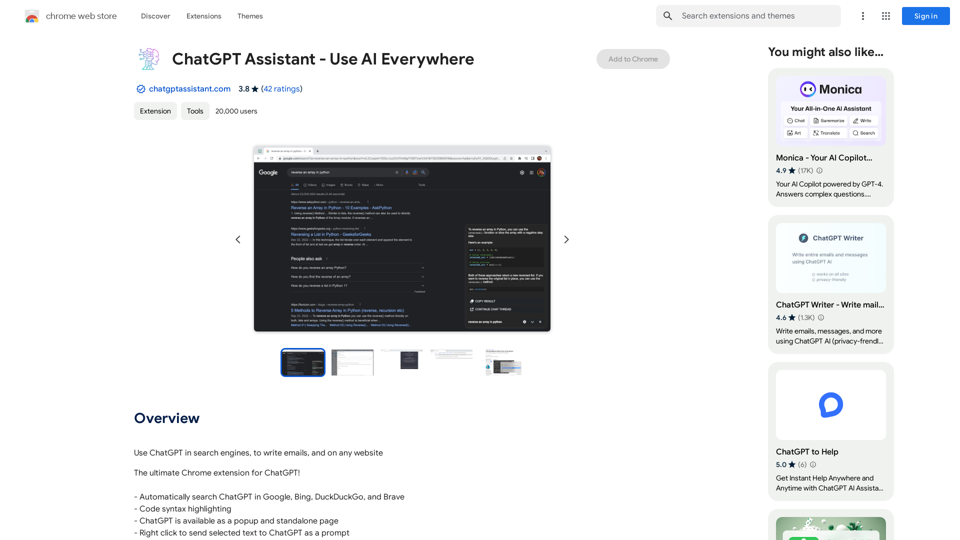
Unlocking the Power of ChatGPT: Expanding Its Reach Beyond Conversations ChatGPT, the revolutionary AI language model, has been making waves in the digital world. While it's primarily known for its conversational capabilities, its potential uses extend far beyond just chatting. Imagine harnessing the power of ChatGPT to supercharge your online activities, such as searching, emailing, and browsing websites. Search Engines Integrating ChatGPT into search engines can elevate the search experience. Here are a few ways it can make a difference: * Natural Language Queries: With ChatGPT, users can ask complex, conversational questions, and the AI will understand the context, providing more accurate results. * Personalized Results: ChatGPT can learn users' preferences and tailor search results to their interests, making the search process more efficient. * Answer Engine: Instead of providing a list of links, ChatGPT can directly answer questions, saving users time and effort. Writing Emails ChatGPT can assist in crafting well-structured, coherent emails, making communication more effective: * Email Composition: The AI can suggest relevant topics, tone, and language, helping users to express themselves more clearly. * Content Generation: ChatGPT can generate email content, such as introductions, summaries, or even entire emails, saving time and effort. * Language Translation: The AI can translate emails in real-time, breaking language barriers and facilitating global communication. Any Website Imagine having ChatGPT as your personal assistant on any website: * Content Summarization: The AI can summarize long articles, blog posts, or product descriptions, providing users with a quick overview. * FAQ Generation: ChatGPT can generate answers to frequently asked questions, reducing the need for customer support. * Personalized Recommendations: The AI can analyze user behavior and provide personalized suggestions, enhancing the overall user experience. The possibilities are endless, and the potential benefits are substantial. By integrating ChatGPT into search engines, email clients, and websites, we can unlock a new level of efficiency, productivity, and innovation.
193.90 M
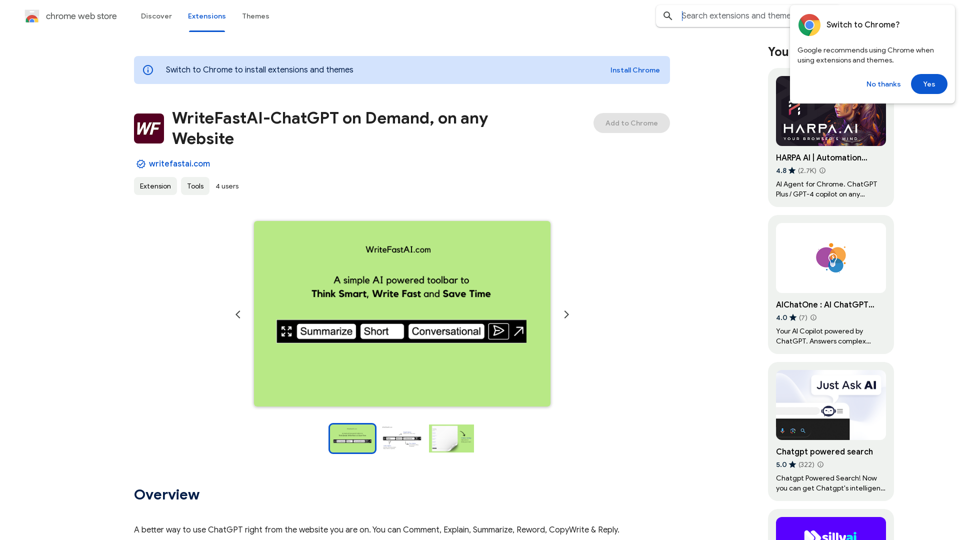
WriteFastAI-ChatGPT on Demand, on Any Website This is a powerful idea! Imagine being able to seamlessly integrate the capabilities of both FastAI and ChatGPT directly into any website. Here's a breakdown of what this could mean: * On-Demand AI Assistance: Users could access powerful AI tools like text generation, summarization, question answering, and more, right from the website they're already using. * Personalized Experiences: Websites could leverage AI to tailor content and interactions to individual user preferences, creating a more engaging and relevant experience. * Increased Efficiency: Businesses could automate tasks, generate reports, and analyze data faster and more accurately with the help of AI. Making it a Reality: This vision requires a combination of: * API Integration: FastAI and ChatGPT both offer APIs that allow developers to integrate their functionalities into applications. * Web Development Expertise: Developers would need to build the necessary infrastructure to connect the APIs to the website and handle user interactions. * Data Management: Websites would need to manage and secure the data used by the AI models. Potential Applications: The possibilities are endless! Here are just a few examples: * E-commerce: AI-powered chatbots could provide personalized product recommendations and customer support. * Education: Websites could offer interactive learning experiences with AI-powered tutors and personalized feedback. * News and Media: AI could be used to generate summaries of articles, create personalized news feeds, and even write original content. Let me know if you'd like to explore any of these applications in more detail!
WriteFastAI-ChatGPT on Demand, on Any Website This is a powerful idea! Imagine being able to seamlessly integrate the capabilities of both FastAI and ChatGPT directly into any website. Here's a breakdown of what this could mean: * On-Demand AI Assistance: Users could access powerful AI tools like text generation, summarization, question answering, and more, right from the website they're already using. * Personalized Experiences: Websites could leverage AI to tailor content and interactions to individual user preferences, creating a more engaging and relevant experience. * Increased Efficiency: Businesses could automate tasks, generate reports, and analyze data faster and more accurately with the help of AI. Making it a Reality: This vision requires a combination of: * API Integration: FastAI and ChatGPT both offer APIs that allow developers to integrate their functionalities into applications. * Web Development Expertise: Developers would need to build the necessary infrastructure to connect the APIs to the website and handle user interactions. * Data Management: Websites would need to manage and secure the data used by the AI models. Potential Applications: The possibilities are endless! Here are just a few examples: * E-commerce: AI-powered chatbots could provide personalized product recommendations and customer support. * Education: Websites could offer interactive learning experiences with AI-powered tutors and personalized feedback. * News and Media: AI could be used to generate summaries of articles, create personalized news feeds, and even write original content. Let me know if you'd like to explore any of these applications in more detail!A better way to use ChatGPT right from the website you are on. You can comment, explain, summarize, reword, copywrite, and reply.
193.90 M