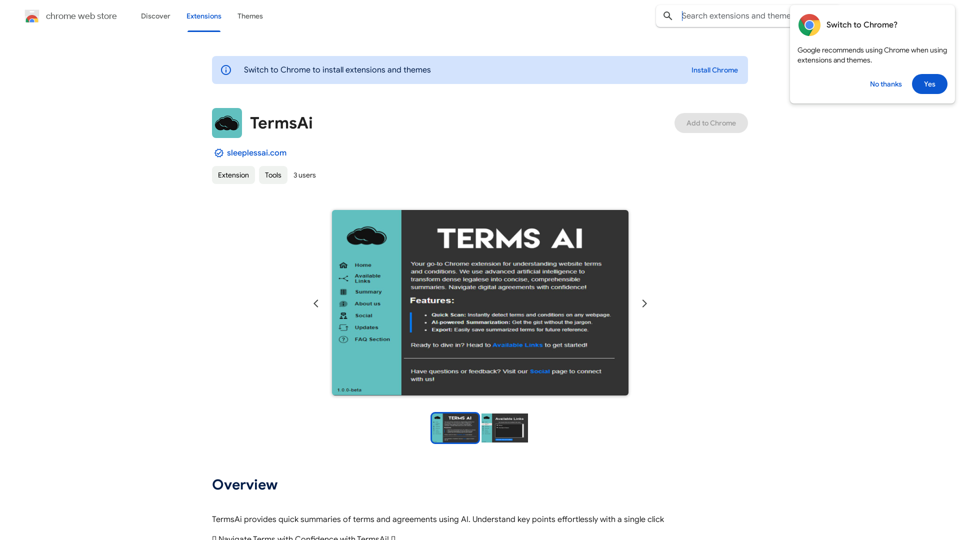
TermsAi is a Chrome extension designed to simplify the understanding of terms and agreements using artificial intelligence. It provides quick summaries of complex legal documents with just one click, enabling users to navigate terms confidently and make informed decisions about the services they sign up for.
TermsAi
TermsAi provides quick summaries of terms and agreements using AI. Understand key points effortlessly with a single click.
Introduction
Feature
AI-Powered Summarization
TermsAi utilizes advanced AI technology to analyze complex terms, agreements, and privacy policies. It highlights important clauses and hidden charges that might otherwise go unnoticed.
One-Click Access
Users can easily access TermsAi's features with a single click, making it convenient to understand service agreements quickly and efficiently.
Easy Setup and Use
- Install the extension from the Chrome Web Store
- Pin the extension to the browser toolbar
- Select 'Available Links' tab
- Click 'Summarize Terms and Conditions'
- View the generated summary after a brief loading period
In-App Purchases
TermsAi offers additional features through in-app purchases, providing users with more advanced options if needed.
FAQ
How does TermsAi work?
TermsAi uses advanced AI technology to analyze complex legal documents, identifying key points, tricky clauses, and hidden charges that users might overlook.
Is TermsAi free to use?
While the basic functionality is available, TermsAi offers in-app purchases for additional features. Users can report any concerns or issues they encounter.
What are the main benefits of using TermsAi?
- Effortless understanding of key points with a single click
- Informed decision-making about service agreements
- Increased awareness of potential hidden clauses or charges
- Time-saving solution for reviewing lengthy legal documents
Related Websites
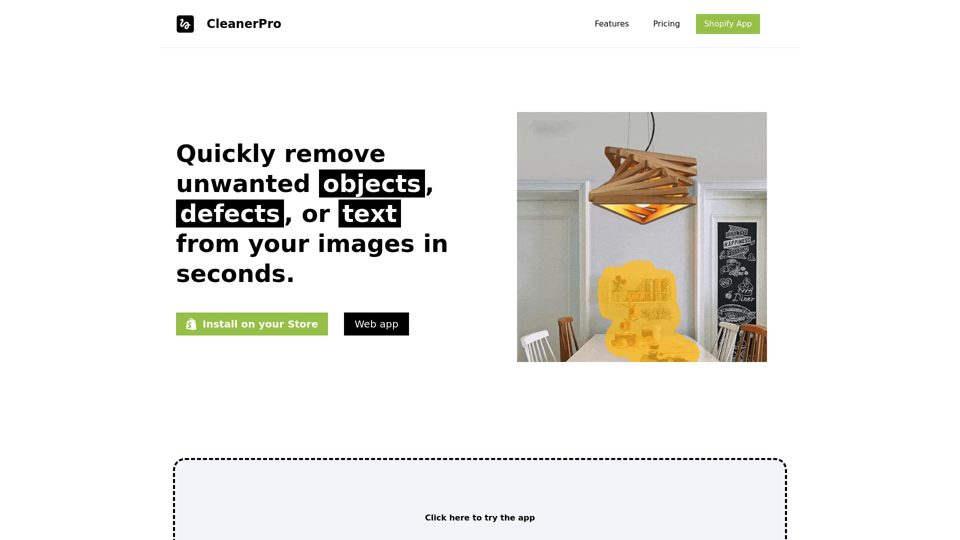
CleanerPro, our AI-powered image editor, transforms e-commerce visuals by enabling effortless removal of logos, text, and unwanted elements with just one click.
0
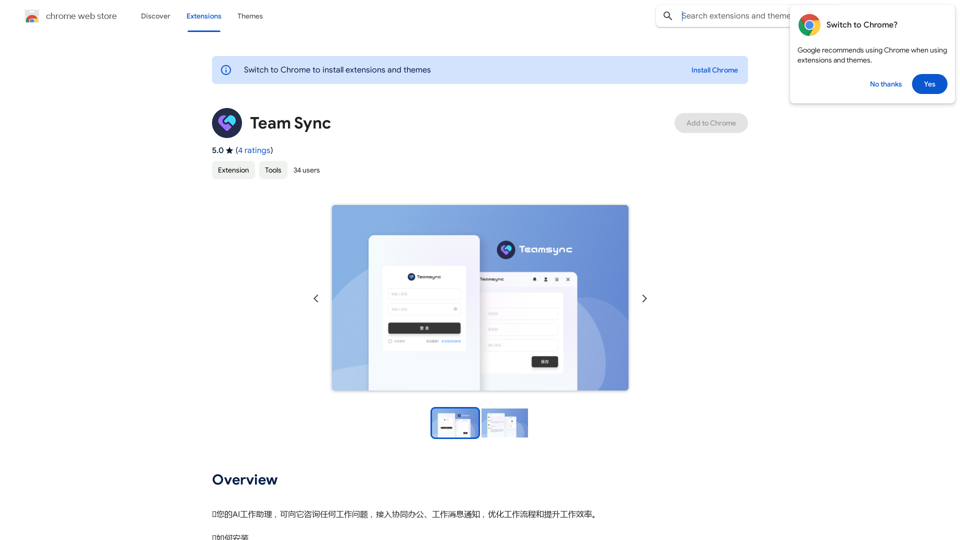
⭐ Your AI work assistant can answer any work questions you have. It integrates with collaborative work, work message notifications, to optimize your workflow and boost your productivity. ⭐ How to install Simply go to the Chrome Web Store, search for the extension, and click "Add to Chrome." Once installed, the extension will be available in your toolbar for easy access.
193.90 M
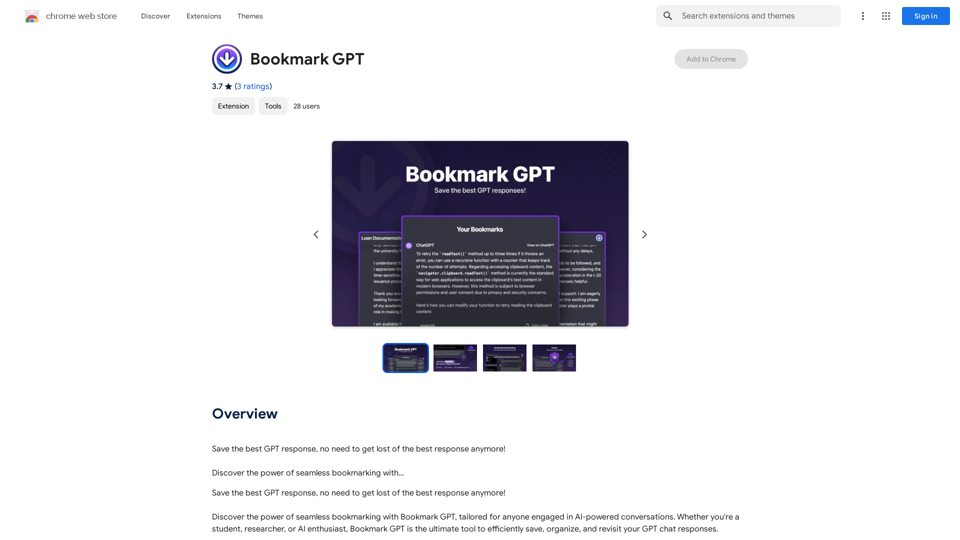
Save the best GPT response, no need to get lost of the best response anymore! Discover the power of seamless bookmarking with...
193.90 M
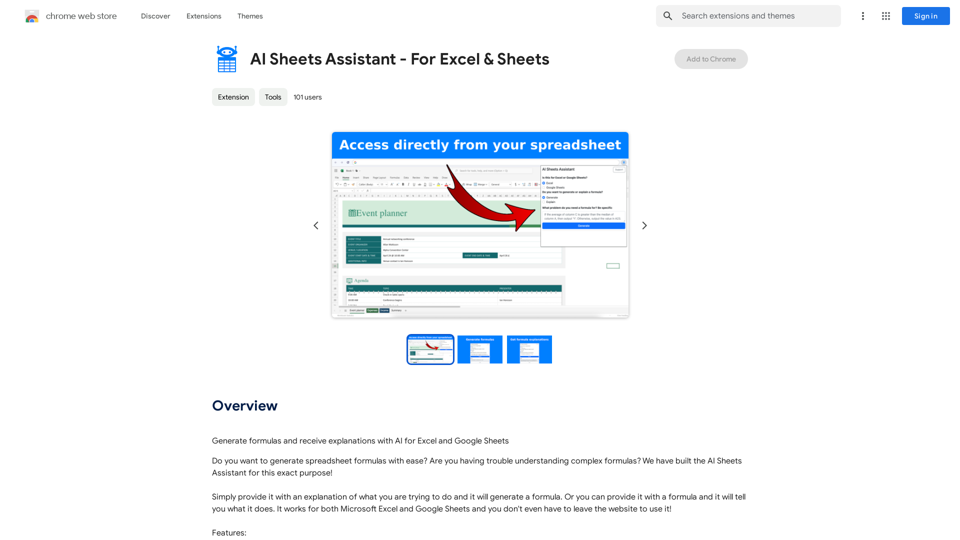
Generate Formulas and Receive Explanations with AI for Excel and Google Sheets This is a powerful tool that can help you with your spreadsheet work! Here's how it works: 1. You describe what you want to achieve. Be as specific as possible. For example, instead of saying "I need a formula to calculate the total," say "I need a formula to calculate the total of sales in column B." 2. The AI will generate a formula for you. It will also provide an explanation of how the formula works. 3. You can copy and paste the formula into your spreadsheet. Here are some examples: * "I need a formula to find the average of the numbers in cells A1 to A10." * Formula: `=AVERAGE(A1:A10)` * Explanation: The `AVERAGE` function calculates the average of a range of cells. In this case, it will calculate the average of the numbers in cells A1 through A10. * "I need a formula to count the number of cells that contain the word 'apple' in column C." * Formula: `=COUNTIF(C:C,"apple")` * Explanation: The `COUNTIF` function counts the number of cells in a range that meet a certain criteria. In this case, it will count the number of cells in column C that contain the word "apple". * "I need a formula to find the largest number in column D." * Formula: `=MAX(D:D)` * Explanation: The `MAX` function returns the largest number in a range of cells. In this case, it will return the largest number in column D. Let me know what you'd like to calculate, and I'll do my best to help!
193.90 M
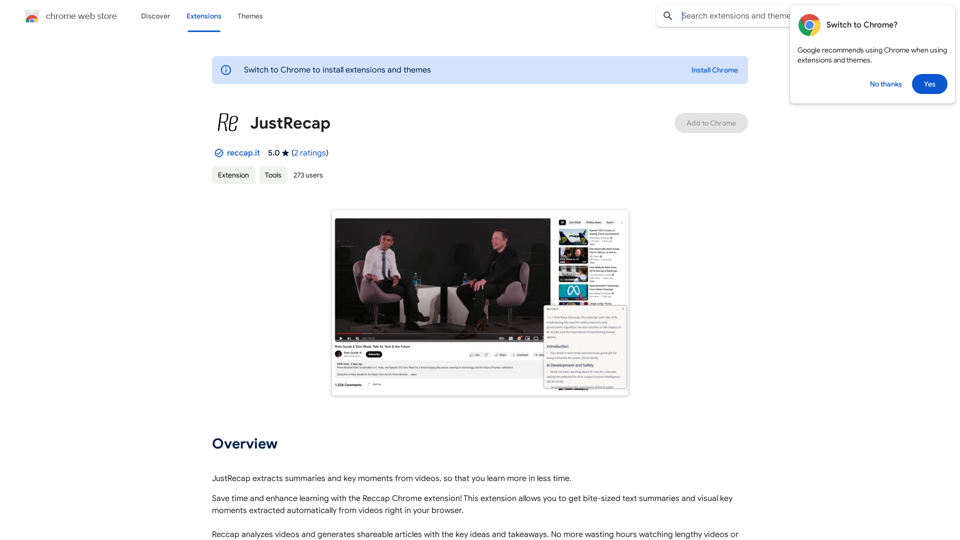
JustRecap extracts summaries and key moments from videos so you can learn more in less time.
193.90 M