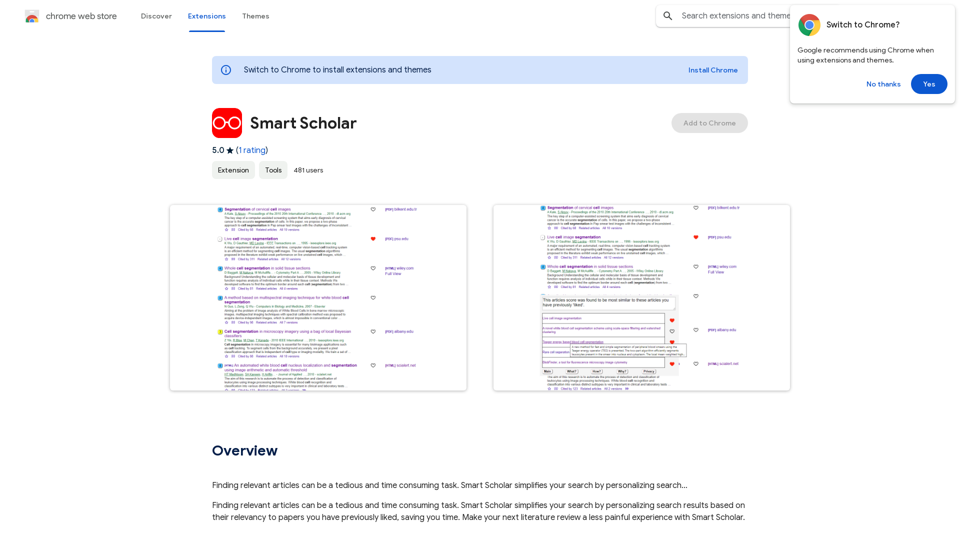
Smart Scholar is an AI-powered browser extension designed to streamline the process of finding relevant academic articles. By personalizing search results based on previously liked papers, it significantly reduces the time and effort required for literature reviews. This innovative tool caters to researchers, students, and academics, making scholarly searches more efficient and less daunting.
Smart Scholar
Finding relevant articles can be a tedious and time-consuming task. Smart Scholar simplifies your search by personalizing search results based on your interests and preferences.
Introduction
Feature
Personalized Search Results
Smart Scholar leverages AI technology to analyze user search history and preferences, delivering tailored article recommendations that align with individual research interests.
Time-Efficient Literature Review
By providing customized search results, Smart Scholar dramatically reduces the time spent on finding relevant articles, allowing users to focus on core research activities.
User-Friendly Interface
The extension boasts an intuitive design, making it easy to install and navigate. Users can seamlessly integrate Smart Scholar into their research workflow without a steep learning curve.
Cost-Free Access
Smart Scholar is available as a free extension, offering unrestricted access to its features without any subscription fees or hidden costs.
AI-Driven Article Analysis
The extension employs advanced AI algorithms to comprehend user preferences and deliver highly relevant search results, enhancing the overall research experience.
Continuous Learning
Smart Scholar adapts to user behavior over time, continuously improving its recommendations to provide increasingly accurate and useful search results.
FAQ
How does Smart Scholar function?
Smart Scholar utilizes AI technology to analyze your search history and provide personalized search results tailored to your research interests and preferences.
Is there a cost associated with using Smart Scholar?
No, Smart Scholar is completely free to use. There are no subscription fees or hidden costs associated with the extension.
How user-friendly is Smart Scholar?
Smart Scholar is designed with user experience in mind. It features an intuitive interface that makes installation and usage straightforward, allowing users to easily navigate and find the information they need.
Can Smart Scholar help me stay updated with recent research in my field?
Yes, by providing personalized search results based on your interests, Smart Scholar can help you discover the latest research articles relevant to your field of study.
Related Websites
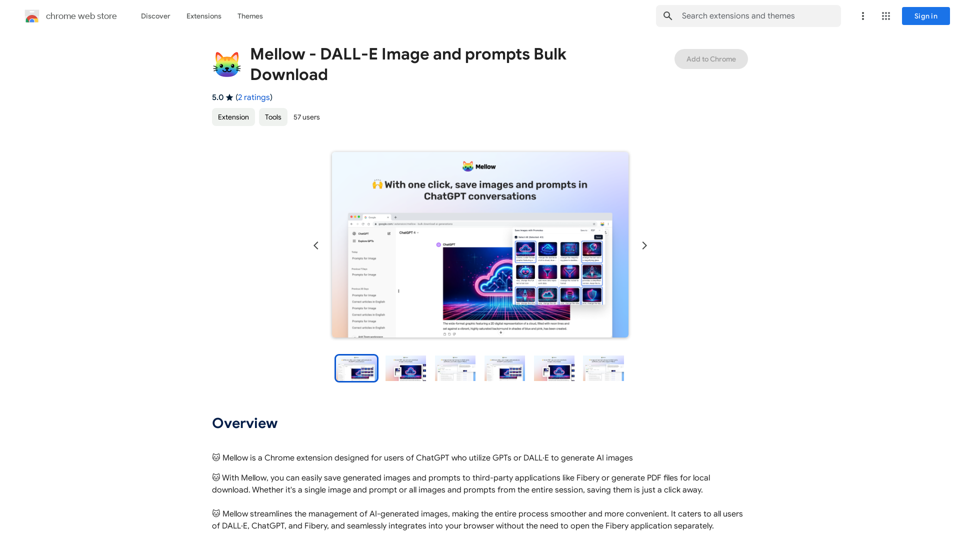
Mellow - DALL-E Image and Prompts Bulk Download This is a tool to download images and prompts from Mellow, a platform for creating and sharing DALL-E images.
Mellow - DALL-E Image and Prompts Bulk Download This is a tool to download images and prompts from Mellow, a platform for creating and sharing DALL-E images.🐱 Mellow is a Chrome extension designed for users of ChatGPT who use GPTs or DALL·E to create AI images.
193.90 M
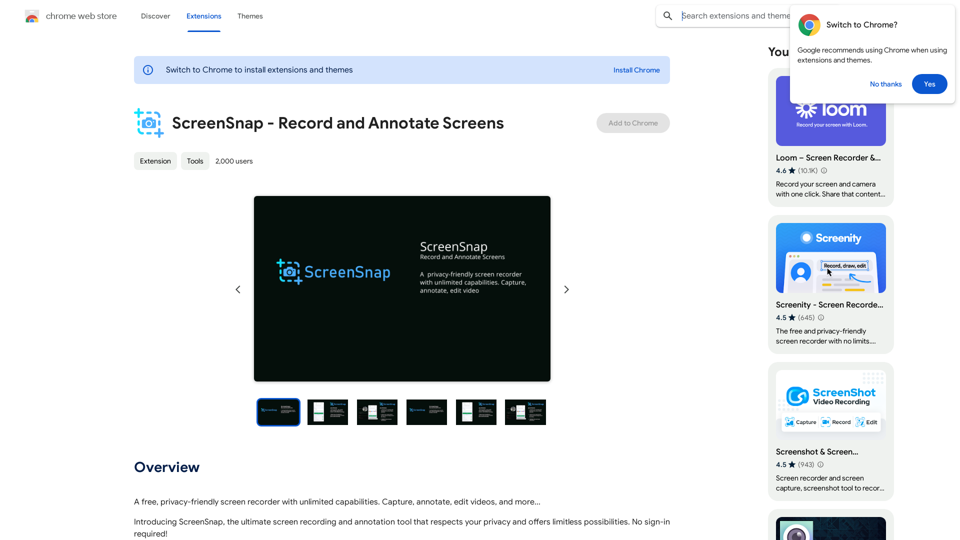
A free, privacy-friendly screen recorder with unlimited capabilities. Capture, annotate, edit videos, and more...
193.90 M
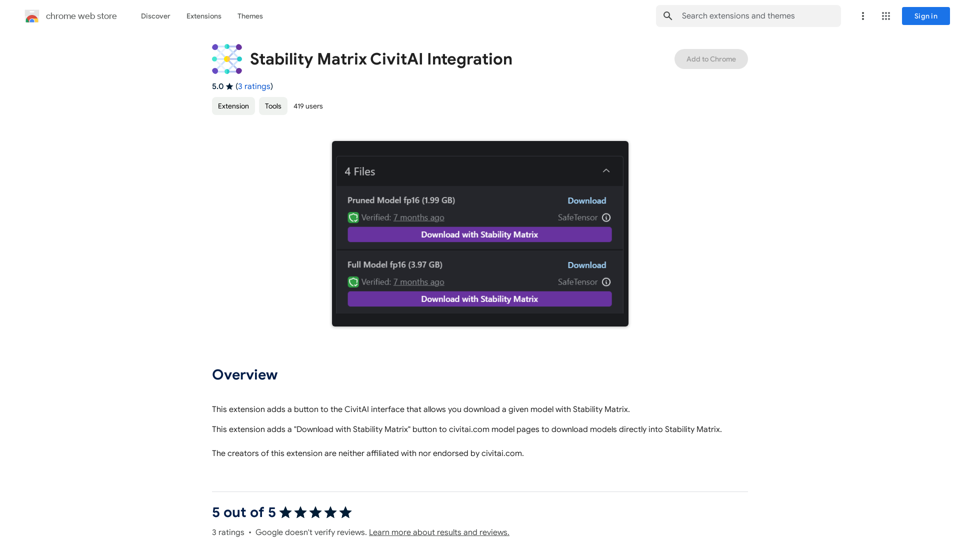
Stability Matrix CivitAI Integration This document outlines the integration of Stability Matrix into Civitai. What is Stability Matrix? Stability Matrix is a powerful tool for evaluating and comparing different AI models. It provides a comprehensive set of metrics to assess model performance across various tasks, including text generation, image generation, and code generation. Benefits of Integrating Stability Matrix into Civitai: * Enhanced Model Discovery: Users can easily identify high-performing models based on their desired tasks and preferences. * Improved Model Selection: The detailed metrics provided by Stability Matrix allow for informed decision-making when choosing a model for a specific project. * Community-Driven Evaluation: By leveraging the collective wisdom of the Civitai community, Stability Matrix fosters a transparent and collaborative approach to model evaluation. * Accelerated Model Development: Developers can use Stability Matrix to track the progress of their models and identify areas for improvement. Implementation Details: * Stability Matrix scores will be displayed alongside model descriptions on Civitai. * Users will be able to filter models based on their Stability Matrix scores. * The integration will initially focus on text generation and image generation models. Future Enhancements: * Expand support for additional model types, such as code generation models. * Implement interactive visualizations of Stability Matrix data. * Allow users to contribute their own model evaluations to the platform.
Stability Matrix CivitAI Integration This document outlines the integration of Stability Matrix into Civitai. What is Stability Matrix? Stability Matrix is a powerful tool for evaluating and comparing different AI models. It provides a comprehensive set of metrics to assess model performance across various tasks, including text generation, image generation, and code generation. Benefits of Integrating Stability Matrix into Civitai: * Enhanced Model Discovery: Users can easily identify high-performing models based on their desired tasks and preferences. * Improved Model Selection: The detailed metrics provided by Stability Matrix allow for informed decision-making when choosing a model for a specific project. * Community-Driven Evaluation: By leveraging the collective wisdom of the Civitai community, Stability Matrix fosters a transparent and collaborative approach to model evaluation. * Accelerated Model Development: Developers can use Stability Matrix to track the progress of their models and identify areas for improvement. Implementation Details: * Stability Matrix scores will be displayed alongside model descriptions on Civitai. * Users will be able to filter models based on their Stability Matrix scores. * The integration will initially focus on text generation and image generation models. Future Enhancements: * Expand support for additional model types, such as code generation models. * Implement interactive visualizations of Stability Matrix data. * Allow users to contribute their own model evaluations to the platform.This extension adds a button to the CivitAI interface that allows you to download a given model with Stability Matrix.
193.90 M
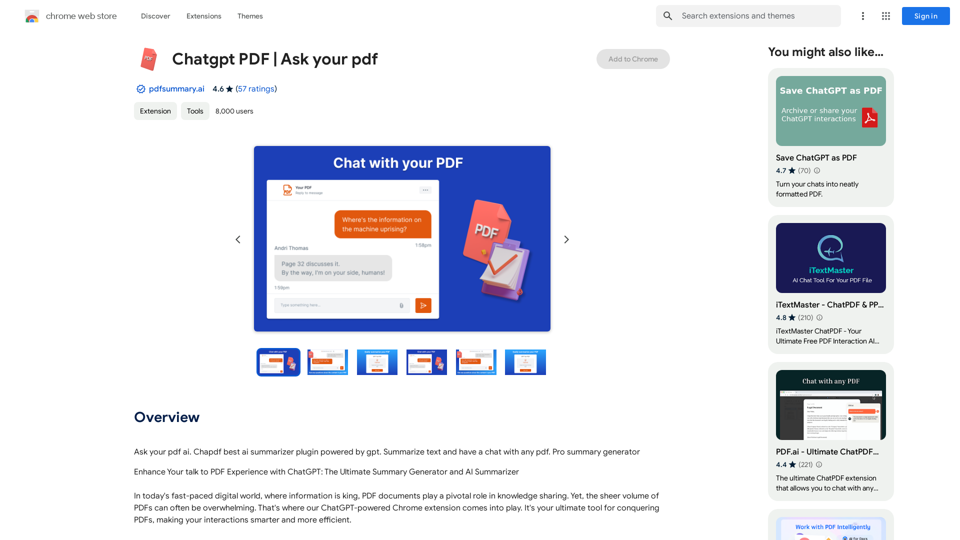
Chatgpt PDF =============== Ask your PDF ----------------
Chatgpt PDF =============== Ask your PDF ----------------Ask Your PDF AI Chapdf: Best AI Summarizer Plugin Powered by GPT Summarize Text and Have a Chat with Any PDF Pro Summary Generator
193.90 M

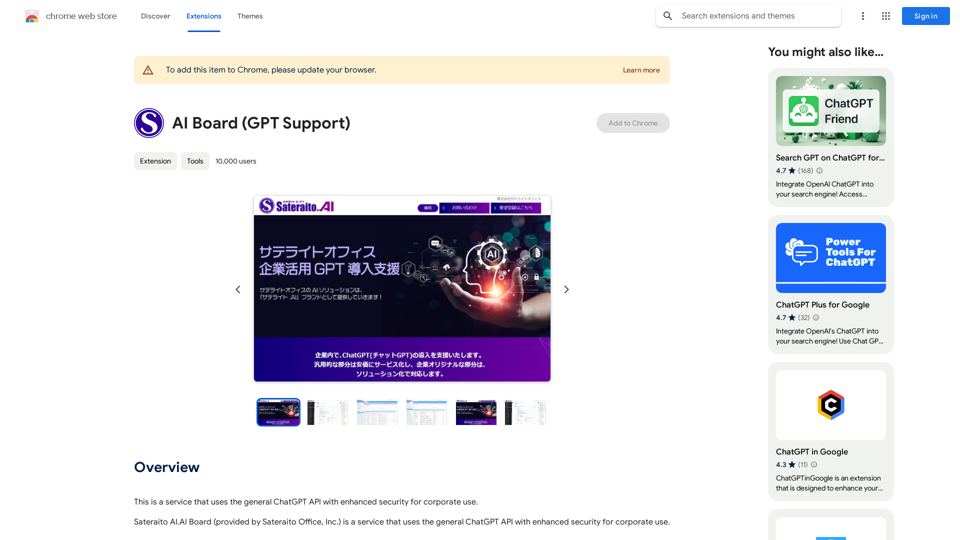
This is a service that uses the general ChatGPT API with enhanced security for corporate use.
193.90 M

Image Translator - ai photo/image Translator use ChatGPT This is a tool that uses ChatGPT to describe images. You can upload a photo and ChatGPT will generate a written description of what it sees.
Image Translator - ai photo/image Translator use ChatGPT This is a tool that uses ChatGPT to describe images. You can upload a photo and ChatGPT will generate a written description of what it sees.AI Photo/Image Translator, Supports 130 Languages
193.90 M