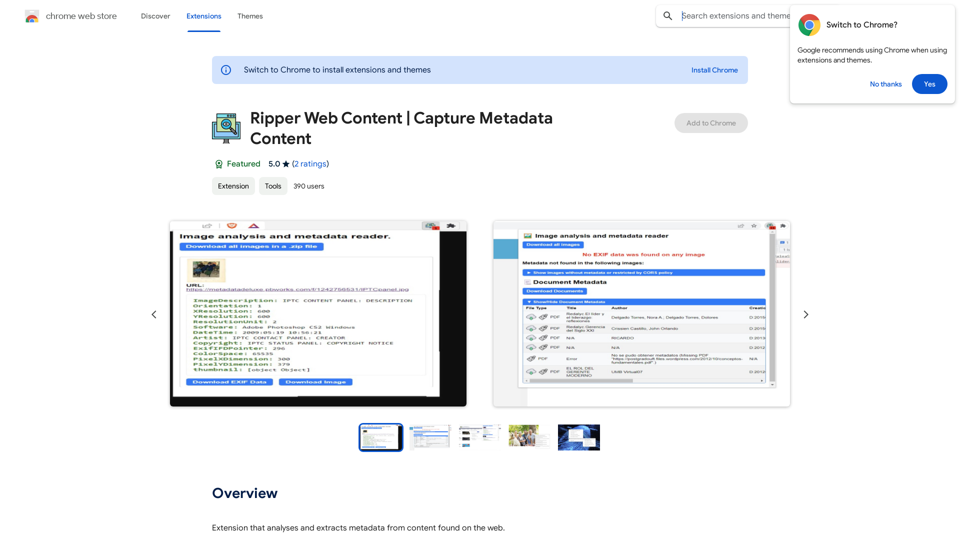
Ripper Web Content is an AI-powered platform designed for comprehensive web content analysis. It specializes in image and document processing, offering features like metadata extraction, reverse image search, and face detection. This versatile tool caters to various needs, from digital forensics to OSINT (Open Source Intelligence) applications, making it valuable for both casual users and professionals in investigative fields.
Ripper Web Content | Capture Metadata Content
Extension that analyzes and extracts metadata from content found on the web.
Introduction
Feature
Image Analysis and Metadata Extraction
- Extract and download detailed image metadata
- Perform reverse image searches using Google Lens and TinEye
- Analyze images with FotoForensics for deeper insights
Advanced Face Detection
- Detect the number of people in photos
- Identify gender, age, and mood of individuals in images
Document Processing
- Scan various document formats (.pdf, .docx, .pptx, .xlsx)
- Extract metadata from documents
- Fast document downloading capabilities
Efficient Image Handling
- Rapid image download functionality
- Comprehensive image analysis tools
OSINT and Digital Forensics Support
- Valuable features for investigative work and open-source intelligence gathering
- Reverse lookup capabilities for enhanced research
Accessibility
- Available as a free Chrome extension
- Premium subscription option for extended access and additional benefits
FAQ
What types of files can Ripper Web Content analyze?
Ripper Web Content can analyze various file types including:
- Images (for metadata extraction and face detection)
- Documents (.pdf, .docx, .pptx, .xlsx)
Is Ripper Web Content suitable for professional use?
Yes, Ripper Web Content is suitable for professional use, especially in:
- Digital forensics
- Investigative environments
- OSINT (Open Source Intelligence) applications
Are there any usage limits for the free version?
While the basic extension is free, there are usage limits. Premium subscribers get access to:
- Extended features
- Increased usage limits
- Additional benefits beyond the free version
How can I maximize the use of Ripper Web Content?
To get the most out of Ripper Web Content:
- Use it for analyzing and extracting metadata from web content
- Utilize the reverse image search for finding similar images online
- Leverage face detection for detailed photo analysis
- Explore both free and premium features to suit your needs
Related Websites
Bing AI Anywhere - GPT 4 Bing AI Anywhere is a cutting-edge technology that integrates the power of artificial intelligence into various aspects of our daily lives. With the latest GPT-4 model, this innovative platform is poised to revolutionize the way we interact, work, and live. What is GPT-4? GPT-4 is the fourth generation of the Generative Pre-trained Transformer (GPT) model, a type of artificial intelligence language model developed by OpenAI. This advanced language model is trained on a massive dataset of text from the internet and can generate human-like language, making it an ideal tool for a wide range of applications. Key Features of Bing AI Anywhere with GPT-4 * Conversational AI: Engage in natural-sounding conversations with Bing AI Anywhere, which can understand and respond to voice or text inputs. * Contextual Understanding: GPT-4's advanced language model enables Bing AI Anywhere to comprehend context, nuances, and subtleties of language, making interactions more human-like. * Multitasking: This technology can handle multiple tasks simultaneously, making it an efficient and productive tool for various industries and applications. * Personalization: Bing AI Anywhere with GPT-4 can learn and adapt to individual preferences, providing a tailored experience for each user. Potential Applications of Bing AI Anywhere with GPT-4 * Virtual Assistants: Integrate Bing AI Anywhere into virtual assistants to create more conversational and helpful AI-powered companions. * Customer Service: Implement this technology in customer service platforms to provide 24/7 support and improve customer satisfaction. * Healthcare: Utilize Bing AI Anywhere with GPT-4 to develop AI-powered chatbots that can assist with medical inquiries, appointments, and more. * Education: Create interactive and engaging educational tools that can provide personalized learning experiences for students. The Future of AI with Bing AI Anywhere and GPT-4 As Bing AI Anywhere continues to evolve with the power of GPT-4, we can expect to see even more innovative applications and use cases emerge. This technology has the potential to transform industries, revolutionize the way we work and live, and bring us closer to a future where humans and AI collaborate seamlessly.
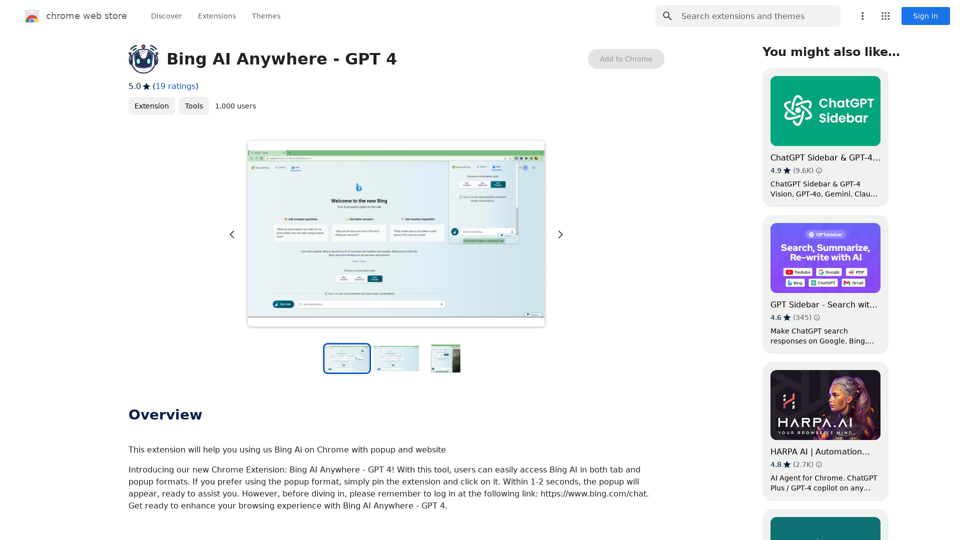
Bing AI Anywhere - GPT 4 Bing AI Anywhere is a cutting-edge technology that integrates the power of artificial intelligence into various aspects of our daily lives. With the latest GPT-4 model, this innovative platform is poised to revolutionize the way we interact, work, and live. What is GPT-4? GPT-4 is the fourth generation of the Generative Pre-trained Transformer (GPT) model, a type of artificial intelligence language model developed by OpenAI. This advanced language model is trained on a massive dataset of text from the internet and can generate human-like language, making it an ideal tool for a wide range of applications. Key Features of Bing AI Anywhere with GPT-4 * Conversational AI: Engage in natural-sounding conversations with Bing AI Anywhere, which can understand and respond to voice or text inputs. * Contextual Understanding: GPT-4's advanced language model enables Bing AI Anywhere to comprehend context, nuances, and subtleties of language, making interactions more human-like. * Multitasking: This technology can handle multiple tasks simultaneously, making it an efficient and productive tool for various industries and applications. * Personalization: Bing AI Anywhere with GPT-4 can learn and adapt to individual preferences, providing a tailored experience for each user. Potential Applications of Bing AI Anywhere with GPT-4 * Virtual Assistants: Integrate Bing AI Anywhere into virtual assistants to create more conversational and helpful AI-powered companions. * Customer Service: Implement this technology in customer service platforms to provide 24/7 support and improve customer satisfaction. * Healthcare: Utilize Bing AI Anywhere with GPT-4 to develop AI-powered chatbots that can assist with medical inquiries, appointments, and more. * Education: Create interactive and engaging educational tools that can provide personalized learning experiences for students. The Future of AI with Bing AI Anywhere and GPT-4 As Bing AI Anywhere continues to evolve with the power of GPT-4, we can expect to see even more innovative applications and use cases emerge. This technology has the potential to transform industries, revolutionize the way we work and live, and bring us closer to a future where humans and AI collaborate seamlessly.This extension helps you use Bing AI on Chrome with a popup and website.
193.90 M
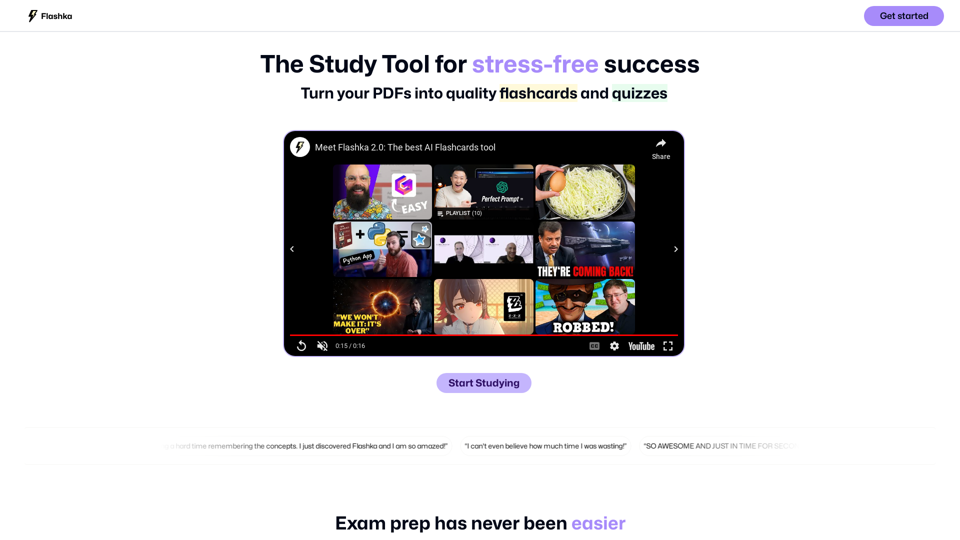
Flashka helps you learn by automatically generating flashcards and aiding you in the learning process.
287.56 K
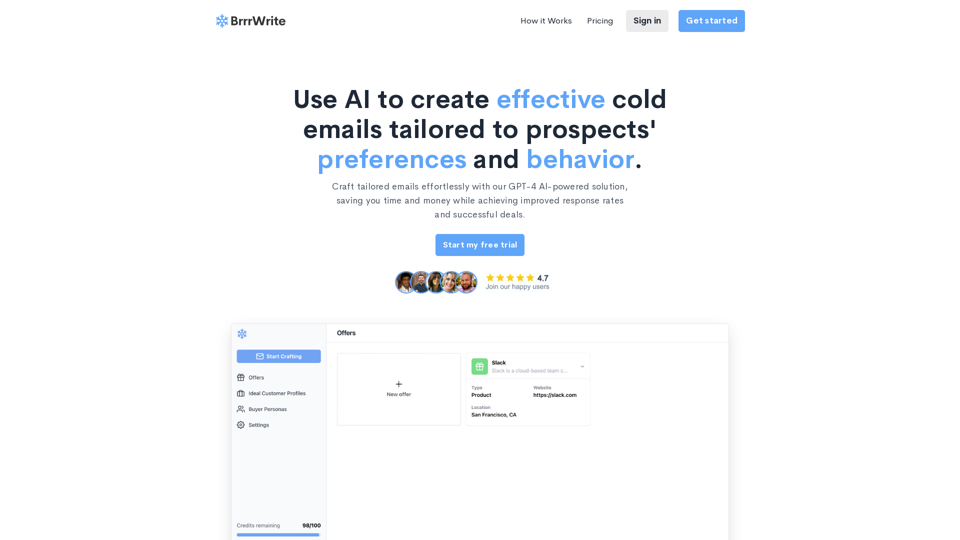
BrrrWrite - Create Compelling Cold Emails Using AI
BrrrWrite - Create Compelling Cold Emails Using AICraft tailored emails effortlessly with our GPT-4 AI-powered solution, saving you time and money while achieving improved response rates and successful deals.
0
LunaAI’s Dream Machine is an advanced AI-powered video generator by Luma Labs that creates high-quality, realistic videos quickly.
446.29 K
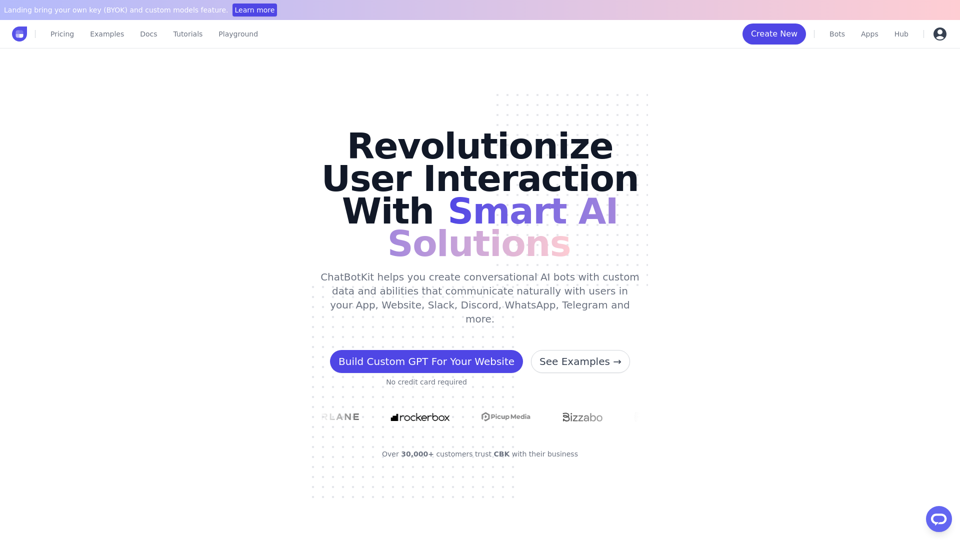
ChatBotKit makes it easy for developers and non-developers alike to build chatbots that can communicate with users in natural language.
33.88 K
Finding relevant articles can be a tedious and time-consuming task. Smart Scholar simplifies your search by personalizing search results based on your interests and preferences.
193.90 M