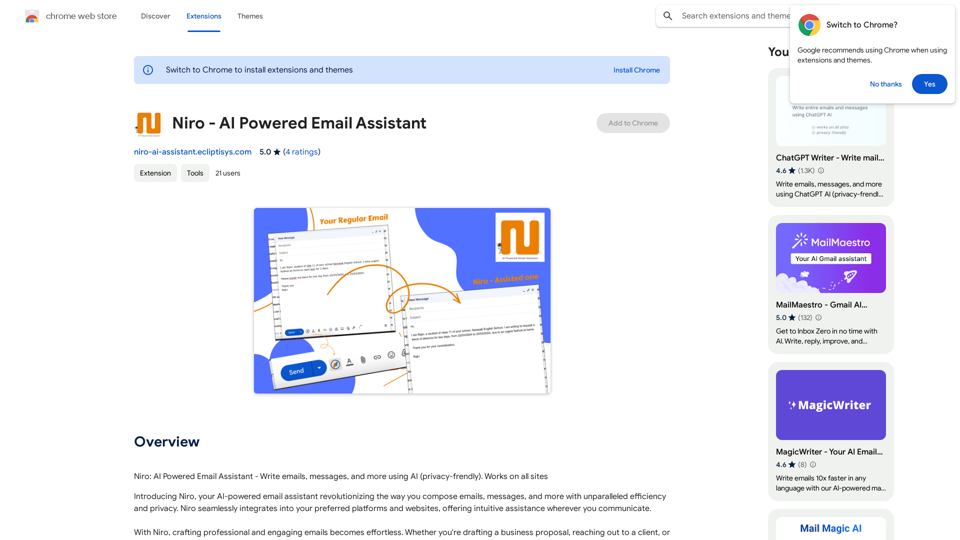
Niro is an AI-powered email assistant that enhances communication efficiency across various platforms. It offers intelligent suggestions, prioritizes privacy, and seamlessly integrates with multiple websites. Niro is designed to improve email composition and overall communication effectiveness for both professionals and casual users.
Niro - AI Powered Email Assistant
Niro: AI Powered Email Assistant - Write emails, messages, and more using AI (privacy-friendly). Works on all sites
Introduction
Feature
Intelligent Suggestions and Enhancements
Niro provides smart recommendations to improve your message quality, whether you're writing a business proposal, contacting a client, or chatting with a friend.
Privacy-First Approach
Your data security is paramount. Niro ensures that all your information remains confidential and secure, allowing you to communicate with peace of mind.
Cross-Platform Compatibility
Niro functions seamlessly across various platforms, including Gmail and social media sites, offering a consistent user experience wherever you communicate online.
User-Friendly Interface
The simple and intuitive design of Niro allows users to focus on their communication without distractions.
Free to Use
Niro is a free extension with no hidden costs or subscription fees, making it accessible to all users.
FAQ
Is Niro free to use?
Yes, Niro is a free extension with no hidden costs or subscription fees.
Is Niro compatible with all sites?
Yes, Niro works seamlessly across all sites, including Gmail, social media platforms, and more.
Is my data secure with Niro?
Yes, Niro operates with a privacy-first approach, safeguarding your information at all times.
Related Websites

Fully automatic, high-precision CAPTCHA recognition and filling solution. Improve your work efficiency and free your hands.
193.90 M
AI Copilot for Writing, Summarizing, and Chatting with PDF, WORD, and TXT Files Anywhere
AI Copilot for Writing, Summarizing, and Chatting with PDF, WORD, and TXT Files AnywhereDuang AI Tab, Use 1-Click AI Anywhere, All AI in One Page, All Prompts in One Page.
193.90 M
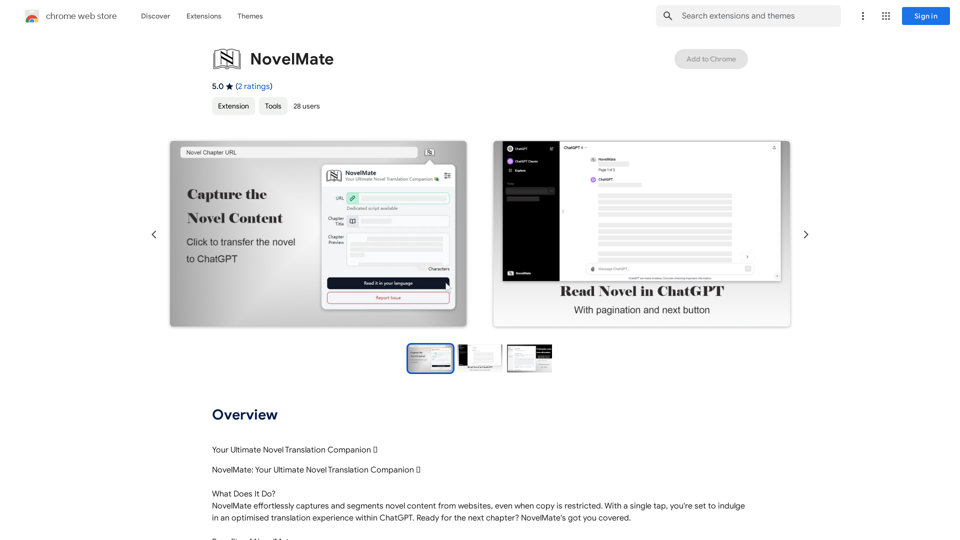
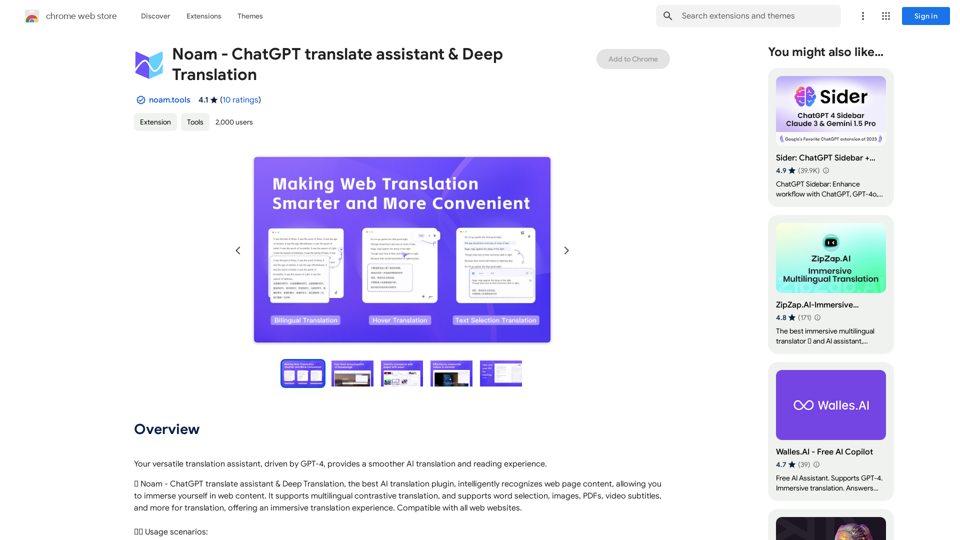
Noam - ChatGPT Translation Assistant & Deep Translation
Noam - ChatGPT Translation Assistant & Deep TranslationYour versatile translation assistant, driven by GPT-4, provides a smoother AI translation and reading experience.
193.90 M
The Power of React and TypeScript for Building Interactive Chrome Extensions React and TypeScript are a powerful combination for developing engaging and robust Chrome extensions. Here's why: * React's Component-Based Architecture: React's component-based approach makes building complex UIs for your extensions manageable and reusable. * TypeScript's Static Typing: TypeScript's type system catches errors early in development, leading to more reliable and maintainable code. * Improved Developer Experience: Both React and TypeScript offer excellent tooling and a strong community, making development smoother and more enjoyable. By leveraging these technologies, you can create Chrome extensions that are: * Interactive and User-Friendly: React's declarative style and virtual DOM enable smooth and responsive user interfaces. * Scalable and Maintainable: TypeScript's type safety and React's component structure promote code organization and extensibility. * Bug-Free and Reliable: TypeScript's static typing helps prevent runtime errors, resulting in more robust extensions. Let's explore how to harness the power of React and TypeScript to build your next amazing Chrome extension!
193.90 M

Summify: Summarize YouTube and Web Content This is a tool that can summarize videos from YouTube and web pages.
Summify: Summarize YouTube and Web Content This is a tool that can summarize videos from YouTube and web pages.Quickly get the main points of websites and YouTube videos.
193.90 M