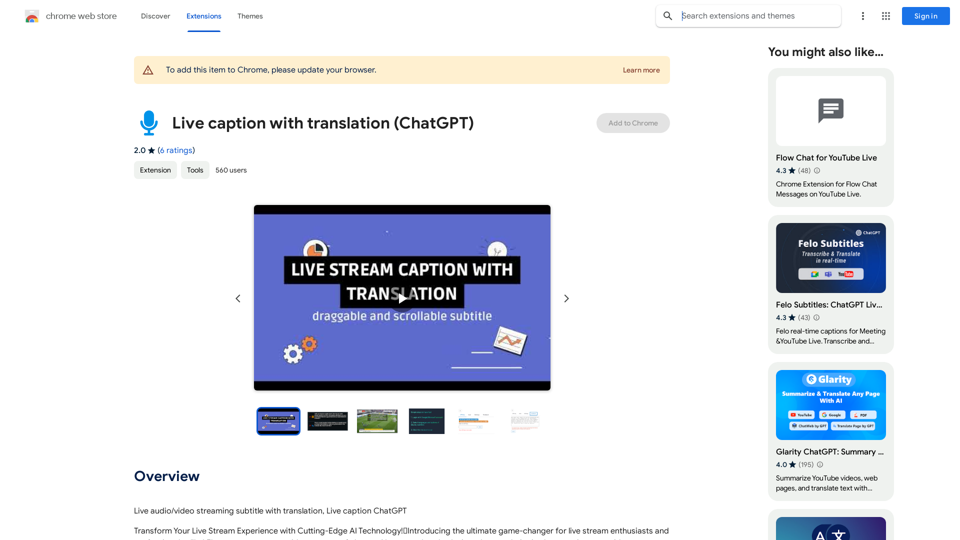
Live Caption with Translation (ChatGPT) is a Chrome extension that offers real-time transcription and translation for live audio and video streams. Powered by ChatGPT's AI technology, this tool enhances audience interaction by providing instant transcriptions, translations, and summaries of live content.
Live captions with translation (ChatGPT)
Live audio/video streaming with subtitles and translation, Live captions powered by ChatGPT
Introduction
Feature
Real-Time Transcription & Summarization
- AI-powered transcription of live streams with high accuracy
- Instant summaries of key highlights for quick catch-ups
Seamless Translation
- Real-time translation supporting multiple languages
- Enables global audience engagement regardless of language barriers
Downloadable Content
- Option to download complete transcriptions, summaries, translations, and audio files
- Ensures content accessibility and easy sharing
Lightning Mode & Accurate Mode
- Lightning Mode for fast performance
- Accurate Mode for highest level of detail (Powered by Nvidia GPU and ChatGPT models)
Nvidia GPU Acceleration
- Utilizes Nvidia's GPU technology for rapid processing
- Delivers high-performance streaming experience
Lightweight and User-Friendly
- Easy installation and configuration
- Efficient design suitable for users of all levels
FAQ
How do I use Live Caption with Translation (ChatGPT)?
The extension can be easily used by installing it and following the prompts. It's designed to be user-friendly and accessible for all users.
What pricing options are available?
The extension offers in-app purchases for upgrading to premium features and extended access.
Does the extension work with Netflix?
Unfortunately, the extension may not work with all websites, including Netflix. The team is working on extending compatibility to more websites.
How can I troubleshoot issues with the extension?
For assistance with troubleshooting, users can contact the support team directly at [email protected].
Related Websites
Ai Workout Generator ===================== What is an AI Workout Generator? An AI workout generator is a tool that uses artificial intelligence to create personalized workout plans tailored to an individual's fitness goals, fitness level, and preferences. How does it work? The AI workout generator uses machine learning algorithms to analyze a user's input data, such as their fitness goals, fitness level, and exercise preferences. It then generates a customized workout plan that includes a series of exercises, sets, reps, and weights tailored to the user's specific needs. Benefits of using an AI Workout Generator * Personalized workouts: The AI workout generator creates a workout plan that is tailored to the user's specific fitness goals and fitness level. * Time-saving: The AI workout generator saves time by eliminating the need to research and create a workout plan from scratch. * Increased motivation: The AI workout generator provides a sense of accountability and motivation, as users are more likely to stick to a workout plan that is tailored to their specific needs. * Improved results: The AI workout generator helps users achieve their fitness goals faster and more efficiently, as the workout plan is optimized for their specific needs. How to use an AI Workout Generator 1. Input your data: Enter your fitness goals, fitness level, and exercise preferences into the AI workout generator. 2. Select your workout type: Choose the type of workout you want to do, such as strength training, cardio, or yoga. 3. Generate your workout plan: The AI workout generator will create a customized workout plan tailored to your specific needs. 4. Start your workout: Follow the workout plan and track your progress. Conclusion An AI workout generator is a powerful tool that can help individuals achieve their fitness goals faster and more efficiently. By providing personalized workout plans, the AI workout generator saves time, increases motivation, and improves results. Whether you're a beginner or an experienced athlete, an AI workout generator can help you take your fitness to the next level.
Ai Workout Generator ===================== What is an AI Workout Generator? An AI workout generator is a tool that uses artificial intelligence to create personalized workout plans tailored to an individual's fitness goals, fitness level, and preferences. How does it work? The AI workout generator uses machine learning algorithms to analyze a user's input data, such as their fitness goals, fitness level, and exercise preferences. It then generates a customized workout plan that includes a series of exercises, sets, reps, and weights tailored to the user's specific needs. Benefits of using an AI Workout Generator * Personalized workouts: The AI workout generator creates a workout plan that is tailored to the user's specific fitness goals and fitness level. * Time-saving: The AI workout generator saves time by eliminating the need to research and create a workout plan from scratch. * Increased motivation: The AI workout generator provides a sense of accountability and motivation, as users are more likely to stick to a workout plan that is tailored to their specific needs. * Improved results: The AI workout generator helps users achieve their fitness goals faster and more efficiently, as the workout plan is optimized for their specific needs. How to use an AI Workout Generator 1. Input your data: Enter your fitness goals, fitness level, and exercise preferences into the AI workout generator. 2. Select your workout type: Choose the type of workout you want to do, such as strength training, cardio, or yoga. 3. Generate your workout plan: The AI workout generator will create a customized workout plan tailored to your specific needs. 4. Start your workout: Follow the workout plan and track your progress. Conclusion An AI workout generator is a powerful tool that can help individuals achieve their fitness goals faster and more efficiently. By providing personalized workout plans, the AI workout generator saves time, increases motivation, and improves results. Whether you're a beginner or an experienced athlete, an AI workout generator can help you take your fitness to the next level.AI generated workouts reviewed and Approved by American College of Sports Medicine certified Personal Trainers.
3.30 K
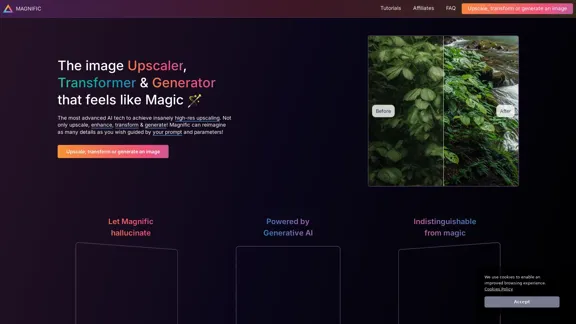
Magnific AI — The amazing image upscaling and enhancement tool
Magnific AI — The amazing image upscaling and enhancement toolThe most advanced AI upscaler and enhancer. Magnific can reimagine as many details in your image or photo as you wish, guided by your prompt and parameters!
595.11 K
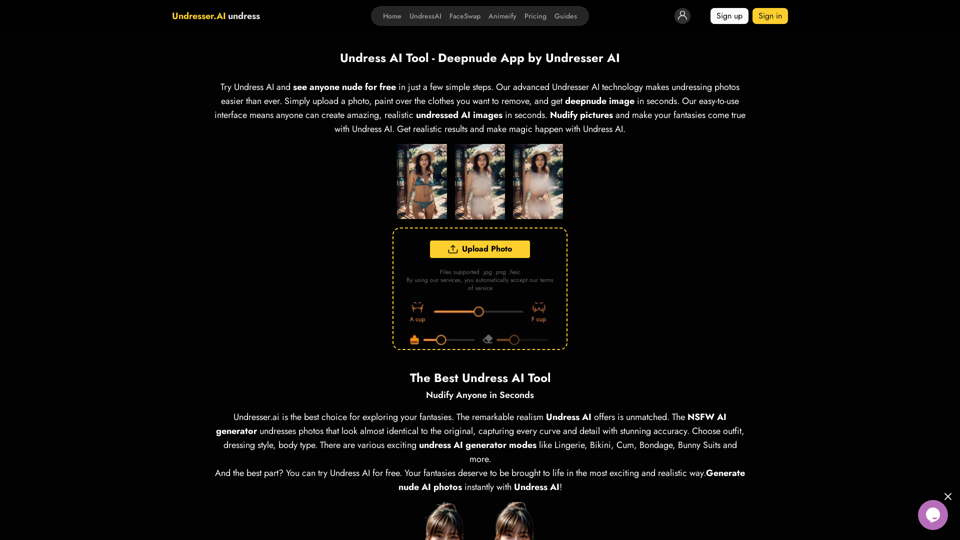
Undress AI App - Create Deepnude Images for FREE | Undresser.AI Undress
Undress AI App - Create Deepnude Images for FREE | Undresser.AI UndressIntroducing Undresser.AI undress, the ultimate AI-powered app for creating stunning nude photos in seconds. With our advanced deepnude AI technology, you can easily turn any image into a realistic nude. Experience the best in photo nudification with Undresser.AI, where AI meets artistry.
31.13 K
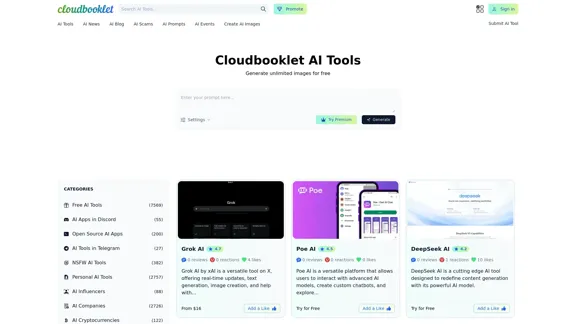
Cloudbooklet AI is the free and most popular source to find and use all the artificial intelligence tools and AI news. Follow us to stay updated in AI.
167.63 K
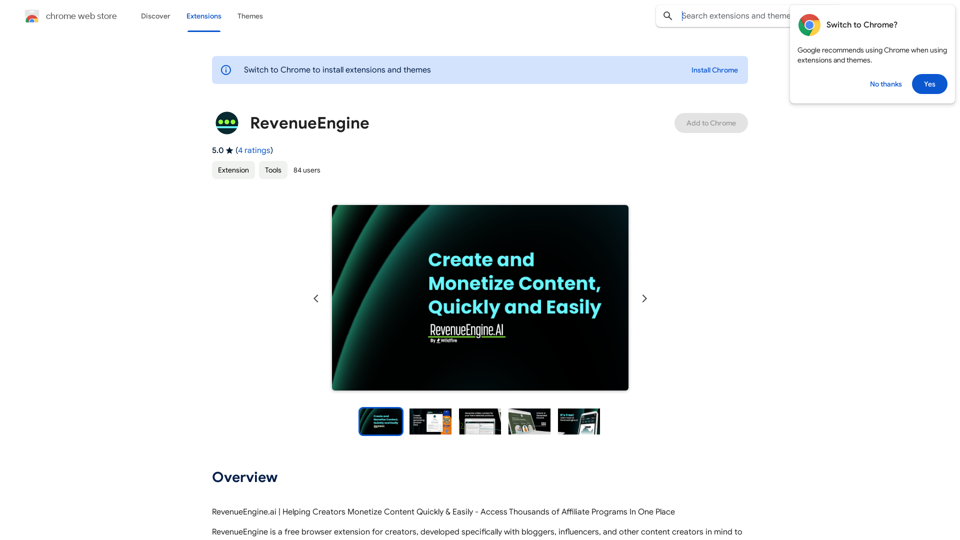
RevenueEngine.ai | Helping Creators Monetize Content Quickly & Easily - Access Thousands of Affiliate Programs In One Place
193.90 M
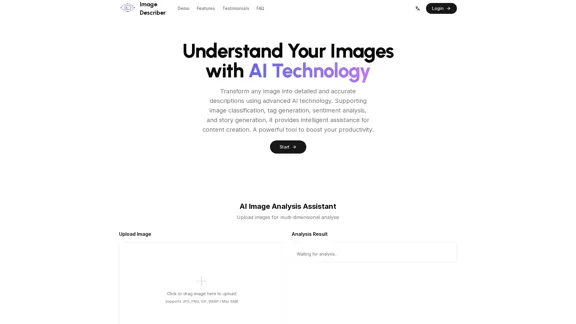
Image Describer - Free AI Image Description Tool, Allowing Every Image to Communicate
Image Describer - Free AI Image Description Tool, Allowing Every Image to CommunicateImage Descriptor is a free AI tool that identifies and describes the contents of images. Generate accurate, detailed image descriptions effortlessly.
5.16 K
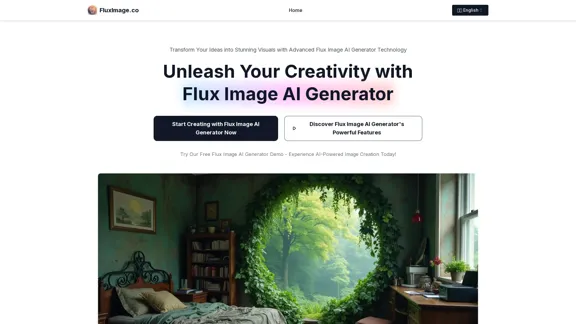
Flux Image AI Generator Online Free | FluxImage.co
Flux Image AI Generator Online Free | FluxImage.coCreate captivating images and videos with Flux Image AI Generator, the state-of-the-art AI image generation tool available for free online
2.35 K