Mapify is an AI-driven platform that transforms content into mind maps, simplifying the organization and visualization of complex information. It offers an intuitive interface for creating and customizing mind maps, real-time collaboration features, and various export options. Mapify caters to individuals and teams looking to enhance productivity and streamline information processing.
Mapify: Transform Anything to Mind Maps by AI, formerly Chatmind
Mapify, upgraded from Chatmind by the Xmind Team, is a free online mind mapping and brainstorming tool powered by AI. It can summarize PDF, Word, PowerPoint, YouTube, long text, and images into mind maps in just a few minutes.

Introduction
Feature
AI-powered Mind Mapping
Mapify utilizes artificial intelligence to generate mind maps from various content types, including text, images, and audio.
Intuitive User Interface
The platform features an easy-to-use interface that allows users to create and customize mind maps effortlessly.
Real-time Collaboration
Mapify enables multiple users to work together on a mind map in real-time, fostering teamwork and idea sharing.
Chatbot Integration
A built-in chatbot interacts with your mind map, providing additional insights and suggestions to enhance your work.
Flexible Export Options
Users can export their mind maps in various formats, including images, PDFs, and presentations, for easy sharing and distribution.
Customizable Templates
Choose from pre-designed templates or create custom templates to suit your specific needs and preferences.
Multi-content Support
Mapify supports various content types, including text, images, audio, and video, making it versatile for different use cases.
FAQ
What types of content can I use with Mapify?
Mapify supports a wide range of content types, including text, images, audio, and video.
How does the collaboration feature work?
Mapify enables real-time collaboration, allowing multiple users to work together on a mind map simultaneously.
What export options are available?
You can export your mind maps in various formats, including images, PDFs, and presentations.
Is Mapify secure?
Yes, Mapify prioritizes security with enterprise-grade encryption and secure data storage.
What are the pricing options for Mapify?
Mapify offers multiple pricing tiers:
| Plan | Price | Features |
|---|---|---|
| Free | $0 | 10 mind maps/month, limited collaboration |
| Basic | $9.99/month | Unlimited mind maps, real-time collaboration, export options |
| Pro | $29.99/month | Advanced analytics, custom branding |
| Enterprise | Custom pricing | For large teams and organizations |
How can I get started with Mapify?
To begin using Mapify:
- Upload your content (text, images, or audio) to the platform
- Choose a template or create a custom one
- Customize your mind map using the intuitive interface
- Collaborate with others in real-time if needed
- Export and share your completed mind map
Related Websites
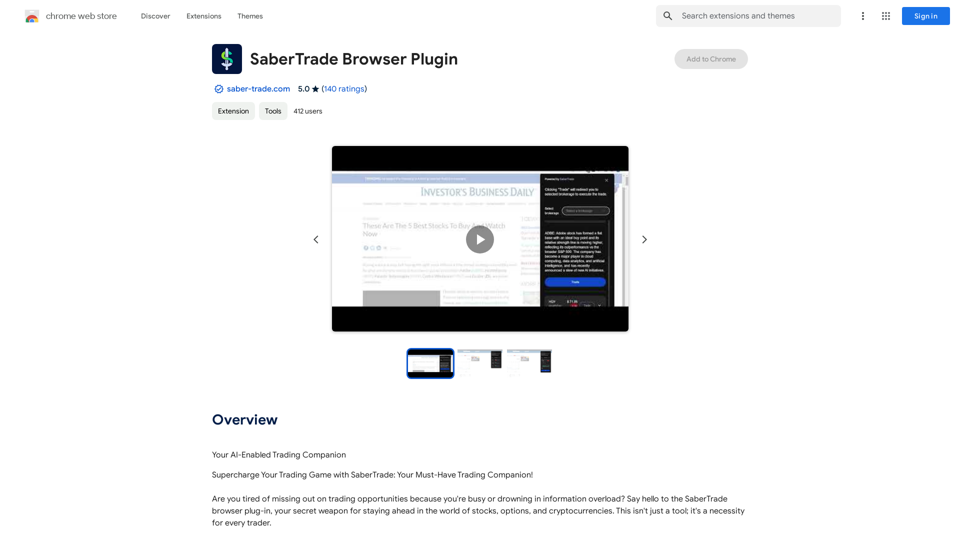
Your AI-Enabled Trading Companion Let's explore how AI can revolutionize your trading experience. Harness the Power of AI * Automated Trading: Execute trades with precision and speed, powered by AI algorithms that analyze market data in real-time. * Smart Order Routing: Optimize your order execution by intelligently routing trades to the best available market for maximum efficiency. * Risk Management: Minimize potential losses with AI-driven risk assessment and management tools that adapt to changing market conditions. * Personalized Insights: Receive tailored market analysis and trading recommendations based on your individual investment goals and risk tolerance. Stay Ahead of the Curve * Predictive Analytics: Gain an edge with AI-powered predictions on market trends and price movements. * Sentiment Analysis: Understand market sentiment and investor psychology through AI-driven analysis of news, social media, and other data sources. * Backtesting and Optimization: Test and refine your trading strategies using historical data and AI algorithms for improved performance. Empower Your Trading Journey * User-Friendly Interface: Navigate the world of AI trading with ease through our intuitive and accessible platform. * 24/7 Support: Get assistance whenever you need it with our dedicated team of experts available around the clock. * Continuous Learning: Benefit from ongoing AI advancements and algorithm improvements that enhance your trading capabilities. Let AI be your trusted partner in navigating the dynamic world of trading.
193.90 M
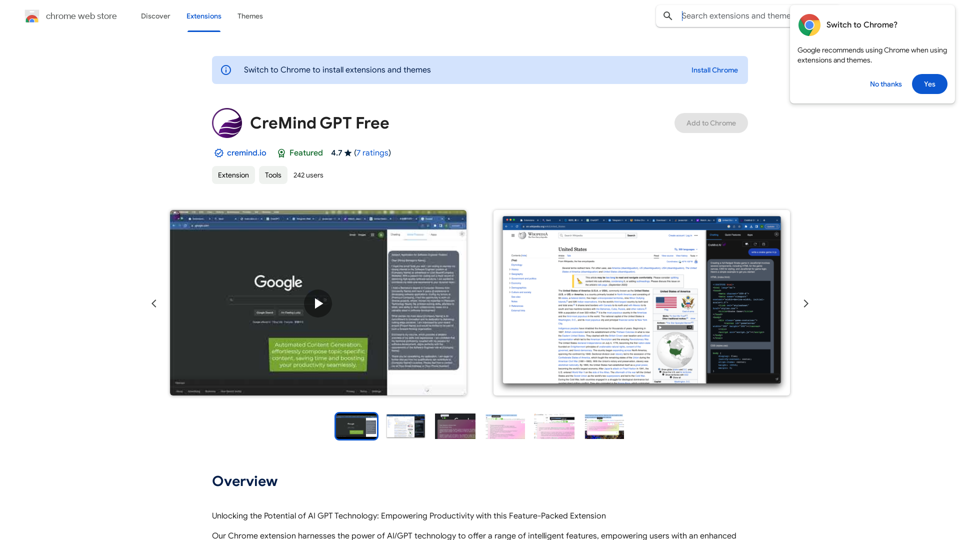
Unlocking the Potential of AI GPT Technology: Empowering Productivity with this Feature-Packed Extension
193.90 M
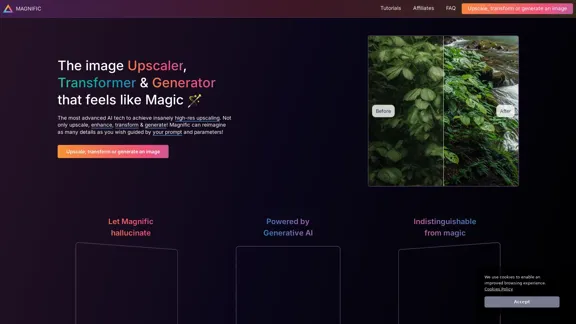
Magnific AI — The amazing image upscaling and enhancement tool
Magnific AI — The amazing image upscaling and enhancement toolThe most advanced AI upscaler and enhancer. Magnific can reimagine as many details in your image or photo as you wish, guided by your prompt and parameters!
595.11 K

Free Instant Influencer Search Tool - Find the Best Match for Your Influencer
Free Instant Influencer Search Tool - Find the Best Match for Your InfluencerReceive instant research and discover the most relevant influencers with our AI-driven platform. Find YouTube influencers. Find the best fit TikTok & Instagram influencers.
0

Save ads from TikTok and Facebook Ad Library with one click. Organize them into boards, and quickly gather interesting videos.
193.90 M
Photoleap - Creative & powerful photo editing app by Lightricks
Photoleap - Creative & powerful photo editing app by LightricksUse the comprehensive photo editor Photoleap for incredible creations on your iPhone: Alter backgrounds, eliminate objects, design collages, and apply filters & effects. Start a 7-day free trial now.
196.20 K
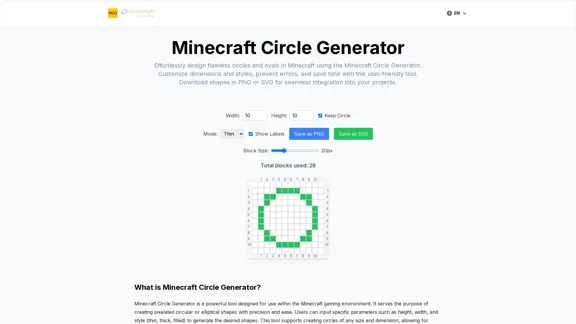
Here is the translation: Create Perfect Circles in Minecraft with Minecraft Circle Generator | minecraftcirclegenerate.cc
Here is the translation: Create Perfect Circles in Minecraft with Minecraft Circle Generator | minecraftcirclegenerate.ccCreate perfect circles and ovals in Minecraft with our easy-to-use generator. Customize size and style, then download your designs!
0