Two Way Voice for Gemini is an extension for Google Gemini that enables voice interaction with the AI. Users can ask questions verbally and receive spoken responses, making it a hands-free and convenient way to access information. The extension offers multiple conversation modes, language support, and utilizes the browser's built-in voice-to-text API.
Two-Way Voice for Gemini™
This extension for Google Gemini™ lets you ask questions using your voice and listen to the answers.
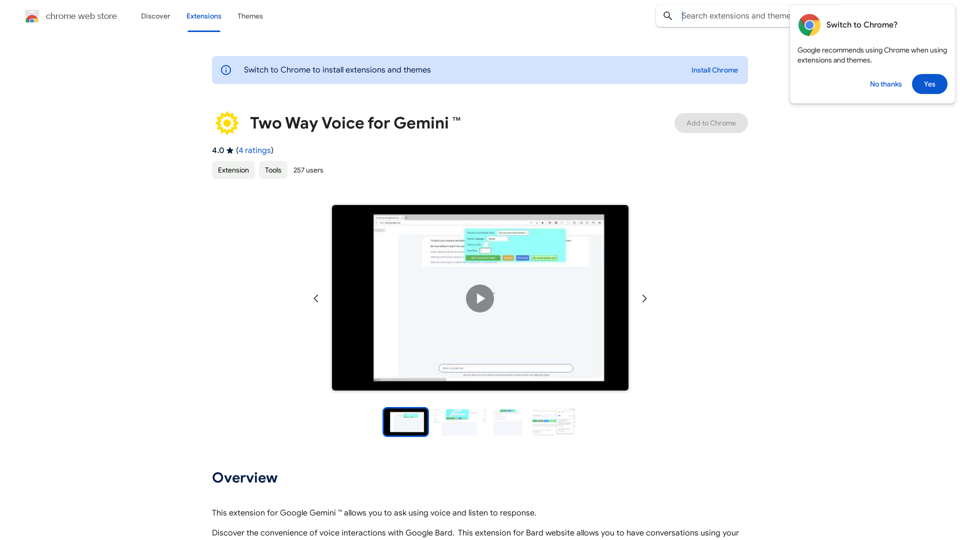
Introduction
Feature
Voice Interaction
Two Way Voice for Gemini allows users to ask questions using their voice and listen to the AI's response, creating a more natural and accessible interaction with Google Gemini.
Multiple Conversation Modes
The extension offers three conversation modes:
- Two-way conversation
- User speaks, Gemini responds in text
- User types, Gemini responds with voice
Language Support
Two Way Voice for Gemini supports various languages, including Chinese and Korean, making it accessible to a diverse user base.
Browser Integration
The extension utilizes the browser's built-in voice-to-text API, ensuring seamless integration with the user's existing setup.
Free to Use
Two Way Voice for Gemini is completely free to install and use, with no subscription fees or hidden costs.
FAQ
How do I start using Two Way Voice for Gemini?
- Install the extension from the Chrome Web Store
- Click on the extension icon to start the conversation mode
- Ask your question using your voice
- Listen to the response from Google Gemini
Is Two Way Voice for Gemini affiliated with Google Inc?
No, the extension is developed independently and is not affiliated with or endorsed by Google Inc.
Can I use Two Way Voice for Gemini with other AI chatbots?
No, the extension is specifically designed for use with Google Gemini and cannot be used with other AI chatbots.
How can I optimize the performance of Two Way Voice for Gemini?
- Ensure your machine has sufficient resources for optimal voice-to-text performance
- Use the extension in a quiet environment to minimize background noise
- Experiment with different conversation modes to find the one that works best for you
Related Websites
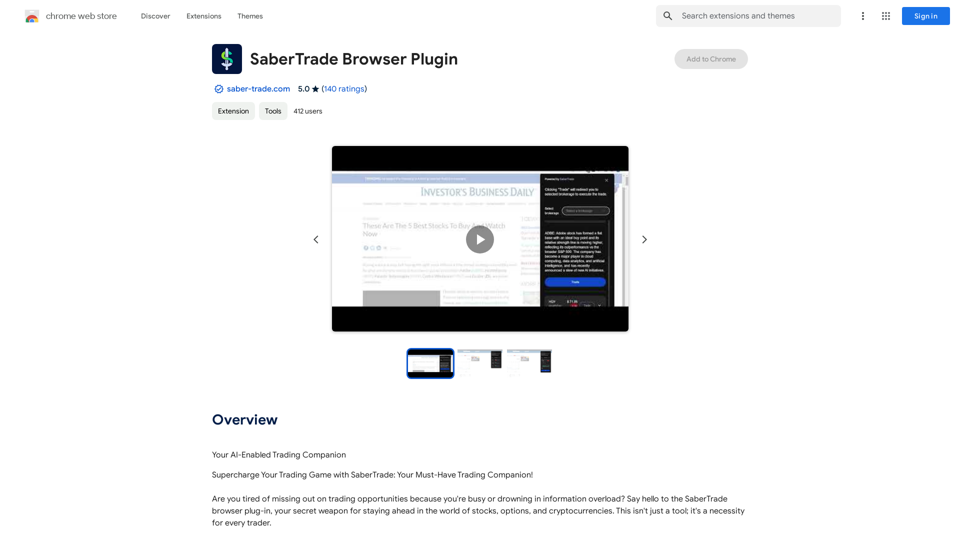
Your AI-Enabled Trading Companion Let's explore how AI can revolutionize your trading experience. Harness the Power of AI * Automated Trading: Execute trades with precision and speed, powered by AI algorithms that analyze market data in real-time. * Smart Order Routing: Optimize your order execution by intelligently routing trades to the best available market for maximum efficiency. * Risk Management: Minimize potential losses with AI-driven risk assessment and management tools that adapt to changing market conditions. * Personalized Insights: Receive tailored market analysis and trading recommendations based on your individual investment goals and risk tolerance. Stay Ahead of the Curve * Predictive Analytics: Gain an edge with AI-powered predictions on market trends and price movements. * Sentiment Analysis: Understand market sentiment and investor psychology through AI-driven analysis of news, social media, and other data sources. * Backtesting and Optimization: Test and refine your trading strategies using historical data and AI algorithms for improved performance. Empower Your Trading Journey * User-Friendly Interface: Navigate the world of AI trading with ease through our intuitive and accessible platform. * 24/7 Support: Get assistance whenever you need it with our dedicated team of experts available around the clock. * Continuous Learning: Benefit from ongoing AI advancements and algorithm improvements that enhance your trading capabilities. Let AI be your trusted partner in navigating the dynamic world of trading.
193.90 M
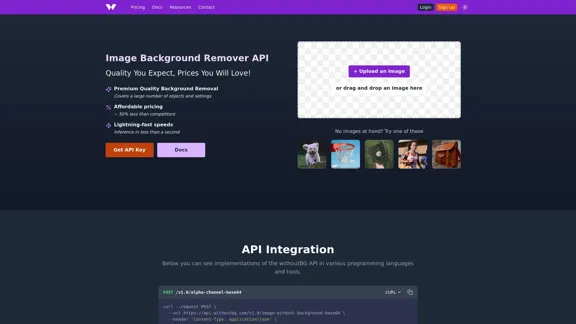
Remove image backgrounds automatically with our powerful API. High-quality cutouts with affordable credit-based pricing. Start with 50 free credits today.
18.26 K
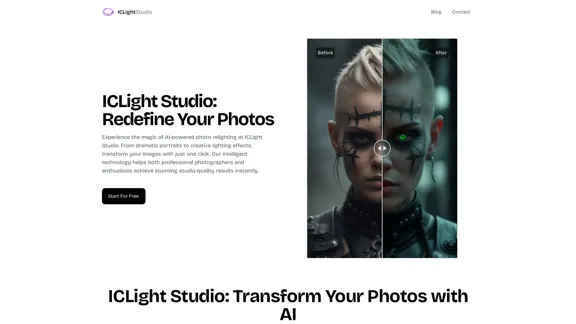
ICLight Studio - Free and Easy AI Photo Relighting
ICLight Studio - Free and Easy AI Photo RelightingTransform your photos with ICLight's free AI-powered relighting technology. Create professional studio lighting effects with simple text prompts.
0

100% Free AI Face Swap Online Tool No Limits, No signups. No watermarks. Swap faces in videos, photos, and GIFs.
84.55 K
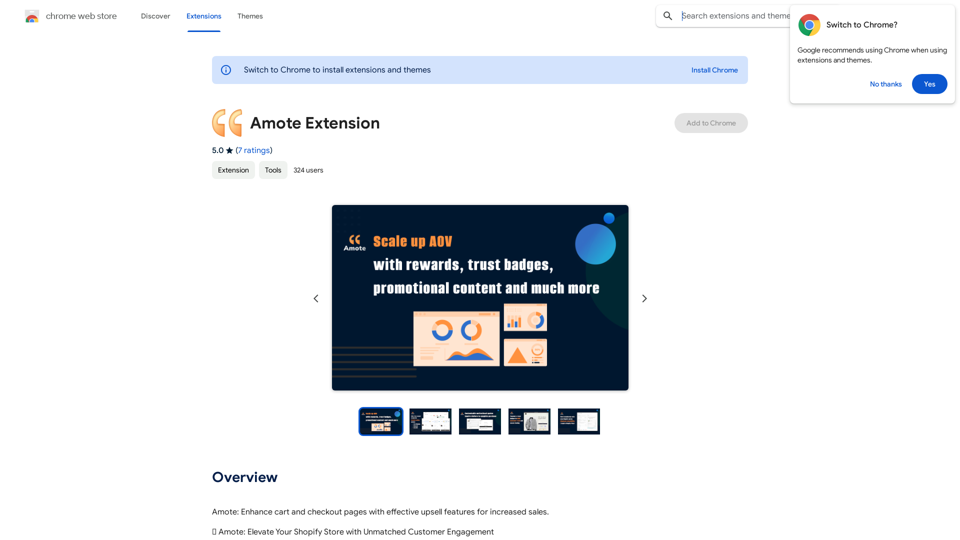

Beautiful photos that tell your story. Ready for Tinder, Instagram, Bumble, TikTok, Hinge, Grindr, Facebook, Snapchat.
38.27 K
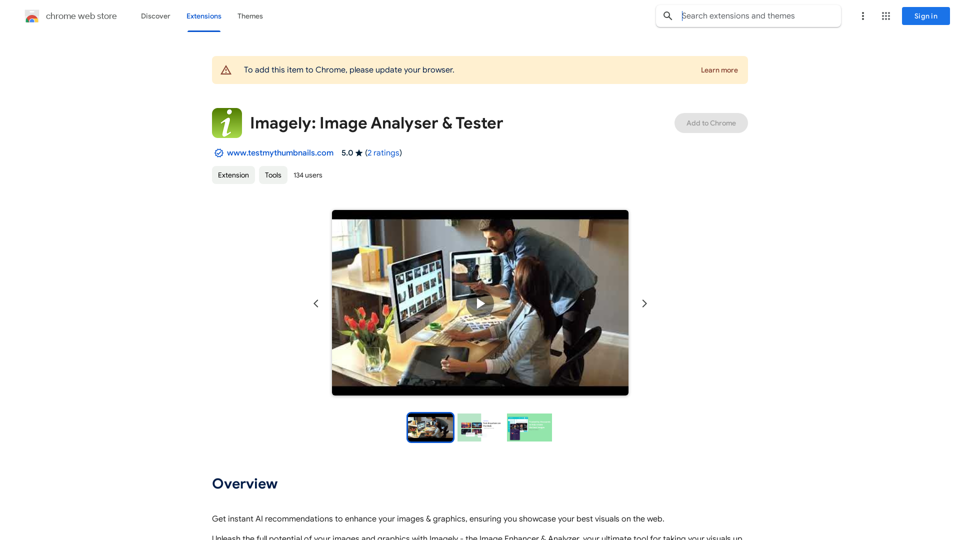
Get instant AI-powered recommendations to improve your images and graphics, so you can display your best visuals online.
193.90 M
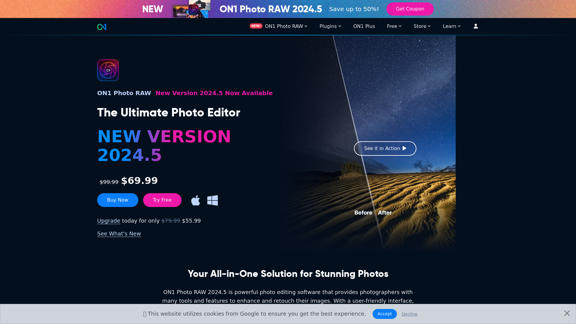
Raw Photo Editor | Buy Raw Photo Editing Software Online - ON1
Raw Photo Editor | Buy Raw Photo Editing Software Online - ON1Unlock your creativity with the ultimate raw photo editing software. ON1 Photo RAW makes raw photo editing effortless with the help of AI. Edit, organize, and process your photos while maintaining the highest image quality. Purchase or subscribe to Photo RAW raw editing software from ON1 now!
550.51 K