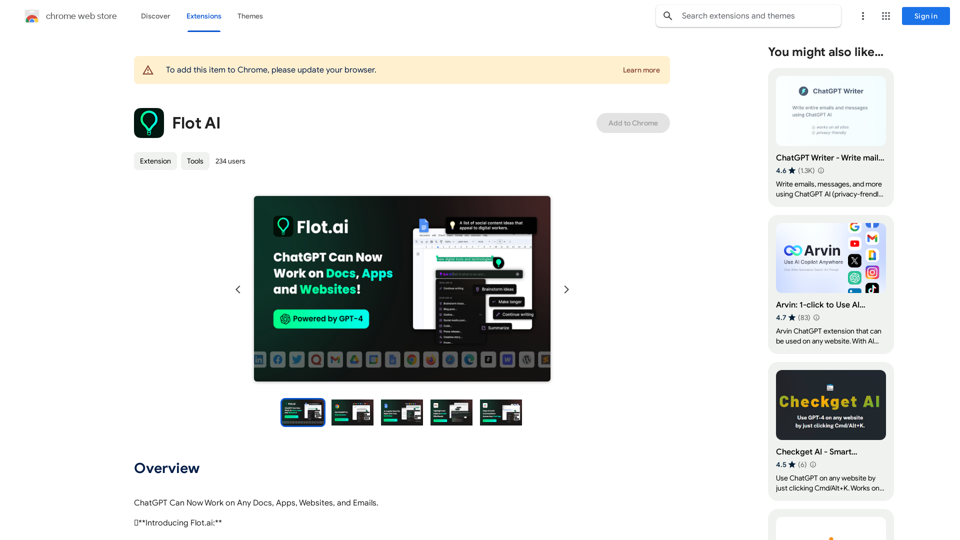
Flot AI is an innovative AI-powered extension that seamlessly integrates ChatGPT and other AI technologies into various applications, documents, websites, and emails. This versatile tool enhances the writing experience by providing AI-assisted writing, editing, and summarizing capabilities across multiple platforms.
Flot AI
ChatGPT can now work on any documents, apps, websites, and emails.
Introduction
Feature
Works Across Multiple Platforms
Flot AI functions seamlessly with various applications, documents, websites, and emails, allowing users to access AI-powered writing assistance across different platforms.
AI Copilot Accessibility
Users can easily access AI assistance through a shortcut, enabling them to generate content based on highlighted text anytime, anywhere.
Preset Prompts for Enhanced Writing
Flot AI offers a range of preset prompts to improve writing quality:
- Writing improvement
- Voice and tone editing
- Quick email responses
- Language translation
- Text summarization
- Comprehensive grammar and spelling check
- Outline generation
Multi-language Support
The tool supports over 200 languages, enabling users to interact with the AI in their native language.
Free and Premium Plans
Flot AI offers a free plan with limited usage and a premium plan with extended access and features.
Desktop Application
Users can download the desktop application to use Flot AI across various apps, documents, websites, and emails.
FAQ
Is a ChatGPT/OpenAI account required?
No, a ChatGPT account is not necessary to use this extension.
Is Flot AI free to use?
Flot AI offers limited free usage, with a premium plan available to unlock additional features.
Can Flot be used on any webpage?
Yes, Flot is designed to integrate seamlessly with any app or webpage, enhancing your workflow wherever you type or highlight text.
Is Flot limited to webpage use?
No, users can download the desktop application to use Flot across various apps, documents, websites, and emails.
Does Flot support multiple languages?
Yes, Flot supports over 200 languages, allowing for questions and responses in the user's native language.
Related Websites
Free AI YouTube Title Generator to Get More Clicks. Perfect for Creators Needing Catchy Titles! Improve SEO & Engage More Viewers.
193.90 M
Julius AI - Analyze Google Sheets with ChatGPT This is a powerful tool that combines the analytical capabilities of ChatGPT with the data organization of Google Sheets. Imagine being able to ask natural language questions about your spreadsheet data and get insightful answers instantly. Julius AI makes this a reality. Here's how it works: * Connect your Google Sheet: Easily link your spreadsheet to Julius AI. * Ask ChatGPT to analyze: Use natural language to ask questions about your data. For example, "What is the average sales for product X?" or "Show me the top 5 customers by revenue." * Get clear, concise answers: Julius AI will leverage ChatGPT's understanding of language and your spreadsheet data to provide you with accurate and easy-to-understand answers. Julius AI empowers you to: * Uncover hidden insights: Discover patterns and trends in your data that you might have missed. * Make data-driven decisions: Use the insights gained from Julius AI to make informed business decisions. * Save time and effort: Stop spending hours manually analyzing data. Let Julius AI do the heavy lifting for you. Julius AI is the perfect tool for anyone who wants to unlock the power of their Google Sheets data.
Julius AI - Analyze Google Sheets with ChatGPT This is a powerful tool that combines the analytical capabilities of ChatGPT with the data organization of Google Sheets. Imagine being able to ask natural language questions about your spreadsheet data and get insightful answers instantly. Julius AI makes this a reality. Here's how it works: * Connect your Google Sheet: Easily link your spreadsheet to Julius AI. * Ask ChatGPT to analyze: Use natural language to ask questions about your data. For example, "What is the average sales for product X?" or "Show me the top 5 customers by revenue." * Get clear, concise answers: Julius AI will leverage ChatGPT's understanding of language and your spreadsheet data to provide you with accurate and easy-to-understand answers. Julius AI empowers you to: * Uncover hidden insights: Discover patterns and trends in your data that you might have missed. * Make data-driven decisions: Use the insights gained from Julius AI to make informed business decisions. * Save time and effort: Stop spending hours manually analyzing data. Let Julius AI do the heavy lifting for you. Julius AI is the perfect tool for anyone who wants to unlock the power of their Google Sheets data.Use Julius AI, which is powered by ChatGPT and Anthropic, to analyze your Google Sheets data. You can create charts, write reports, and do other tasks.
193.90 M
What is a Prompster? A Prompster is a person who assists a speaker, actor, or presenter by providing them with lines or cues, usually in a subtle and discreet manner, during a performance, presentation, or speech.
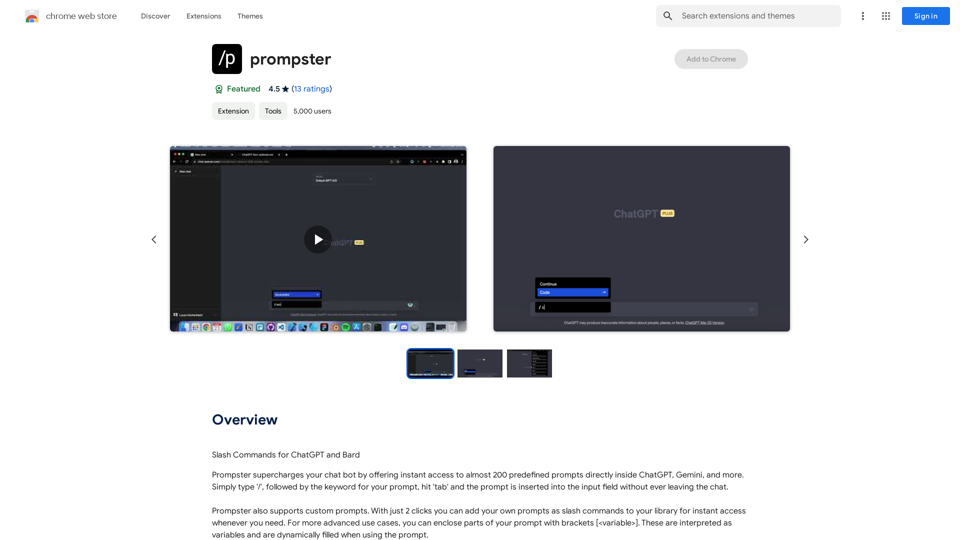
What is a Prompster? A Prompster is a person who assists a speaker, actor, or presenter by providing them with lines or cues, usually in a subtle and discreet manner, during a performance, presentation, or speech.Slash Commands for ChatGPT and Bard ===================================== Introduction Slash commands are a convenient way to interact with ChatGPT and Bard, allowing you to perform various tasks and actions within the chat interface. This guide provides an overview of the available slash commands for both ChatGPT and Bard. ChatGPT Slash Commands #General Commands * `/help`: Displays a list of available slash commands and their descriptions. * `/reset`: Resets the conversation, clearing all previous messages and context. #Conversation Management * `/start`: Starts a new conversation, allowing you to begin a fresh topic or task. * `/stop`: Ends the current conversation, stopping any ongoing tasks or topics. #Language and Tone * `/lang <language_code>`: Sets the language for the conversation (e.g., `/lang en` for English). * `/tone <tone>`: Adjusts the tone of the responses (e.g., `/tone formal` for formal tone). #Task Management * `/task <task_name>`: Creates a new task or topic for the conversation (e.g., `/task math problem`). * `/done`: Marks the current task as completed. #Information and Resources * `/define <word>`: Provides the definition of a word or phrase. * `/wiki <topic>`: Displays information about a topic from Wikipedia. Bard Slash Commands #General Commands * `/help`: Displays a list of available slash commands and their descriptions. * `/reset`: Resets the conversation, clearing all previous messages and context. #Conversation Management * `/start`: Starts a new conversation, allowing you to begin a fresh topic or task. * `/stop`: Ends the current conversation, stopping any ongoing tasks or topics. #Language and Tone * `/lang <language_code>`: Sets the language for the conversation (e.g., `/lang en` for English). * `/tone <tone>`: Adjusts the tone of the responses (e.g., `/tone formal` for formal tone). #Task Management * `/task <task_name>`: Creates a new task or topic for the conversation (e.g., `/task math problem`). * `/done`: Marks the current task as completed. #Information and Resources * `/define <word>`: Provides the definition of a word or phrase. * `/wiki <topic>`: Displays information about a topic from Wikipedia. * `/news <topic>`: Displays news articles related to a specific topic. Conclusion Slash commands provide a convenient way to interact with ChatGPT and Bard, allowing you to manage conversations, adjust language and tone, and access various resources. By mastering these commands, you can optimize your experience and get the most out of your interactions with these AI models.
193.90 M
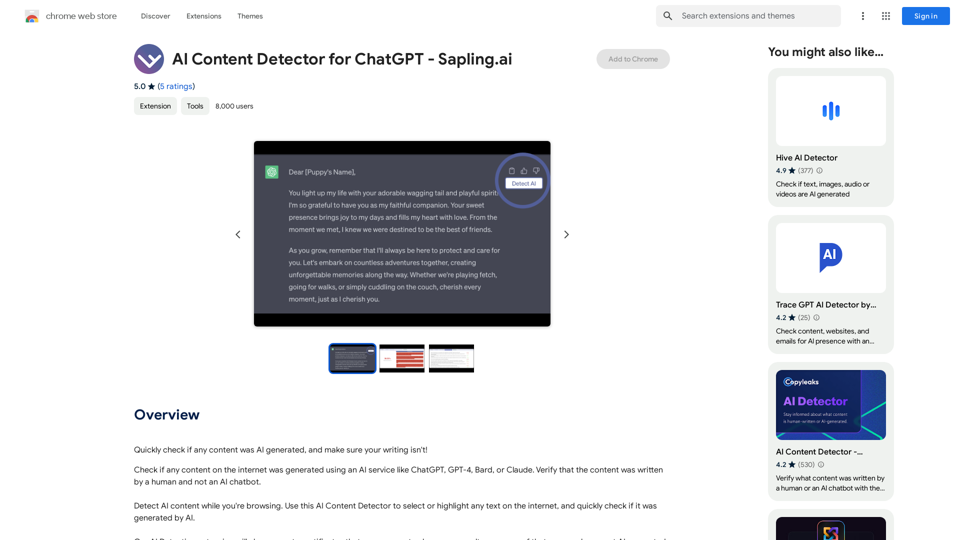
AI Content Detector for ChatGPT - Sapling.ai Sapling.ai's AI Content Detector is a powerful tool designed to detect AI-generated content, including those produced by ChatGPT. This innovative solution helps you identify and flag suspicious content, ensuring the authenticity and credibility of the information you receive. How it Works Our AI Content Detector uses advanced machine learning algorithms to analyze the linguistic patterns, syntax, and semantics of the input text. This allows it to identify the subtle differences between human-written and AI-generated content. Key Features * High Accuracy: Our detector boasts an impressive accuracy rate, ensuring reliable results even with complex or nuanced content. * Real-time Analysis: Get instant results with our real-time analysis feature, perfect for high-volume content screening. * Customizable Thresholds: Set your own thresholds for detection, allowing you to fine-tune the sensitivity of the tool to your specific needs. * Integration Ready: Seamlessly integrate our API with your existing workflows and platforms. Use Cases * Content Moderation: Ensure the quality and authenticity of user-generated content on your platform. * Academic Integrity: Detect AI-generated essays and papers, promoting original work and academic honesty. * Marketing and Advertising: Verify the authenticity of customer reviews and testimonials. Try it Out Experience the power of Sapling.ai's AI Content Detector for yourself. Sign up for a free trial and start detecting AI-generated content today!
AI Content Detector for ChatGPT - Sapling.ai Sapling.ai's AI Content Detector is a powerful tool designed to detect AI-generated content, including those produced by ChatGPT. This innovative solution helps you identify and flag suspicious content, ensuring the authenticity and credibility of the information you receive. How it Works Our AI Content Detector uses advanced machine learning algorithms to analyze the linguistic patterns, syntax, and semantics of the input text. This allows it to identify the subtle differences between human-written and AI-generated content. Key Features * High Accuracy: Our detector boasts an impressive accuracy rate, ensuring reliable results even with complex or nuanced content. * Real-time Analysis: Get instant results with our real-time analysis feature, perfect for high-volume content screening. * Customizable Thresholds: Set your own thresholds for detection, allowing you to fine-tune the sensitivity of the tool to your specific needs. * Integration Ready: Seamlessly integrate our API with your existing workflows and platforms. Use Cases * Content Moderation: Ensure the quality and authenticity of user-generated content on your platform. * Academic Integrity: Detect AI-generated essays and papers, promoting original work and academic honesty. * Marketing and Advertising: Verify the authenticity of customer reviews and testimonials. Try it Out Experience the power of Sapling.ai's AI Content Detector for yourself. Sign up for a free trial and start detecting AI-generated content today!Quickly Check if Any Content was AI Generated, and Make Sure Your Writing Isn't! With the rapid development of artificial intelligence (AI) technology, AI-generated content has become increasingly prevalent. As a result, it's essential to verify the authenticity of content and ensure that your writing is original. Here are some tips to help you quickly check if any content was AI generated and make sure your writing isn't: #1. Check for Overly Formal Language AI-generated content often uses overly formal language, which may sound unnatural or even awkward. Be wary of sentences that are too structured or contain overly complex vocabulary. #2. Look for Repetitive Phrases or Sentences AI algorithms may reuse phrases or sentences to fill content gaps. If you notice repetitive language or sentences that seem out of place, it could be a sign of AI-generated content. #3. Verify Facts and Statistics AI-generated content may contain inaccurate or outdated information. Always fact-check statistics, quotes, and other data to ensure they are reliable and up-to-date. #4. Evaluate the Writing Style AI-generated content often lacks the personal touch and emotional depth of human writing. Look for writing that seems too perfect, lacks humor, or feels overly generic. #5. Use AI Detection Tools There are various AI detection tools available online that can help identify AI-generated content. These tools analyze language patterns, syntax, and other factors to determine the likelihood of AI involvement. #6. Read Beyond the Headlines AI-generated content may have attention-grabbing headlines, but the actual content may be lacking in substance. Always read beyond the headlines to ensure the content is well-researched and informative. #7. Check for Human Touch Human writing often includes personal anecdotes, experiences, and emotions. Look for content that includes these elements, as they are more difficult for AI algorithms to replicate. By following these tips, you can quickly check if any content was AI generated and ensure that your writing is original and authentic. Remember, AI-generated content may be convenient, but it can never replace the creativity, empathy, and nuance of human writing.
193.90 M
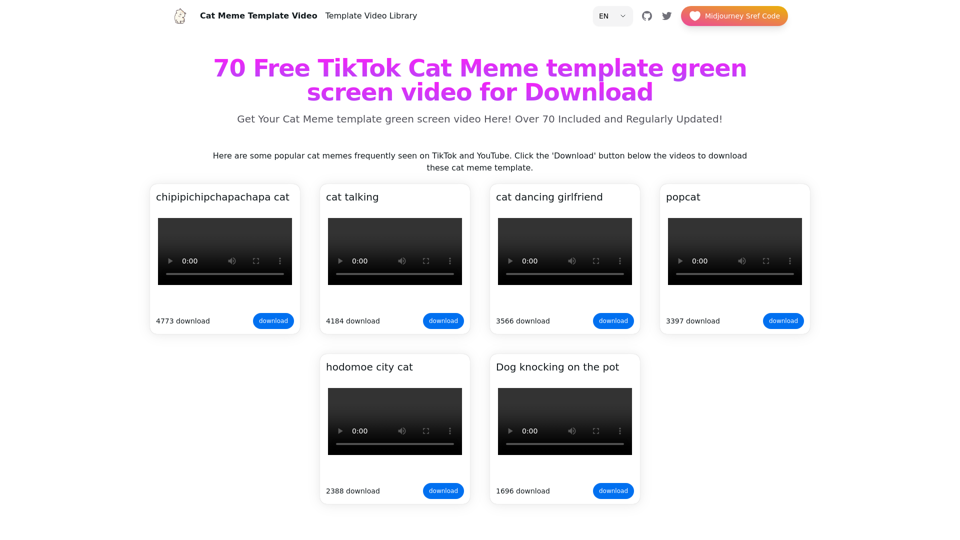
Top 70 TikTok Cat Meme Template Videos for Download
Top 70 TikTok Cat Meme Template Videos for DownloadYou can download the latest and most popular green screen cat meme template video featured on TikTok and YouTube. These materials are free.
11.93 K
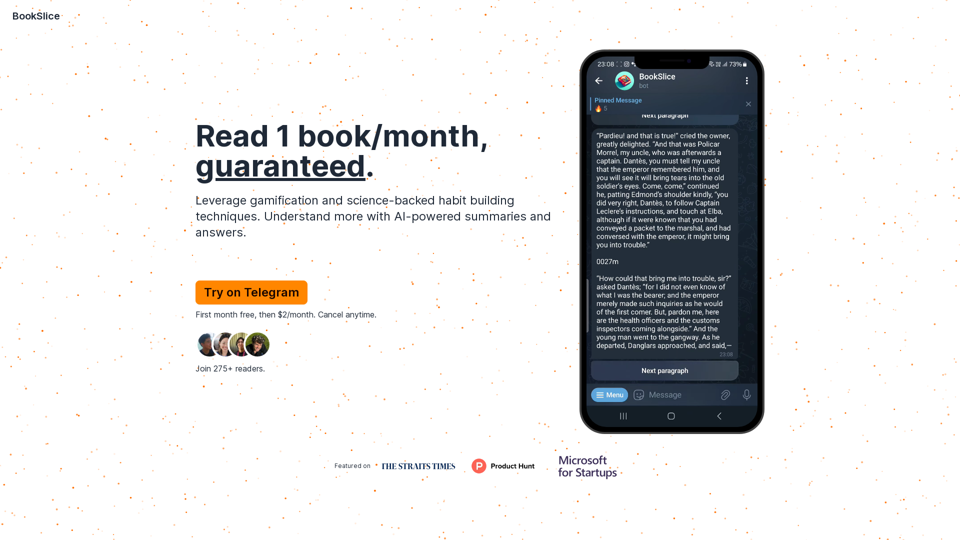
BookSlice - A fun, game-like way to read books for people with busy schedules.
BookSlice - A fun, game-like way to read books for people with busy schedules.Read one book per month, guaranteed, using science-backed techniques.
318