CO-STAR Prompt Generator is a Chrome extension designed to enhance ChatGPT interactions. It simplifies the process of creating effective prompts using the CO-STAR framework, originally developed by GovTech. This tool seamlessly integrates into Chrome, allowing users to craft powerful prompts effortlessly, boost productivity, and maximize the potential of AI-driven conversations.
CO-STAR Prompt Template ========================== Task Description Describe the task you want the AI to perform. Be specific and concise. Input Prompt Provide the input prompt that the AI will receive. This can be a question, a statement, or a scenario. Desired Response Describe the desired response from the AI. What type of answer or output are you expecting? Constraints List any constraints or rules that the AI should follow when generating a response. This can include tone, style, or specific keywords to include or avoid. Evaluation Metrics Describe how you will evaluate the AI's response. What metrics or criteria will you use to determine the quality of the response? Example Output Provide an example of what a good response from the AI might look like. This can help clarify the task and provide a target for the AI to aim for.
Using CO-STAR to Make Your Prompt 10 Times More Effective!
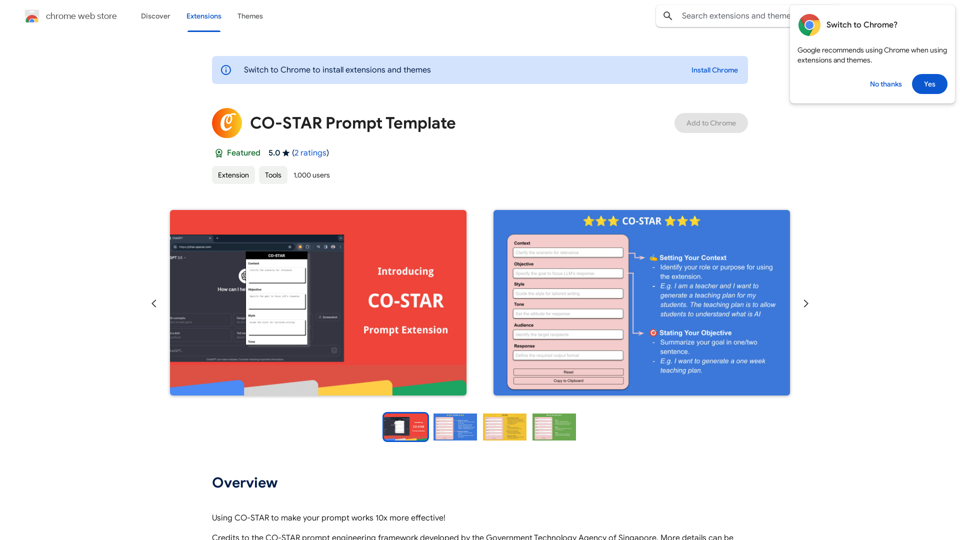
Introduction
Feature
Seamless Chrome Integration
CO-STAR Prompt Generator integrates smoothly into the Chrome browser, providing a user-friendly experience for prompt creation.
CO-STAR Framework Implementation
Utilizes the CO-STAR framework for prompt generation, allowing users to input their content while the extension handles formatting.
Effortless Prompt Creation
Streamlines the prompt creation process, eliminating the need to understand complex structures and focusing on the message.
Optimized ChatGPT Output
Generates prompts that maximize the effectiveness of ChatGPT interactions, resulting in more accurate and relevant responses.
Real-time Preview
Offers a preview feature to review and adjust prompts before use, ensuring clarity and conciseness.
One-Click Copy Function
Provides a simple 'Copy' button to transfer the formatted prompt to the clipboard for easy pasting into ChatGPT.
User-Friendly Interface
Designed with an intuitive interface, making it accessible to users of all technical levels.
Versatile Applications
Adaptable for various uses, including writing, academic work, and casual conversations, with customizable templates.
FAQ
What is CO-STAR Prompt Generator?
CO-STAR Prompt Generator is a Chrome extension that helps create effective prompts for ChatGPT using the CO-STAR framework, enhancing AI interactions and boosting productivity.
How does CO-STAR Prompt Generator work?
The extension integrates into Chrome, allowing users to input their content into the CO-STAR framework. It then automatically formats the input into a well-structured prompt for ChatGPT.
What are the key benefits of using CO-STAR Prompt Generator?
Key benefits include:
- Time and effort savings
- Optimized ChatGPT conversations
- User-friendly interface
- Versatile applications for various needs
How do I use CO-STAR Prompt Generator?
- Install the extension in Chrome
- Navigate to ChatGPT
- Open the extension and fill in the CO-STAR framework
- Preview and adjust your prompt
- Copy and paste the formatted prompt into ChatGPT
Is CO-STAR Prompt Generator suitable for users with no technical expertise?
Yes, the intuitive interface of CO-STAR Prompt Generator makes it accessible and easy to use for all users, regardless of their technical background.
Related Websites
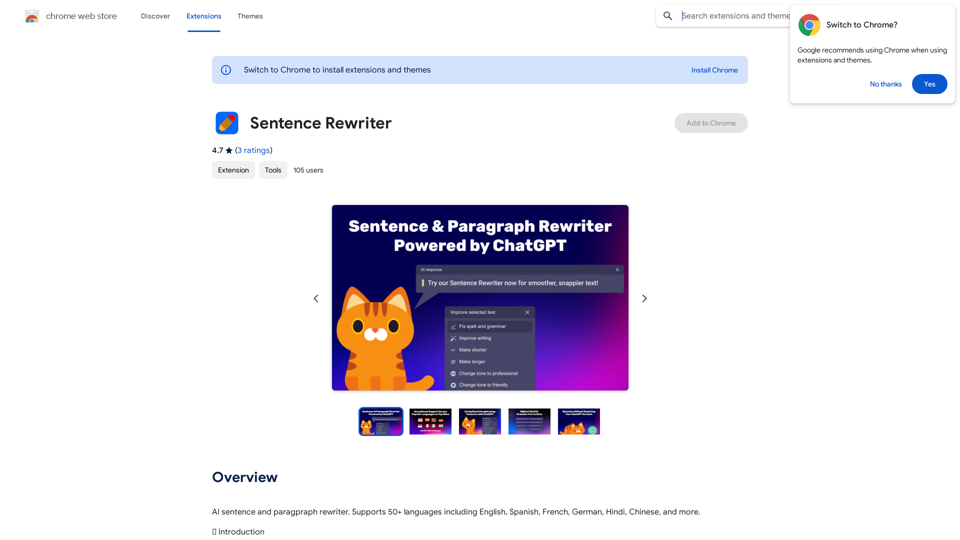
AI sentence and paragraph rewriter. Supports 50+ languages including English, Spanish, French, German, Hindi, Chinese, and more.
193.90 M
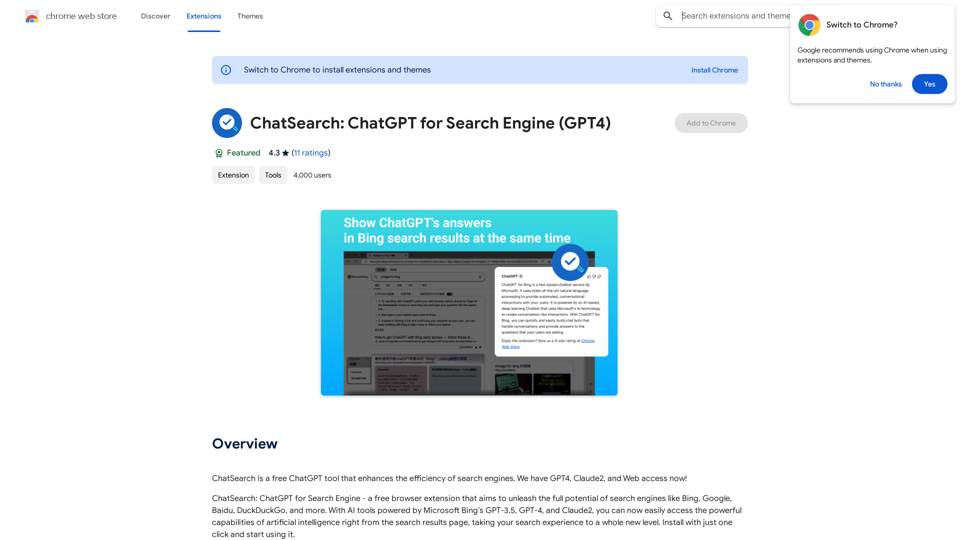
ChatSearch is a free ChatGPT tool that makes search engines more efficient. It now has GPT4, Claude2, and access to the web!
193.90 M
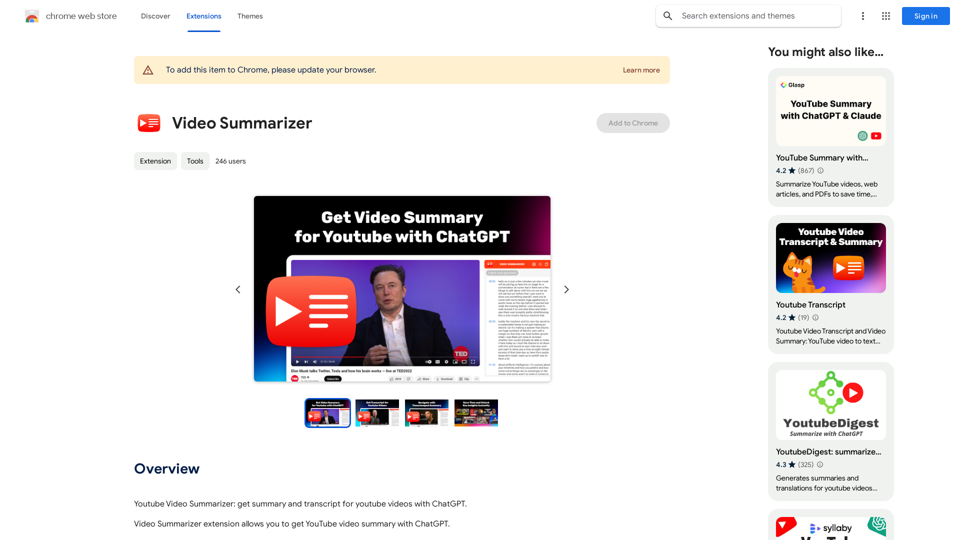
Youtube Video Summarizer: Get Summaries and Transcripts for YouTube Videos with ChatGPT This tool helps you quickly understand YouTube videos by providing: * Summaries: Concise overviews of the video's main points. * Transcripts: Full text versions of what is spoken in the video. Both summaries and transcripts are powered by ChatGPT, allowing for accurate and insightful analysis.
193.90 M
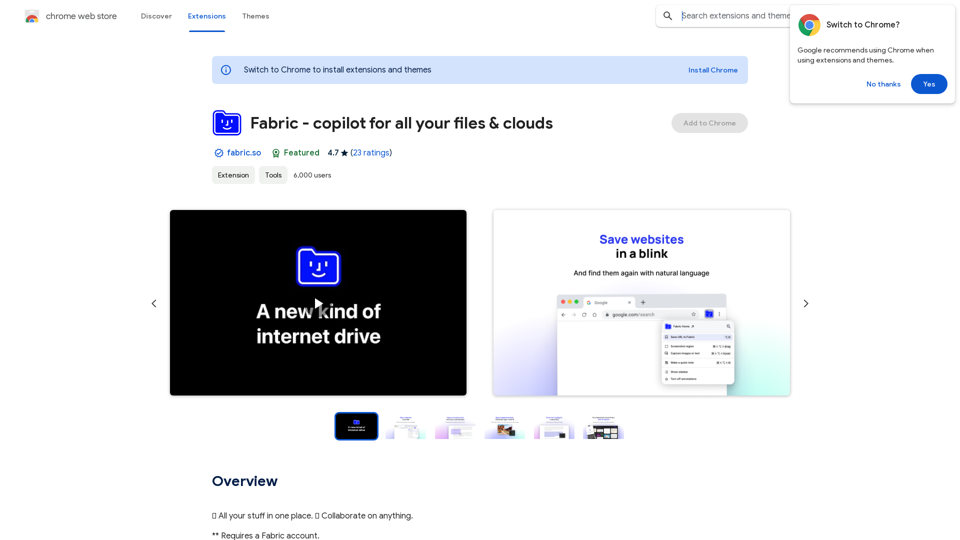
Fabric - Your assistant for all your files and cloud storage.
Fabric - Your assistant for all your files and cloud storage.🍱 All your things in one place. 👋 Work together on anything.
193.90 M
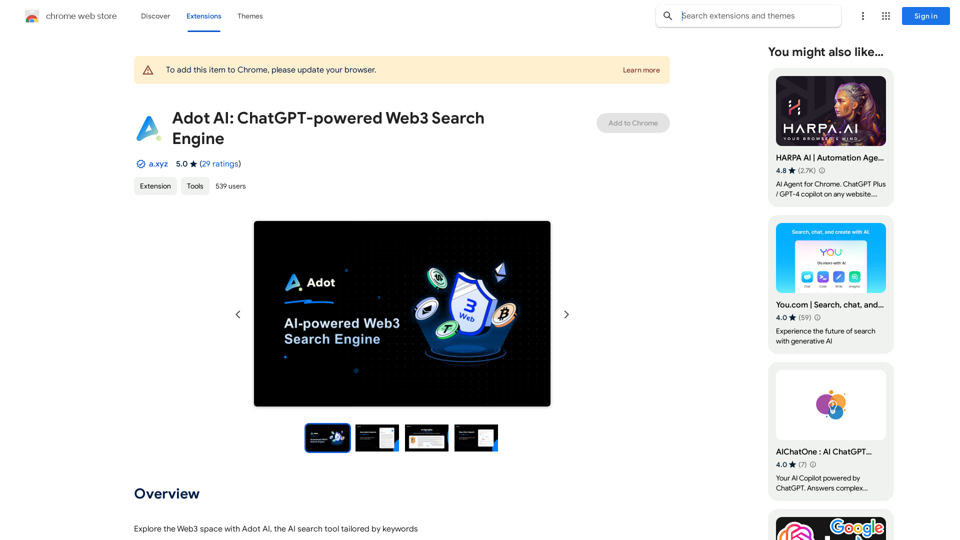
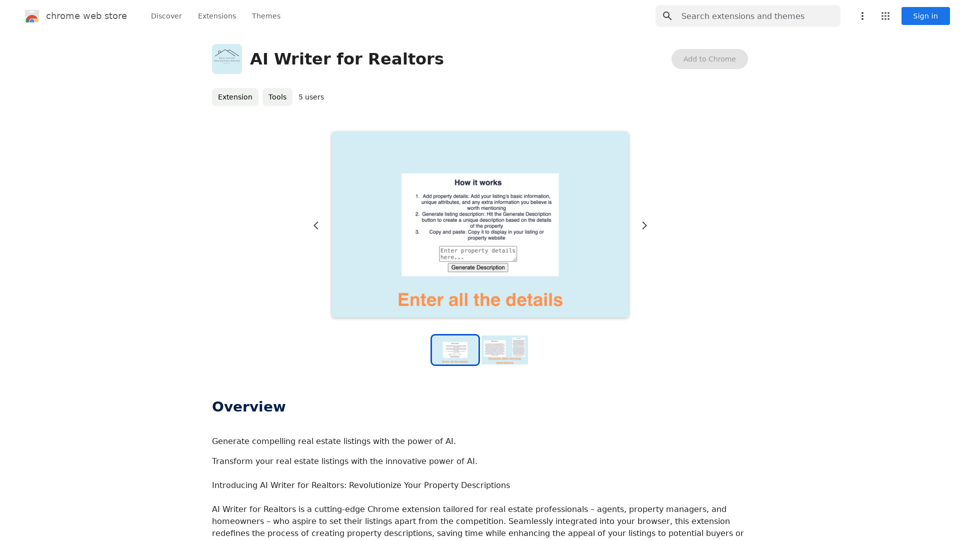
AI Writer for Realtors This AI-powered writing tool is designed to help real estate agents save time and create compelling content. Here's what it can do: * Generate property descriptions: Craft engaging and informative descriptions that highlight key features and benefits. * Write listing headlines: Create attention-grabbing headlines that attract potential buyers. * Compose social media posts: Share property updates, market insights, and client testimonials in a concise and engaging way. * Draft email campaigns: Automate email marketing efforts with personalized messages to potential clients. * Summarize property reports: Quickly understand key information from property reports and market analyses. Benefits for Realtors: * Save time and effort: Automate repetitive writing tasks and focus on client interactions. * Improve content quality: Generate high-quality, engaging content that resonates with target audiences. * Boost marketing effectiveness: Create compelling content that drives leads and increases sales. * Stay ahead of the competition: Leverage AI technology to streamline your workflow and deliver exceptional service.
AI Writer for Realtors This AI-powered writing tool is designed to help real estate agents save time and create compelling content. Here's what it can do: * Generate property descriptions: Craft engaging and informative descriptions that highlight key features and benefits. * Write listing headlines: Create attention-grabbing headlines that attract potential buyers. * Compose social media posts: Share property updates, market insights, and client testimonials in a concise and engaging way. * Draft email campaigns: Automate email marketing efforts with personalized messages to potential clients. * Summarize property reports: Quickly understand key information from property reports and market analyses. Benefits for Realtors: * Save time and effort: Automate repetitive writing tasks and focus on client interactions. * Improve content quality: Generate high-quality, engaging content that resonates with target audiences. * Boost marketing effectiveness: Create compelling content that drives leads and increases sales. * Stay ahead of the competition: Leverage AI technology to streamline your workflow and deliver exceptional service.Unlock the Power of AI for Captivating Real Estate Listings Tired of crafting bland, forgettable property descriptions? Let AI revolutionize your listings and attract more potential buyers! Here's how AI can elevate your real estate game: * Craft Compelling Narratives: AI can weave engaging stories around your properties, highlighting their unique features and benefits in a way that resonates with buyers. * Optimize for Search Engines: AI-powered tools can analyze market trends and keywords to ensure your listings rank higher in search results, boosting visibility and attracting more clicks. * Personalize the Experience: AI can tailor descriptions to specific buyer demographics, creating a more personalized and impactful connection. * Generate Stunning Visuals: From virtual tours to 3D floor plans, AI can enhance your listings with captivating visuals that showcase your properties in their best light. Stop settling for ordinary listings. Embrace the future of real estate with AI-powered descriptions that captivate, convert, and close deals.
193.90 M
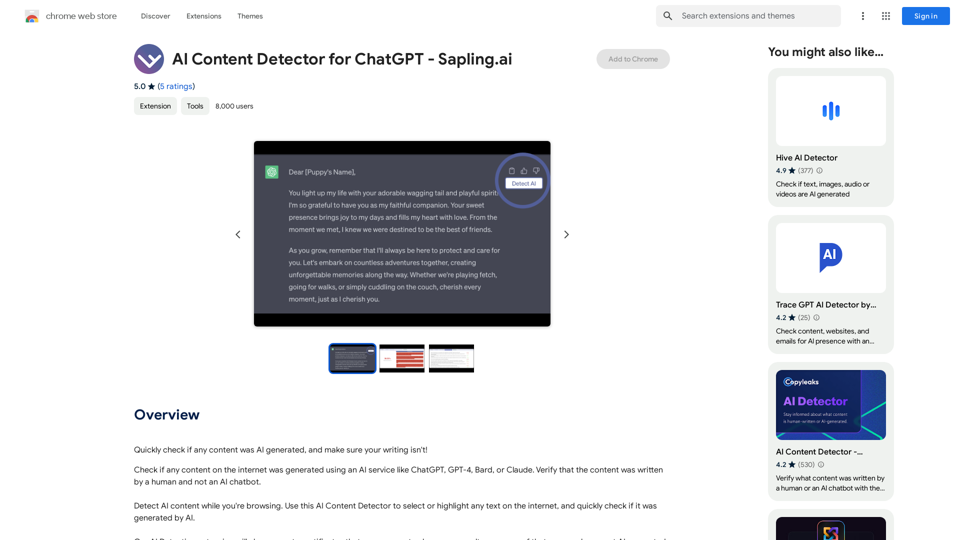
AI Content Detector for ChatGPT - Sapling.ai Sapling.ai's AI Content Detector is a powerful tool designed to detect AI-generated content, including those produced by ChatGPT. This innovative solution helps you identify and flag suspicious content, ensuring the authenticity and credibility of the information you receive. How it Works Our AI Content Detector uses advanced machine learning algorithms to analyze the linguistic patterns, syntax, and semantics of the input text. This allows it to identify the subtle differences between human-written and AI-generated content. Key Features * High Accuracy: Our detector boasts an impressive accuracy rate, ensuring reliable results even with complex or nuanced content. * Real-time Analysis: Get instant results with our real-time analysis feature, perfect for high-volume content screening. * Customizable Thresholds: Set your own thresholds for detection, allowing you to fine-tune the sensitivity of the tool to your specific needs. * Integration Ready: Seamlessly integrate our API with your existing workflows and platforms. Use Cases * Content Moderation: Ensure the quality and authenticity of user-generated content on your platform. * Academic Integrity: Detect AI-generated essays and papers, promoting original work and academic honesty. * Marketing and Advertising: Verify the authenticity of customer reviews and testimonials. Try it Out Experience the power of Sapling.ai's AI Content Detector for yourself. Sign up for a free trial and start detecting AI-generated content today!
AI Content Detector for ChatGPT - Sapling.ai Sapling.ai's AI Content Detector is a powerful tool designed to detect AI-generated content, including those produced by ChatGPT. This innovative solution helps you identify and flag suspicious content, ensuring the authenticity and credibility of the information you receive. How it Works Our AI Content Detector uses advanced machine learning algorithms to analyze the linguistic patterns, syntax, and semantics of the input text. This allows it to identify the subtle differences between human-written and AI-generated content. Key Features * High Accuracy: Our detector boasts an impressive accuracy rate, ensuring reliable results even with complex or nuanced content. * Real-time Analysis: Get instant results with our real-time analysis feature, perfect for high-volume content screening. * Customizable Thresholds: Set your own thresholds for detection, allowing you to fine-tune the sensitivity of the tool to your specific needs. * Integration Ready: Seamlessly integrate our API with your existing workflows and platforms. Use Cases * Content Moderation: Ensure the quality and authenticity of user-generated content on your platform. * Academic Integrity: Detect AI-generated essays and papers, promoting original work and academic honesty. * Marketing and Advertising: Verify the authenticity of customer reviews and testimonials. Try it Out Experience the power of Sapling.ai's AI Content Detector for yourself. Sign up for a free trial and start detecting AI-generated content today!Quickly Check if Any Content was AI Generated, and Make Sure Your Writing Isn't! With the rapid development of artificial intelligence (AI) technology, AI-generated content has become increasingly prevalent. As a result, it's essential to verify the authenticity of content and ensure that your writing is original. Here are some tips to help you quickly check if any content was AI generated and make sure your writing isn't: #1. Check for Overly Formal Language AI-generated content often uses overly formal language, which may sound unnatural or even awkward. Be wary of sentences that are too structured or contain overly complex vocabulary. #2. Look for Repetitive Phrases or Sentences AI algorithms may reuse phrases or sentences to fill content gaps. If you notice repetitive language or sentences that seem out of place, it could be a sign of AI-generated content. #3. Verify Facts and Statistics AI-generated content may contain inaccurate or outdated information. Always fact-check statistics, quotes, and other data to ensure they are reliable and up-to-date. #4. Evaluate the Writing Style AI-generated content often lacks the personal touch and emotional depth of human writing. Look for writing that seems too perfect, lacks humor, or feels overly generic. #5. Use AI Detection Tools There are various AI detection tools available online that can help identify AI-generated content. These tools analyze language patterns, syntax, and other factors to determine the likelihood of AI involvement. #6. Read Beyond the Headlines AI-generated content may have attention-grabbing headlines, but the actual content may be lacking in substance. Always read beyond the headlines to ensure the content is well-researched and informative. #7. Check for Human Touch Human writing often includes personal anecdotes, experiences, and emotions. Look for content that includes these elements, as they are more difficult for AI algorithms to replicate. By following these tips, you can quickly check if any content was AI generated and ensure that your writing is original and authentic. Remember, AI-generated content may be convenient, but it can never replace the creativity, empathy, and nuance of human writing.
193.90 M