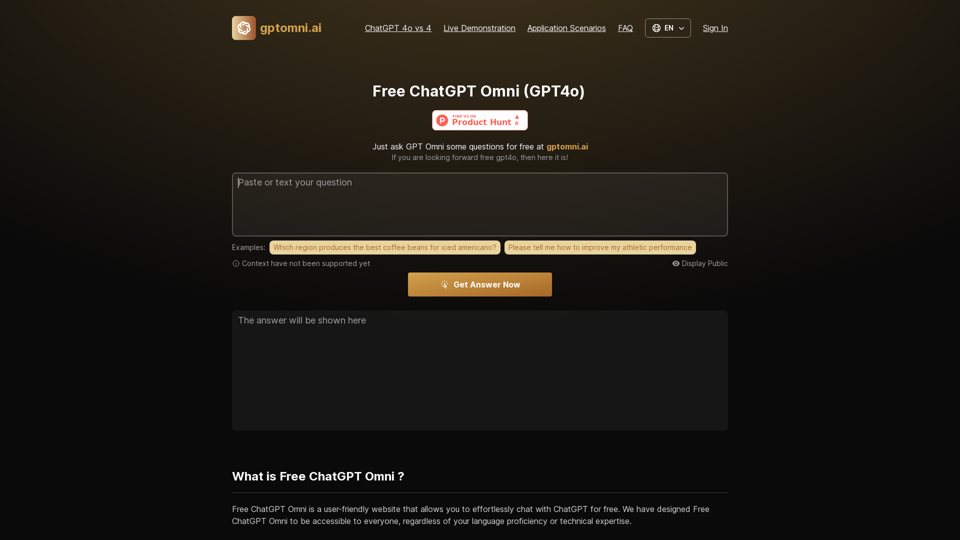
Sentence Rewriter is a powerful Chrome extension that utilizes AI technology to help users rewrite sentences effortlessly. This tool works on any website, supports multiple languages, and offers various features to enhance writing quality. It's designed to improve communication across different platforms, from emails to social media posts.
Sentence Rewriter
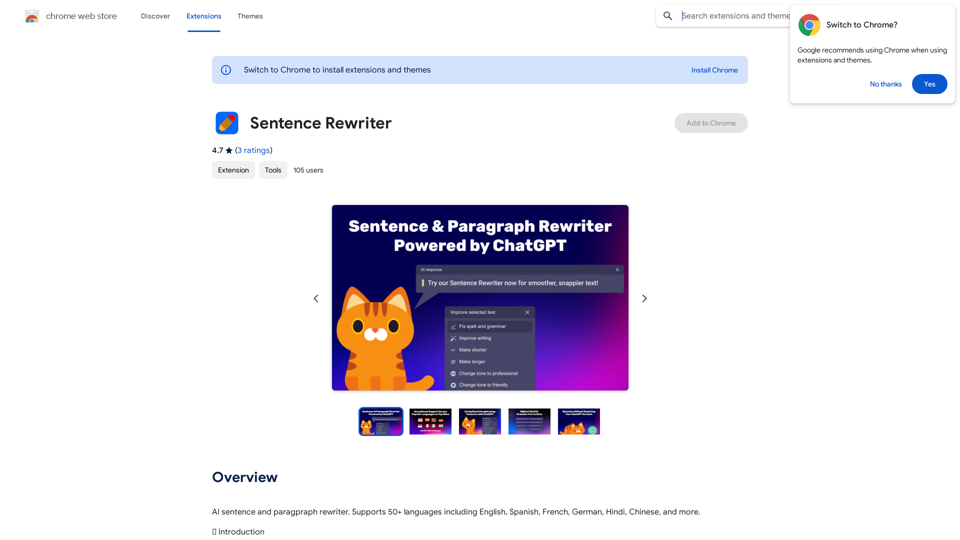
AI sentence and paragraph rewriter. Supports 50+ languages including English, Spanish, French, German, Hindi, Chinese, and more.
Introduction
Feature
🌐 Universal Compatibility
Works seamlessly on any website, including email platforms, messaging services, and document editors.
🗣️ Multilingual Support
Supports over 50 languages, including English, Spanish, German, Italian, and French.
🎭 Tone Adjustment
Customize text tone with options like friendly, casual, business, and confident.
📏 Adjustable Text Length
Modify text length to meet specific requirements, whether shorter or longer.
🤖 ChatGPT Powered
Utilizes cutting-edge AI technology from the renowned ChatGPT engine.
✍️ Advanced Grammar and Spell Check
Offers high-quality grammar and spell checking, surpassing competitors.
🖋️ Sentence Rewrite Feature
Transform writing with an intuitive interface for easy sentence modification.
🔍 Change Highlighting
Clearly displays modifications and improvements in the text.
FAQ
How do I use Sentence Rewriter?
- Install the extension from the Chrome Web Store
- Select the sentence in any text area on any website
- Choose to check grammar, improve the text, or rewrite sentences
What are some use cases for Sentence Rewriter?
- Email writing
- Support communications
- Professional document writing
- Messaging
- Social media publishing
- Article writing
Which browsers support Sentence Rewriter?
Sentence Rewriter is currently supported exclusively on Google Chrome.
Is Sentence Rewriter free to use?
Yes, a free plan with full functionality is available to all users.
Is it safe to use Sentence Rewriter?
Yes, the extension uses ChatGPT, a reliable technology trusted by many companies. No user texts are stored.
How does the spell checking and rewriting quality compare to competitors?
The spell checking and rewriting quality are superior, powered by ChatGPT 3.5 turbo, ensuring better performance than competitors.
How can I contact support?
For questions or feedback, reach out to the support team at [email protected].
Related Websites
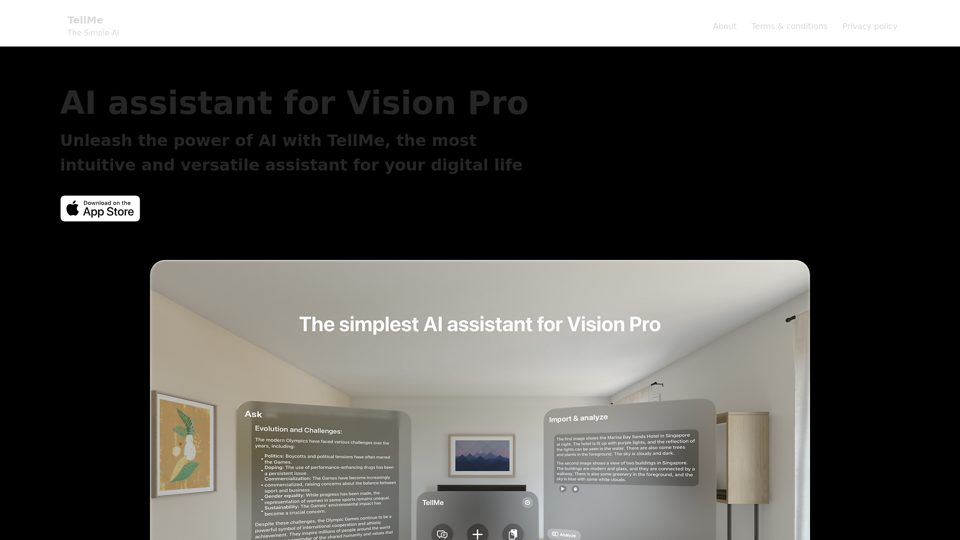
TellMe is the simplest AI assistant for Vision Pro. Unleash the power of AI with TellMe, the most intuitive and versatile assistant for your digital life.
2.48 K
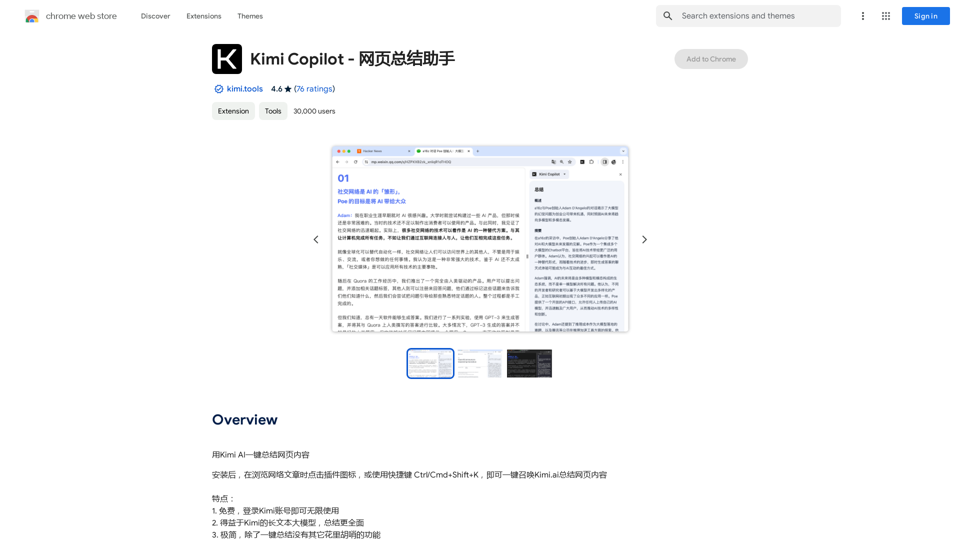
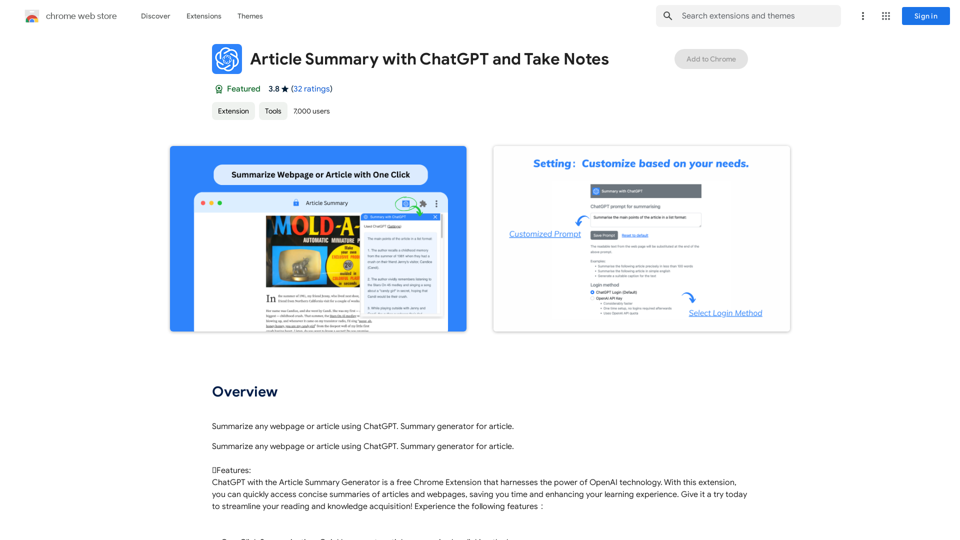
Article Summary with ChatGPT and Take Notes This is a guide on how to use ChatGPT to summarize articles and take notes effectively. Step 1: Provide ChatGPT with the Article Copy and paste the full text of the article into the ChatGPT interface. Step 2: Craft Your Prompt Tell ChatGPT what you want it to do. Here are some examples: * Summarize: "Please summarize this article in 200 words." * Key Points: "What are the main points of this article?" * Bullet Points: "Summarize the key findings of this article in bullet points." * Notes: "Take notes on this article, focusing on the author's arguments and supporting evidence." Step 3: Review and Refine ChatGPT will generate a summary, key points, bullet points, or notes based on your prompt. * Read carefully: Make sure the output accurately reflects the article's content. * Edit as needed: You can ask ChatGPT to rephrase sections or provide more detail. * Add your own insights: Don't just copy ChatGPT's output. Use it as a starting point and add your own thoughts, questions, and connections. Tips for Effective Use: * Be specific: The more specific your prompt, the better the output will be. * Experiment with different prompts: Try various phrasing to see what works best. * Use ChatGPT as a tool: It's a powerful aid, but it's not a replacement for critical reading and thinking.
Article Summary with ChatGPT and Take Notes This is a guide on how to use ChatGPT to summarize articles and take notes effectively. Step 1: Provide ChatGPT with the Article Copy and paste the full text of the article into the ChatGPT interface. Step 2: Craft Your Prompt Tell ChatGPT what you want it to do. Here are some examples: * Summarize: "Please summarize this article in 200 words." * Key Points: "What are the main points of this article?" * Bullet Points: "Summarize the key findings of this article in bullet points." * Notes: "Take notes on this article, focusing on the author's arguments and supporting evidence." Step 3: Review and Refine ChatGPT will generate a summary, key points, bullet points, or notes based on your prompt. * Read carefully: Make sure the output accurately reflects the article's content. * Edit as needed: You can ask ChatGPT to rephrase sections or provide more detail. * Add your own insights: Don't just copy ChatGPT's output. Use it as a starting point and add your own thoughts, questions, and connections. Tips for Effective Use: * Be specific: The more specific your prompt, the better the output will be. * Experiment with different prompts: Try various phrasing to see what works best. * Use ChatGPT as a tool: It's a powerful aid, but it's not a replacement for critical reading and thinking.I can do that! Please provide me with the URL of the webpage or article you'd like me to summarize. I'll do my best to create a concise and easy-to-understand summary for you.
193.90 M

MyMap transforms your textual concepts into visual representations such as mind maps and presentations through a straightforward chat interface. It's perfect for students, educators, and professionals, requiring no design expertise. This tool saves you time by enabling effortless, collaborative visual creation.
1.04 M
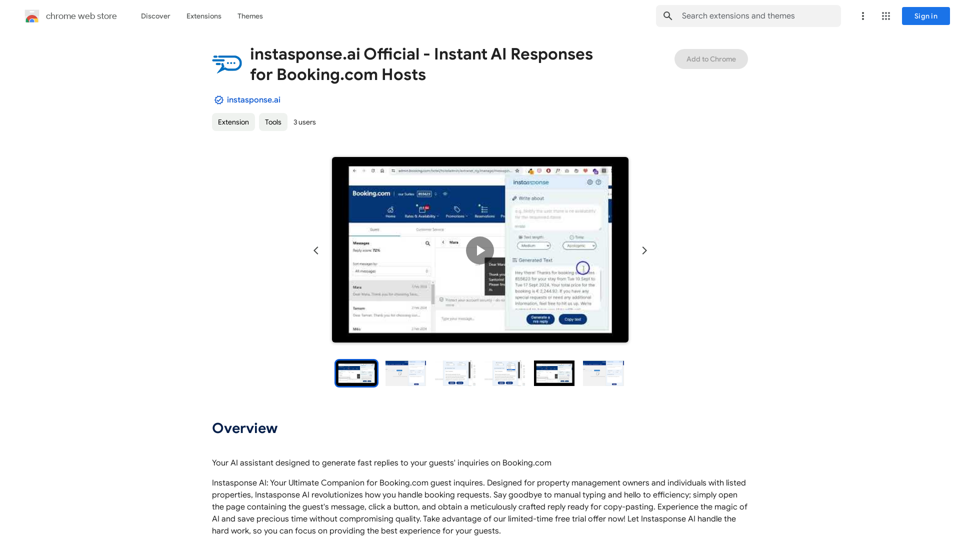
instasponse.ai Official - Instant AI Responses for Booking.com Hosts
instasponse.ai Official - Instant AI Responses for Booking.com HostsI am an AI assistant designed to quickly answer your guests' questions on Booking.com.
193.90 M