Aksharakuppy TextMagic is a powerful Chrome extension designed to enhance text, generate content, and provide translations between English and Malayalam. This innovative tool caters to writers, content creators, and anyone looking to improve their textual content. With features like text enrichment, content generation, and instant translations, Aksharakuppy TextMagic offers a comprehensive solution for elevating your writing experience.
Aksharakuppy TextMagic
Aksharakuppy TextMagic is a versatile tool that enriches text, generates content, and facilitates translations into Malayalam.
Introduction
Feature
Text Enrichment
Aksharakuppy TextMagic uses advanced algorithms to suggest improvements, synonyms, and style enhancements, helping users create more engaging and polished content.
Content Generation
The AI-driven system assists users in overcoming writer's block by generating initial content in both English and Malayalam based on a given topic.
Instant Translations
Seamlessly translate between English and Malayalam, making language switching effortless and efficient.
Free Chrome Extension
Aksharakuppy TextMagic is available as a free Chrome extension, accessible to all users without any cost.
Versatile Usage
The tool can be used for various purposes, including blog writing, article creation, and social media content generation.
Secure Data Handling
Aksharakuppy TextMagic prioritizes user data security, ensuring that information is handled safely and not sold to third parties.
FAQ
Is Aksharakuppy TextMagic a paid extension?
No, Aksharakuppy TextMagic is a free Chrome extension.
Can I use Aksharakuppy TextMagic for commercial purposes?
Yes, you can use Aksharakuppy TextMagic for commercial purposes.
Is my data safe with Aksharakuppy TextMagic?
Yes, Aksharakuppy TextMagic handles user data securely and does not sell it to third parties.
How can I start using Aksharakuppy TextMagic?
To start using Aksharakuppy TextMagic, simply add the extension to your Chrome browser. Once installed, you can begin enhancing your text, generating content, and translating between English and Malayalam.
Related Websites
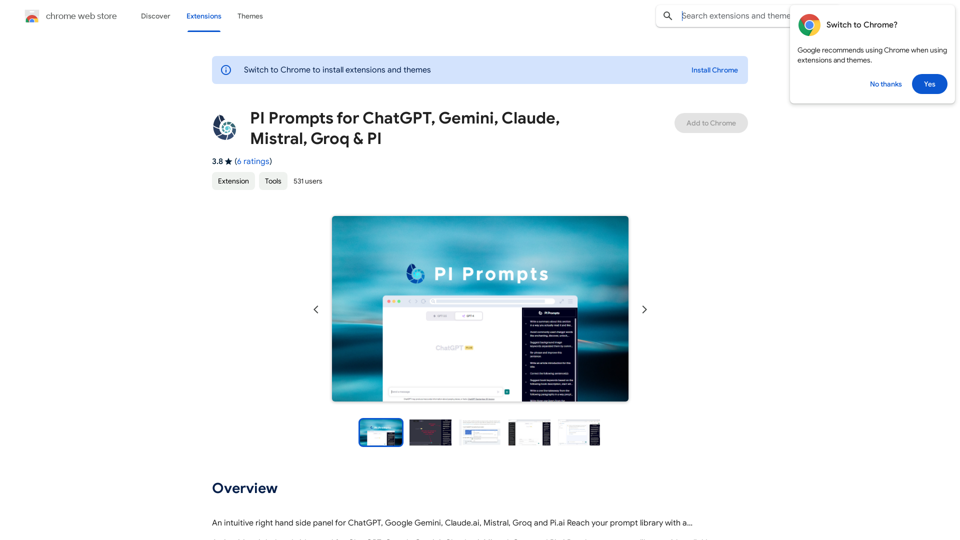
PI Prompts for ChatGPT, Gemini, Claude, Mistral, Groq & PI General Instructions: * Be specific: Clearly state what you want the AI to do. * Provide context: Give the AI enough information to understand your request. * Experiment: Try different prompts and see what works best. Creative Writing: * ChatGPT: Write a short story about a robot who learns to feel emotions. * Gemini: Compose a poem in the style of Emily Dickinson about the nature of time. * Claude: Create a fictional news article about a discovery on Mars. * Mistral: Generate a song lyric about the feeling of falling in love. * Groq: Write a screenplay for a 5-minute film about a lost dog finding its way home. * PI: Design a worldbuilding document for a fantasy novel, including its history, geography, and magic system. Informative Tasks: * ChatGPT: Summarize the main points of the article on climate change. * Gemini: Explain the concept of quantum mechanics in simple terms. * Claude: Compare and contrast the philosophies of Socrates and Plato. * Mistral: Create a list of 10 interesting facts about the human brain. * Groq: Write a code snippet to scrape data from a website. * PI: Generate a research proposal on the impact of social media on mental health. Code Generation: * ChatGPT: Write a Python function to calculate the factorial of a number. * Gemini: Generate HTML code for a simple webpage with a heading and a paragraph. * Claude: Create a SQL query to retrieve all customers from a database. * Mistral: Write a JavaScript function to validate an email address. * Groq: Generate code to create a new user account in a web application. * PI: Design a machine learning model to classify images of cats and dogs.
PI Prompts for ChatGPT, Gemini, Claude, Mistral, Groq & PI General Instructions: * Be specific: Clearly state what you want the AI to do. * Provide context: Give the AI enough information to understand your request. * Experiment: Try different prompts and see what works best. Creative Writing: * ChatGPT: Write a short story about a robot who learns to feel emotions. * Gemini: Compose a poem in the style of Emily Dickinson about the nature of time. * Claude: Create a fictional news article about a discovery on Mars. * Mistral: Generate a song lyric about the feeling of falling in love. * Groq: Write a screenplay for a 5-minute film about a lost dog finding its way home. * PI: Design a worldbuilding document for a fantasy novel, including its history, geography, and magic system. Informative Tasks: * ChatGPT: Summarize the main points of the article on climate change. * Gemini: Explain the concept of quantum mechanics in simple terms. * Claude: Compare and contrast the philosophies of Socrates and Plato. * Mistral: Create a list of 10 interesting facts about the human brain. * Groq: Write a code snippet to scrape data from a website. * PI: Generate a research proposal on the impact of social media on mental health. Code Generation: * ChatGPT: Write a Python function to calculate the factorial of a number. * Gemini: Generate HTML code for a simple webpage with a heading and a paragraph. * Claude: Create a SQL query to retrieve all customers from a database. * Mistral: Write a JavaScript function to validate an email address. * Groq: Generate code to create a new user account in a web application. * PI: Design a machine learning model to classify images of cats and dogs.An intuitive right-hand side panel for ChatGPT, Google Gemini, Claude.ai, Mistral, Groq, and Pi.ai. Reach your prompt library with a...
193.90 M
ChatGPT Prompt Generator - AI Mind This is a tool to help you generate creative and effective prompts for ChatGPT. Features: * Diverse Prompt Types: Explore various prompt categories like story writing, dialogue, code generation, and more. * Customization Options: Tailor your prompts with specific details, tone, style, and length preferences. * Inspiration & Examples: Discover a library of pre-made prompts and examples to spark your imagination. * AI-Powered Suggestions: Get intelligent suggestions and refinements for your prompts based on your input. How it Works: 1. Choose a Prompt Type: Select the type of output you desire from ChatGPT. 2. Provide Input: Enter your desired keywords, themes, or specific instructions. 3. Customize Settings: Adjust parameters like tone, style, length, and format. 4. Generate Prompt: Click "Generate" to receive a unique and optimized prompt tailored to your needs. Start Creating! Let your imagination run wild and explore the possibilities of ChatGPT with our AI-powered prompt generator.
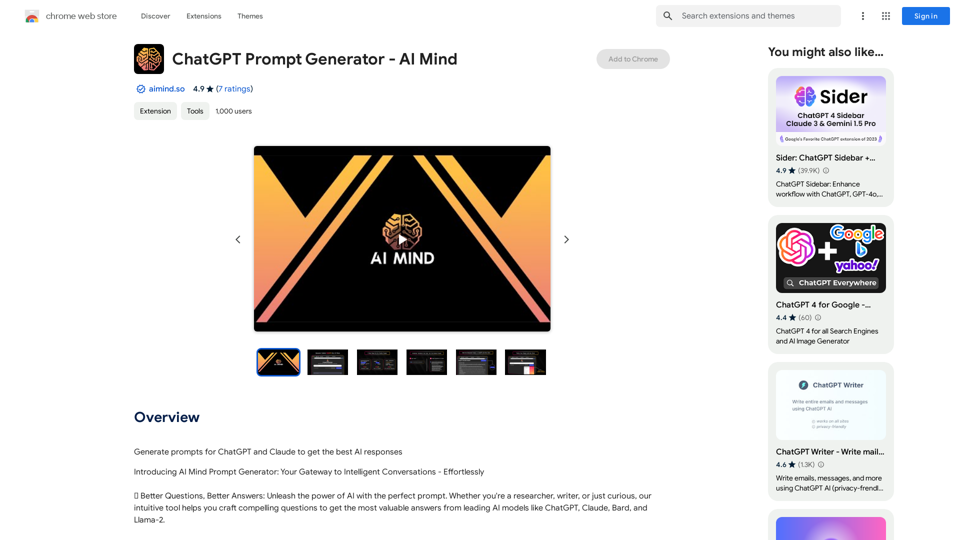
ChatGPT Prompt Generator - AI Mind This is a tool to help you generate creative and effective prompts for ChatGPT. Features: * Diverse Prompt Types: Explore various prompt categories like story writing, dialogue, code generation, and more. * Customization Options: Tailor your prompts with specific details, tone, style, and length preferences. * Inspiration & Examples: Discover a library of pre-made prompts and examples to spark your imagination. * AI-Powered Suggestions: Get intelligent suggestions and refinements for your prompts based on your input. How it Works: 1. Choose a Prompt Type: Select the type of output you desire from ChatGPT. 2. Provide Input: Enter your desired keywords, themes, or specific instructions. 3. Customize Settings: Adjust parameters like tone, style, length, and format. 4. Generate Prompt: Click "Generate" to receive a unique and optimized prompt tailored to your needs. Start Creating! Let your imagination run wild and explore the possibilities of ChatGPT with our AI-powered prompt generator.Generate prompts for ChatGPT and Claude to get the best AI responses
193.90 M
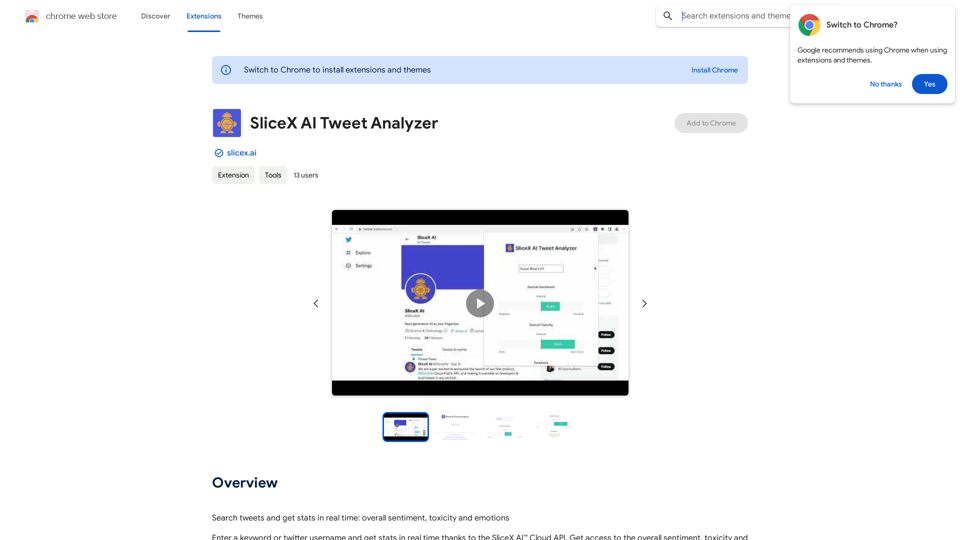
Search for tweets and get real-time statistics: general sentiment, toxicity levels, and emotions expressed.
193.90 M
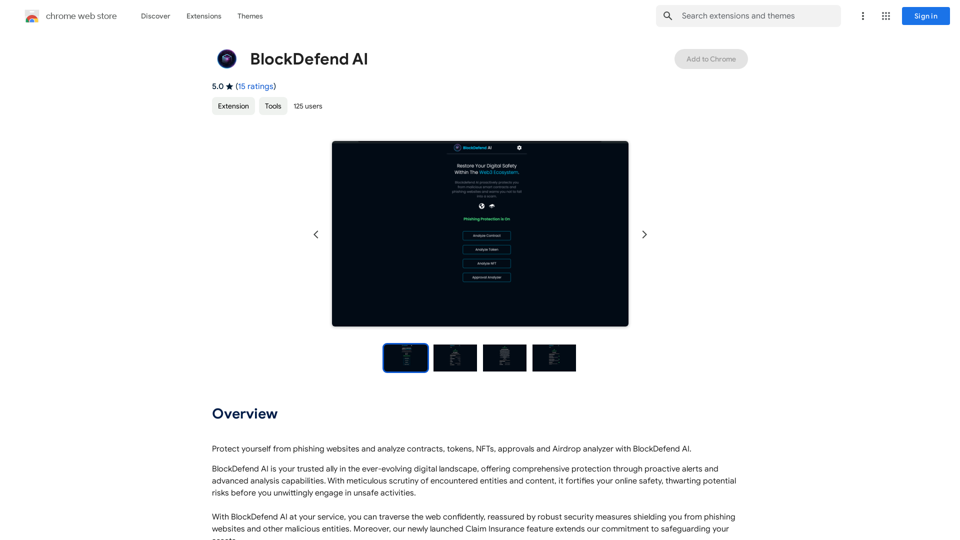
Protect yourself from phishing websites and analyze contracts, tokens, NFTs, approvals, and airdrops with BlockDefend AI.
193.90 M