Castofly is a Chrome extension designed to simplify the creation of step-by-step instructions and video guides. It automates the process of generating documentation and Standard Operating Procedures (SOPs) in multiple languages. This tool is particularly useful for various departments within organizations, including Customer Support, HR, IT, and Sales, among others. Castofly aims to save time and effort in creating comprehensive guides while offering customization options and collaboration features.
Castofly
Castofly Chrome Extension
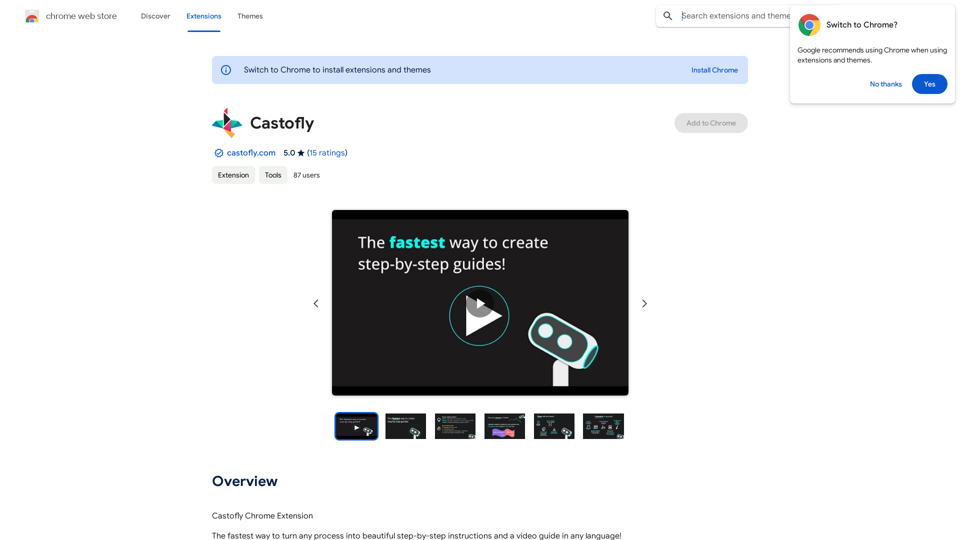
Introduction
Feature
Automated Documentation Generation
Castofly captures your screen activity and automatically creates detailed step-by-step instructions and video guides within minutes, streamlining the documentation process.
Multilingual Support
The extension offers AI voice-overs in over 50 languages, making it accessible to a global audience and facilitating international team collaboration.
Customization Options
Users can personalize their guides with various themes, speech bubbles, and AI voice-overs, allowing for brand-consistent and engaging content creation.
Easy Sharing and Collaboration
Guides can be shared via email, chat, or embedded in company knowledge bases and public web pages. Multiple users can collaborate on guide creation, enhancing team productivity.
Versatile Application
Castofly caters to various use cases, including:
- Creating Standard Operating Procedures (SOPs)
- Onboarding new employees
- Developing customer training materials
- Documenting IT processes
- Generating marketing and sales guides
Flexible Pricing Model
Castofly offers a free version, with Pro and Enterprise plans available for teams requiring advanced features, ensuring accessibility for individuals and organizations of all sizes.
FAQ
How does Castofly work?
Castofly operates by capturing your screen activity and automatically generating a guide in just a few minutes. Users simply need to install the Chrome extension and complete their process as usual.
Can I customize the appearance of my guides?
Yes, Castofly allows extensive customization. You can personalize your guides with themes, speech bubbles, and AI voice-overs in over 50 languages to match your brand and style preferences.
Is it possible to share guides created with Castofly?
Absolutely. Castofly enables users to share guides via email, chat, or by embedding them in company knowledge bases or public web pages, facilitating easy distribution of information.
What are the pricing options for Castofly?
Castofly offers a free version for basic use. For teams requiring more advanced features, Pro and Enterprise plans are available, providing flexibility for different organizational needs.
Related Websites
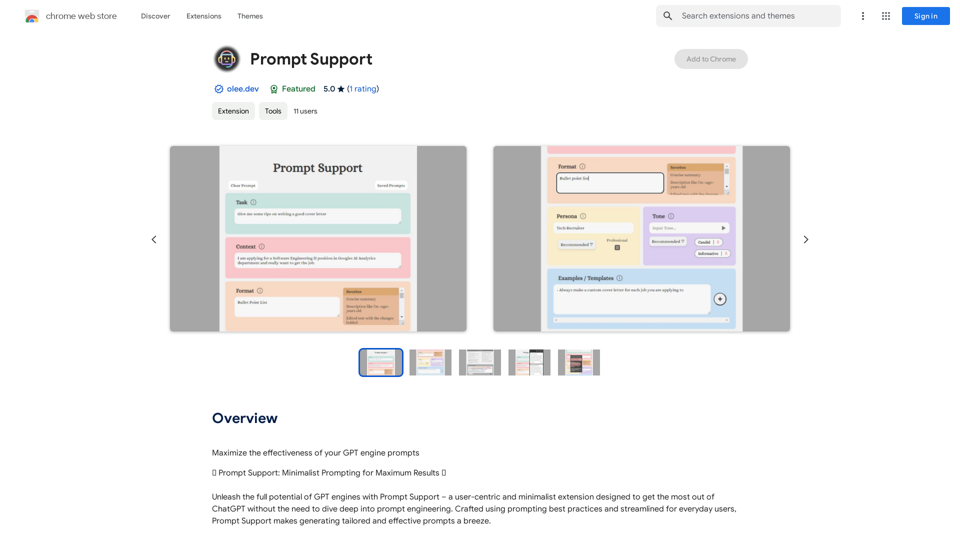
Maximize the Effectiveness of Your GPT Engine Prompts 1. Be Clear and Specific: * Instead of: "Write about dogs." * Try: "Write a 500-word essay about the history and characteristics of Golden Retrievers." 2. Provide Context: * Instead of: "Summarize this article." * Try: "Summarize the main arguments presented in this article about the impact of social media on teenagers." 3. Set the Tone and Style: * Instead of: "Write a story." * Try: "Write a humorous short story about a cat who thinks it's a dog." 4. Define the Desired Format: * Instead of: "Create a poem." * Try: "Write a rhyming sonnet about the beauty of a sunset." 5. Use Examples: * Instead of: "Generate some creative writing ideas." * Try: "Generate some creative writing ideas similar to the style of Edgar Allan Poe." 6. Break Down Complex Tasks: * Instead of: "Write a business plan." * Try: * "Outline the key components of a business plan for a new coffee shop." * "Write a section of the business plan focusing on the target market." 7. Refine Your Prompts: * Experiment with different wording: See what yields the best results. * Iterate on your prompts: Build upon previous responses to get closer to your desired outcome. By following these tips, you can craft more effective prompts that will help you get the most out of your GPT engine.
193.90 M
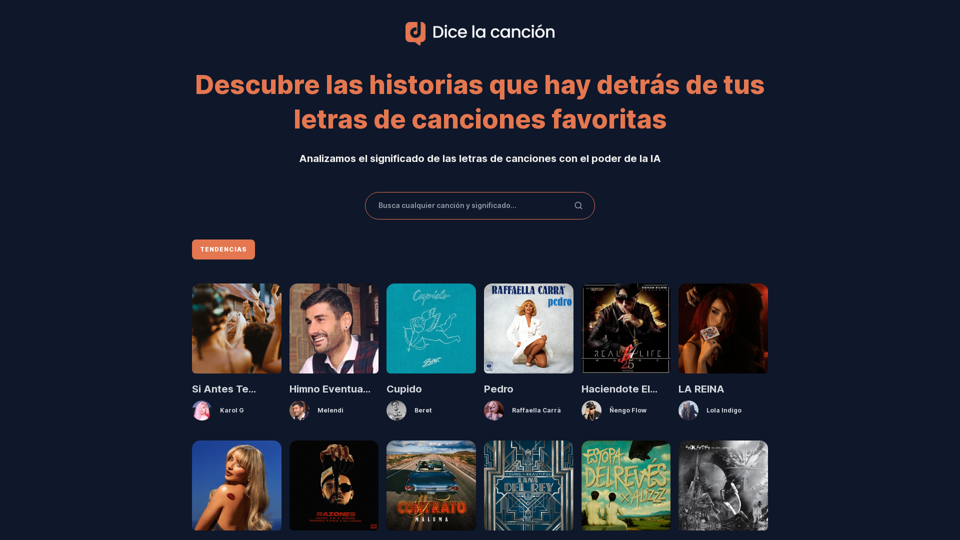
Discover the meaning and stories behind song lyrics. The song says that each verse has a story to tell.
90.21 K
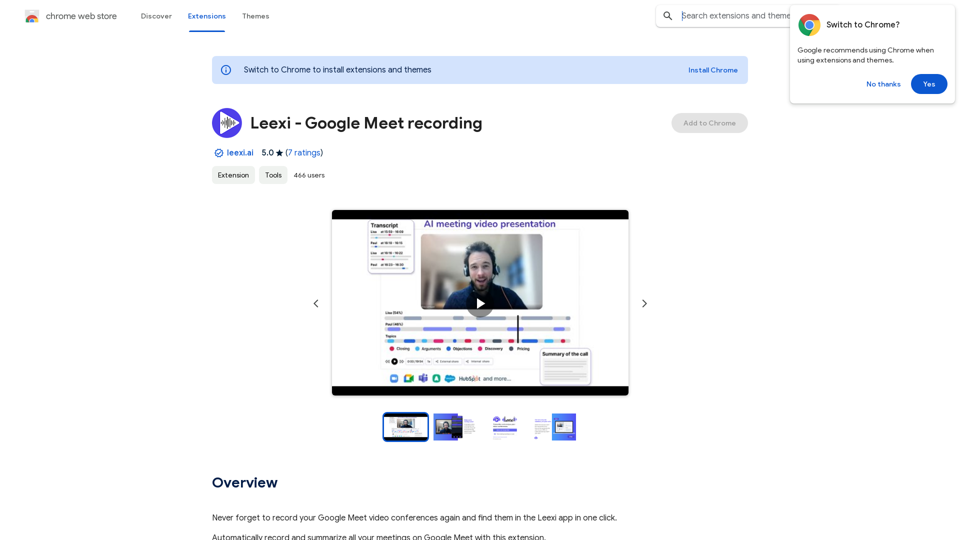
Never forget to record your Google Meet video conferences again and find them in the Leexi app in one click.
193.90 M
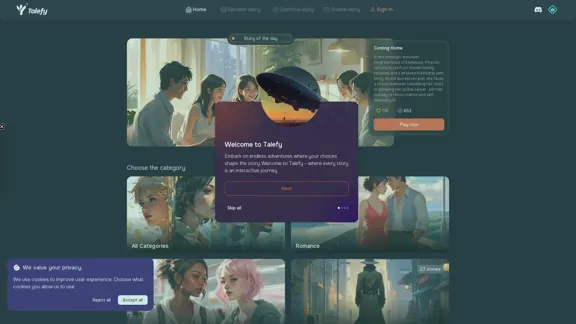
Unleash your imagination with Talefy, the AI-powered story generator. Explore interactive tales across various genres, unbounded by choices.
209.20 K
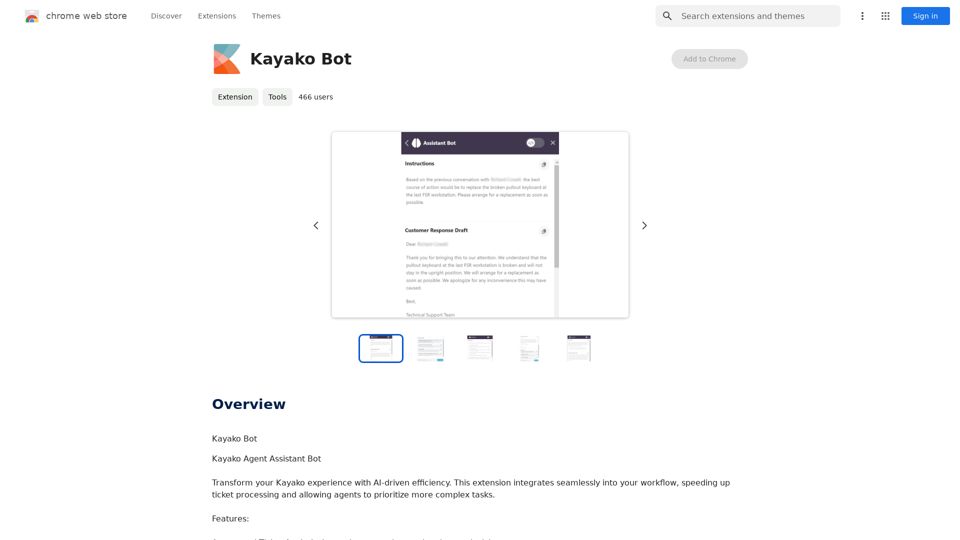
AI Copilot for Writing, Summarizing, and Chatting with PDF, WORD, and TXT Files Anywhere
AI Copilot for Writing, Summarizing, and Chatting with PDF, WORD, and TXT Files AnywhereDuang AI Tab, Use 1-Click AI Anywhere, All AI in One Page, All Prompts in One Page.
193.90 M