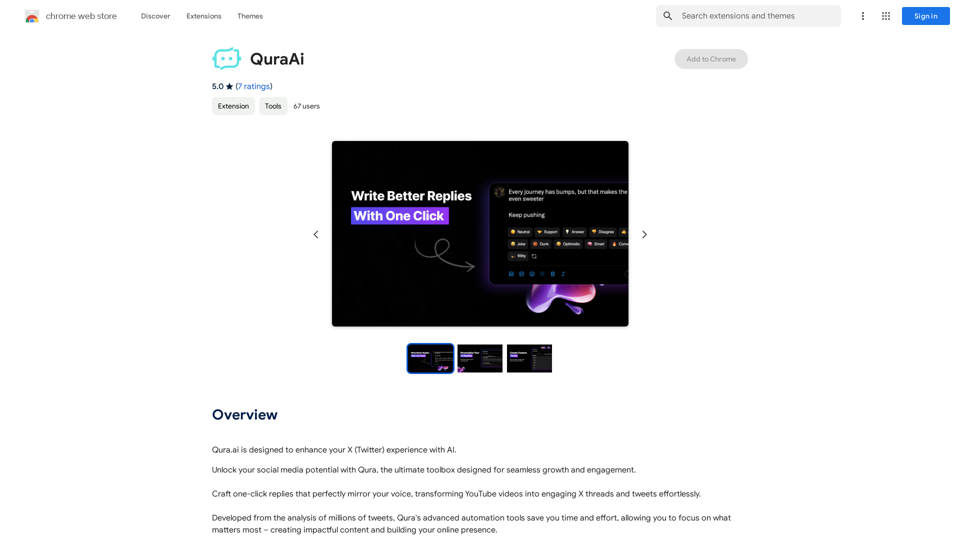
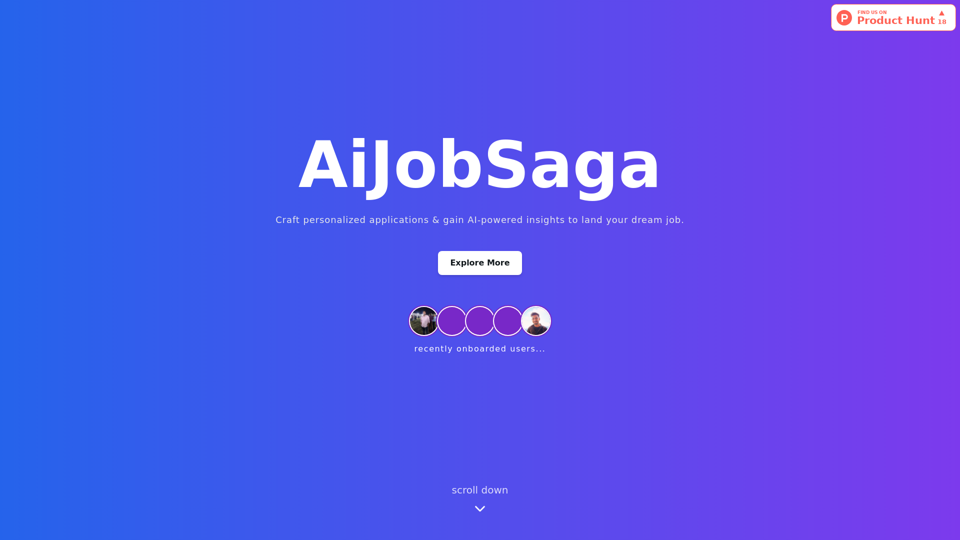
AiJobSaga is an innovative AI-powered platform designed to help job seekers create personalized applications and gain valuable insights for landing their dream jobs. By leveraging cutting-edge AI technology, AiJobSaga assists users in standing out in the competitive job market and increasing their chances of success.
AiJobSaga
Craft personalized applications & gain AI-powered insights to land your dream job with AIJobSaga.
Introduction
Feature
Personalized Messages
AiJobSaga's AI-powered message creation feature enables users to craft standout job applications that capture hiring managers' attention. This tool helps users create tailored messages highlighting their skills and experiences, boosting their chances of getting noticed.
AI-Generated Insights
The platform provides data-driven recommendations to optimize users' resumes and cover letters. This feature helps identify areas for improvement and guides users in making informed decisions to enhance their job applications.
87% Job Fit Score
AiJobSaga's advanced algorithm calculates a job fit score of 87%, indicating how well users' skills match specific job postings. This feature assists users in identifying the most suitable job opportunities and tailoring their applications accordingly.
Easy-to-Use Interface
AiJobSaga offers a user-friendly interface with a simple sign-up process. Users can quickly access all features and start optimizing their job search immediately.
AI-Powered Interview Simulator
The platform includes an AI-powered interview simulator to help users practice and improve their interview skills.
FAQ
Is AiJobSaga free to use?
AiJobSaga offers a free trial period, after which users can subscribe to access all the features and tools.
How does AiJobSaga's AI technology work?
AiJobSaga's AI technology uses advanced algorithms to analyze job postings and provide personalized recommendations to users.
Can I cancel my subscription at any time?
Yes, users can cancel their subscription at any time and receive a full refund.
Related Websites
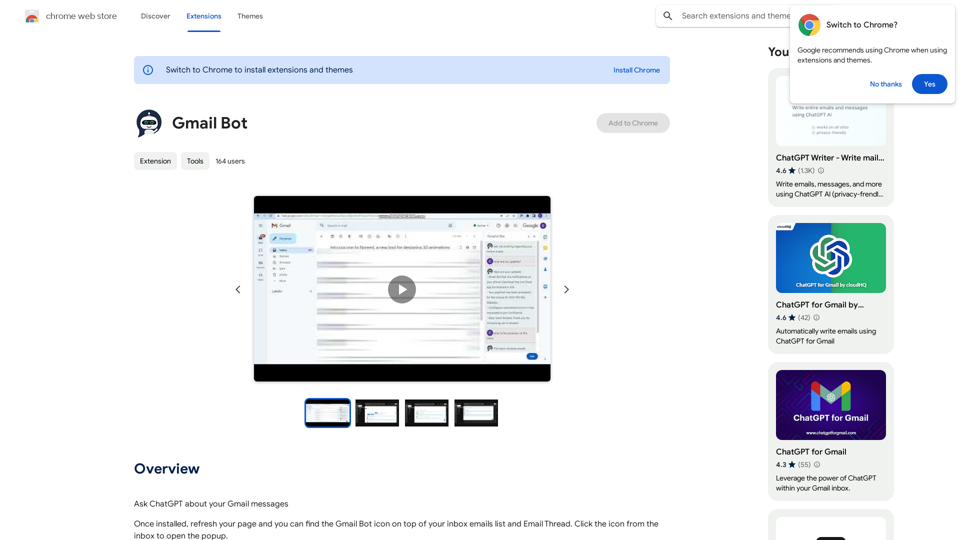

Beanbag is your AI assistant, residing in the browser sidebar, answering questions, summarizing translations of web pages, papers, and videos, and even helping you write emails quickly.
193.90 M
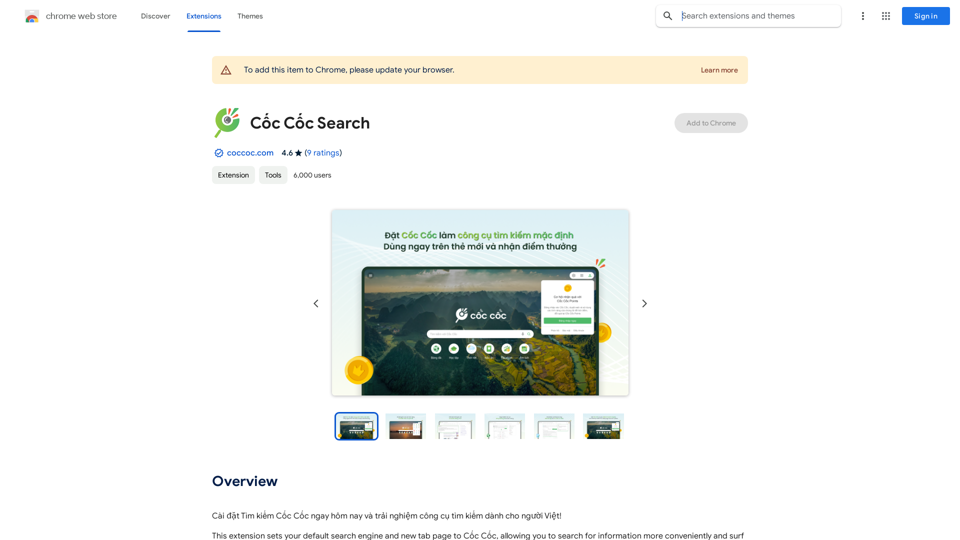
Install Cốc Cốc Search today and experience the search engine designed for Vietnamese people!
193.90 M
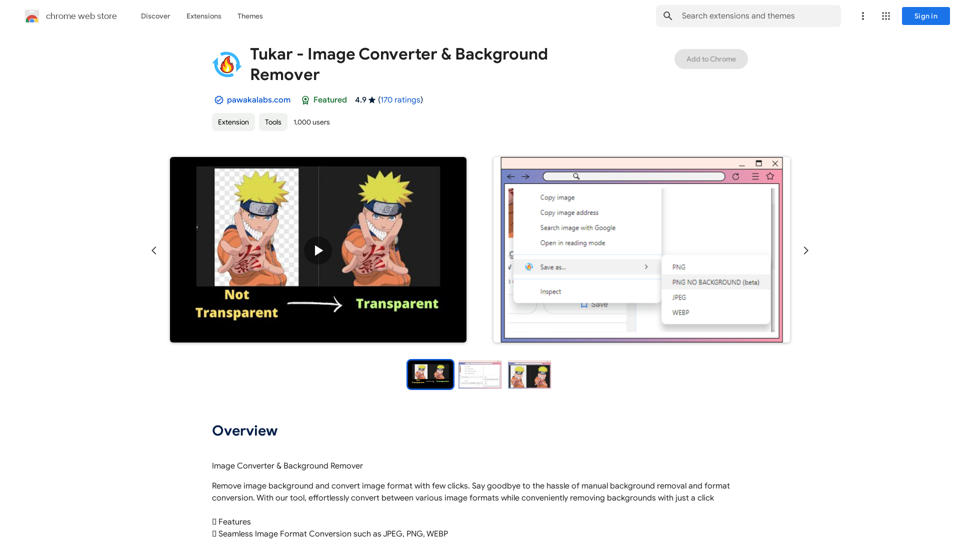
GPT Assistant Mexico This AI-powered assistant is designed to provide helpful and informative responses to your queries, with a focus on Mexico-related topics. Whether you need information on Mexican culture, history, travel, or daily life, this assistant is here to assist you. Features: * Answering questions: Get accurate and reliable information on a wide range of topics, from Mexican history to cultural traditions. * Providing recommendations: Looking for the best places to visit, eat, or stay in Mexico? This assistant has got you covered. * Language translation: Need help translating Spanish to English or vice versa? This assistant is happy to assist. * Conversation: Engage in natural-sounding conversations, just like you would with a local. Benefits: * Convenience: Get instant answers to your questions, 24/7. * Accuracy: Rely on trustworthy information, verified by experts. * Personalization: Receive tailored recommendations based on your preferences. * Language support: Communicate effortlessly, without language barriers. How to use: 1. Ask a question: Type your query, and the assistant will respond with a helpful answer. 2. Provide context: Share more information about your question, and the assistant will give you a more accurate response. 3. Start a conversation: Engage in a natural conversation, and the assistant will respond accordingly. Get started today!
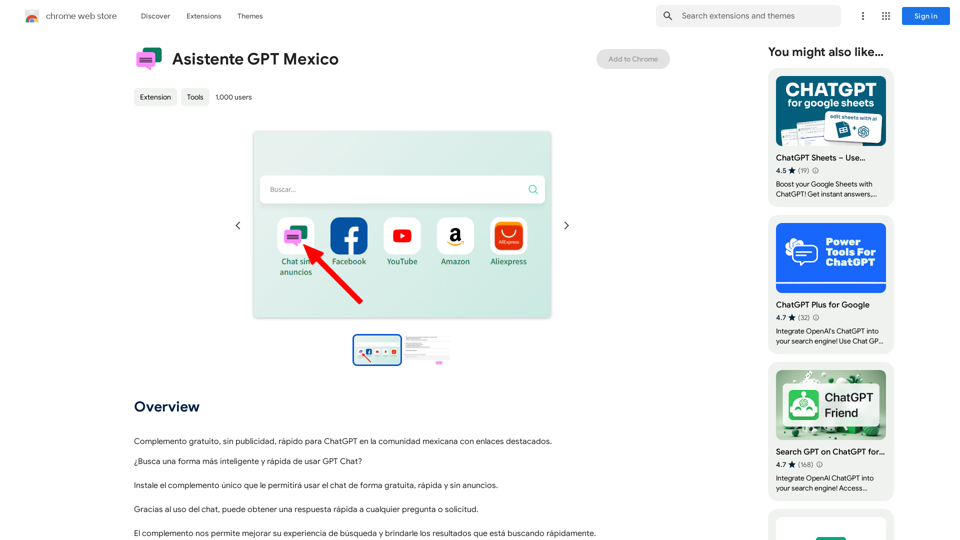
GPT Assistant Mexico This AI-powered assistant is designed to provide helpful and informative responses to your queries, with a focus on Mexico-related topics. Whether you need information on Mexican culture, history, travel, or daily life, this assistant is here to assist you. Features: * Answering questions: Get accurate and reliable information on a wide range of topics, from Mexican history to cultural traditions. * Providing recommendations: Looking for the best places to visit, eat, or stay in Mexico? This assistant has got you covered. * Language translation: Need help translating Spanish to English or vice versa? This assistant is happy to assist. * Conversation: Engage in natural-sounding conversations, just like you would with a local. Benefits: * Convenience: Get instant answers to your questions, 24/7. * Accuracy: Rely on trustworthy information, verified by experts. * Personalization: Receive tailored recommendations based on your preferences. * Language support: Communicate effortlessly, without language barriers. How to use: 1. Ask a question: Type your query, and the assistant will respond with a helpful answer. 2. Provide context: Share more information about your question, and the assistant will give you a more accurate response. 3. Start a conversation: Engage in a natural conversation, and the assistant will respond accordingly. Get started today!Free add-on, no ads, fast for ChatGPT in the Mexican community with highlighted links.
193.90 M