JourneyTracker is an AI-powered browser extension designed to revolutionize the way users conduct and organize their research. This innovative tool streamlines the process of curating, organizing, and summarizing information from various online sources. By allowing users to record their knowledge journey, summarize content using AI, and track information across multiple tabs and windows, JourneyTracker enhances productivity and efficiency in research tasks.
JourneyTracker
Make your research easier by collecting, organizing, and summarizing information from many different sources with no hassle.
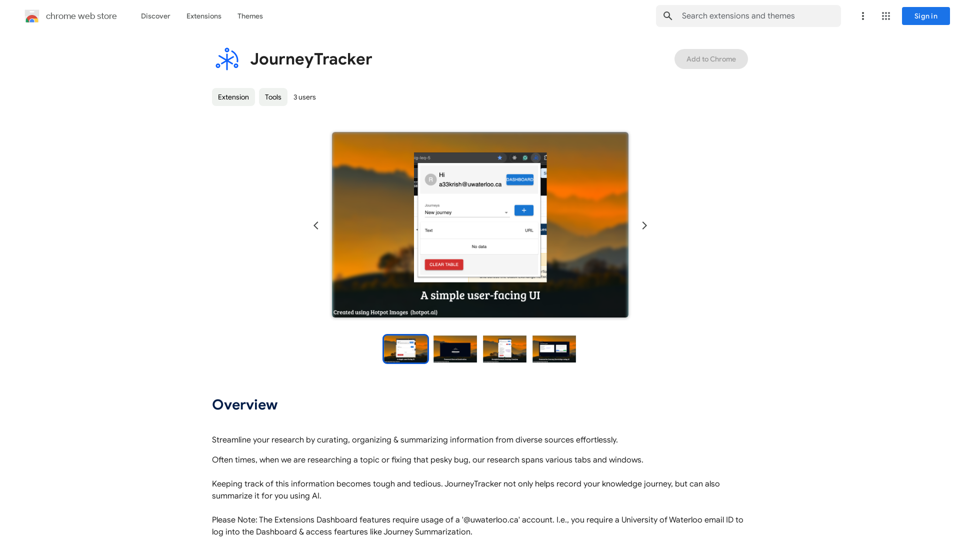
Introduction
Feature
AI-Powered Summarization
JourneyTracker utilizes advanced AI technology to summarize collected information, significantly reducing the time and effort required to process large volumes of data. This feature enables users to quickly grasp key points and insights from their research.
Curation and Organization Tools
The extension provides robust curation and organization capabilities, allowing users to efficiently manage information from diverse sources. This feature ensures easy access and reference to collected data, enhancing the overall research experience.
Grouping and Tagging System
JourneyTracker incorporates a comprehensive grouping and tagging system, enabling users to categorize and label their research effectively. This functionality facilitates quick retrieval of specific information and maintains a well-organized research structure.
Cross-Tab Information Tracking
The extension offers seamless tracking of information across multiple tabs and windows, ensuring that no valuable data is lost during extensive research sessions. This feature is particularly useful for users who often work with numerous sources simultaneously.
User-Friendly Installation and Configuration
JourneyTracker boasts a straightforward installation process through the Chrome Web Store, followed by an easy account setup and preference configuration. This simplicity allows users to quickly start benefiting from the extension's features.
Free Access
As a free extension, JourneyTracker provides all its powerful features without any subscription fees or usage limitations, making it accessible to a wide range of users.
FAQ
What are the primary use cases for JourneyTracker?
JourneyTracker is ideal for various research purposes, including:
- Academic paper writing
- Article composition
- Blog post creation
- General information gathering and organization
How can users maximize the benefits of JourneyTracker?
To get the most out of JourneyTracker:
- Utilize the grouping and tagging features to maintain a well-organized research structure
- Leverage the AI-powered summarization tool to quickly process large amounts of information
- Use the extension consistently across different research projects to build a comprehensive knowledge base
What sets JourneyTracker apart from other research tools?
JourneyTracker distinguishes itself through:
- AI-driven summarization capabilities
- Seamless cross-tab information tracking
- Comprehensive organization and tagging system
- Free access to all features without limitations
Is JourneyTracker compatible with browsers other than Chrome?
The provided information only mentions installation through the Chrome Web Store. For compatibility with other browsers, users should check the official JourneyTracker website or contact their support team for the most up-to-date information.
Related Websites
Google's service, provided at no cost, instantly translates words, phrases, and web pages between English and more than 100 other languages.
598.01 M
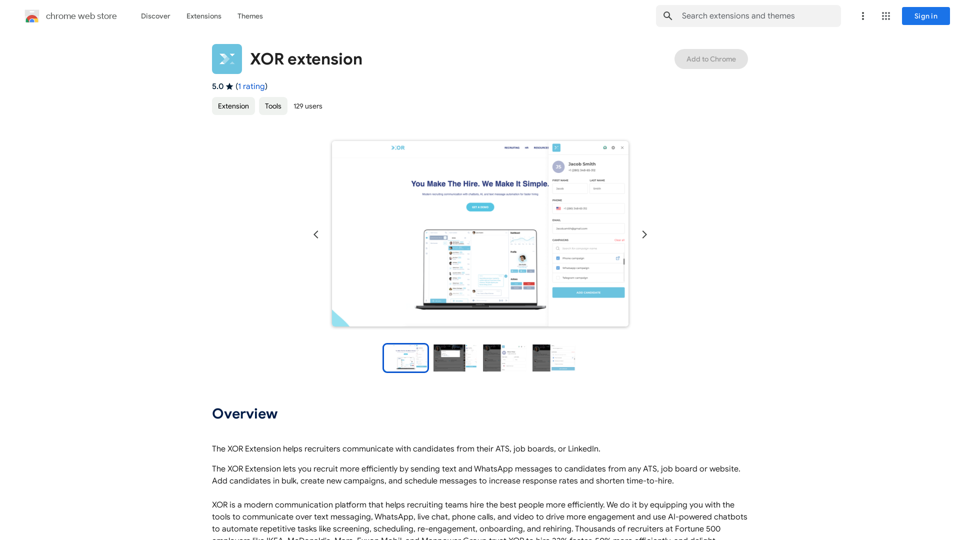
The XOR Extension lets recruiters talk to candidates from their Applicant Tracking System (ATS), job boards, or LinkedIn.
193.90 M
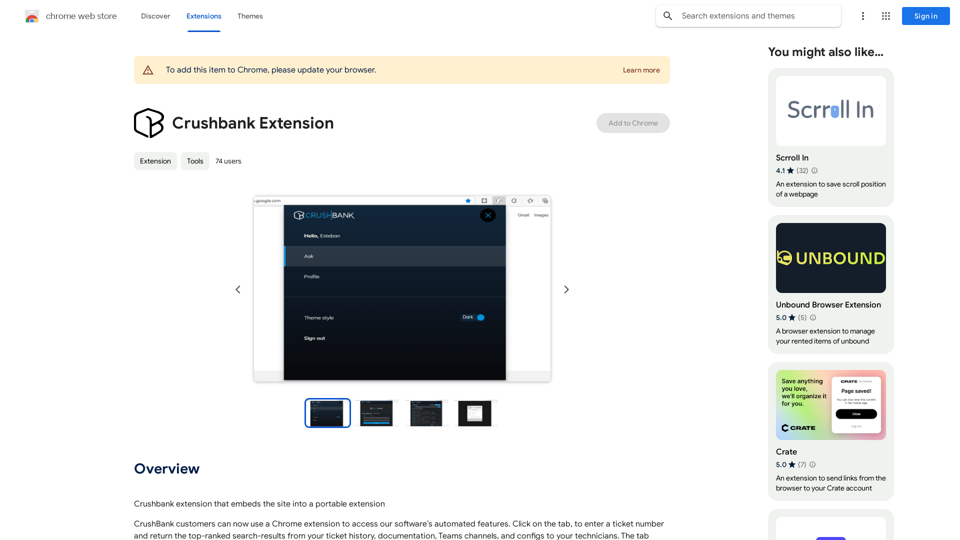
A browser extension for Crushbank that lets you use the site in a standalone, portable way.
193.90 M
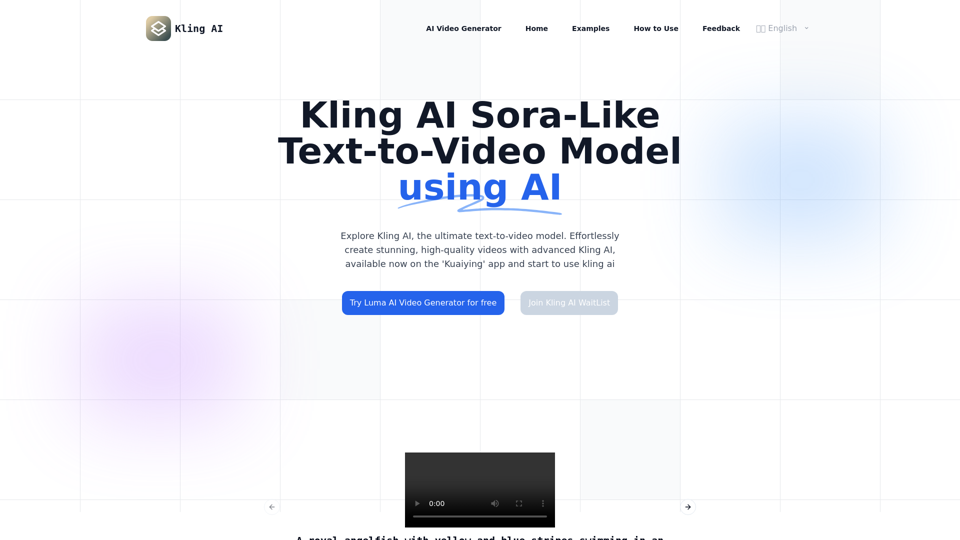
Kling AI | KuaiShou Text-to-Video Generation Model
Kling AI | KuaiShou Text-to-Video Generation ModelDiscover Kling AI, a revolutionary Sora-like text-to-video model. Create stunning videos with advanced 3D mechanisms and cinema-grade quality.
21.14 K

Subtitle Wizard - Real-time Speech Recognition, AI Subtitle Translation
Subtitle Wizard - Real-time Speech Recognition, AI Subtitle TranslationWatch foreign TV series and learn without mistakes, the new subtitle translation elf is here to assist, a browser-based subtitle translation artifact.
193.90 M
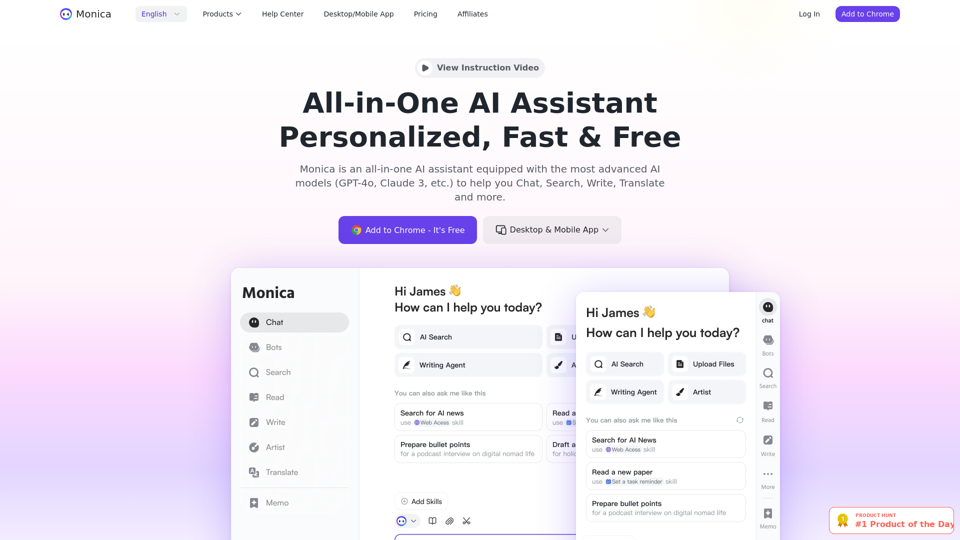
Monica integrates leading AI models (GPT-4, Claude 3, Gemini) for one-click chat, search, writing, coding and more. Try it on Chrome, Edge, or our APP.
9.55 M
Discover SkillSpot.ai, an AI-driven recruitment solution transforming the hiring landscape. Experience AI-guided job listings, intelligent AI Powered candidate screening, and detailed virtual interviews. Embrace efficiency and precision in talent acquisition with our advanced AI tools. Book a demo today!
1.24 K
An AI-powered search engine that provides immediate answers to your most important questions.
An AI-powered search engine that provides immediate answers to your most important questions.MassivePrediction: A specialized AI search engine that is always available and runs directly in your browser. It instantly retrieves highly relevant content from the internet that was created by AI.
0