Best AI Tools Directory is a comprehensive platform offering access to a wide range of AI technologies. Updated daily by GPT-4o, it provides tools for various needs including text generation and image understanding. The directory is designed to be user-friendly, allowing free exploration and submission of AI tools, making it an invaluable resource for both AI enthusiasts and developers.
Get Your Best AI Tools | bestaitoolsforthat.com
Discover the top AI tools of 2024 with the bestaitoolsforthat.com AI Directory! Explore the best and latest innovations in artificial intelligence technology.
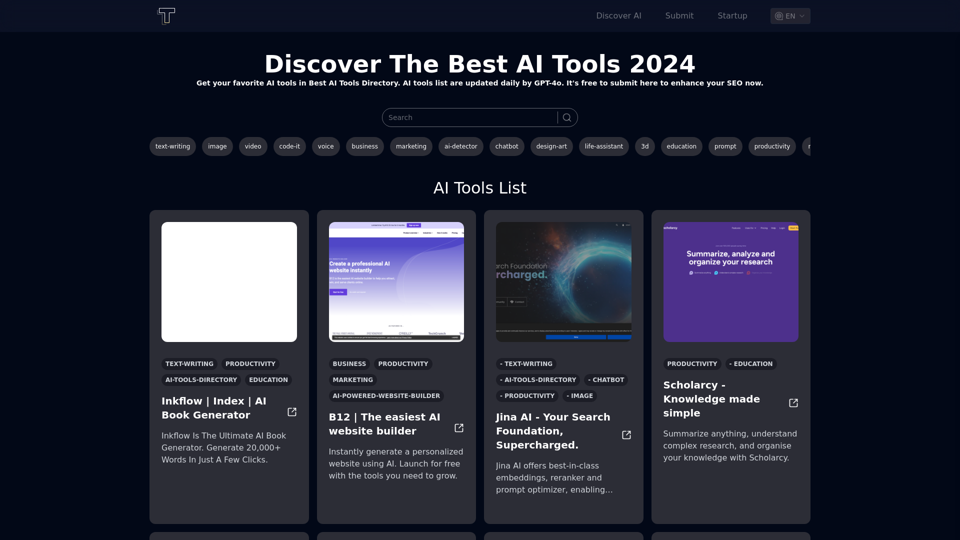
Introduction
Feature
Free AI Tools Directory
- Free to submit favorite AI tools
- Explore a vast array of available tools at no cost
- Updated daily with new AI technologies
Startup List
- Provides a free startup list for AI tools developers
- Supports the growth of the AI development community
Extensive GPT Models
- Offers nearly 200,000 GPT models
- Covers a wide variety of applications in work, study, and everyday life
Daily Free Uses
- Leverages GPT-4o for document reading
- Utilizes Dalle for image generation
- Provides 20 free GPT-4o conversations per day
User Privacy Protection
- User data not used for training purposes
- Option to delete account and remove all data
Subscription Option
- Available for users who require more than 20 GPT-4o conversations per day
- Affordable products for heavy users
FAQ
How to use Best AI Tools Directory?
- Open bestaitoolsforthat.com
- Explore the AI tools in the directory
- Click on desired AI tools for details and to visit the tool's website
What types of AI tools are supported?
The directory aims to support all kinds of AI tools. Categories will be expanded in the near future.
How often is the AI tools list updated?
The list of AI tools is updated daily.
Is GPT-4o or Sora AI available?
Yes, users can find information and links to GPT-4o and Sora AI tools on the directory.
What should I do if content isn't appearing?
Try the following troubleshooting steps:
- Use a different browser
- Clear your cache
- If issues persist, contact support at [email protected]
How is the content for AI tools descriptions generated?
The descriptions are generated by GPT-4o from OpenAI.
What are the usage rights for the AI tools?
Best AI Tools Directory is solely a directory. Usage rights for individual AI tools are determined by each tool's respective website.
Related Websites

SafeGPT =============== SafeGPT is an AI model designed to generate human-like text while avoiding harmful or toxic content. It is trained on a massive dataset of text from the internet and can understand and respond to user input in a conversational manner. SafeGPT is capable of generating text on a wide range of topics, from simple questions to complex discussions, and can even create stories, dialogues, and more. Key Features: * Harmless responses: SafeGPT is designed to avoid generating harmful or toxic content, making it a safe and reliable tool for users of all ages. * Conversational understanding: SafeGPT can understand and respond to user input in a conversational manner, making it feel more like a human-like interaction. * Creative freedom: SafeGPT can generate text on a wide range of topics, from simple questions to complex discussions, and can even create stories, dialogues, and more. * Continuous learning: SafeGPT is constantly learning and improving its responses based on user feedback, ensuring that it becomes more accurate and helpful over time. Use Cases: * Chatbots and virtual assistants: SafeGPT can be used to power chatbots and virtual assistants, providing users with a safe and reliable way to interact with machines. * Content generation: SafeGPT can be used to generate content for websites, social media, and other platforms, helping to reduce the workload of content creators. * Language learning: SafeGPT can be used to help language learners practice their conversational skills, providing them with a safe and interactive way to improve their language abilities. Benefits: * Improved safety: SafeGPT's ability to avoid generating harmful or toxic content makes it a safer tool for users of all ages. * Increased creativity: SafeGPT's ability to generate text on a wide range of topics and in various styles makes it a valuable tool for content creators and language learners. * Enhanced user experience: SafeGPT's conversational understanding and ability to respond in a human-like manner make it a more enjoyable and interactive tool for users.
SafeGPT =============== SafeGPT is an AI model designed to generate human-like text while avoiding harmful or toxic content. It is trained on a massive dataset of text from the internet and can understand and respond to user input in a conversational manner. SafeGPT is capable of generating text on a wide range of topics, from simple questions to complex discussions, and can even create stories, dialogues, and more. Key Features: * Harmless responses: SafeGPT is designed to avoid generating harmful or toxic content, making it a safe and reliable tool for users of all ages. * Conversational understanding: SafeGPT can understand and respond to user input in a conversational manner, making it feel more like a human-like interaction. * Creative freedom: SafeGPT can generate text on a wide range of topics, from simple questions to complex discussions, and can even create stories, dialogues, and more. * Continuous learning: SafeGPT is constantly learning and improving its responses based on user feedback, ensuring that it becomes more accurate and helpful over time. Use Cases: * Chatbots and virtual assistants: SafeGPT can be used to power chatbots and virtual assistants, providing users with a safe and reliable way to interact with machines. * Content generation: SafeGPT can be used to generate content for websites, social media, and other platforms, helping to reduce the workload of content creators. * Language learning: SafeGPT can be used to help language learners practice their conversational skills, providing them with a safe and interactive way to improve their language abilities. Benefits: * Improved safety: SafeGPT's ability to avoid generating harmful or toxic content makes it a safer tool for users of all ages. * Increased creativity: SafeGPT's ability to generate text on a wide range of topics and in various styles makes it a valuable tool for content creators and language learners. * Enhanced user experience: SafeGPT's conversational understanding and ability to respond in a human-like manner make it a more enjoyable and interactive tool for users.Safe Web Co-pilot
193.90 M
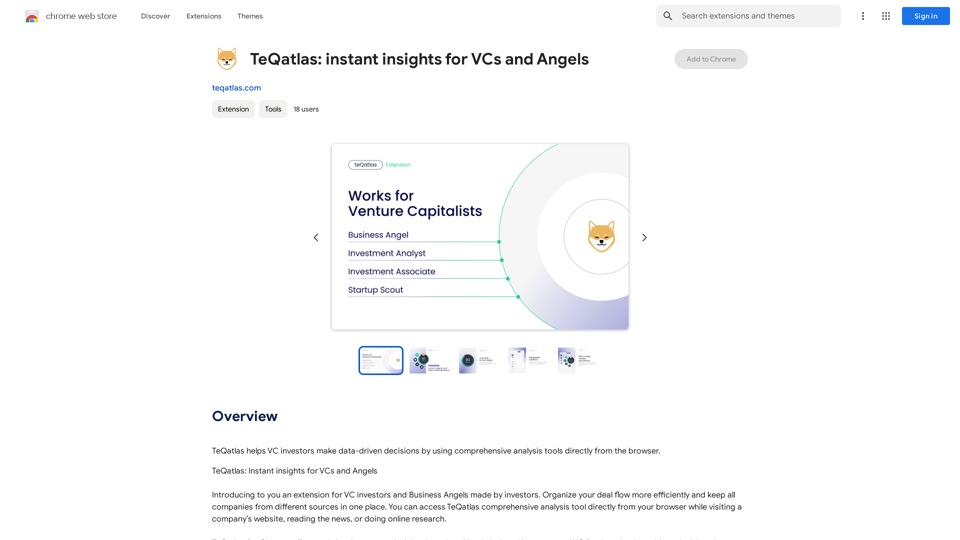
TeQatlas helps venture capital investors make decisions based on data by using complete analysis tools right in your web browser.
193.90 M
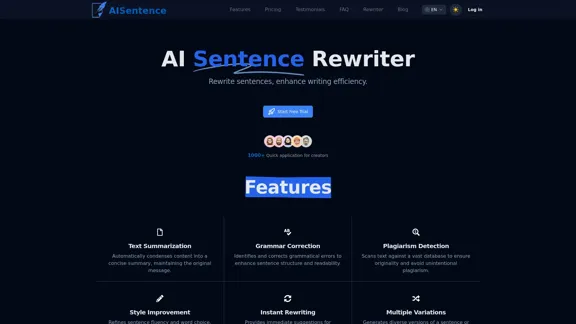
AI Sentence | Free Online AI Sentence Rewriter Tool 2024
AI Sentence | Free Online AI Sentence Rewriter Tool 2024Transform your writing instantly with AI Sentence Rewriter. Our free AI-powered tool helps you rewrite sentences, paragraphs, and articles to be more engaging, professional, and natural-sounding. Perfect for content creators, students, and professionals.
0
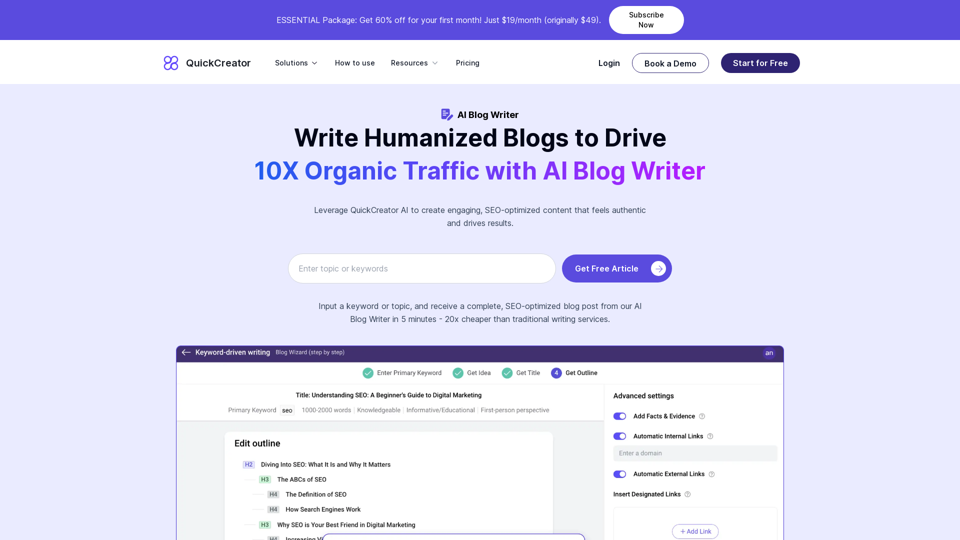
AI Blog Writer - Create Humanized, SEO-Optimized Blogs | QuickCreator
AI Blog Writer - Create Humanized, SEO-Optimized Blogs | QuickCreatorElevate your content with AI Blog Writer by QuickCreator. Generate engaging, human-like blog posts using real-time data and verified citations. Try it for Free.
97.34 K
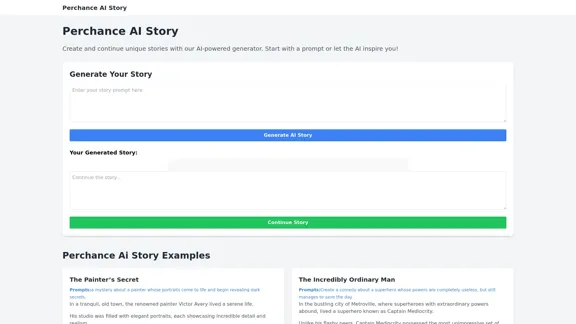
Perchance AI Story is a website that supports multiple languages and can continue to write stories.
0
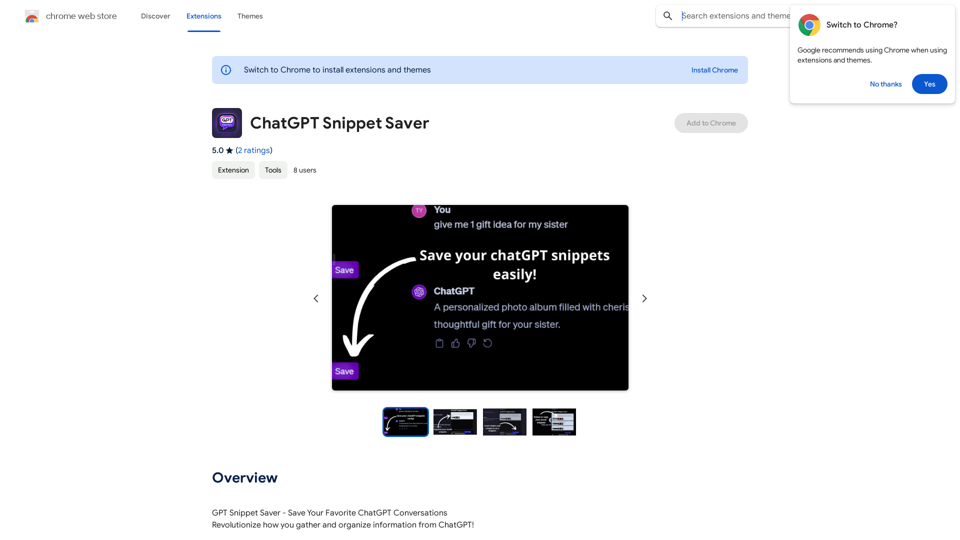
ChatGPT Snippet Saver This is a simple tool to save snippets from your ChatGPT conversations. How to Use: 1. Copy the text snippet you want to save from your ChatGPT conversation. 2. Paste the text into the input box below. 3. Click the "Save Snippet" button. Your snippet will be saved to your local storage. You can access your saved snippets later by clicking the "View Saved Snippets" button.
ChatGPT Snippet Saver This is a simple tool to save snippets from your ChatGPT conversations. How to Use: 1. Copy the text snippet you want to save from your ChatGPT conversation. 2. Paste the text into the input box below. 3. Click the "Save Snippet" button. Your snippet will be saved to your local storage. You can access your saved snippets later by clicking the "View Saved Snippets" button.GPT Snippet Saver - Save Your Favorite ChatGPT Conversations Revolutionize how you gather and organize information from ChatGPT! - Effortlessly capture and store your most valuable ChatGPT interactions. - Organize your saved conversations by topic, date, or any custom tag. - Easily search and retrieve specific snippets from your saved history. - Share your favorite ChatGPT insights with others. - Never lose track of a brilliant idea or helpful response again.
193.90 M