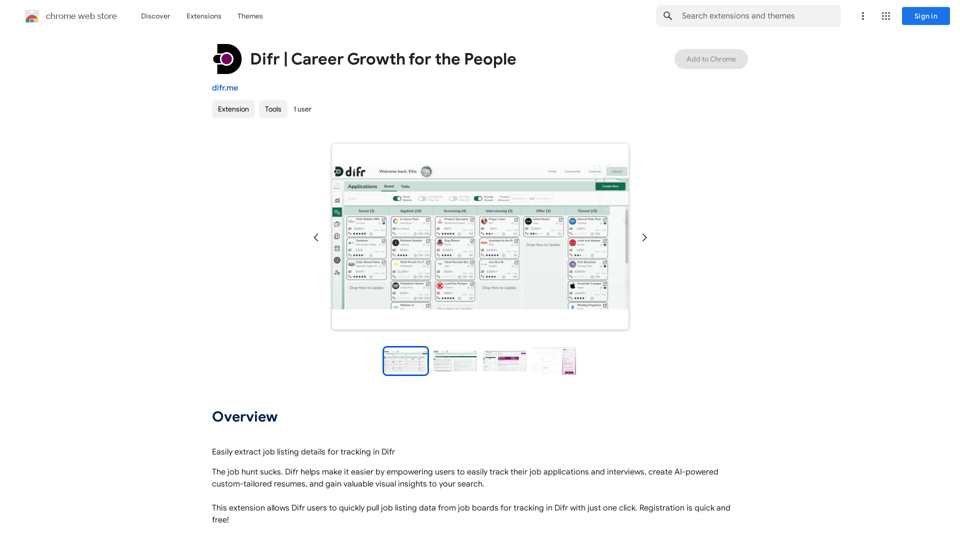
TeQatlas is an innovative browser extension designed for VC investors and Business Angels. Created by investors, it streamlines deal flow management by consolidating companies from various sources into a single platform. TeQatlas offers comprehensive analysis tools accessible directly from your browser, enhancing efficiency while researching companies, reading news, or browsing websites.
TeQatlas: Instant Insights for VCs and Angels
TeQatlas helps venture capital investors make decisions based on data by using complete analysis tools right in your web browser.
Introduction
Feature
Real-time Investment Insights
TeQatlas leverages AI technology to provide real-time investment insights, empowering Angel investors and VC funds to make data-driven decisions.
Comprehensive Analysis Tool
The extension offers a robust analysis tool that evaluates a company's relevance based on your specific investment focus, ensuring you identify the most promising opportunities.
Radar for Future Reference
Users can save highly relevant companies to their Radar, creating a curated list of potential investments for future consideration.
Chat Room for Updates
TeQatlas includes a Chat Room feature where users can monitor new messages from investees, keeping them informed about the latest developments.
One-Click Insights
With TeQatlas, users can quickly assess a company's relevance within seconds, relying on intelligent data analysis and a proprietary Relevance Score.
Integrated Workflow
The extension allows users to save all companies in one place without the need to open a separate CRM, streamlining deal-sourcing activities with the help of a personal assistant.
Opportunity Tracking
TeQatlas enables users to follow company updates and receive notifications about relevant news, including changes in company status, new releases, or active deals.
FAQ
How does TeQatlas work?
TeQatlas utilizes AI-based real-time investment insights to assist Angel investors and VC funds in making data-driven decisions. It allows users to find out a company's relevancy based on their investment focus, save highly relevant companies to their Radar, and monitor updates from investees in the Chat Room.
Who is TeQatlas designed for?
TeQatlas caters to two main user groups:
- Angel investors who want to conduct pre-screening efficiently and avoid missing investment opportunities.
- VC funds seeking to make data-driven decisions quickly and centralize companies from various sources in one location.
What are the key benefits of using TeQatlas?
The main benefits of using TeQatlas include:
- One-click insights: Quickly assess a company's relevance using data and an intelligent Relevance Score.
- Integrated workflow: Save all companies in one place without opening a separate CRM, syncing deal-sourcing activities with a personal assistant.
- No missed opportunities: Follow company updates and receive notifications about relevant news, status changes, releases, or new active deals.
Related Websites
AiJobster - Job Search in AI Companies and Remote AI Jobs
AiJobster - Job Search in AI Companies and Remote AI JobsAiJobster - Your premier platform for job search in AI companies and remote jobs across top AI-driven organizations. Discover your future in tech today!
694
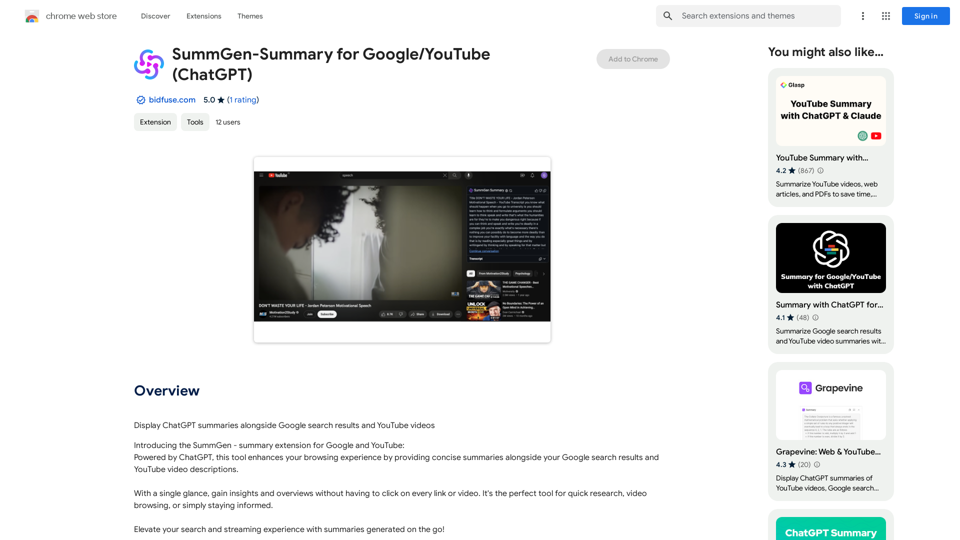
SummGen-Summary for Google/YouTube (ChatGPT) This is a summary of the capabilities and potential uses of SummGen, a text summarization model, specifically in the context of Google and YouTube. * What is SummGen? SummGen is a powerful text summarization model developed by Google DeepMind. It excels at condensing large amounts of text into concise and informative summaries. * How can SummGen be used with Google Search? Imagine searching Google for a complex topic. SummGen could analyze the top search results and generate a brief, clear summary of the key information, saving you time and effort. * Applications for YouTube: * Video Summaries: SummGen could automatically generate summaries of YouTube videos, making it easier for viewers to quickly understand the content. * Closed Captions: SummGen could enhance closed captions by providing more accurate and concise summaries of the spoken words. * Content Discovery: YouTube could use SummGen to create summaries of trending videos, helping users discover new content based on their interests. * Benefits: * Efficiency: SummGen saves time by providing concise summaries of large amounts of text. * Accessibility: Summaries can make information more accessible to people with visual or cognitive impairments. * Improved Understanding: Summaries can help users grasp complex topics more easily. SummGen has the potential to revolutionize how we interact with information on Google and YouTube, making it more efficient, accessible, and understandable.
SummGen-Summary for Google/YouTube (ChatGPT) This is a summary of the capabilities and potential uses of SummGen, a text summarization model, specifically in the context of Google and YouTube. * What is SummGen? SummGen is a powerful text summarization model developed by Google DeepMind. It excels at condensing large amounts of text into concise and informative summaries. * How can SummGen be used with Google Search? Imagine searching Google for a complex topic. SummGen could analyze the top search results and generate a brief, clear summary of the key information, saving you time and effort. * Applications for YouTube: * Video Summaries: SummGen could automatically generate summaries of YouTube videos, making it easier for viewers to quickly understand the content. * Closed Captions: SummGen could enhance closed captions by providing more accurate and concise summaries of the spoken words. * Content Discovery: YouTube could use SummGen to create summaries of trending videos, helping users discover new content based on their interests. * Benefits: * Efficiency: SummGen saves time by providing concise summaries of large amounts of text. * Accessibility: Summaries can make information more accessible to people with visual or cognitive impairments. * Improved Understanding: Summaries can help users grasp complex topics more easily. SummGen has the potential to revolutionize how we interact with information on Google and YouTube, making it more efficient, accessible, and understandable.Display ChatGPT Summaries Alongside Google Search Results and YouTube Videos This feature would allow users to see concise summaries generated by ChatGPT directly integrated with their Google search results and YouTube video pages. Imagine searching for a topic on Google and seeing a ChatGPT-generated summary at the top of the results, providing a quick overview of the key points. Or, watching a YouTube video and having a ChatGPT summary appear below, highlighting the main takeaways. This integration could significantly enhance the user experience by: * Saving time: Quickly grasp the essence of information without having to read through lengthy articles or watch entire videos. * Improving comprehension: ChatGPT summaries can rephrase complex information in a more accessible way. * Encouraging exploration: Summaries can spark curiosity and lead users to explore related content further.
193.90 M
Enhance your browser with new features and tailor your browsing experience to your preferences.
193.90 M
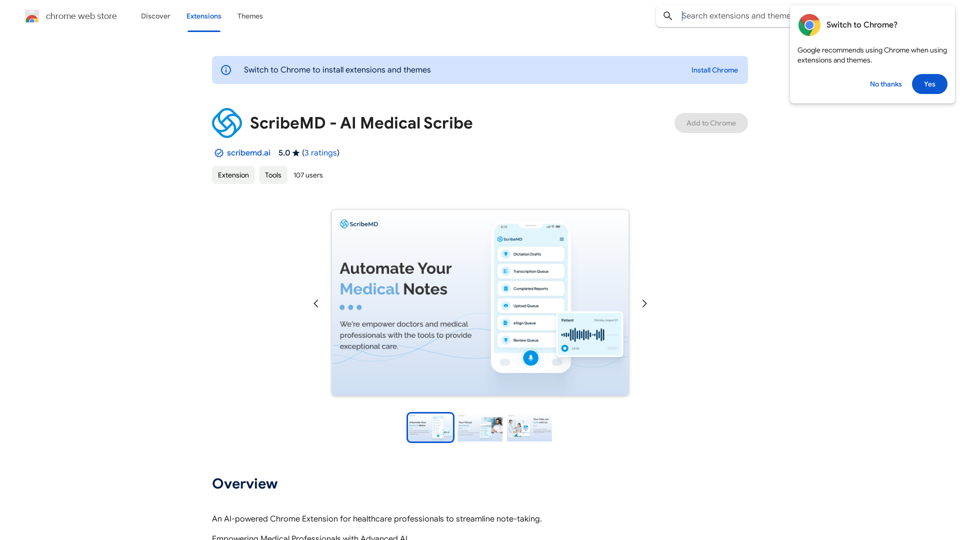
A Chrome extension powered by artificial intelligence, designed for healthcare professionals to make note-taking easier and more efficient.
193.90 M