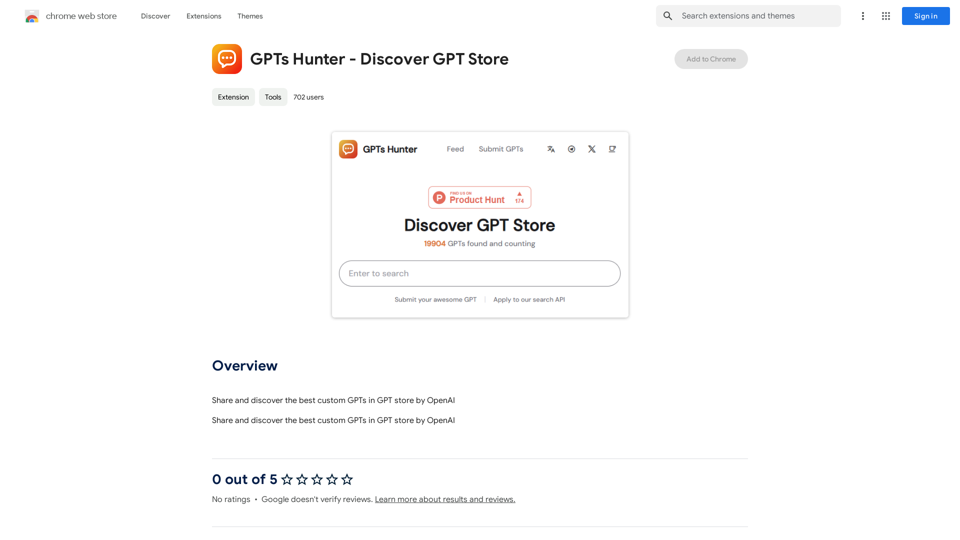
GPTs Hunter is a Chrome extension designed to enhance the experience of discovering and exploring custom GPTs in OpenAI's GPT store. It provides users with a platform to share and find the most effective custom GPTs, streamlining the process of locating AI models tailored to specific needs. The extension is free to use, with an optional subscription available for extended access.
GPTs Hunter - Explore the GPT Marketplace
Share and Discover the Best Custom GPTs in the GPT Store by OpenAI
Introduction
Feature
Discover Top Custom GPTs
GPTs Hunter allows users to browse and identify the best custom GPTs available in OpenAI's GPT store, making it easier to find AI models suited for various tasks and requirements.
Share and Explore
Users can share their favorite custom GPTs and discover those recommended by others, fostering a community-driven approach to AI model discovery.
Easy Access to AI Technologies
The extension provides seamless access to a wide range of AI technologies, simplifying the process of leveraging advanced AI capabilities.
Free Usage with Premium Option
While the basic features are free, users can opt for a subscription to gain extended access and additional functionalities.
Chrome Web Store Integration
GPTs Hunter can be easily installed from the Chrome Web Store, ensuring a straightforward setup process for users.
Generate Endless Answers
The extension enables users to generate unlimited responses from ChatGPT, enhancing the utility of the AI model.
FAQ
What is GPTs Hunter?
GPTs Hunter is a Chrome extension that facilitates the discovery and exploration of the best custom GPTs in OpenAI's GPT store. It allows users to share and find custom GPTs, making it easier to locate the right AI model for specific needs.
How do I use GPTs Hunter?
To use GPTs Hunter:
- Install the extension from the Chrome Web Store
- Browse the GPT store to discover top custom GPTs
- Share and explore custom GPTs recommended by other users
- Utilize the extension to generate responses from ChatGPT
Is GPTs Hunter free to use?
Yes, GPTs Hunter is free to use. However, there is an optional subscription available for users who want extended access and additional features.
Related Websites
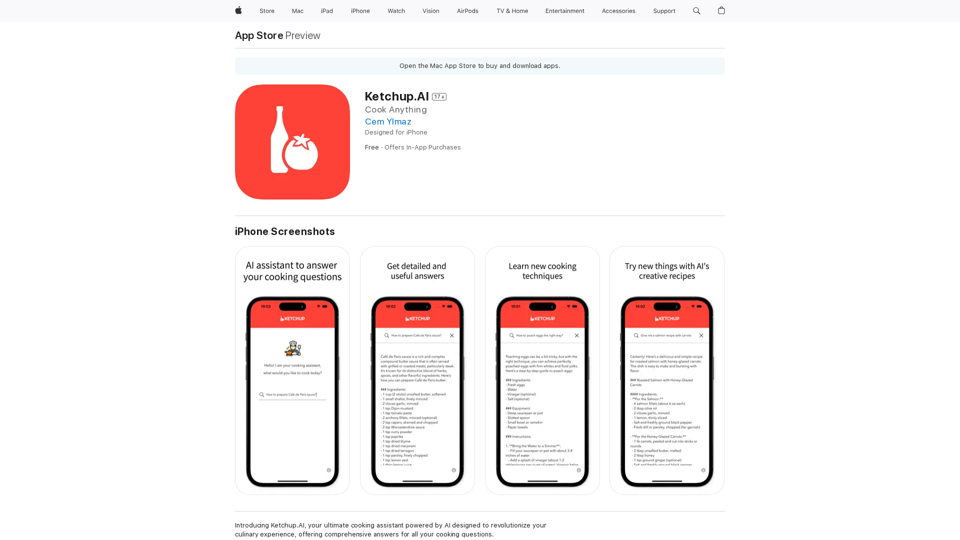
Introducing Ketchup.AI, your ultimate cooking assistant powered by AI, designed to revolutionize your culinary experience, offering comprehensive answers for all your cooking needs.
124.77 M
Influencer Tools for Amazon Influencers This guide explores essential tools to help Amazon influencers succeed. 1. Content Creation Tools: * Canva: Design eye-catching graphics, videos, and social media posts. * Lumen5: Create engaging videos from blog posts or scripts. * InShot: Edit and enhance videos for mobile devices. 2. Product Research Tools: * Jungle Scout: Analyze product trends, competition, and sales data. * Helium 10: Discover profitable products, track keywords, and optimize listings. * Viral Launch: Identify trending products and conduct market research. 3. Social Media Management Tools: * Buffer: Schedule and manage social media posts across multiple platforms. * Hootsuite: Monitor brand mentions, engage with followers, and track social media performance. * Later: Plan and visualize Instagram content. 4. Analytics and Tracking Tools: * Amazon Influencer Program Dashboard: Track your performance, earnings, and audience engagement. * Google Analytics: Monitor website traffic and user behavior. * UTM Parameters: Track the effectiveness of your marketing campaigns. 5. Email Marketing Tools: * Mailchimp: Create and send email newsletters to your subscribers. * ConvertKit: Build an email list and automate your marketing workflows. * Klaviyo: Segment your audience and personalize email campaigns.
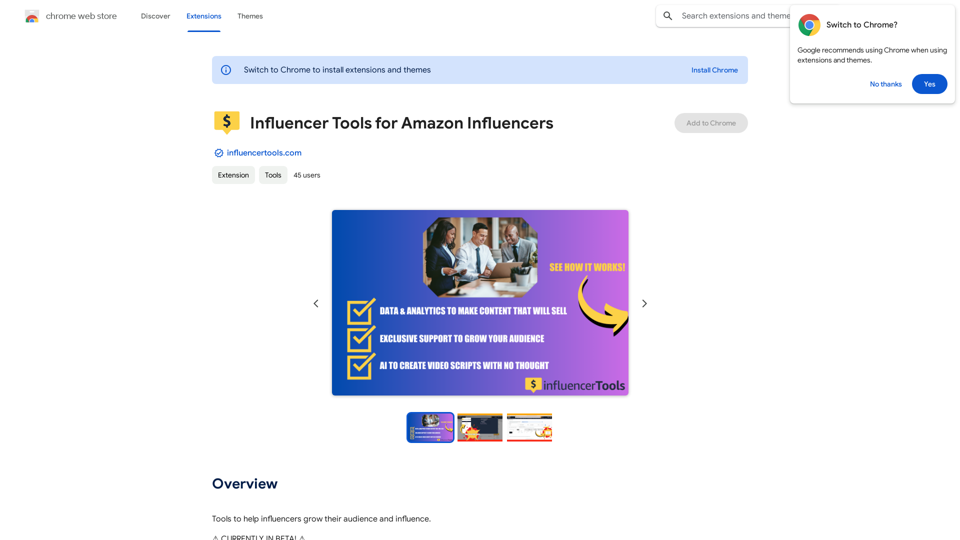
Influencer Tools for Amazon Influencers This guide explores essential tools to help Amazon influencers succeed. 1. Content Creation Tools: * Canva: Design eye-catching graphics, videos, and social media posts. * Lumen5: Create engaging videos from blog posts or scripts. * InShot: Edit and enhance videos for mobile devices. 2. Product Research Tools: * Jungle Scout: Analyze product trends, competition, and sales data. * Helium 10: Discover profitable products, track keywords, and optimize listings. * Viral Launch: Identify trending products and conduct market research. 3. Social Media Management Tools: * Buffer: Schedule and manage social media posts across multiple platforms. * Hootsuite: Monitor brand mentions, engage with followers, and track social media performance. * Later: Plan and visualize Instagram content. 4. Analytics and Tracking Tools: * Amazon Influencer Program Dashboard: Track your performance, earnings, and audience engagement. * Google Analytics: Monitor website traffic and user behavior. * UTM Parameters: Track the effectiveness of your marketing campaigns. 5. Email Marketing Tools: * Mailchimp: Create and send email newsletters to your subscribers. * ConvertKit: Build an email list and automate your marketing workflows. * Klaviyo: Segment your audience and personalize email campaigns.Tools to help influencers grow their audience and influence.
193.90 M
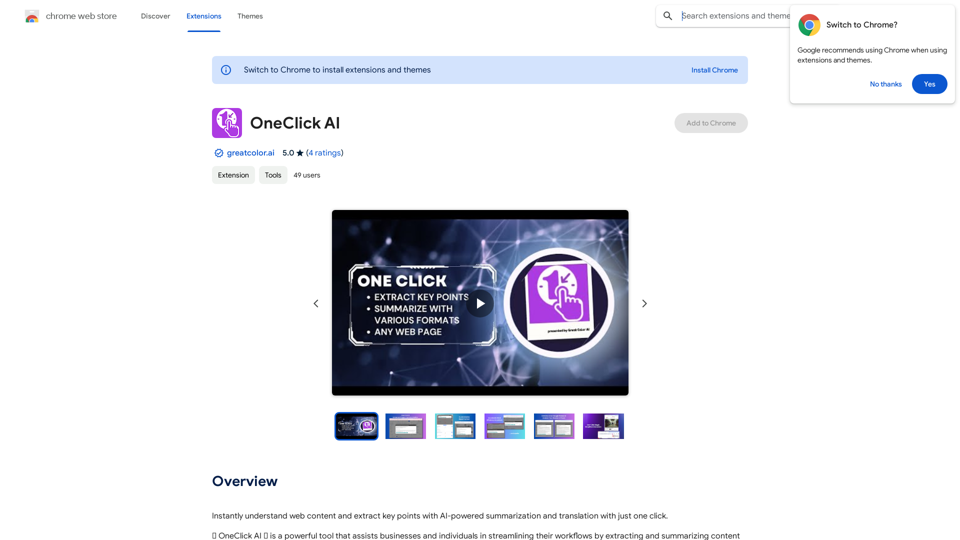
Instantly understand web content and extract key points with AI-powered summarization and translation with just one click.
193.90 M
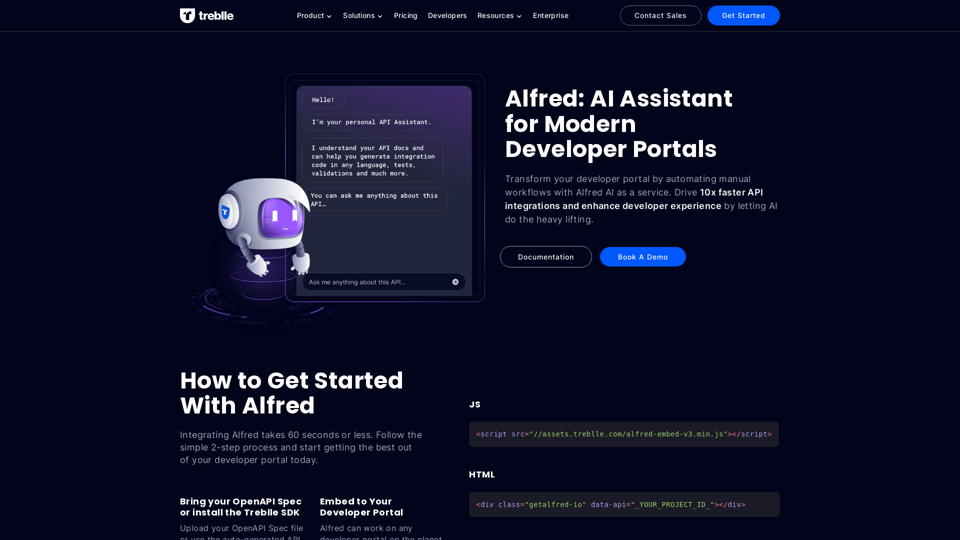
Transform your developer portal by automating manual workflows with Alfred AI as a service. Drive 10x faster API integrations and enhance developer experience by letting AI do the heavy lifting.
67.31 K
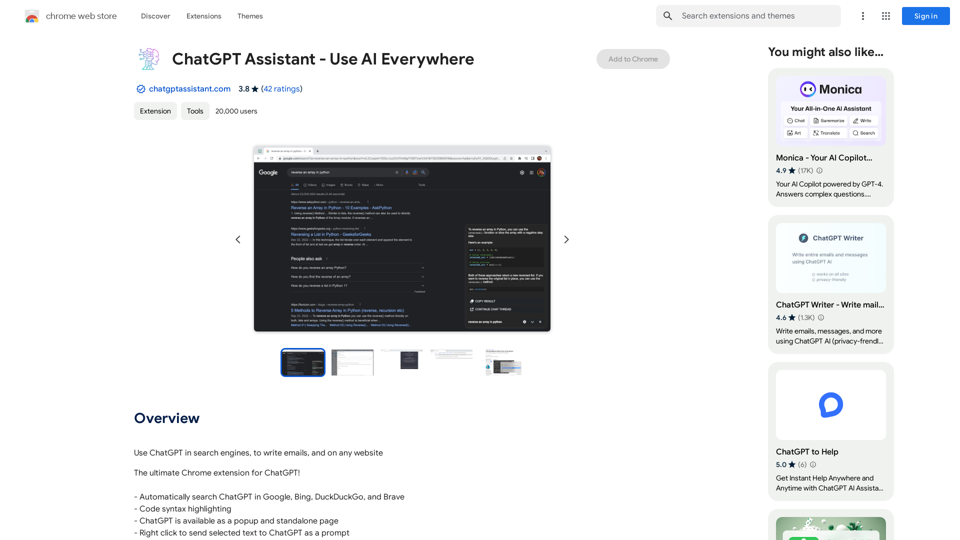
Unlocking the Power of ChatGPT: Expanding Its Reach Beyond Conversations ChatGPT, the revolutionary AI language model, has been making waves in the digital world. While it's primarily known for its conversational capabilities, its potential uses extend far beyond just chatting. Imagine harnessing the power of ChatGPT to supercharge your online activities, such as searching, emailing, and browsing websites. Search Engines Integrating ChatGPT into search engines can elevate the search experience. Here are a few ways it can make a difference: * Natural Language Queries: With ChatGPT, users can ask complex, conversational questions, and the AI will understand the context, providing more accurate results. * Personalized Results: ChatGPT can learn users' preferences and tailor search results to their interests, making the search process more efficient. * Answer Engine: Instead of providing a list of links, ChatGPT can directly answer questions, saving users time and effort. Writing Emails ChatGPT can assist in crafting well-structured, coherent emails, making communication more effective: * Email Composition: The AI can suggest relevant topics, tone, and language, helping users to express themselves more clearly. * Content Generation: ChatGPT can generate email content, such as introductions, summaries, or even entire emails, saving time and effort. * Language Translation: The AI can translate emails in real-time, breaking language barriers and facilitating global communication. Any Website Imagine having ChatGPT as your personal assistant on any website: * Content Summarization: The AI can summarize long articles, blog posts, or product descriptions, providing users with a quick overview. * FAQ Generation: ChatGPT can generate answers to frequently asked questions, reducing the need for customer support. * Personalized Recommendations: The AI can analyze user behavior and provide personalized suggestions, enhancing the overall user experience. The possibilities are endless, and the potential benefits are substantial. By integrating ChatGPT into search engines, email clients, and websites, we can unlock a new level of efficiency, productivity, and innovation.
193.90 M
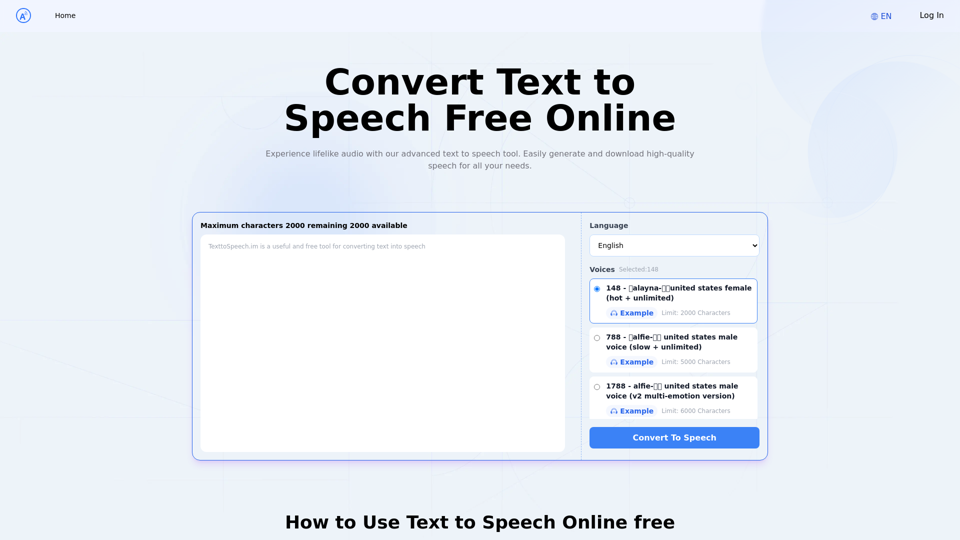
Text to Speech.im: Convert Text to Speech for Free Online
Text to Speech.im: Convert Text to Speech for Free OnlineConvert text to speech effortlessly using our AI text to speech online free tool. Enjoy natural-sounding text to speech voices and seamless text to speech download for high-quality audio. Perfect for creating engaging content with our text to speech generator.
12.76 K
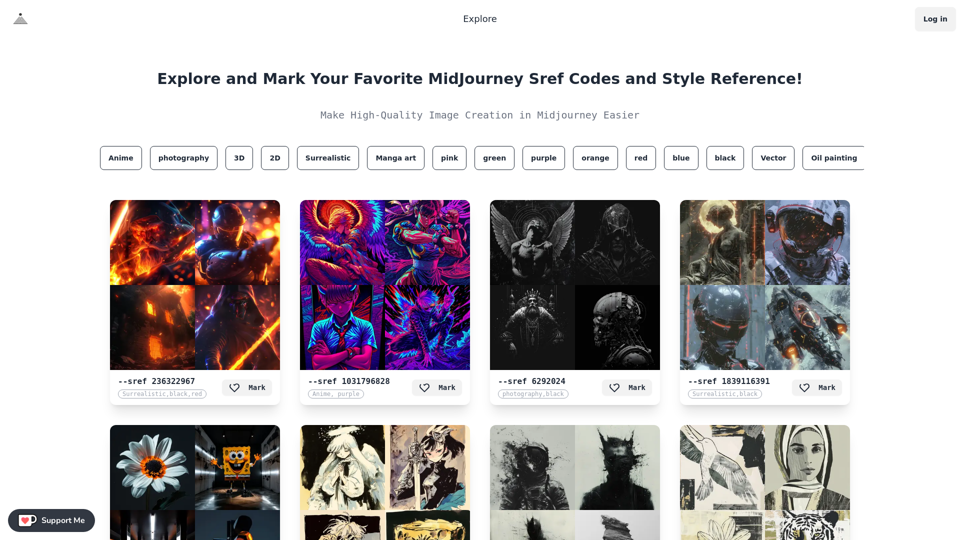
Midjourney SREF Codes Library for Style Reference What are SREF Codes? SREF codes are special text strings used in Midjourney to quickly and easily apply specific artistic styles to your image generations. How to Use SREF Codes: Simply add an SREF code to your Midjourney prompt. For example: `/imagine a majestic dragon, SREF:cyberpunk` SREF Code Library: This library contains a collection of SREF codes categorized by style. * Art Styles: * `photorealistic`: Creates images with high levels of realism. * `impressionistic`: Captures the essence of a scene with loose brushstrokes and vibrant colors. * `cubist`: Breaks down objects into geometric shapes. * `surrealist`: Creates dreamlike and fantastical images. * `abstract`: Focuses on form, color, and composition rather than representational imagery. * Visual Effects: * `cinematic`: Gives images a cinematic look and feel. * `HDR`: Creates images with high dynamic range, resulting in greater detail and contrast. * `neon`: Adds vibrant neon lights to the image. * `pixel art`: Generates images in a retro pixel art style. * Other Styles: * `anime`: Creates images in the style of Japanese animation. * `manga`: Similar to anime, but with a more comic book aesthetic. * `sketch`: Generates images that resemble pencil sketches. * `watercolor`: Creates images with the look and feel of watercolor paintings. Note: This is just a small sample of the many SREF codes available. Explore and Experiment: The best way to learn about SREF codes is to experiment with them! Try combining different codes to create unique and interesting styles.
Midjourney SREF Codes Library for Style Reference What are SREF Codes? SREF codes are special text strings used in Midjourney to quickly and easily apply specific artistic styles to your image generations. How to Use SREF Codes: Simply add an SREF code to your Midjourney prompt. For example: `/imagine a majestic dragon, SREF:cyberpunk` SREF Code Library: This library contains a collection of SREF codes categorized by style. * Art Styles: * `photorealistic`: Creates images with high levels of realism. * `impressionistic`: Captures the essence of a scene with loose brushstrokes and vibrant colors. * `cubist`: Breaks down objects into geometric shapes. * `surrealist`: Creates dreamlike and fantastical images. * `abstract`: Focuses on form, color, and composition rather than representational imagery. * Visual Effects: * `cinematic`: Gives images a cinematic look and feel. * `HDR`: Creates images with high dynamic range, resulting in greater detail and contrast. * `neon`: Adds vibrant neon lights to the image. * `pixel art`: Generates images in a retro pixel art style. * Other Styles: * `anime`: Creates images in the style of Japanese animation. * `manga`: Similar to anime, but with a more comic book aesthetic. * `sketch`: Generates images that resemble pencil sketches. * `watercolor`: Creates images with the look and feel of watercolor paintings. Note: This is just a small sample of the many SREF codes available. Explore and Experiment: The best way to learn about SREF codes is to experiment with them! Try combining different codes to create unique and interesting styles.Explore a list of 177 unique Midjourney sref codes and style references to find your perfect Midjourney sref code effect.
149.96 K
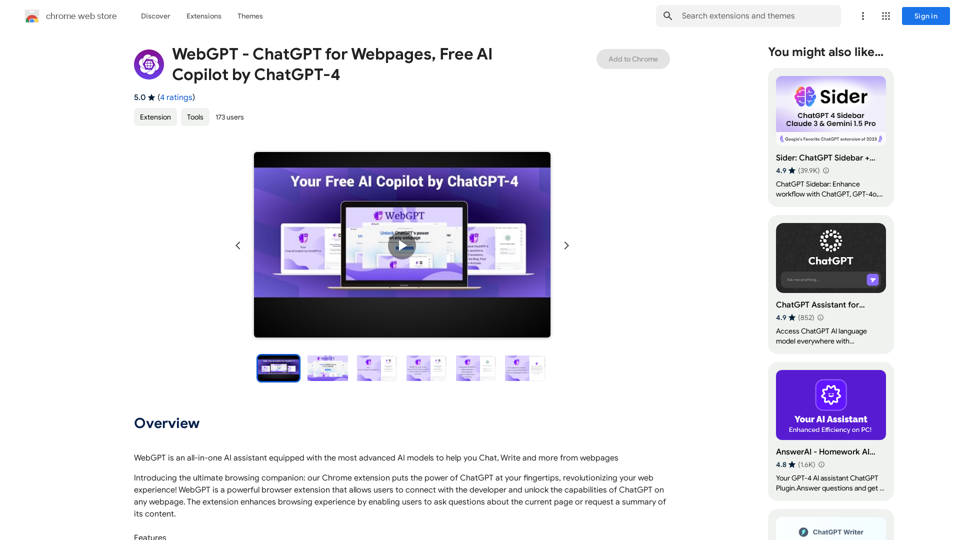
WebGPT - ChatGPT for Webpages, Free AI Copilot by ChatGPT-4
WebGPT - ChatGPT for Webpages, Free AI Copilot by ChatGPT-4WebGPT is an all-in-one AI assistant with the most advanced AI models to help you chat, write, and more, all from webpages.
193.90 M