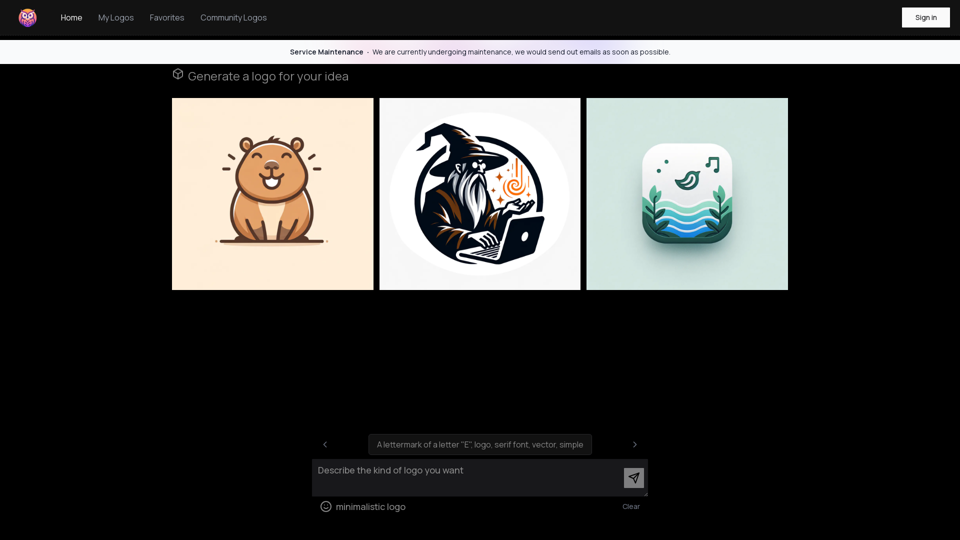
Owl AI is an innovative logo generator powered by GPT-4o, a state-of-the-art AI technology. This tool enables users to create unique and professional logos for various purposes, making logo design accessible to everyone. Whether you're a business owner, entrepreneur, or individual looking for a personal brand logo, Owl AI offers a user-friendly platform to bring your ideas to life.
Owl AI - Logo Generator Powered by GPT-4
Save time and money with our logo generator
Introduction
Feature
AI-Powered Logo Generation
Owl AI leverages GPT-4o technology to generate high-quality logos based on user input and preferences. This advanced AI system understands design principles and creates visually appealing logos tailored to your needs.
Customizable Options
Users can fine-tune their logos by adjusting font styles, colors, and shapes. This flexibility allows for perfect alignment with brand identity and personal taste.
Vector Graphics Output
All logos generated by Owl AI are in vector format, ensuring scalability and versatility for various applications, from business cards to billboards.
User-Friendly Interface
The platform offers a simple three-step process:
- Sign in to your Owl AI account
- Enter your logo idea, including preferred letter, font, and style
- Customize your logo by adjusting font, color, and shape
Flexible Pricing Model
Owl AI provides a free trial for users to test the service. For extended use, affordable subscription plans are available, catering to different needs and budgets.
FAQ
What is the quality of the logos generated by Owl AI?
Owl AI generates high-quality logos that are professional and visually appealing, suitable for various business and personal branding needs.
Can I customize my logo?
Yes, Owl AI offers customizable options to adjust font styles, colors, and shapes, allowing you to create a logo that perfectly represents your brand identity.
Is my data secure when using Owl AI?
Owl AI prioritizes data security and ensures that all user data is protected, maintaining confidentiality and privacy for its users.
What format are the logos available in?
All logos generated by Owl AI are in vector format, making them scalable and suitable for a wide range of applications without loss of quality.
Is there a free option to try Owl AI?
Yes, Owl AI offers a free trial that allows users to generate a limited number of logos, giving you the opportunity to test the service before committing to a paid plan.
Related Websites
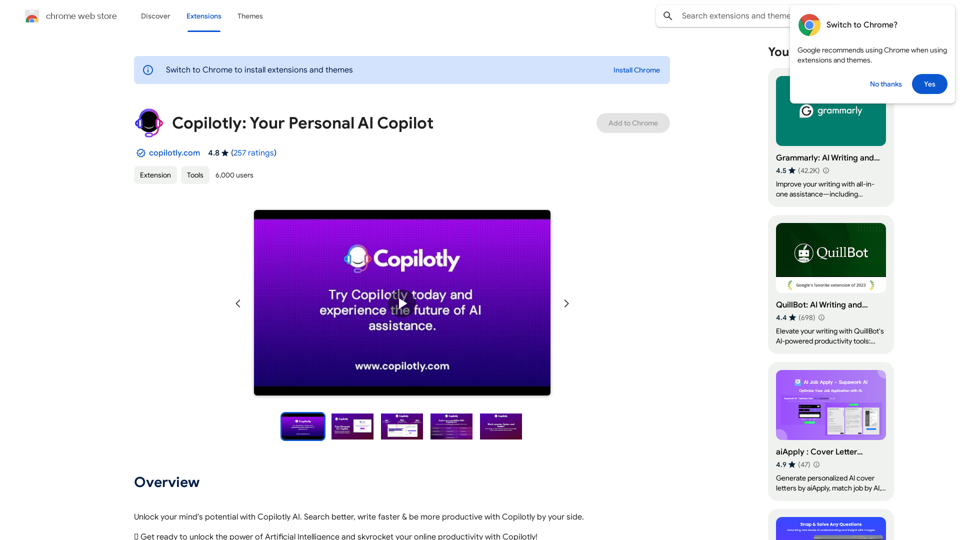
Unlock your mind's potential with Copilotly AI. Search better, write faster & be more productive with Copilotly by your side.
193.90 M
Tendi is a personal AI financial advisor that helps you set financial goals, plan, budget, and achieve them.
22.20 K
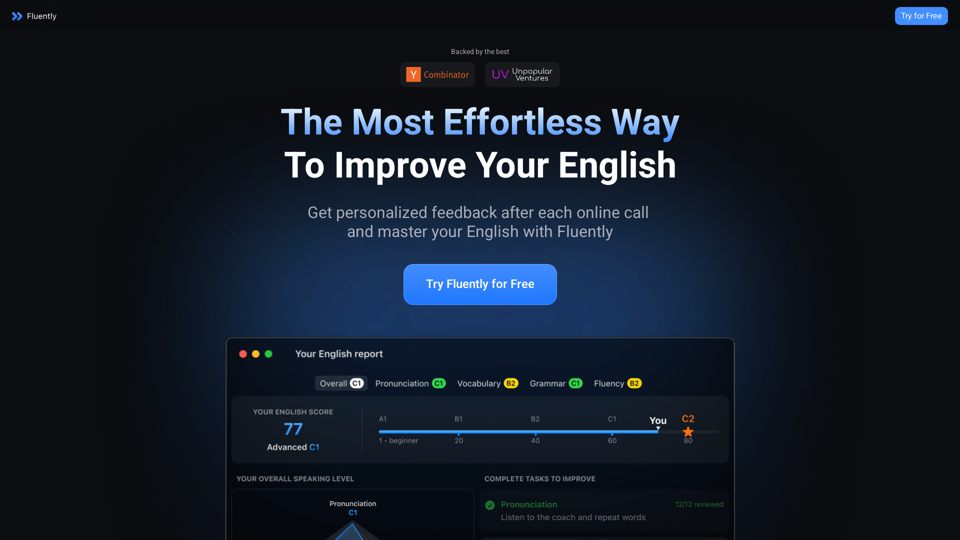
AI-Powered Speaking Coach for Calls Enhance your communication skills and ace your calls with our innovative AI-driven speaking coach. This cutting-edge technology provides personalized feedback and guidance to help you improve your verbal and non-verbal cues, tone, and language.
AI-Powered Speaking Coach for Calls Enhance your communication skills and ace your calls with our innovative AI-driven speaking coach. This cutting-edge technology provides personalized feedback and guidance to help you improve your verbal and non-verbal cues, tone, and language.Fluently is a personal speaking coach that delivers instant feedback on your day-to-day calls to refine your accent, improve grammar, and expand your vocabulary.
352.33 K
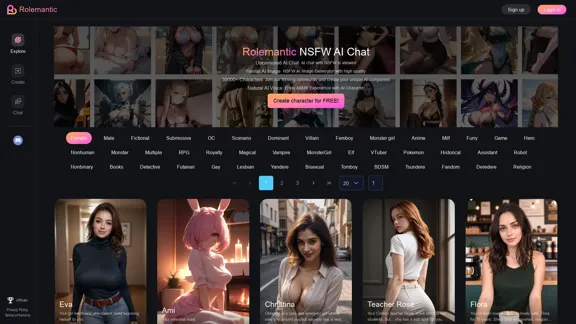
Rolemantic - NSFW Character AI Chat - NSFW Character AI Chat
Rolemantic - NSFW Character AI Chat - NSFW Character AI ChatExplore the fantasy realm of Rolemantic. Our unrestricted adult AI chatbot enables you to experience AI-powered flirtatious messaging, explicit conversations, and imaginative roleplaying at no cost.
1.03 K