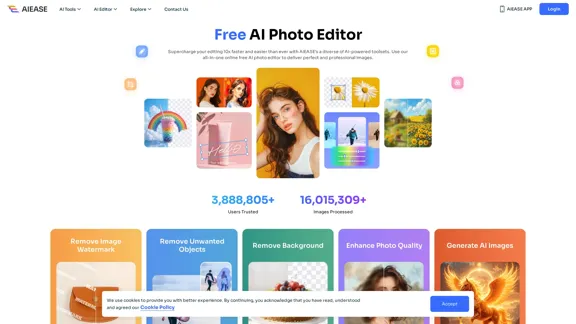
AI Ease offers a free AI photo editing platform that streamlines the editing process with a variety of powerful tools. Users can enhance images, remove backgrounds, and generate new visuals effortlessly. The platform is designed for both casual users and professionals, providing high-quality results with minimal effort.
Free AI Photo Editor: Simplify Photo Editing Online - AI Ease
Simplify and automate your photo editing with AI Ease. Experience a variety of AI photo editing tools to enhance every aspect of your images for free.
Introduction
Feature
-
Diverse AI Tools
AI Ease includes a wide range of tools such as background remover, photo enhancer, watermark remover, object remover, AI headshot generator, and more, catering to various editing needs.
-
Background Removal
The background remover tool allows users to eliminate unwanted backgrounds quickly and accurately, providing a transparent background in just three seconds.
-
Watermark Removal
Users can easily remove watermarks from images with a single click, thanks to advanced detection technology that preserves the image quality.
-
Object Removal
The object remover feature enables users to erase unwanted elements from images seamlessly, utilizing AI algorithms to maintain the background integrity.
-
Photo Enhancement
AI Ease offers photo enhancement tools that can unblur images, sharpen details, and upscale photos, improving overall quality with ease.
-
AI Image Generation
Users can generate unique images from text prompts using the AI image generator, which supports over 20 art styles for creative projects.
-
Mobile Accessibility
The platform is available on both iOS and Android, allowing users to edit photos on the go.
How to Use?
- Sign up for a free account on AI Ease to access all tools.
- Start by selecting the specific tool you want to use, such as background remover or photo enhancer.
- Upload your image and follow the prompts to apply the desired edits.
- Preview the changes before downloading the final image.
- Explore various tools to find the best fit for your editing needs.
FAQ
What is AI Ease?
AI Ease is an online photo editing platform that provides a suite of AI-driven tools for enhancing and editing images efficiently and for free.
Is it free to use AI Ease's AI photo editing tools?
Yes, all tools on AI Ease are available for free, allowing users to edit images without any cost.
Is it safe to use AI Ease to edit images?
Yes, AI Ease prioritizes user data security and allows users to manage their accounts and editing history safely.
Can I use AI Ease's AI photo editor for commercial use?
Yes, users can utilize the processed or AI-generated images for commercial purposes as per AI Ease's terms of service.
Price
- Free Plan: $0/month
The price is for reference only, please refer to the latest official data for actual information.
Evaluation
- AI Ease provides a robust set of tools that significantly enhance the photo editing experience, making it accessible for users of all skill levels.
- The platform's efficiency in background removal and object editing is particularly impressive, saving users time and effort.
- While the toolset is extensive, some advanced features may require further refinement to meet professional standards.
- The user interface is intuitive, but additional tutorials or guides could enhance the user experience for beginners.
- Overall, AI Ease is a valuable resource for anyone looking to improve their photo editing capabilities without incurring costs.
Related Websites
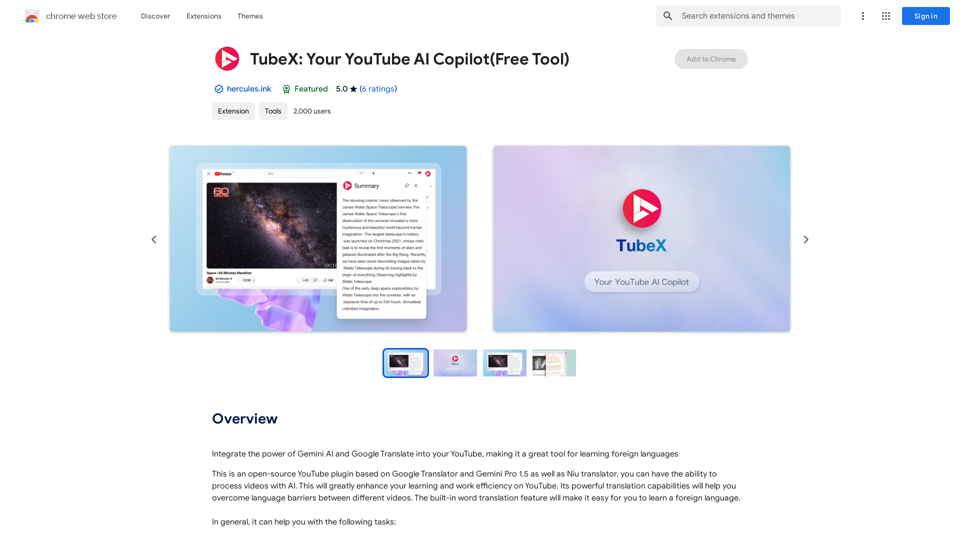
Integrate the power of Gemini AI and Google Translate into your YouTube, making it a great tool for learning foreign languages
193.90 M
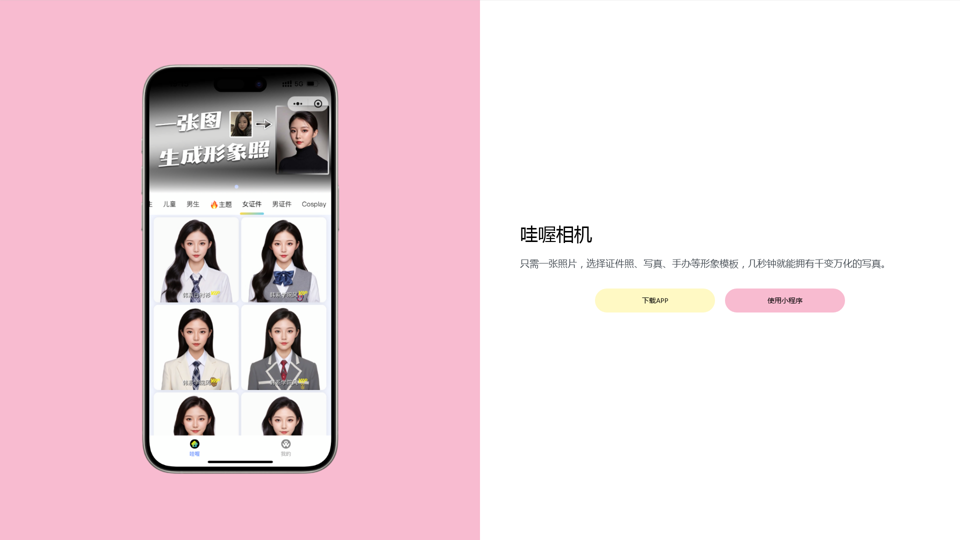
Wow, with just one photo, the camera can generate a portrait!
Wow, with just one photo, the camera can generate a portrait!Wow Camera, Wow Camera, Wao, Portrait Photography, Korean-Style Photography, Chinese-Style Photography, Old Photo Restoration, AI Face Swap, AI Video, Remini, Remini, Clay Filter, Clay Filter, Clay Clay Photo, Standard ID Photo, AI Photography, Photo Editing, Beauty Photo, Wow Photo, Portrait Photo, Butter Camera, Intelligent Photo Editing, Auto Beauty, Deep Learning Photography, Personalized Photo, Artistic Photo, Retro-Style Photo, Modern-Style Photo, Cartoon-Style Photo, Photo Post-Production, AI Photography, Photo Special Effects, Professional-Level Photography, Family Portrait, Personal Photography, Photography Art, Photo Editing, Photo Beautification, Intelligent Filter, Selfie Magic, Photography Enthusiast, Professional Photographer.
0
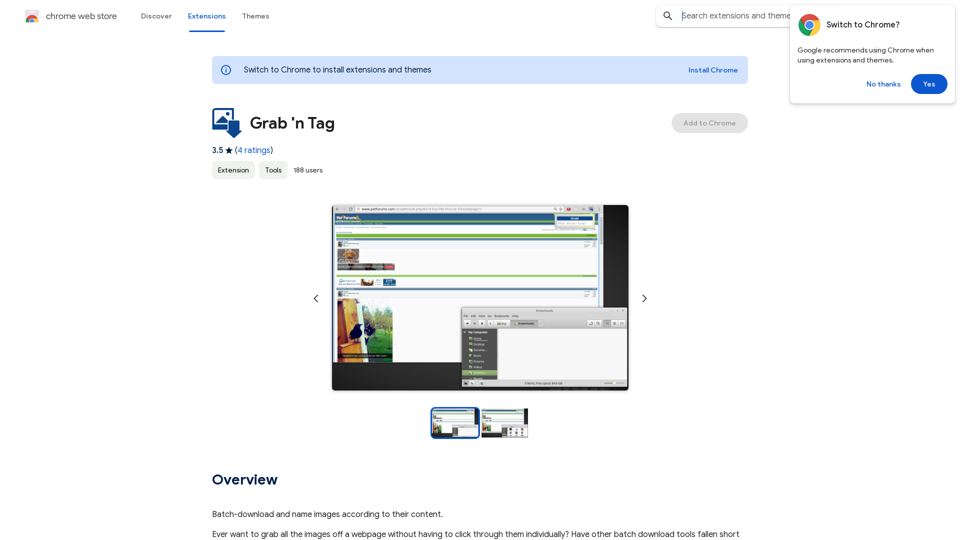
Download a group of images at once and give each one a name based on what's in the picture.
193.90 M
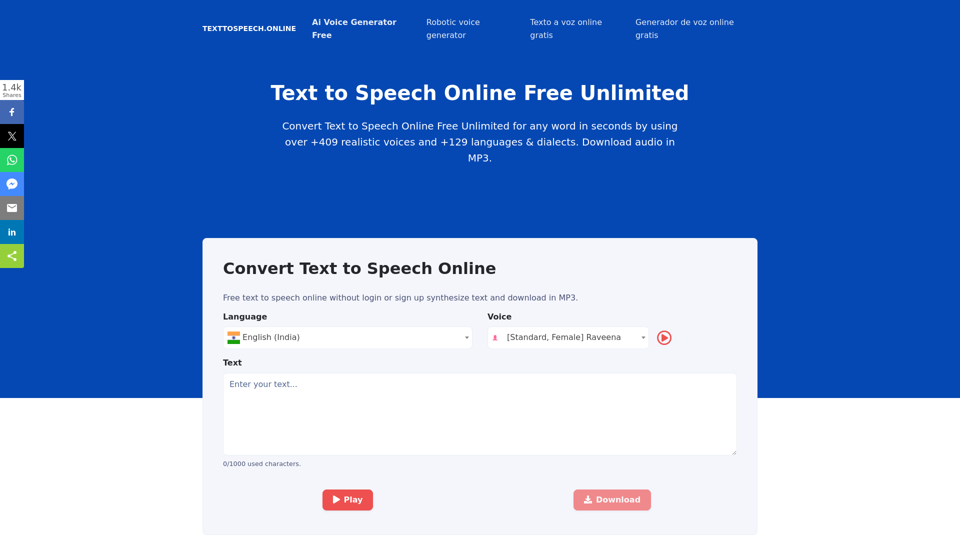
Text To Speech Online Free Unlimited. Service with natural sounding voices. Convert any text into MP3 audio file and download on your Mobile or PC..
67.62 K
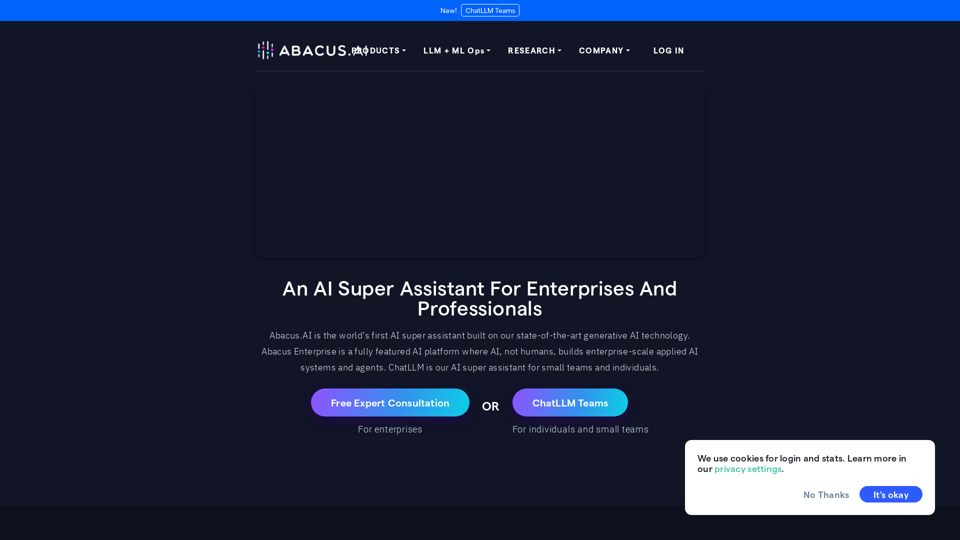
Abacus.AI - Effortlessly Embed Cutting-Edge AI in Your Applications.
Abacus.AI - Effortlessly Embed Cutting-Edge AI in Your Applications.Abacus.AI is the world’s first AI super assistant built on our state-of-the-art generative AI technology. Abacus Enterprise is a fully featured AI platform where AI, not humans, builds enterprise-scale applied AI systems and agents. ChatLLM is our AI super assistant for small teams and individuals.
3.84 M
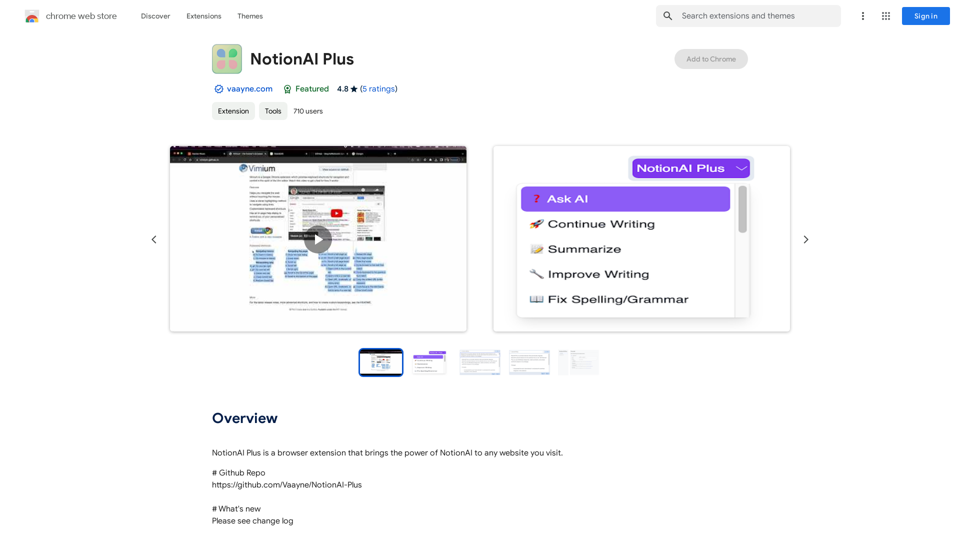
NotionAI Plus is a browser extension that brings the power of NotionAI to any website you visit.
193.90 M