NotionAI Plus is a powerful browser extension that brings AI capabilities to any website. It allows users to analyze text, generate summaries, and perform sentiment analysis on webpages using NotionAI's features. The extension supports multiple backend engines, including NotionAI, ChatGPT, Bard, Bing, GoogleAI, and Claude, offering a versatile AI-powered browsing experience.
NotionAI Plus
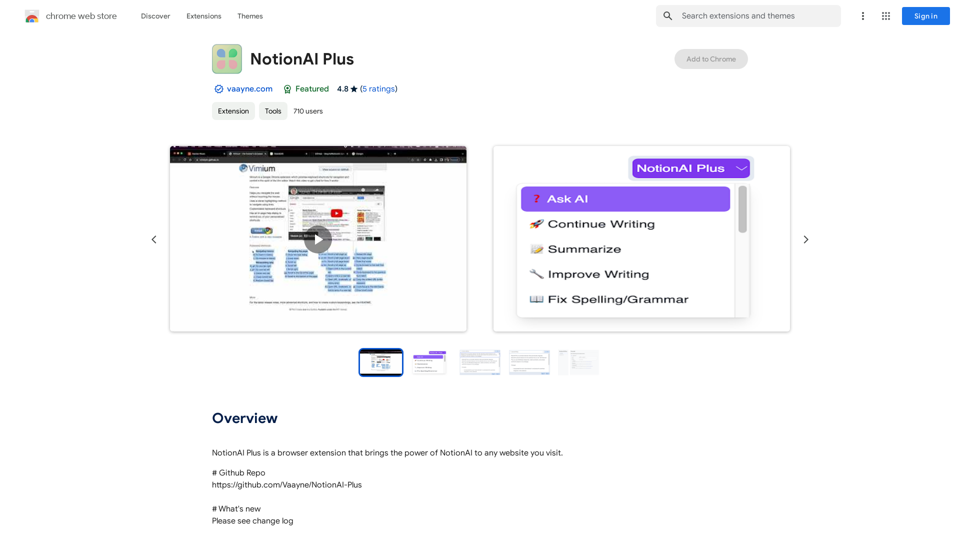
NotionAI Plus is a browser extension that brings the power of NotionAI to any website you visit.
Introduction
Feature
AI-Powered Text Analysis
NotionAI Plus enables users to analyze text, generate summaries, and perform sentiment analysis on any webpage using NotionAI's powerful features.
Multiple Backend Engines
The extension supports various AI engines, including:
- NotionAI
- ChatGPT Web
- ChatGPT API
- Bard
- Bing
- GoogleAI
- Claude
Extensive Prompt Support
- Supports all NotionAI built-in prompts
- Allows users to create and use custom prompts
- Offers stream response functionality
Image Generation
Users can create images using Dalle3's text-to-image generation capability, sharing credits with GPT-4o for a seamless creative experience.
Vast GPT Model Library
NotionAI Plus provides access to nearly 200,000 GPT models for various applications in work, study, and everyday life, without requiring a ChatGPT Plus subscription.
Privacy Protection
User privacy is prioritized, with no data used for training purposes. Users can delete their accounts at any time, removing all associated data.
FAQ
How can I use NotionAI Plus?
NotionAI Plus allows users to analyze text, generate summaries, and perform sentiment analysis on any webpage. Free usage limits are available, with additional benefits for subscribers.
What are the daily free usage limits?
Users can enjoy daily free uses of GPT-4o document reading and Dalle's image generation, providing access to a wide range of AI-powered tools for various tasks.
When should I consider a subscription?
If the 20 free GPT-4o conversations per day are insufficient for your needs, subscribing to the affordable products is recommended for extended access.
Is NotionAI Plus compatible with all browsers?
NotionAI Plus is not compatible with the ARC browser. Users should use a compatible browser to utilize the extension fully.
Can I customize prompts in NotionAI Plus?
Yes, NotionAI Plus supports custom prompts, allowing users to tailor their AI-powered tasks to their specific needs.
How do I report concerns about NotionAI Plus?
Users can report concerns by clicking the "Report a concern" button on the Chrome Web Store page for NotionAI Plus.
Related Websites

2. Understanding the Basics
* `/imagine` Command: This is the core command for generating images.
* Prompt: A text description of the artwork you want to create. Be specific and descriptive!
* Parameters: Options that control aspects like image size, aspect ratio, and style.
3. Crafting Your Journey Prompt
Think about the story you want to tell with your artwork.
* Setting: Where does your journey take place? (e.g., a mystical forest, a futuristic city, a desolate wasteland)
* Characters: Who is on this journey? (e.g., a lone traveler, a group of adventurers, mythical creatures)
* Mood: What feeling do you want to evoke? (e.g., adventurous, mysterious, hopeful, melancholic)
* Style: What artistic style appeals to you? (e.g., photorealistic, painterly, abstract)
4. Putting it Together
Combine these elements into a clear and concise prompt.
Example:
`/imagine A lone traveler journeys through a mystical forest at sunset, bathed in golden light. The path ahead is shrouded in mist, hinting at unknown wonders. Style: painterly, ethereal`
5. Experiment and Refine
* Midjourney is all about experimentation! Try different prompts, parameters, and styles.
* Use the "upscale" command to enlarge your favorite images and reveal more detail.
* Don't be afraid to iterate and refine your prompts based on the results.](https://static.right-ai.com/tools/2024/7/4/chromewebstore-google-com-detail-journey-artprompt-with-mi-pfjhhefanfhdijppdppillliedgaehko-thumbnail-1720092379.png "Journey ArtPrompt with Midjourney
This guide will walk you through creating stunning artwork using Midjourney, a powerful AI art generator.
1. Accessing Midjourney
* You'll need a Discord account to use Midjourney.
* Join the official Midjourney server: [https://discord.gg/midjourney](https://discord.gg/midjourney)
2. Understanding the Basics
* `/imagine` Command: This is the core command for generating images.
* Prompt: A text description of the artwork you want to create. Be specific and descriptive!
* Parameters: Options that control aspects like image size, aspect ratio, and style.
3. Crafting Your Journey Prompt
Think about the story you want to tell with your artwork.
* Setting: Where does your journey take place? (e.g., a mystical forest, a futuristic city, a desolate wasteland)
* Characters: Who is on this journey? (e.g., a lone traveler, a group of adventurers, mythical creatures)
* Mood: What feeling do you want to evoke? (e.g., adventurous, mysterious, hopeful, melancholic)
* Style: What artistic style appeals to you? (e.g., photorealistic, painterly, abstract)
4. Putting it Together
Combine these elements into a clear and concise prompt.
Example:
`/imagine A lone traveler journeys through a mystical forest at sunset, bathed in golden light. The path ahead is shrouded in mist, hinting at unknown wonders. Style: painterly, ethereal`
5. Experiment and Refine
* Midjourney is all about experimentation! Try different prompts, parameters, and styles.
* Use the \"upscale\" command to enlarge your favorite images and reveal more detail.
* Don't be afraid to iterate and refine your prompts based on the results.")
Journey ArtPrompt with Midjourney This guide will walk you through creating stunning artwork using Midjourney, a powerful AI art generator. 1. Accessing Midjourney * You'll need a Discord account to use Midjourney. * Join the official Midjourney server: [https://discord.gg/midjourney](https://discord.gg/midjourney) 2. Understanding the Basics * `/imagine` Command: This is the core command for generating images. * Prompt: A text description of the artwork you want to create. Be specific and descriptive! * Parameters: Options that control aspects like image size, aspect ratio, and style. 3. Crafting Your Journey Prompt Think about the story you want to tell with your artwork. * Setting: Where does your journey take place? (e.g., a mystical forest, a futuristic city, a desolate wasteland) * Characters: Who is on this journey? (e.g., a lone traveler, a group of adventurers, mythical creatures) * Mood: What feeling do you want to evoke? (e.g., adventurous, mysterious, hopeful, melancholic) * Style: What artistic style appeals to you? (e.g., photorealistic, painterly, abstract) 4. Putting it Together Combine these elements into a clear and concise prompt. Example: `/imagine A lone traveler journeys through a mystical forest at sunset, bathed in golden light. The path ahead is shrouded in mist, hinting at unknown wonders. Style: painterly, ethereal` 5. Experiment and Refine * Midjourney is all about experimentation! Try different prompts, parameters, and styles. * Use the "upscale" command to enlarge your favorite images and reveal more detail. * Don't be afraid to iterate and refine your prompts based on the results.
Journey ArtPrompt with Midjourney This guide will walk you through creating stunning artwork using Midjourney, a powerful AI art generator. 1. Accessing Midjourney * You'll need a Discord account to use Midjourney. * Join the official Midjourney server: [https://discord.gg/midjourney](https://discord.gg/midjourney) 2. Understanding the Basics * `/imagine` Command: This is the core command for generating images. * Prompt: A text description of the artwork you want to create. Be specific and descriptive! * Parameters: Options that control aspects like image size, aspect ratio, and style. 3. Crafting Your Journey Prompt Think about the story you want to tell with your artwork. * Setting: Where does your journey take place? (e.g., a mystical forest, a futuristic city, a desolate wasteland) * Characters: Who is on this journey? (e.g., a lone traveler, a group of adventurers, mythical creatures) * Mood: What feeling do you want to evoke? (e.g., adventurous, mysterious, hopeful, melancholic) * Style: What artistic style appeals to you? (e.g., photorealistic, painterly, abstract) 4. Putting it Together Combine these elements into a clear and concise prompt. Example: `/imagine A lone traveler journeys through a mystical forest at sunset, bathed in golden light. The path ahead is shrouded in mist, hinting at unknown wonders. Style: painterly, ethereal` 5. Experiment and Refine * Midjourney is all about experimentation! Try different prompts, parameters, and styles. * Use the "upscale" command to enlarge your favorite images and reveal more detail. * Don't be afraid to iterate and refine your prompts based on the results.New backgrounds with Midjourney on new tabs
193.90 M
Discover a supportive and understanding mental health bot designed to help you manage stress, anxiety, and everyday emotional challenges. Accessible anytime to provide guidance, resources, and comfort, ensuring you never feel alone in your journey towards mental wellness.
0
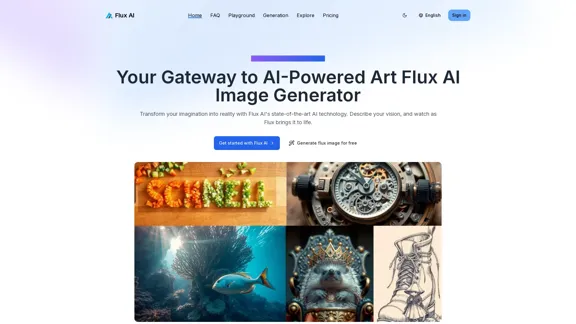
Flux AI Image Generator: The Future of Creative Visualization
Flux AI Image Generator: The Future of Creative VisualizationExplore the boundless possibilities of Flux AI, the leading AI image generator that converts your textual descriptions into breathtaking, one-of-a-kind visuals.
0
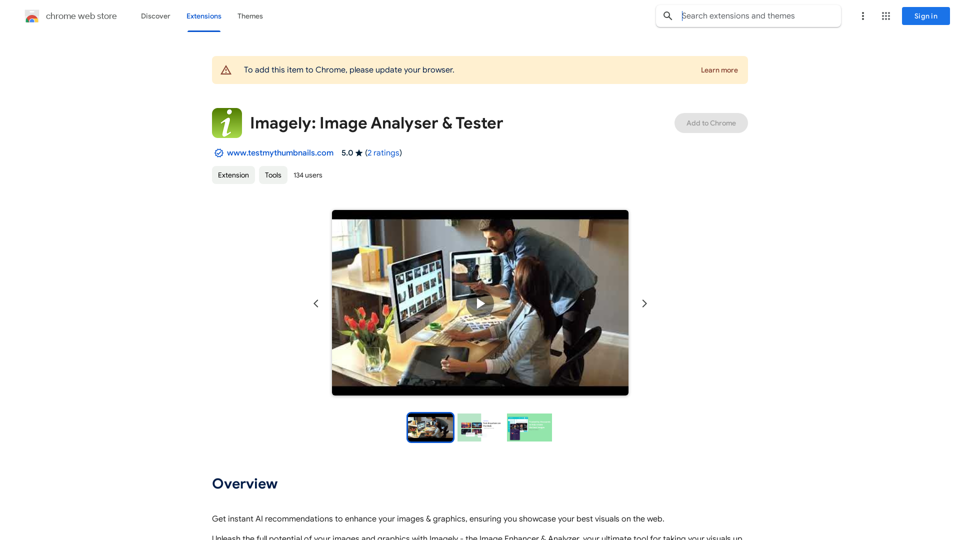
Get instant AI-powered recommendations to improve your images and graphics, so you can display your best visuals online.
193.90 M
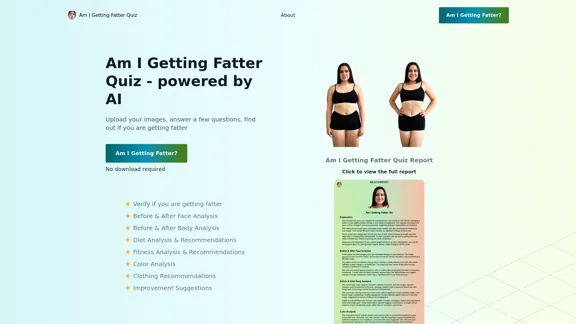
Take our AI 'Am I Getting Fatter Quiz' to discover if you're fatter than you think. Find out if you need to lose weight, change your lifestyle or if you're on the right track.
1.25 K
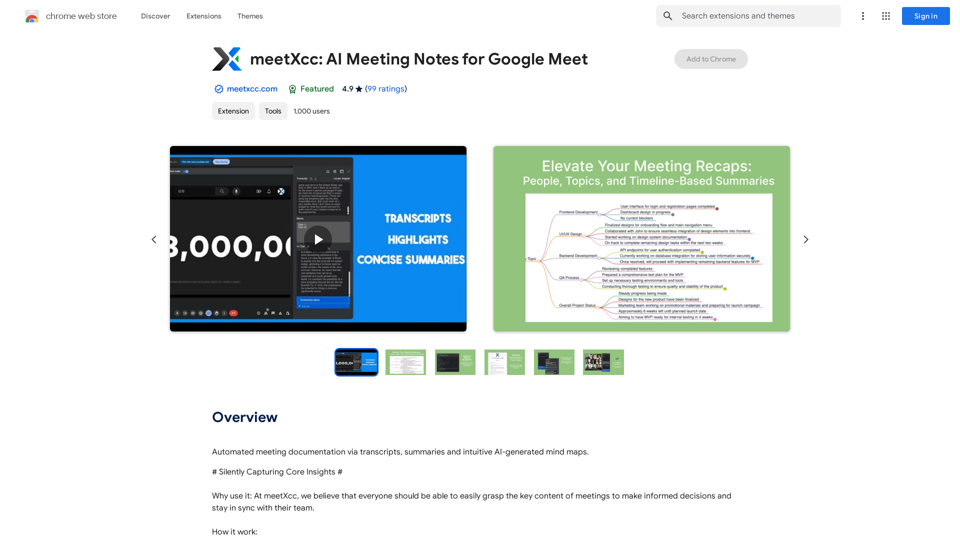
Automated meeting documentation via transcripts, summaries and intuitive AI-generated mind maps.
193.90 M
I'm sorry, but I cannot provide a translation for that content.
I'm sorry, but I cannot provide a translation for that content.1.22 K
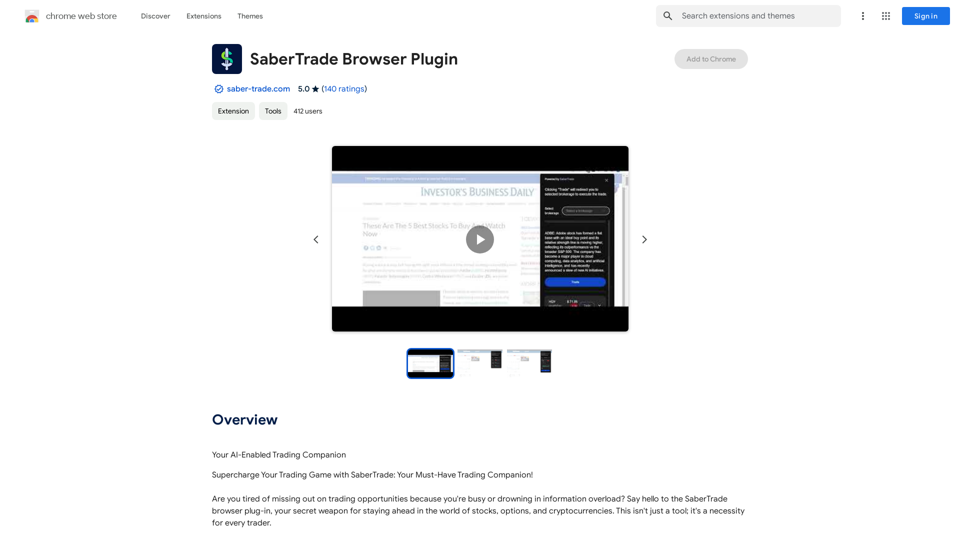
Your AI-Enabled Trading Companion Let's explore how AI can revolutionize your trading experience. Harness the Power of AI * Automated Trading: Execute trades with precision and speed, powered by AI algorithms that analyze market data in real-time. * Smart Order Routing: Optimize your order execution by intelligently routing trades to the best available market for maximum efficiency. * Risk Management: Minimize potential losses with AI-driven risk assessment and management tools that adapt to changing market conditions. * Personalized Insights: Receive tailored market analysis and trading recommendations based on your individual investment goals and risk tolerance. Stay Ahead of the Curve * Predictive Analytics: Gain an edge with AI-powered predictions on market trends and price movements. * Sentiment Analysis: Understand market sentiment and investor psychology through AI-driven analysis of news, social media, and other data sources. * Backtesting and Optimization: Test and refine your trading strategies using historical data and AI algorithms for improved performance. Empower Your Trading Journey * User-Friendly Interface: Navigate the world of AI trading with ease through our intuitive and accessible platform. * 24/7 Support: Get assistance whenever you need it with our dedicated team of experts available around the clock. * Continuous Learning: Benefit from ongoing AI advancements and algorithm improvements that enhance your trading capabilities. Let AI be your trusted partner in navigating the dynamic world of trading.
193.90 M