idolly is an AI-powered platform that enables users to create custom, high-quality images instantly. With a wide range of AI magic tools, idolly brings imagination to life, allowing users to generate stunning artworks tailored to their preferences. The platform offers features like Face Transfer, Mood Fusion, and diverse character creation, making it a versatile tool for digital artists and creative enthusiasts.
Idolly
Explore idolly.ai, where imagination meets AI image creation and BlockChain. Create stunning visuals with ease using our Face Transfer and Mood Fusion technology.
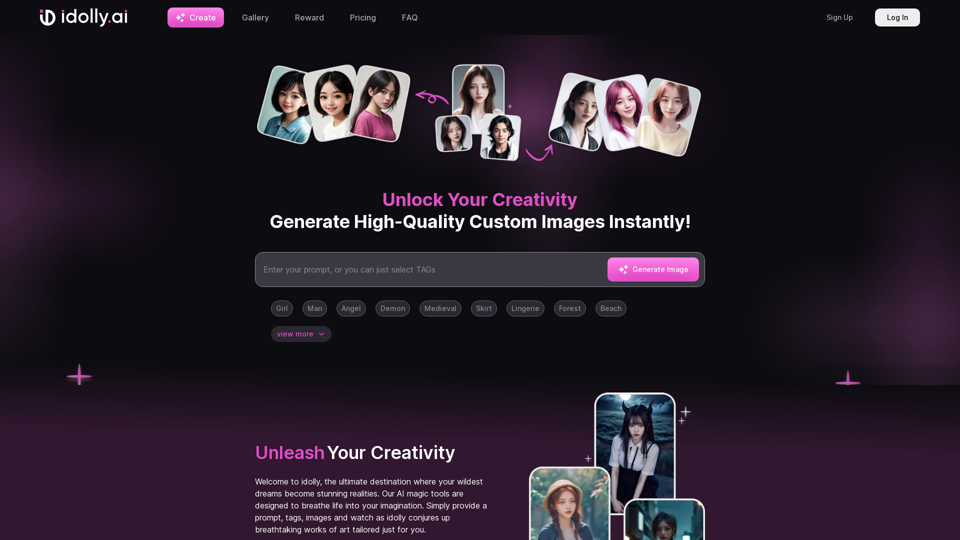
Introduction
Feature
Face Transfer
Users can upload a photo of someone they admire or idolize and create an image that resembles their idol using idolly's advanced technology.
Mood Fusion
This innovative feature analyzes ambiance, colors, and overall feel to generate unique visuals tailored to the user's desired mood and style.
Diversity in Character Creation
idolly celebrates diversity by allowing users to create and interact with characters from various racial backgrounds, promoting inclusivity in digital art.
Re-Create Functionality
Users can use their favorite images as a starting point to generate similar visuals, enhancing creativity and exploration.
User-Friendly Interface
idolly boasts a simple and intuitive interface, making it easy for users to provide prompts, tags, and images to generate stunning artworks.
Daily Missions and Rewards
Complete daily missions to unlock treasure chests and enhance the idolly experience, encouraging regular engagement.
Referral Program
Users can share their unique referral code to earn special rewards, promoting community growth and user acquisition.
FAQ
Can I create images of various races with idolly?
Yes, idolly allows users to create and interact with characters from diverse racial backgrounds, celebrating the beauty of diversity and imagination.
How do I re-create my favorite images with idolly?
To re-create your favorite images, navigate to your gallery, click the Re-Create button, and choose a different tag or face than the one you originally created.
What is the daily bonus program, and how do I participate?
The daily bonus program rewards users for their activities on idolly. Participate by completing daily missions to unlock treasure chests and enhance your experience on the platform.
Latest Traffic Insights
Monthly Visits
9.70 K
Bounce Rate
89.52%
Pages Per Visit
1.09
Time on Site(s)
45.22
Global Rank
3437616
Country Rank
United States 944947
Recent Visits
Traffic Sources
- Social Media:4.54%
- Paid Referrals:1.10%
- Email:0.14%
- Referrals:13.74%
- Search Engines:27.25%
- Direct:51.47%
Related Websites
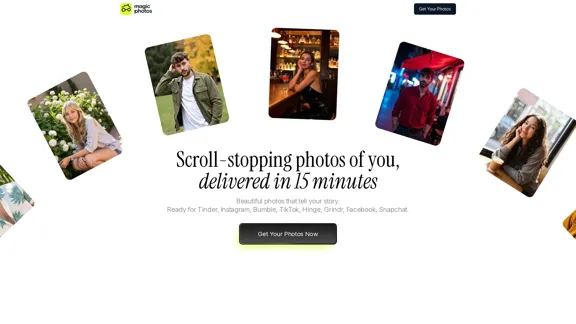
Beautiful photos that tell your story. Ready for Tinder, Instagram, Bumble, TikTok, Hinge, Grindr, Facebook, Snapchat.
38.27 K
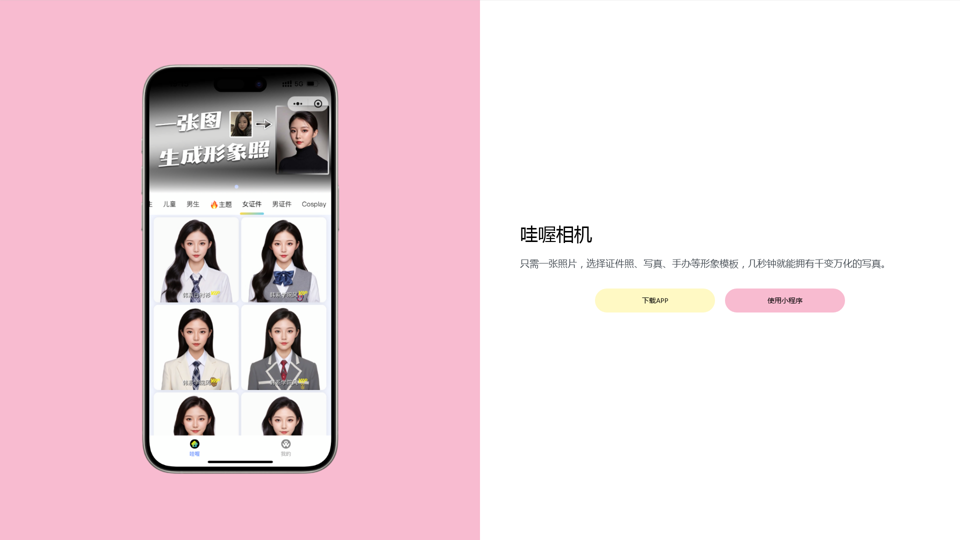
Wow, with just one photo, the camera can generate a portrait!
Wow, with just one photo, the camera can generate a portrait!Wow Camera, Wow Camera, Wao, Portrait Photography, Korean-Style Photography, Chinese-Style Photography, Old Photo Restoration, AI Face Swap, AI Video, Remini, Remini, Clay Filter, Clay Filter, Clay Clay Photo, Standard ID Photo, AI Photography, Photo Editing, Beauty Photo, Wow Photo, Portrait Photo, Butter Camera, Intelligent Photo Editing, Auto Beauty, Deep Learning Photography, Personalized Photo, Artistic Photo, Retro-Style Photo, Modern-Style Photo, Cartoon-Style Photo, Photo Post-Production, AI Photography, Photo Special Effects, Professional-Level Photography, Family Portrait, Personal Photography, Photography Art, Photo Editing, Photo Beautification, Intelligent Filter, Selfie Magic, Photography Enthusiast, Professional Photographer.
0
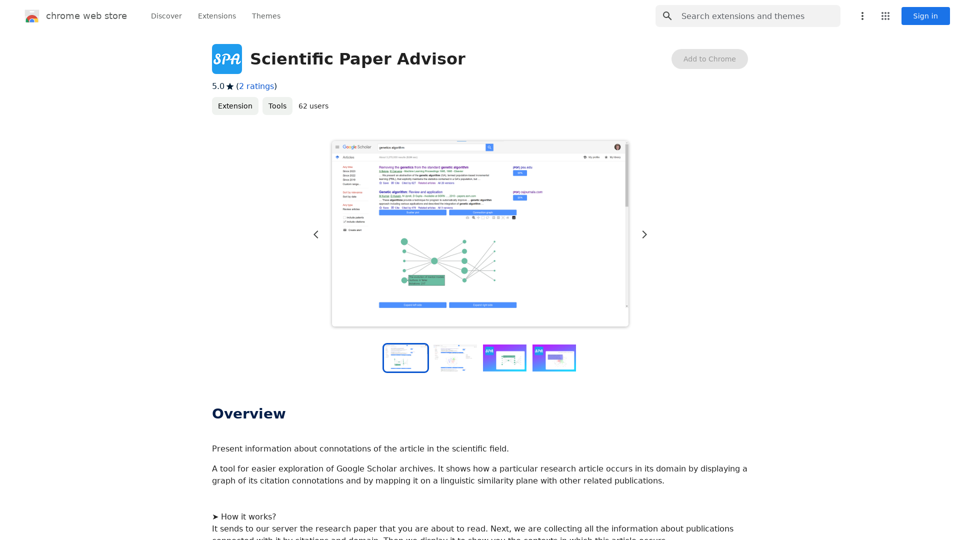
Scientific Paper Advisor This is a tool to help you write a scientific paper. Features: * Generate a paper outline: Provide a topic and get a structured outline to guide your writing. * Suggest relevant literature: Find recent research papers related to your topic. * Check for plagiarism: Ensure your work is original and properly cited. * Improve grammar and style: Polish your writing for clarity and conciseness. * Format your paper: Adhere to standard scientific paper formatting guidelines. Let me know how I can help you with your scientific paper!
Scientific Paper Advisor This is a tool to help you write a scientific paper. Features: * Generate a paper outline: Provide a topic and get a structured outline to guide your writing. * Suggest relevant literature: Find recent research papers related to your topic. * Check for plagiarism: Ensure your work is original and properly cited. * Improve grammar and style: Polish your writing for clarity and conciseness. * Format your paper: Adhere to standard scientific paper formatting guidelines. Let me know how I can help you with your scientific paper!Please provide me with the article so I can analyze its connotations in the scientific field.
193.90 M
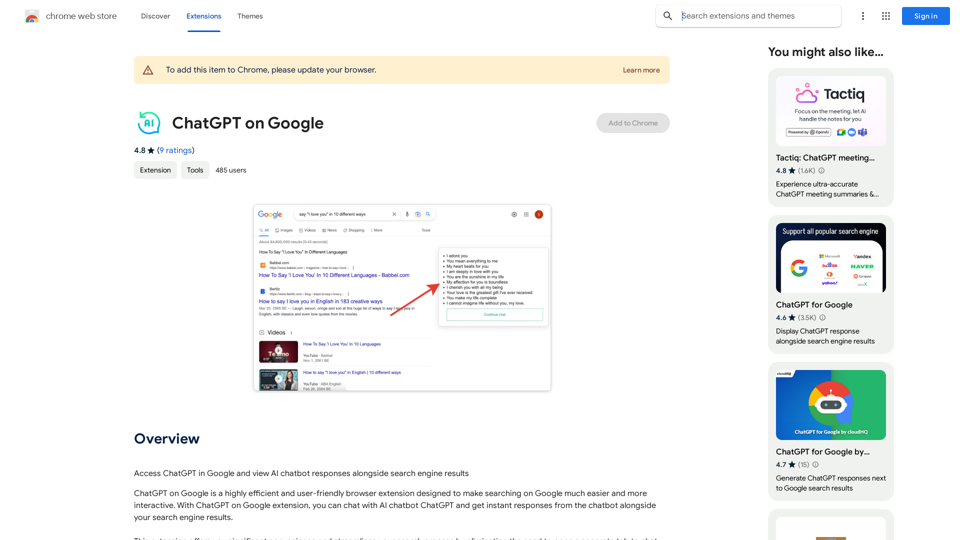
Use Google to access ChatGPT and see the AI chatbot's answers next to regular search results.
193.90 M

FLUX Fill: Advanced AI Solution for Image Inpainting and Outpainting
FLUX Fill: Advanced AI Solution for Image Inpainting and OutpaintingFLUX Fill provides professional-quality AI image inpainting and outpainting. Change your images with smooth edits and natural extensions.
664