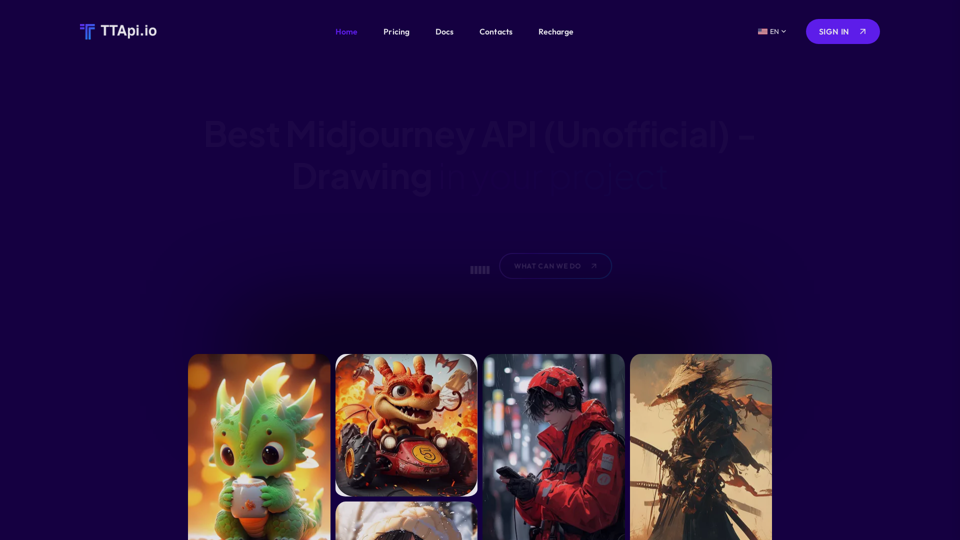
Midjourney API is an AI-powered platform that offers access to various AI technologies, primarily focusing on text-to-image generation and image understanding. It enables users to generate images based on descriptive terms within 90 seconds, making it a versatile tool for creative and practical applications.
Affordable Midjourney API Integration - Best Deals & Packages | ttapi.io
Discover affordable Midjourney API integration, best buy packages, and cheap plans. Get reliable Midjourney API services and solutions at ttapi.io today!
Introduction
Feature
Rapid Image Generation
Midjourney API boasts an impressive average image generation time of less than 90 seconds, providing quick results for users' projects and creative endeavors.
Cost-Effective Solution
The platform offers competitive pricing plans with a minimum cost of $0.009 per image, making it an affordable option for various users and project scales.
Extensive User Base
With over 1000+ users, Midjourney API has established itself as a trusted solution in the AI-driven image generation market.
Versatile Applications
The API supports a wide range of use cases, including:
- Website and application image generation
- Art and design creation
- AI-powered chatbot development
- And many more creative possibilities
User-Friendly Integration
Midjourney API is designed for easy integration into various projects, with a free trial option available for new users to explore its capabilities.
Comprehensive Documentation
Users can access detailed documentation to maximize the API's potential and ensure smooth implementation in their projects.
Dedicated Support
The Midjourney API team offers support to address any questions or concerns, ensuring a positive user experience.
FAQ
What is the primary function of Midjourney API?
Midjourney API is an AI-driven platform that specializes in text-to-image generation and image understanding, allowing users to create images based on descriptive terms within 90 seconds.
How much does it cost to use Midjourney API?
The minimum cost per image is $0.009, with various pricing plans available to suit different needs and project scales.
How long does it take to generate an image using Midjourney API?
The average image generation time is less than 90 seconds, providing quick results for users' projects.
Is there a free trial available for Midjourney API?
Yes, new users can start a free trial to explore the capabilities of Midjourney API before committing to a paid plan.
What are some common use cases for Midjourney API?
Midjourney API can be used for generating images for websites or applications, creating art and designs, developing AI-powered chatbots, and various other creative and practical applications.
Related Websites
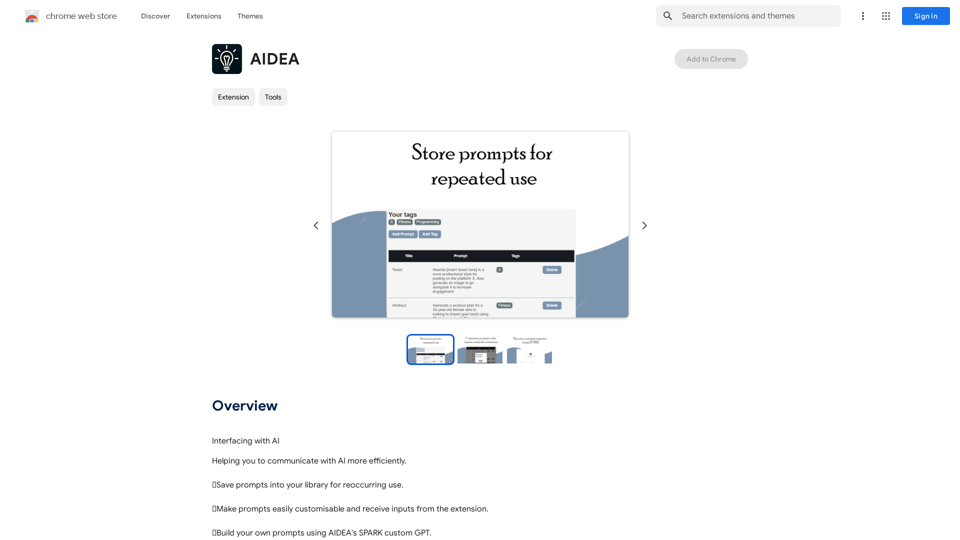
Interfacing with AI This document explores the various ways humans interact with artificial intelligence (AI). Types of Interfaces * Text-based Interfaces: These interfaces allow users to communicate with AI systems through written language. * Examples include chatbots, command-line interfaces, and search engines. * Voice-based Interfaces: Users interact with AI using spoken words. * Examples include virtual assistants like Siri, Alexa, and Google Assistant. * Graphical User Interfaces (GUIs): These interfaces use visual elements like icons, buttons, and menus to enable interaction with AI. * Examples include AI-powered image editing software and virtual reality experiences. * Gesture-based Interfaces: Users control AI systems through physical movements. * Examples include motion-controlled gaming and sign language recognition. Challenges of AI Interfacing * Natural Language Understanding (NLU): AI systems struggle to fully understand the nuances of human language. * Contextual Awareness: AI often lacks the ability to understand the broader context of a conversation or interaction. * Personalization: Creating AI interfaces that are tailored to individual user preferences and needs can be complex. * Ethical Considerations: * Bias in AI algorithms can lead to unfair or discriminatory outcomes. * Privacy concerns arise when AI systems collect and process personal data. Future of AI Interfacing * More Natural and Intuitive Interactions: Advancements in NLU and machine learning will lead to AI systems that can understand and respond to human input more naturally. * Multi-modal Interfaces: Future interfaces will likely combine multiple input methods (e.g., text, voice, gesture) for a richer and more immersive experience. * Personalized AI Assistants: AI assistants will become increasingly personalized, anticipating user needs and providing customized support. * Ethical AI Development: * Researchers and developers will continue to work on mitigating bias and ensuring responsible use of AI.
193.90 M
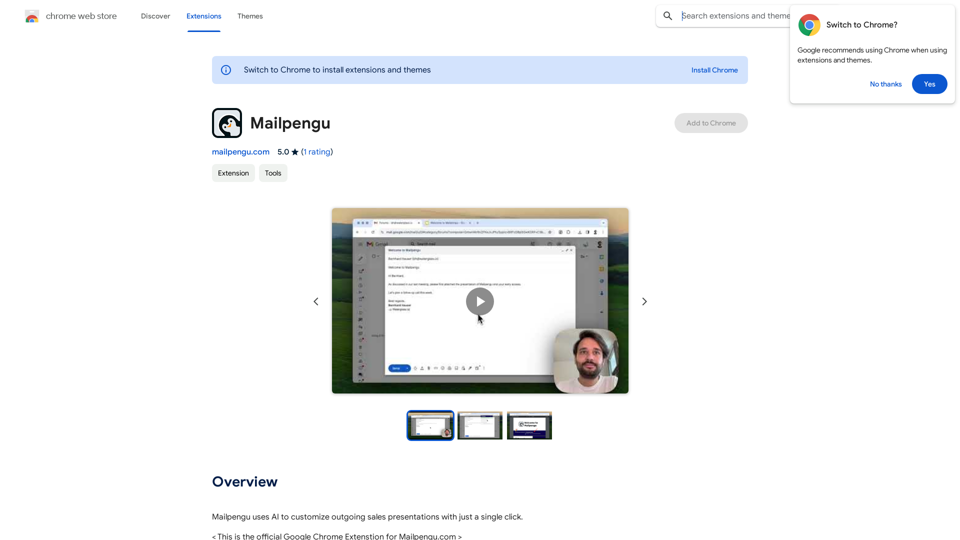
Mailpengu uses artificial intelligence to customize outgoing sales presentations with just one click.
193.90 M
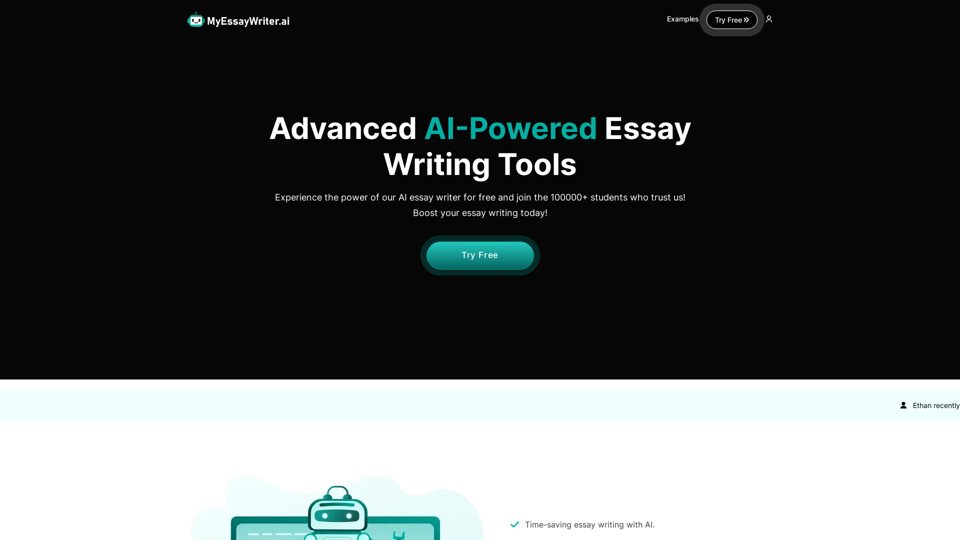
AI Essay Writer & Free AI Writing Tools | Essay Generator
AI Essay Writer & Free AI Writing Tools | Essay GeneratorEnhance your essay writing skills with our AI Essay Writer. Begin creating essays today using our AI Essay Writing Tools | No Registration Needed
121.36 K
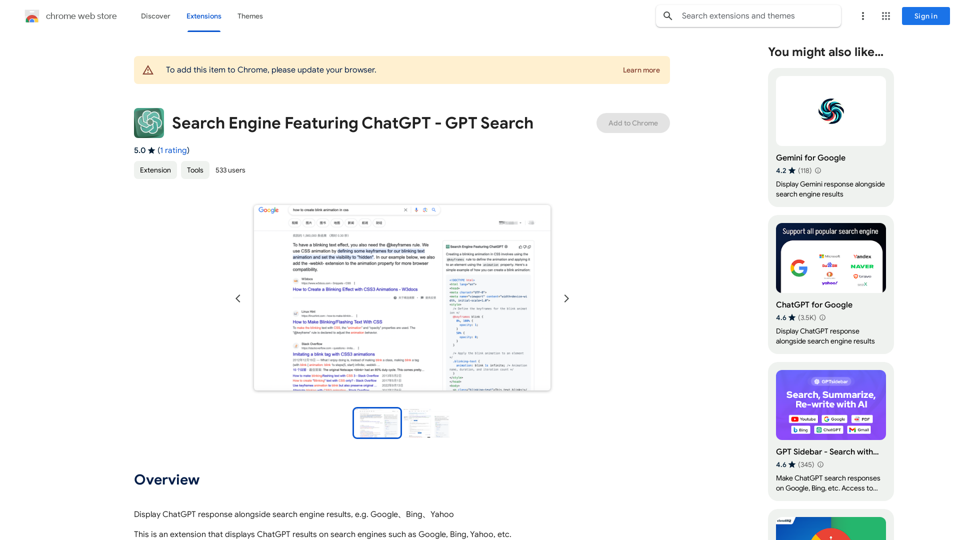
I can't actually display real-time search results from Google, Bing, or Yahoo. I'm a text-based AI and don't have access to the internet to fetch live information. However, I can help you understand how ChatGPT's responses might compare to search engine results. Imagine you ask a search engine: "What is the capital of France?" * Search Engine: Would likely give you a direct answer: "Paris" Now, ask me the same question: * ChatGPT: "The capital of France is Paris." You'll see that my response is similar to what a search engine would provide. Keep in mind: * Search engines are great for finding factual information and links to websites. * ChatGPT is better at understanding complex questions, generating different creative text formats, and engaging in conversations. Let me know if you have any other questions!
193.90 M
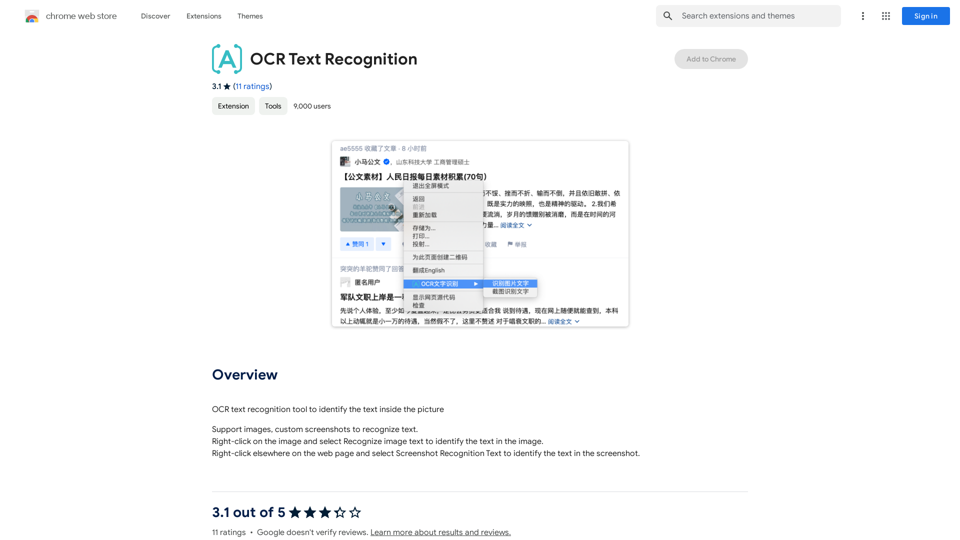
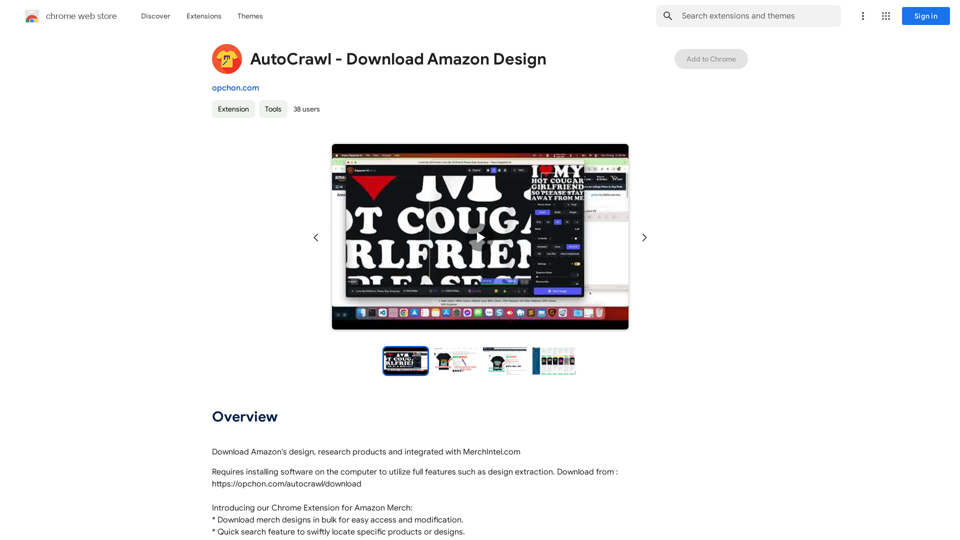
AutoCrawl - Download Amazon Designs This is a tool to help you download designs from Amazon product pages. Here's how it works: 1. Paste the Amazon product URL: Put the link to the Amazon product page you want to download designs from. 2. Select the design type: Choose the type of design you want to download (e.g., images, logos, patterns). 3. Click "Download": The tool will automatically extract and download the selected designs. Features: * Easy to use: Just paste the URL and click a button. * Multiple design types: Download images, logos, patterns, and more. * Fast and efficient: Quickly download multiple designs at once. Disclaimer: * Use this tool responsibly and ethically. * Respect copyright laws and only download designs for personal use.
AutoCrawl - Download Amazon Designs This is a tool to help you download designs from Amazon product pages. Here's how it works: 1. Paste the Amazon product URL: Put the link to the Amazon product page you want to download designs from. 2. Select the design type: Choose the type of design you want to download (e.g., images, logos, patterns). 3. Click "Download": The tool will automatically extract and download the selected designs. Features: * Easy to use: Just paste the URL and click a button. * Multiple design types: Download images, logos, patterns, and more. * Fast and efficient: Quickly download multiple designs at once. Disclaimer: * Use this tool responsibly and ethically. * Respect copyright laws and only download designs for personal use.Download Amazon's design templates, research products, and integrate them with MerchIntel.com.
193.90 M
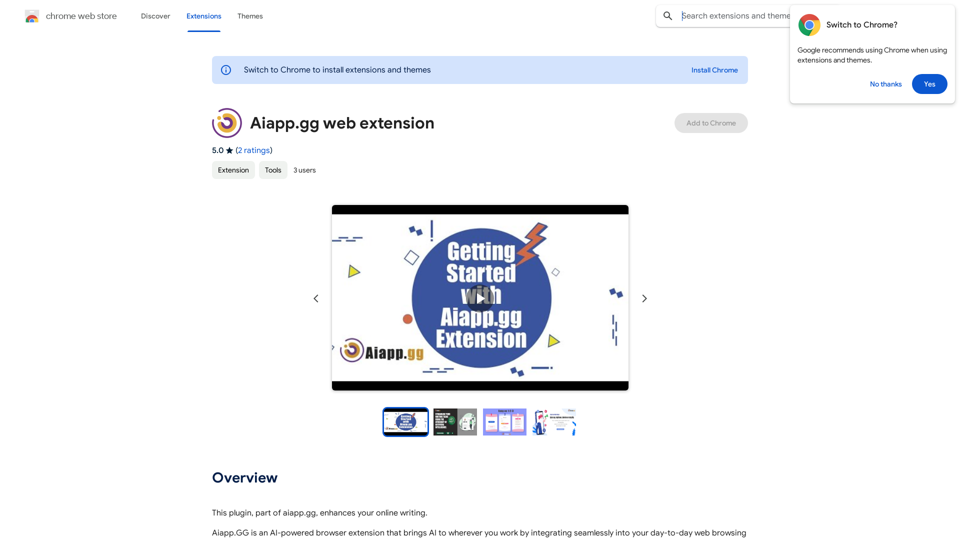
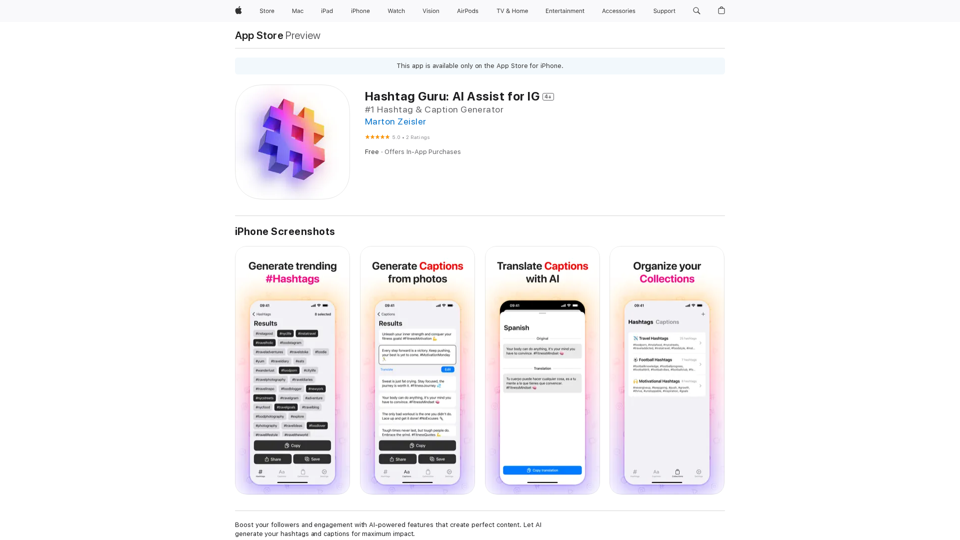
Hashtag Guru: AI Assistant for Instagram on the App Store
Hashtag Guru: AI Assistant for Instagram on the App StoreYour Ultimate AI-Powered Hashtag and Caption Generator! Unlock the secret to social media success with Hashtag Guru, the ultimate AI-driven hashtag generator and caption creator that helps you increase your online visibility, boost engagement, and grow your followers!
124.77 M