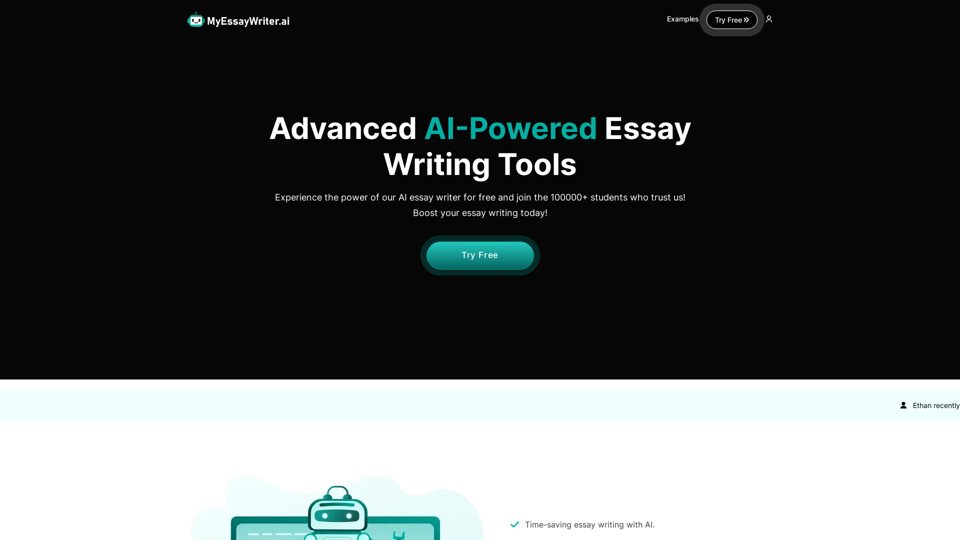
MyEssayWriter.ai is an advanced AI-powered essay writing tool designed to assist students in generating high-quality essays quickly and easily. Utilizing sophisticated natural language processing and machine learning algorithms, it produces original, plagiarism-free content on any given topic. The platform offers various features to streamline the essay writing process, improve writing skills, and provide quality examples for students.
AI Essay Writer & Free AI Writing Tools | Essay Generator
Enhance your essay writing skills with our AI Essay Writer. Begin creating essays today using our AI Essay Writing Tools | No Registration Needed
Introduction
Feature
AI Essay Writer
Generates unique and high-quality essay content on any given topic, saving time and effort for students.
AI Essay Outliner
Creates well-structured essay outlines to help organize ideas and improve the overall structure of the essay.
Multiple Essay Types
Supports various essay types including argumentative, persuasive, and descriptive, catering to different academic requirements.
Time-Saving Automation
Automates the essay writing process, allowing students to focus on other important tasks or studies.
Writing Skills Improvement
Provides quality examples that help students improve their writing skills and learn proper essay structure.
User-Friendly Interface
Offers an easy-to-use interface for seamless essay generation, making it accessible to all users.
Flexible Pricing Options
| Plan | Price | Features |
|---|---|---|
| Free | $0 | - 1500 words (6 pages) quota<br>- Access to all tools<br>- No credit card needed |
| Basic | $9.99/month | - Up to 1500 words per essay<br>- Access to all features<br>- AI Essay Writer & Outliner |
| Pro | $14.99/month | - Unlimited essays<br>- Access to all features<br>- 50% off custom orders<br>- 500 plagiarism check credits |
| Advanced | $99.99/year | - Unlimited essays<br>- Access to all current & future tools<br>- 50% off custom orders<br>- 500 plagiarism check credits |
Citation and Referencing Support
Generates properly formatted citations and bibliographies based on user preferences.
FAQ
Is the content generated by MyEssayWriter.ai plagiarism-free?
Yes, the AI generates original content for each essay request, ensuring plagiarism-free results.
Can I use MyEssayWriter.ai for academic purposes?
The tool is meant for educational and reference purposes only. It is not recommended to submit AI-generated essays as your own work.
How many essays can I generate with the free plan?
The free plan allows you to generate up to 1500 words (approximately 6 pages) of content.
Does MyEssayWriter.ai support citation and referencing?
Yes, the tool can generate properly formatted citations and bibliographies based on your preferences.
Can MyEssayWriter.ai help with research papers and other types of academic writing?
Yes, the tool supports various types of academic writing including research papers, articles, and reports.
Related Websites
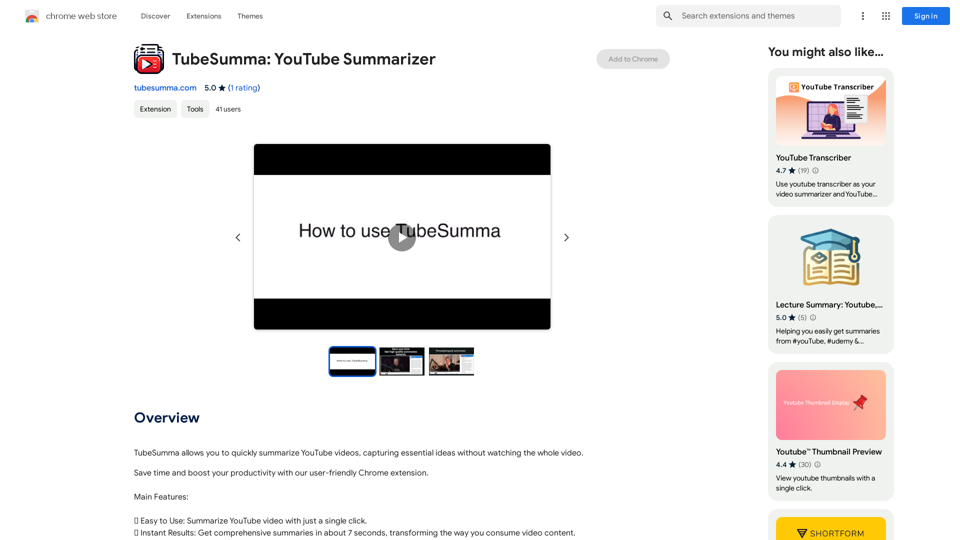
TubeSumma lets you quickly summarize YouTube videos, grabbing the main points without having to watch the entire thing.
193.90 M
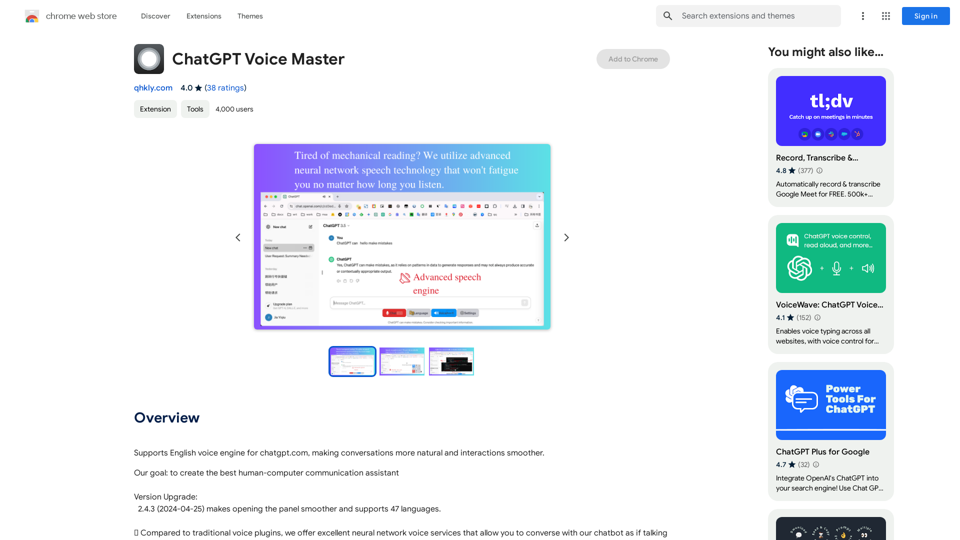
Supports English voice engine for chatgpt.com, making conversations more natural and interactions smoother.
193.90 M
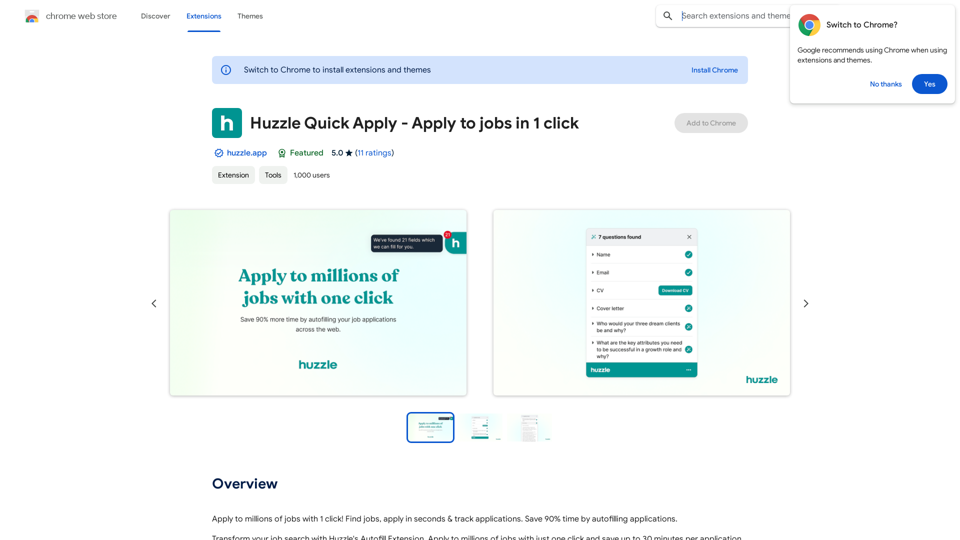
Apply to millions of jobs with 1 click! Find jobs, apply in seconds & track applications. Save 90% time by autofilling applications.
193.90 M
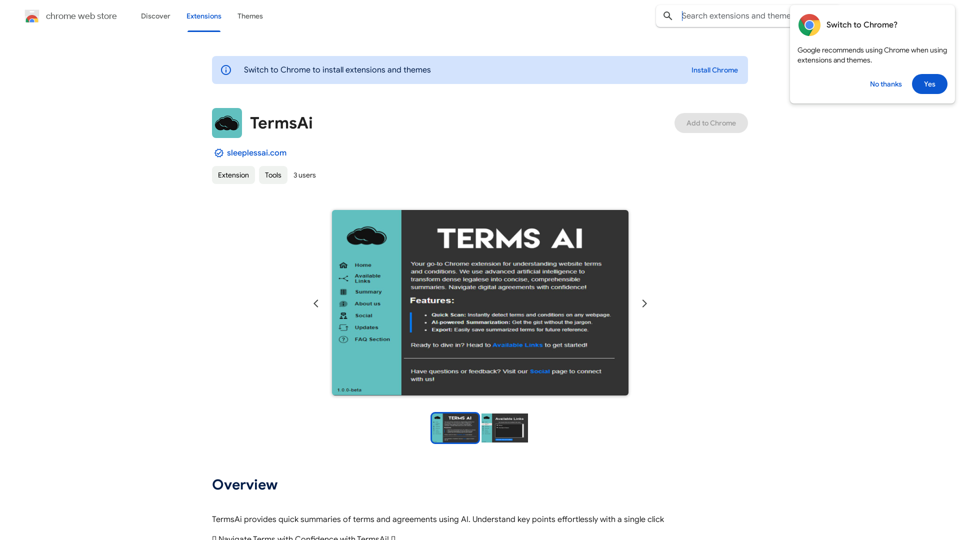
TermsAi provides quick summaries of terms and agreements using AI. Understand key points effortlessly with a single click.
193.90 M
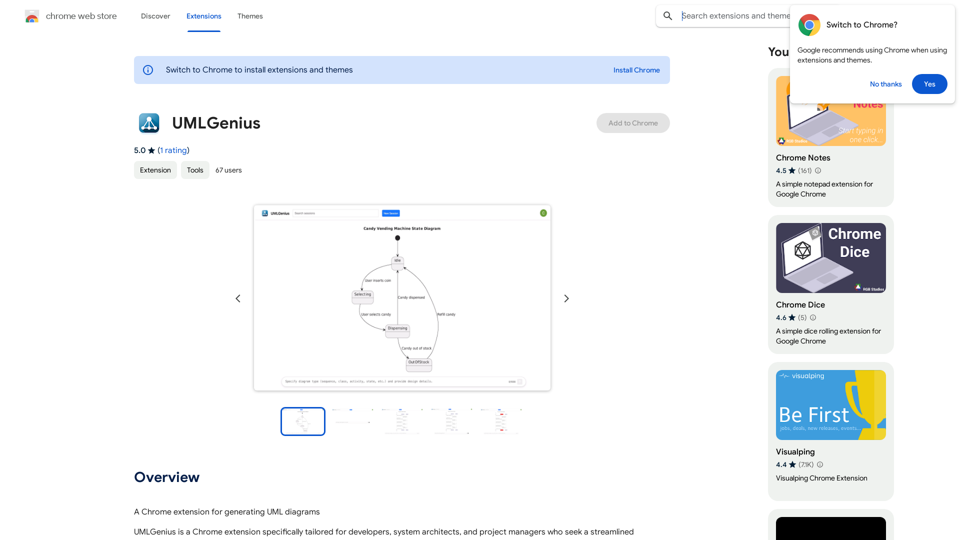
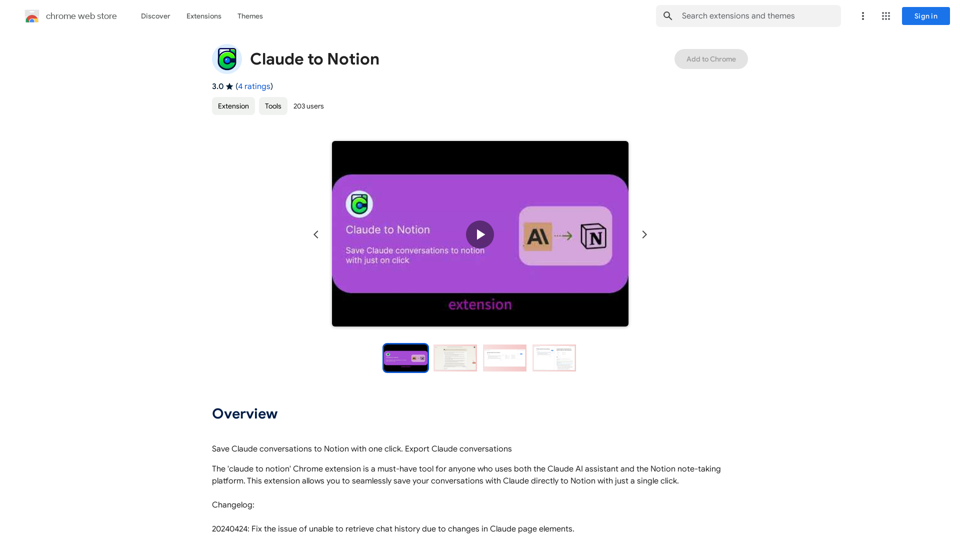
Claude to Notion This is a guide on how to connect Claude, an AI assistant, with Notion, a note-taking and workspace app. Why connect Claude and Notion? * Boost your productivity: Use Claude to generate content, summarize information, and automate tasks directly within Notion. * Enhance your research: Ask Claude questions about your Notion notes and get insightful answers. * Unlock new creative possibilities: Leverage Claude's generative capabilities to brainstorm ideas, write stories, or compose emails within your Notion workspace. How to connect Claude and Notion: 1. API Keys: Obtain an API key for both Claude and Notion. 2. Integration Tool: Explore integration tools like Zapier or Integromat to connect Claude and Notion. These platforms allow you to create workflows that trigger actions in one app based on events in the other. 3. Custom Development: For advanced users, you can develop your own custom integration using the Claude and Notion APIs. This gives you the most flexibility but requires coding knowledge. Example Use Cases: * Meeting Summarization: After a meeting, paste the transcript into Notion and use Claude to generate a concise summary. * Content Creation: Use Claude to write blog posts, articles, or social media captions directly within your Notion pages. * Idea Generation: Brainstorm new ideas for projects or tasks by prompting Claude with specific questions within your Notion workspace. Remember to review the documentation and terms of service for both Claude and Notion to ensure proper usage and security.
Claude to Notion This is a guide on how to connect Claude, an AI assistant, with Notion, a note-taking and workspace app. Why connect Claude and Notion? * Boost your productivity: Use Claude to generate content, summarize information, and automate tasks directly within Notion. * Enhance your research: Ask Claude questions about your Notion notes and get insightful answers. * Unlock new creative possibilities: Leverage Claude's generative capabilities to brainstorm ideas, write stories, or compose emails within your Notion workspace. How to connect Claude and Notion: 1. API Keys: Obtain an API key for both Claude and Notion. 2. Integration Tool: Explore integration tools like Zapier or Integromat to connect Claude and Notion. These platforms allow you to create workflows that trigger actions in one app based on events in the other. 3. Custom Development: For advanced users, you can develop your own custom integration using the Claude and Notion APIs. This gives you the most flexibility but requires coding knowledge. Example Use Cases: * Meeting Summarization: After a meeting, paste the transcript into Notion and use Claude to generate a concise summary. * Content Creation: Use Claude to write blog posts, articles, or social media captions directly within your Notion pages. * Idea Generation: Brainstorm new ideas for projects or tasks by prompting Claude with specific questions within your Notion workspace. Remember to review the documentation and terms of service for both Claude and Notion to ensure proper usage and security.Save Claude conversations to Notion with one click. Export Claude conversations.
193.90 M
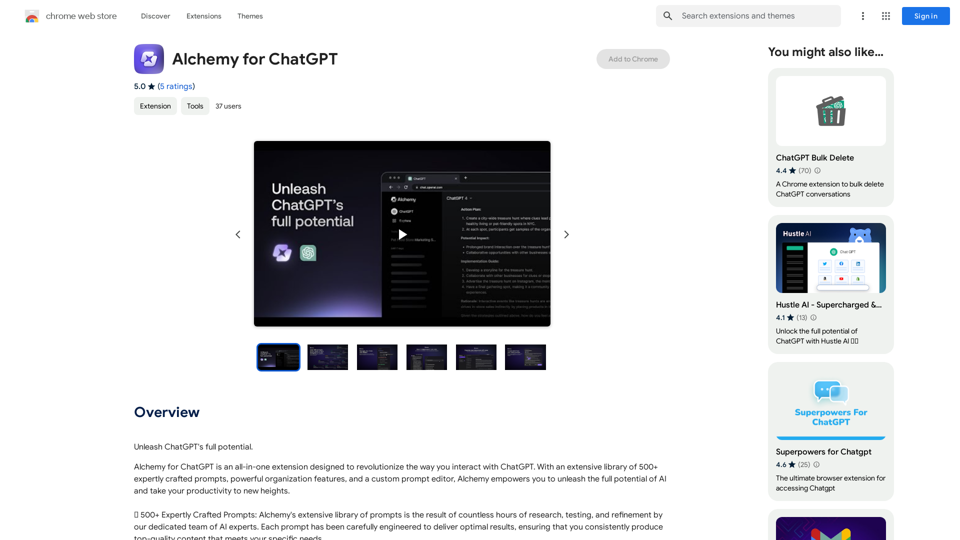
Alchemy for ChatGPT Introduction Alchemy is a powerful framework for building and deploying large language models (LLMs) like ChatGPT. It provides a comprehensive set of tools and resources to streamline the entire LLM development lifecycle, from training to deployment and monitoring. Key Features * Modular Design: Alchemy is built with a modular architecture, allowing developers to easily customize and extend its functionality. * Fine-Tuning Capabilities: Alchemy offers robust fine-tuning capabilities, enabling users to adapt pre-trained LLMs to specific tasks and domains. * Deployment Flexibility: Alchemy supports deployment across various platforms, including cloud, on-premise, and edge devices. * Monitoring and Evaluation: Alchemy provides tools for monitoring LLM performance and evaluating their effectiveness. Benefits * Accelerated Development: Alchemy's modularity and pre-built components significantly reduce development time and effort. * Improved Accuracy: Fine-tuning capabilities allow for higher accuracy and performance on specific tasks. * Scalability and Reliability: Alchemy's deployment flexibility ensures scalability and reliability for diverse applications. * Cost-Effectiveness: Alchemy's efficient resource utilization and streamlined workflows contribute to cost savings. Use Cases Alchemy can be used in a wide range of applications, including: * Chatbots and Conversational AI: * Text Generation and Summarization: * Code Generation and Debugging: * Data Analysis and Insights: * Personalized Learning and Education: Conclusion Alchemy is a powerful and versatile framework that empowers developers to build, deploy, and manage LLMs effectively. Its comprehensive features, benefits, and diverse use cases make it an ideal choice for organizations looking to leverage the transformative potential of LLMs.
Alchemy for ChatGPT Introduction Alchemy is a powerful framework for building and deploying large language models (LLMs) like ChatGPT. It provides a comprehensive set of tools and resources to streamline the entire LLM development lifecycle, from training to deployment and monitoring. Key Features * Modular Design: Alchemy is built with a modular architecture, allowing developers to easily customize and extend its functionality. * Fine-Tuning Capabilities: Alchemy offers robust fine-tuning capabilities, enabling users to adapt pre-trained LLMs to specific tasks and domains. * Deployment Flexibility: Alchemy supports deployment across various platforms, including cloud, on-premise, and edge devices. * Monitoring and Evaluation: Alchemy provides tools for monitoring LLM performance and evaluating their effectiveness. Benefits * Accelerated Development: Alchemy's modularity and pre-built components significantly reduce development time and effort. * Improved Accuracy: Fine-tuning capabilities allow for higher accuracy and performance on specific tasks. * Scalability and Reliability: Alchemy's deployment flexibility ensures scalability and reliability for diverse applications. * Cost-Effectiveness: Alchemy's efficient resource utilization and streamlined workflows contribute to cost savings. Use Cases Alchemy can be used in a wide range of applications, including: * Chatbots and Conversational AI: * Text Generation and Summarization: * Code Generation and Debugging: * Data Analysis and Insights: * Personalized Learning and Education: Conclusion Alchemy is a powerful and versatile framework that empowers developers to build, deploy, and manage LLMs effectively. Its comprehensive features, benefits, and diverse use cases make it an ideal choice for organizations looking to leverage the transformative potential of LLMs.Unlock the full capabilities of ChatGPT.
193.90 M