GPT-Chat is an AI-powered platform offering a wide range of AI technologies for text generation, image understanding, and problem-solving. It provides easy access to ChatGPT and other AI models, catering to various needs in work, study, and daily life. With features like basic history saving, downloads, and cost calculation, GPT-Chat aims to make AI tools accessible and user-friendly.
GPT-ChatDIY
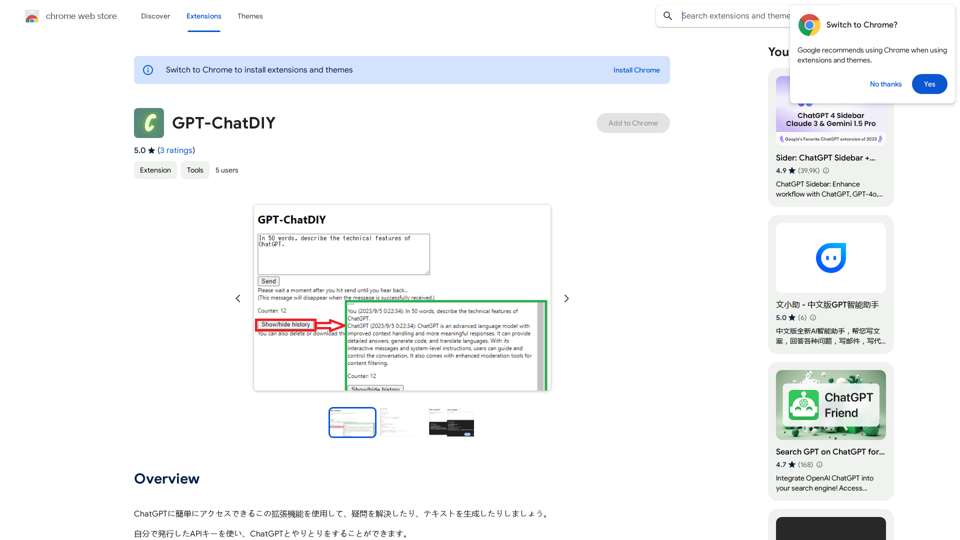
Use this extension to easily access ChatGPT and solve your questions or generate text.
Introduction
Feature
Access to ChatGPT and Multiple AI Models
GPT-Chat provides access to ChatGPT for text generation and problem-solving, along with nearly 200,000 GPT models for diverse applications.
Free Daily Usage
Users can enjoy up to 20 free uses of GPT-Chat per day, with subscription options available for extended access.
Image Generation with Dalle3
GPT-Chat incorporates Dalle3's text-to-image generation capability, allowing users to create images seamlessly.
Basic History Saving
The platform offers a basic history saving feature to help users keep track of their conversations.
Download Functionality
Users can download their generated text or images for offline use or further editing.
Simple Cost Calculation
GPT-Chat includes a simple cost calculation feature to help users estimate the cost of AI services.
Personal Information Protection
The platform implements a personal information input suppression feature to prevent errors and protect user privacy.
Privacy-Focused
GPT-Chat prioritizes user privacy, ensuring that user data is not used for training purposes and can be deleted upon request.
FAQ
What is GPT-Chat?
GPT-Chat is an AI-driven platform providing access to various AI technologies, including ChatGPT, for text generation, image understanding, and problem-solving.
How many free uses does GPT-Chat offer daily?
Every user can utilize GPT-Chat for free up to 20 times a day.
Can I generate images using GPT-Chat?
Yes, GPT-Chat incorporates Dalle3's text-to-image generation capability, allowing users to create images.
How many GPT models are available on GPT-Chat?
GPT-Chat offers nearly 200,000 GPT models for a wide variety of applications in work, study, and everyday life.
Is my information used for training data?
No, GPT-Chat highly values user privacy, and your data will not be used for any training purposes. Users can delete their account and all associated data at any time.
Related Websites
Octoparse VOC - AI Review Research & Analysis This is a document outlining the research and analysis conducted on user voice (VOC) data using Octoparse's AI capabilities.
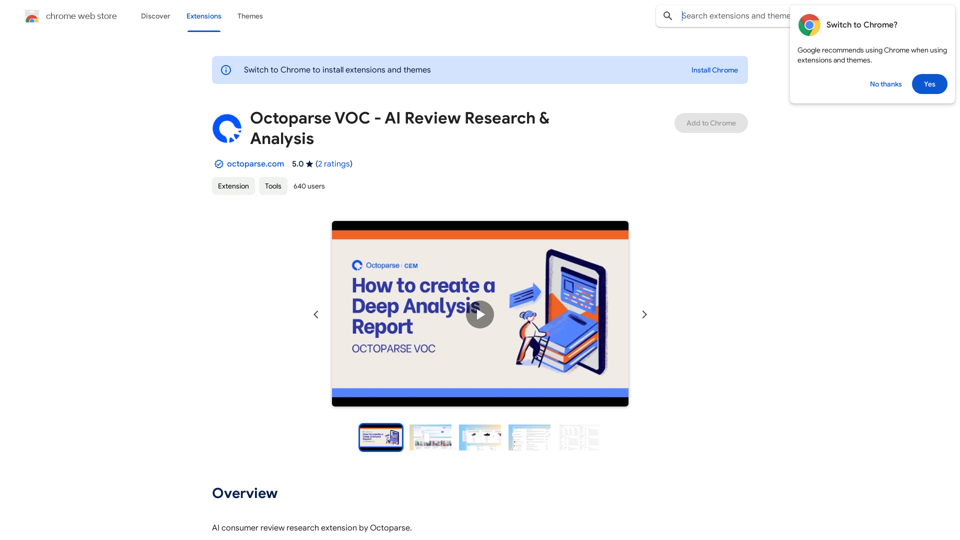
Octoparse VOC - AI Review Research & Analysis This is a document outlining the research and analysis conducted on user voice (VOC) data using Octoparse's AI capabilities.AI Consumer Review Research Extension by Octoparse.
193.90 M
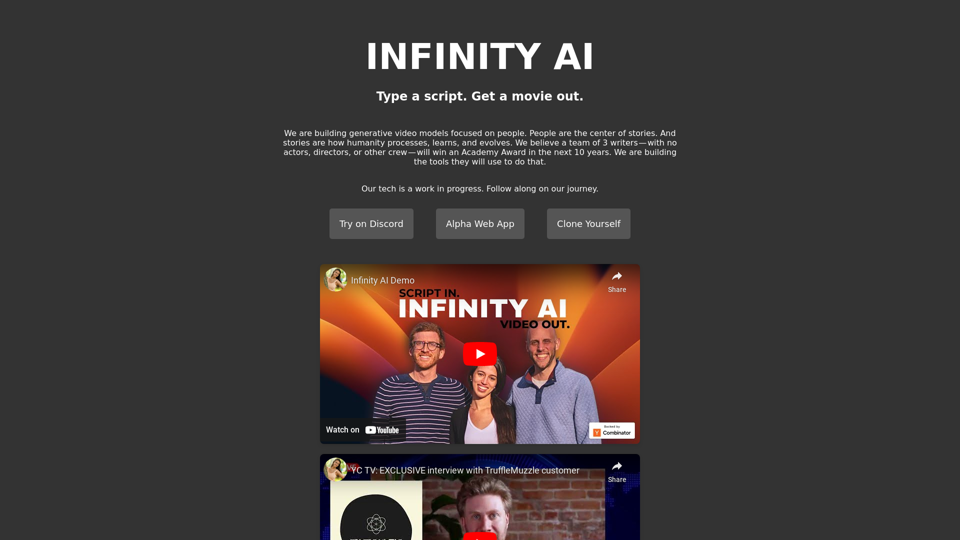
Infinity AI is a revolutionary platform that enables the creation of generative video models focused on people.
158
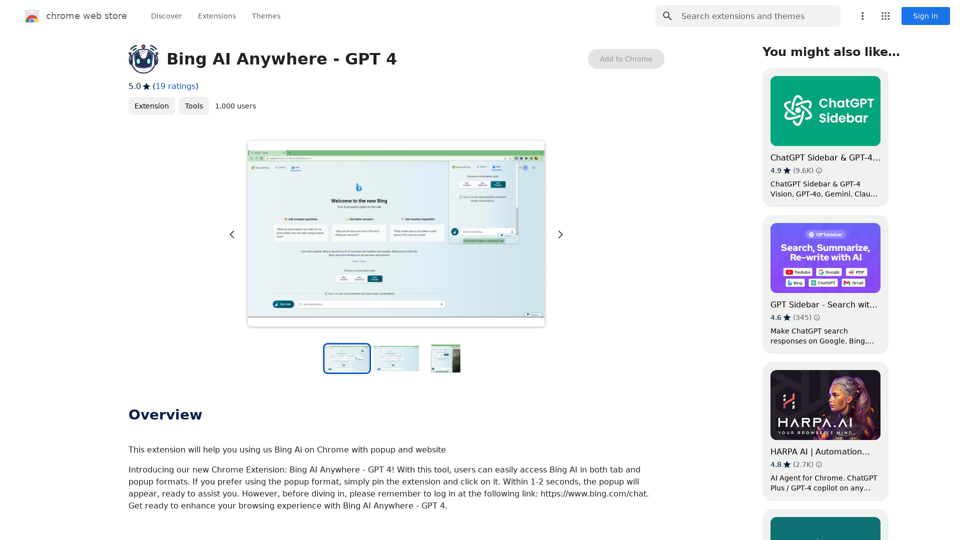
Bing AI Anywhere - GPT 4 Bing AI Anywhere is a cutting-edge technology that integrates the power of artificial intelligence into various aspects of our daily lives. With the latest GPT-4 model, this innovative platform is poised to revolutionize the way we interact, work, and live. What is GPT-4? GPT-4 is the fourth generation of the Generative Pre-trained Transformer (GPT) model, a type of artificial intelligence language model developed by OpenAI. This advanced language model is trained on a massive dataset of text from the internet and can generate human-like language, making it an ideal tool for a wide range of applications. Key Features of Bing AI Anywhere with GPT-4 * Conversational AI: Engage in natural-sounding conversations with Bing AI Anywhere, which can understand and respond to voice or text inputs. * Contextual Understanding: GPT-4's advanced language model enables Bing AI Anywhere to comprehend context, nuances, and subtleties of language, making interactions more human-like. * Multitasking: This technology can handle multiple tasks simultaneously, making it an efficient and productive tool for various industries and applications. * Personalization: Bing AI Anywhere with GPT-4 can learn and adapt to individual preferences, providing a tailored experience for each user. Potential Applications of Bing AI Anywhere with GPT-4 * Virtual Assistants: Integrate Bing AI Anywhere into virtual assistants to create more conversational and helpful AI-powered companions. * Customer Service: Implement this technology in customer service platforms to provide 24/7 support and improve customer satisfaction. * Healthcare: Utilize Bing AI Anywhere with GPT-4 to develop AI-powered chatbots that can assist with medical inquiries, appointments, and more. * Education: Create interactive and engaging educational tools that can provide personalized learning experiences for students. The Future of AI with Bing AI Anywhere and GPT-4 As Bing AI Anywhere continues to evolve with the power of GPT-4, we can expect to see even more innovative applications and use cases emerge. This technology has the potential to transform industries, revolutionize the way we work and live, and bring us closer to a future where humans and AI collaborate seamlessly.
Bing AI Anywhere - GPT 4 Bing AI Anywhere is a cutting-edge technology that integrates the power of artificial intelligence into various aspects of our daily lives. With the latest GPT-4 model, this innovative platform is poised to revolutionize the way we interact, work, and live. What is GPT-4? GPT-4 is the fourth generation of the Generative Pre-trained Transformer (GPT) model, a type of artificial intelligence language model developed by OpenAI. This advanced language model is trained on a massive dataset of text from the internet and can generate human-like language, making it an ideal tool for a wide range of applications. Key Features of Bing AI Anywhere with GPT-4 * Conversational AI: Engage in natural-sounding conversations with Bing AI Anywhere, which can understand and respond to voice or text inputs. * Contextual Understanding: GPT-4's advanced language model enables Bing AI Anywhere to comprehend context, nuances, and subtleties of language, making interactions more human-like. * Multitasking: This technology can handle multiple tasks simultaneously, making it an efficient and productive tool for various industries and applications. * Personalization: Bing AI Anywhere with GPT-4 can learn and adapt to individual preferences, providing a tailored experience for each user. Potential Applications of Bing AI Anywhere with GPT-4 * Virtual Assistants: Integrate Bing AI Anywhere into virtual assistants to create more conversational and helpful AI-powered companions. * Customer Service: Implement this technology in customer service platforms to provide 24/7 support and improve customer satisfaction. * Healthcare: Utilize Bing AI Anywhere with GPT-4 to develop AI-powered chatbots that can assist with medical inquiries, appointments, and more. * Education: Create interactive and engaging educational tools that can provide personalized learning experiences for students. The Future of AI with Bing AI Anywhere and GPT-4 As Bing AI Anywhere continues to evolve with the power of GPT-4, we can expect to see even more innovative applications and use cases emerge. This technology has the potential to transform industries, revolutionize the way we work and live, and bring us closer to a future where humans and AI collaborate seamlessly.This extension helps you use Bing AI on Chrome with a popup and website.
193.90 M
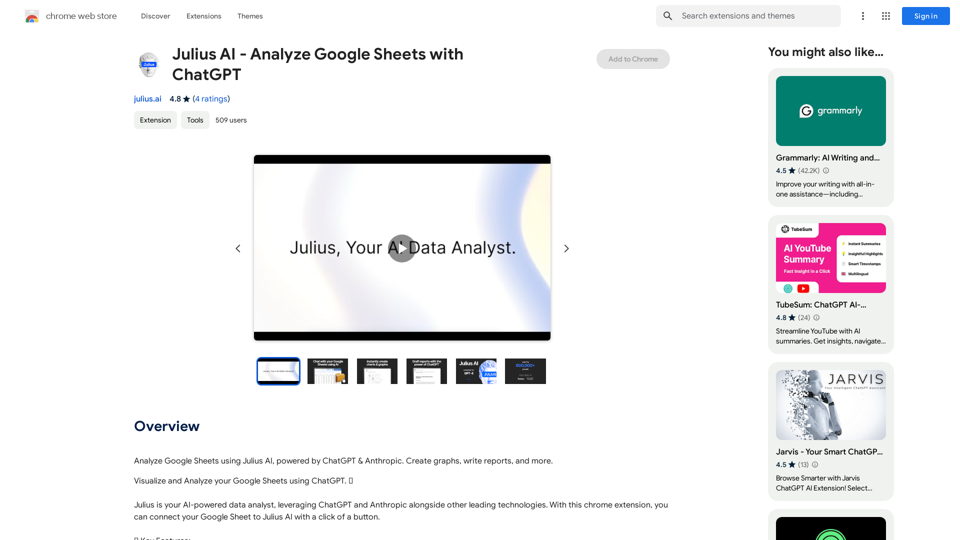
Julius AI - Analyze Google Sheets with ChatGPT This is a powerful tool that combines the analytical capabilities of ChatGPT with the data organization of Google Sheets. Imagine being able to ask natural language questions about your spreadsheet data and get insightful answers instantly. Julius AI makes this a reality. Here's how it works: * Connect your Google Sheet: Easily link your spreadsheet to Julius AI. * Ask ChatGPT to analyze: Use natural language to ask questions about your data. For example, "What is the average sales for product X?" or "Show me the top 5 customers by revenue." * Get clear, concise answers: Julius AI will leverage ChatGPT's understanding of language and your spreadsheet data to provide you with accurate and easy-to-understand answers. Julius AI empowers you to: * Uncover hidden insights: Discover patterns and trends in your data that you might have missed. * Make data-driven decisions: Use the insights gained from Julius AI to make informed business decisions. * Save time and effort: Stop spending hours manually analyzing data. Let Julius AI do the heavy lifting for you. Julius AI is the perfect tool for anyone who wants to unlock the power of their Google Sheets data.
Julius AI - Analyze Google Sheets with ChatGPT This is a powerful tool that combines the analytical capabilities of ChatGPT with the data organization of Google Sheets. Imagine being able to ask natural language questions about your spreadsheet data and get insightful answers instantly. Julius AI makes this a reality. Here's how it works: * Connect your Google Sheet: Easily link your spreadsheet to Julius AI. * Ask ChatGPT to analyze: Use natural language to ask questions about your data. For example, "What is the average sales for product X?" or "Show me the top 5 customers by revenue." * Get clear, concise answers: Julius AI will leverage ChatGPT's understanding of language and your spreadsheet data to provide you with accurate and easy-to-understand answers. Julius AI empowers you to: * Uncover hidden insights: Discover patterns and trends in your data that you might have missed. * Make data-driven decisions: Use the insights gained from Julius AI to make informed business decisions. * Save time and effort: Stop spending hours manually analyzing data. Let Julius AI do the heavy lifting for you. Julius AI is the perfect tool for anyone who wants to unlock the power of their Google Sheets data.Use Julius AI, which is powered by ChatGPT and Anthropic, to analyze your Google Sheets data. You can create charts, write reports, and do other tasks.
193.90 M