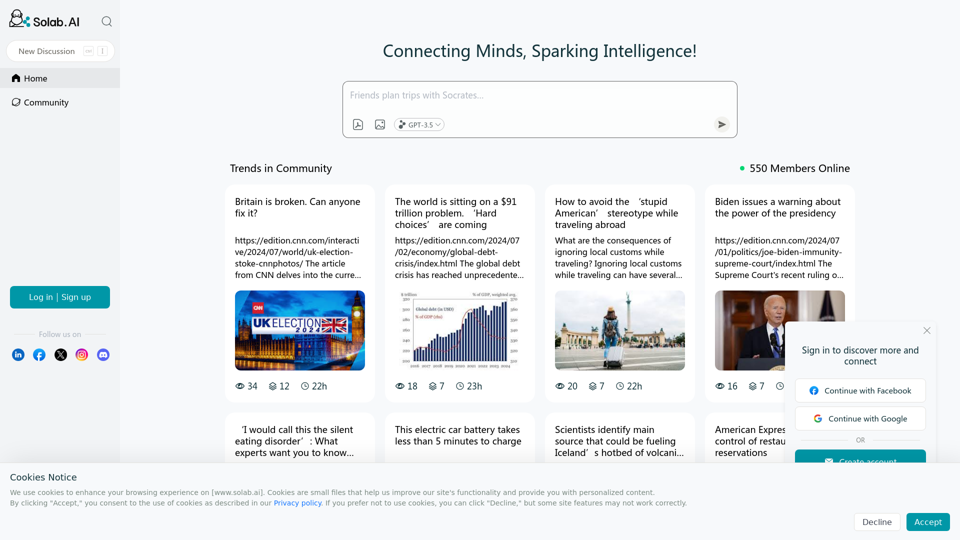
Socratic Lab is an online platform that connects minds and sparks intelligence. It provides a space for discussing current trends and important topics across various fields, including politics, economics, technology, health, and social issues. The platform aims to foster critical thinking and informed discussions on global matters.
Socratic Lab
Socratic Lab is your AI-powered community for learning and sharing knowledge. Ask anything you're curious about, connect with like-minded individuals, and join in-depth discussions.
Introduction
Feature
Diverse Topic Coverage
Socratic Lab covers a wide range of topics, including:
- Political and socio-economic issues
- Global financial trends
- Cultural awareness and travel
- Technological advancements
- Health and medical breakthroughs
- Entertainment and lifestyle news
Current Events Analysis
The platform offers in-depth analysis of current events, such as:
- Britain's political and economic challenges
- Global debt crisis and its implications
- Supreme Court rulings on presidential immunity
- Advancements in electric vehicle technology
- Changes in restaurant reservation systems
Global Perspective
Socratic Lab provides insights on international matters:
- World's most liveable cities ranking
- Cultural sensitivity while traveling abroad
- Global technological developments
Health and Wellness Focus
The platform addresses important health topics:
- Eating disorders like ARFID
- Alzheimer's treatment advancements
Technology and Gaming Updates
Socratic Lab keeps users informed about:
- Xbox Live service outages
- Advancements in AI and language models
- Netflix subscription plan changes
Space and Science News
The platform covers developments in space exploration:
- SpaceX's ambitious launch plans
- Competitor reactions in the space industry
FAQ
What is the purpose of Socratic Lab?
Socratic Lab aims to connect minds and spark intelligence by providing a platform for discussing current trends and important topics across various fields. It fosters critical thinking and informed discussions on global matters.
What types of topics does Socratic Lab cover?
Socratic Lab covers a wide range of topics, including:
- Politics and socio-economics
- Global finance
- Cultural awareness
- Technology and innovation
- Health and medicine
- Entertainment and lifestyle
How does Socratic Lab contribute to users' knowledge?
Socratic Lab contributes to users' knowledge by:
- Providing in-depth analysis of current events
- Offering a global perspective on various issues
- Covering diverse topics from multiple fields
- Highlighting technological advancements and scientific breakthroughs
- Addressing important health and wellness topics
Is Socratic Lab focused on a specific geographic region?
No, Socratic Lab has a global focus. It covers topics and events from various parts of the world, providing users with a broad international perspective on current issues and trends.
How often is the content on Socratic Lab updated?
While the exact frequency is not specified, the content on Socratic Lab appears to be regularly updated with current news and trends, ensuring users have access to the latest information and discussions on various topics.
Related Websites
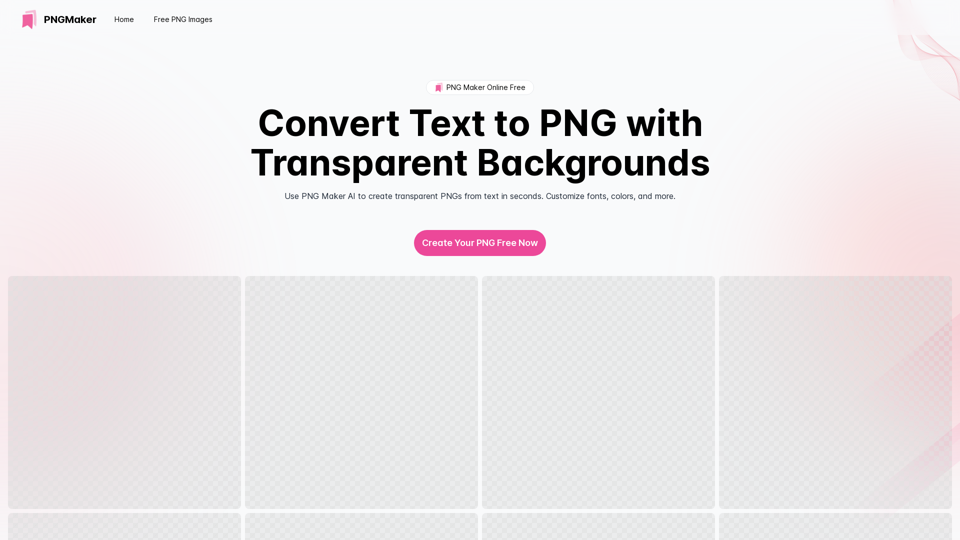
PNG Maker Online Free: Convert Text to PNG with Transparent Backgrounds
PNG Maker Online Free: Convert Text to PNG with Transparent BackgroundsEffortlessly create high-quality PNG images using PNG maker. Our png maker online free tool transforms text to PNG with customizable options. Ideal for web designers and content creators needing a transparent PNG maker.
121.14 K
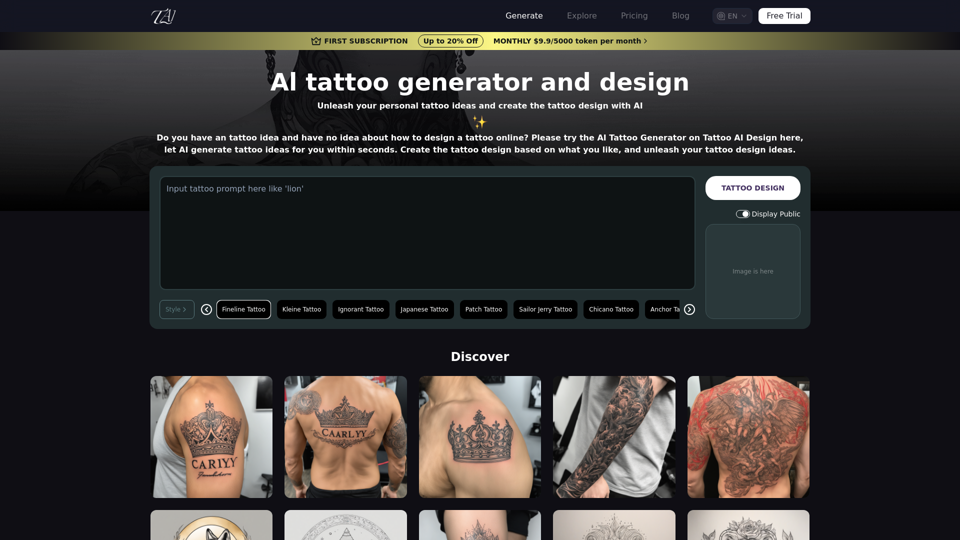
Tattoo AI Design is a tool that offers a free AI Tattoo Generator and Design service. It provides inspiration through AI-generated Tattoo Designs. The goal of Tattoo AI Design is to spark amazing ideas for users and help them create their own unique tattoo designs.
601
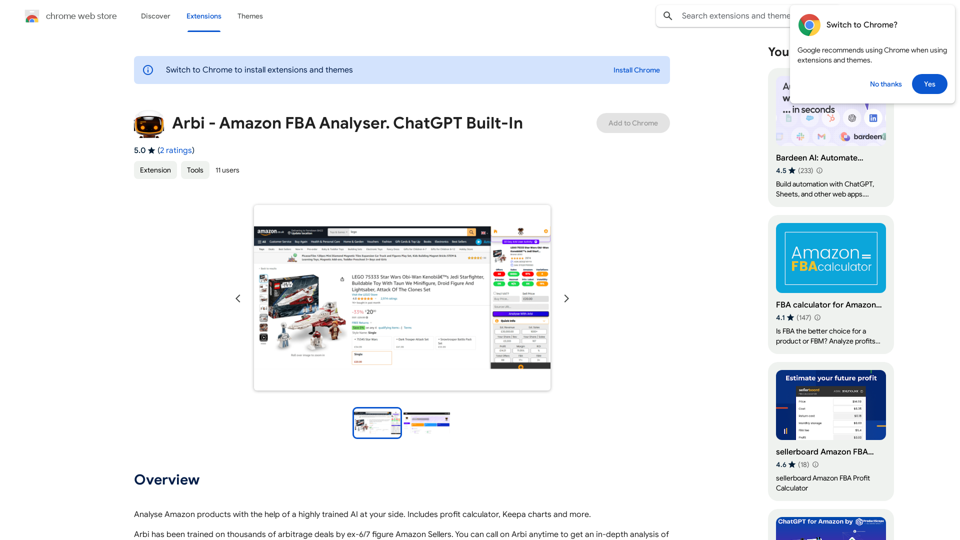
Analyze Amazon products with the help of a powerful AI assistant. Features include a profit calculator, Keepa charts, and more.
193.90 M
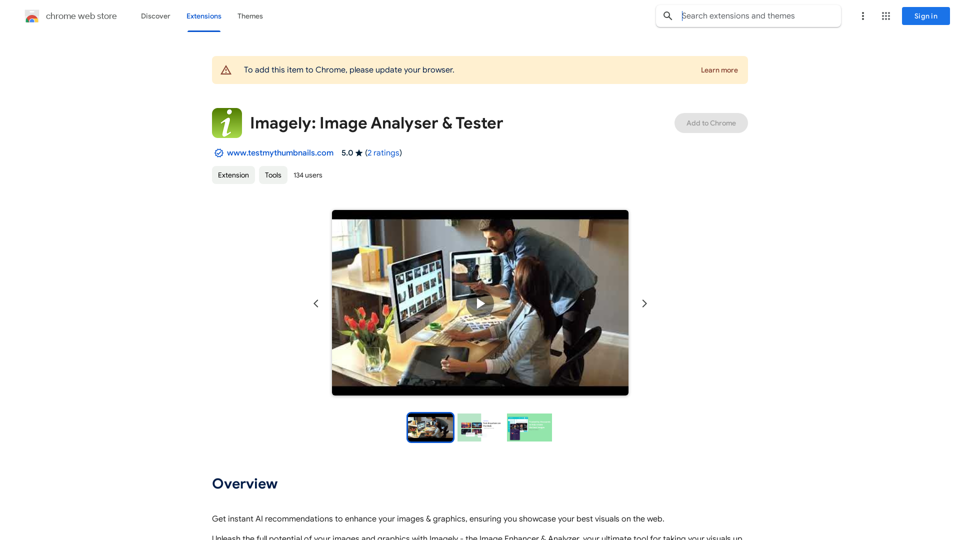
Get instant AI-powered recommendations to improve your images and graphics, so you can display your best visuals online.
193.90 M
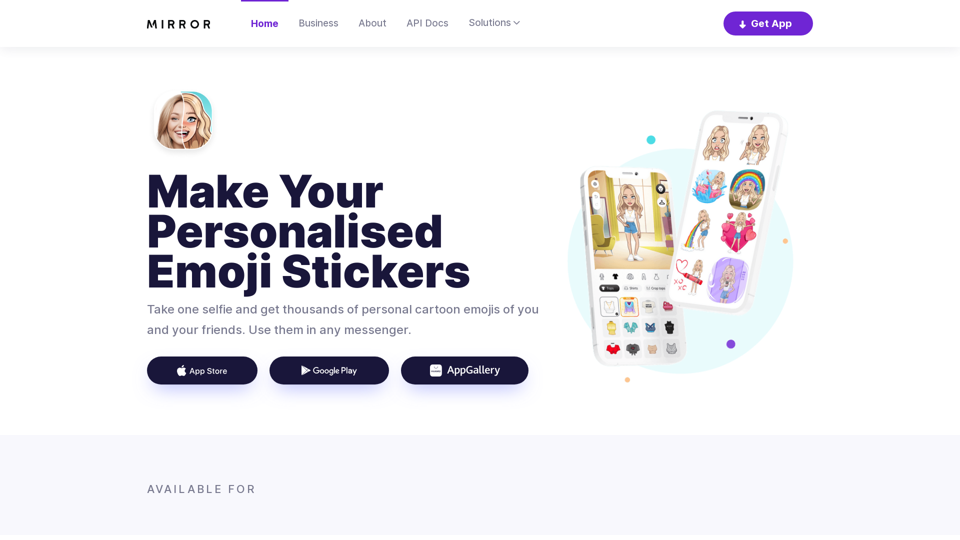
Mirror AI - Emoji Maker and Free AI Avatar Creator
Mirror AI - Emoji Maker and Free AI Avatar CreatorMirror is your personal sticker creator! Take a single selfie and receive thousands of personalized emojis and stickers featuring you and your friends. Use them in WhatsApp, Facebook, iMessage, Telegram, and other messaging apps!
33.59 K
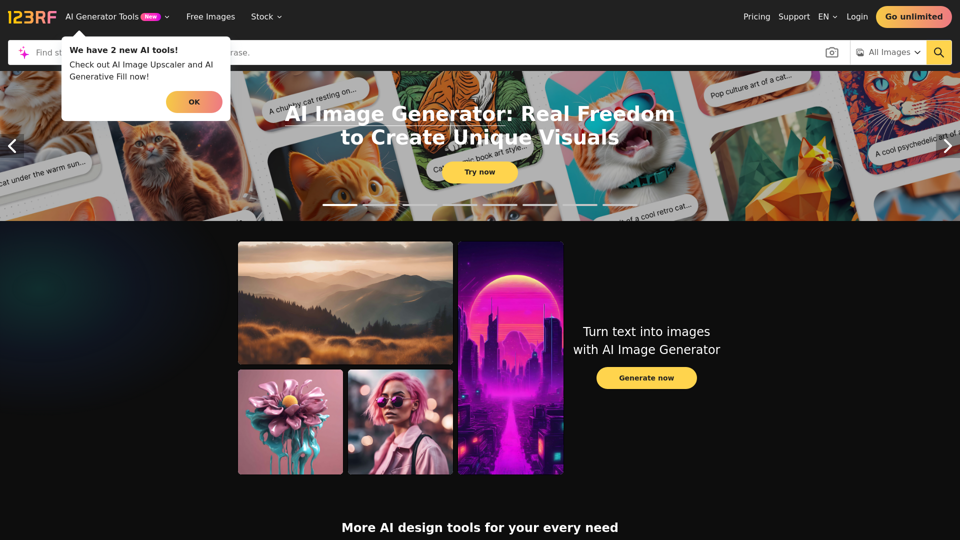
Stock Photos, Vectors and Royalty Free Images from 123RF
Stock Photos, Vectors and Royalty Free Images from 123RFSearch and download from millions of HD stock photos, royalty-free images, clipart, vectors, and illustrations
9.66 M
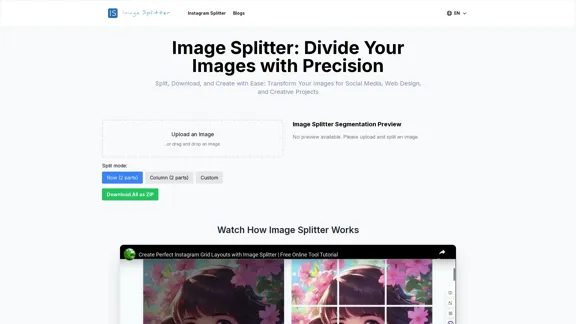
Effortless Image Splitting Tool for Creative Projects
Effortless Image Splitting Tool for Creative ProjectsEasily split large images online into smaller parts for social media, web design, and creative projects with our intuitive Image Splitter tool.
9.99 K
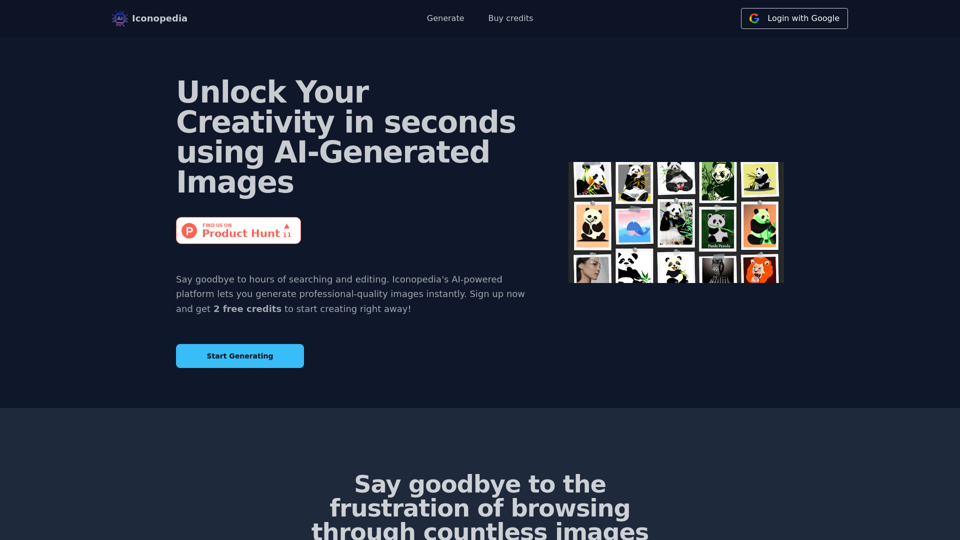
Generate Stunning Images with AI Let's explore the world of AI-powered image generation and unleash your creativity! What is AI Image Generation? AI image generation uses artificial intelligence algorithms to create images from text descriptions, known as "prompts." How Does it Work? These powerful models, trained on massive datasets of images and text, learn the relationships between words and visual concepts. When you provide a prompt, the AI interprets it and generates a corresponding image. Benefits of AI Image Generation: * Effortless Creativity: Bring your ideas to life without needing artistic skills. * Endless Possibilities: Explore unique concepts and styles with ease. * Rapid Prototyping: Quickly visualize designs and concepts. * Personalized Content: Create custom images tailored to your needs. Popular AI Image Generators: * DALL-E 2: Known for its photorealistic and imaginative results. * Midjourney: Creates artistic and dreamlike images. * Stable Diffusion: Open-source and highly customizable. * Craiyon (formerly DALL-E mini): A free and accessible option. Tips for Generating Stunning Images: * Be Specific: Provide clear and detailed prompts. * Use Descriptive Language: Include adjectives, nouns, and verbs to guide the AI. * Experiment with Styles: Explore different artistic styles and aesthetics. * Iterate and Refine: Adjust your prompts and settings to achieve your desired outcome. Let your imagination run wild and discover the incredible potential of AI image generation!
0