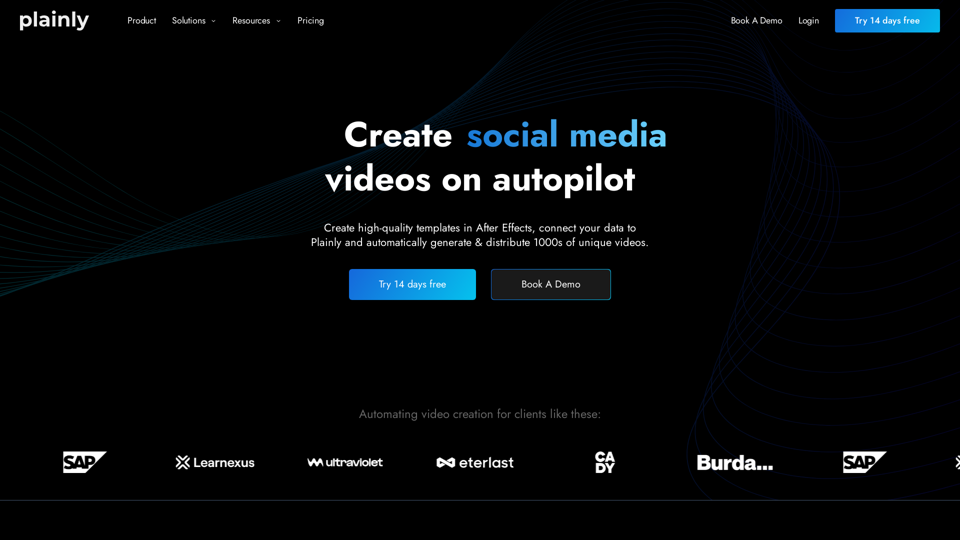
Plainly is an AI-powered platform that revolutionizes video creation by automating the process. It enables users to produce high-quality videos at scale without requiring extensive video production expertise. By utilizing pre-made templates and connecting data sources, Plainly allows for the automatic generation and distribution of thousands of unique videos.
Plainly - Automate video creation
Plainly is a simple-to-use video automation software. Create automated video creation workflows and generate 1000s of videos in clicks
Introduction
Feature
Create Videos from CSV
Plainly simplifies video creation by allowing users to generate videos from CSV files, making it ideal for large-scale video production from extensive datasets.
Convert Articles to Videos
Users can transform existing text content into engaging videos, enhancing user engagement and monetization opportunities.
Video Editing API
Plainly offers a powerful video editing API that enables programmatic video creation based on After Effects templates with minimal setup.
Template Creation and Library
Users can create custom templates in Adobe After Effects without limitations. Additionally, Plainly provides a free template library for all users.
Flexible Data Integration
Plainly supports batch rendering using static data sources like CSV files and on-demand rendering through API or one-click integrations with third-party tools.
Automated Rendering
Once set up, Plainly automatically inserts data into templates and renders videos, allowing users to focus on other important tasks.
High-Volume Video Production
The platform is designed to generate thousands of unique videos at scale, making it suitable for businesses with high-volume video production needs.
Privacy Protection
Plainly prioritizes user privacy and does not use customer data for training purposes. Users can delete their accounts at any time, ensuring complete data removal.
FAQ
What is video automation software?
Video automation software allows you to automatically create multiple versions of the same video, streamlining the production process for large-scale video projects.
How does video automation software differ from automated video editing tools?
While sometimes used interchangeably, video automation software focuses on creating multiple versions or personalized videos at scale, whereas automated video editing tools may offer more general editing capabilities.
What are the applications of video automation software?
Video automation software is primarily used for:
- Creating personalized videos at scale
- Generating video variations in bulk
- Automating video production for marketing campaigns
How can video automation enhance personalized marketing campaigns?
Video automation software can:
- Automatically incorporate user data into pre-created templates
- Generate customized videos for individual viewers
- Scale personalized video content efficiently
When should I consider a Plainly subscription?
Consider a Plainly subscription when:
- Free usage limits no longer meet your needs
- You require additional features and benefits
- You need extended access to the platform's capabilities
Can Plainly generate images?
No, Plainly is primarily focused on video creation and does not offer image generation capabilities.
How can I maximize my use of Plainly?
To maximize Plainly's potential:
- Utilize the video editing API for automated video creation
- Integrate with Google Sheets and other data sources
- Focus on creating data-driven videos at scale
- Leverage the free template library for diverse video styles
Related Websites
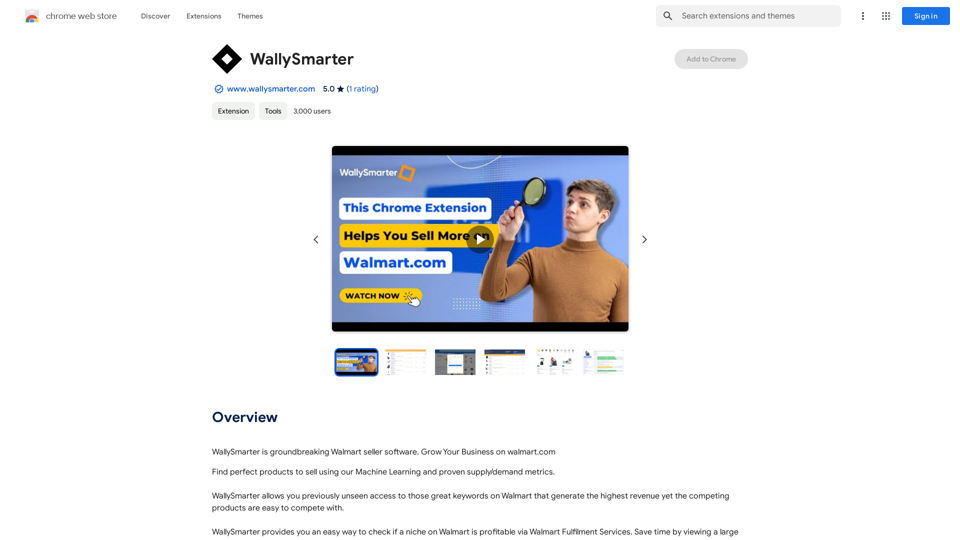
WallySmarter is groundbreaking software for selling on Walmart. Grow your business on walmart.com.
193.90 M
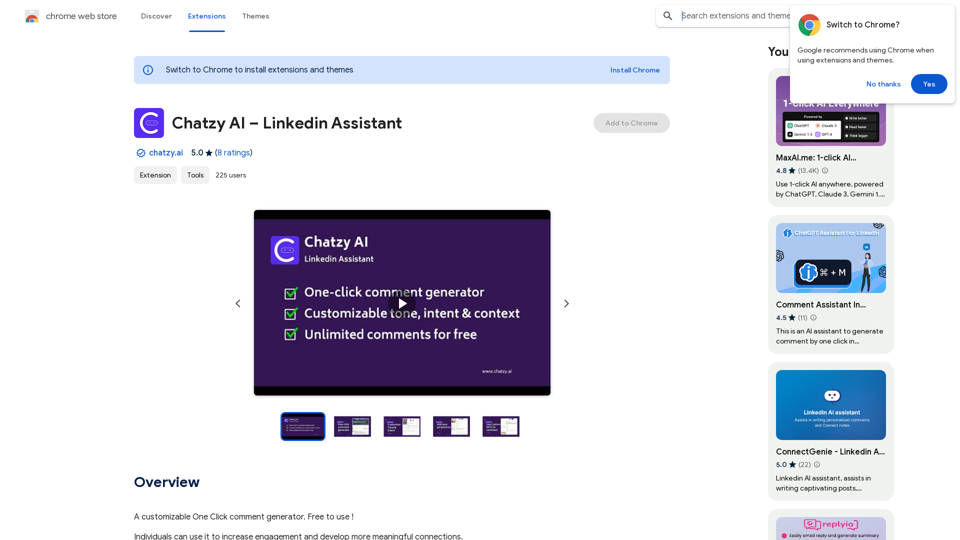
Chatzy AI – LinkedIn Assistant This is a powerful AI assistant designed to help you with your LinkedIn activities. Here's what it can do: * Craft compelling LinkedIn posts: Generate engaging content for your profile, updates, and articles. * Write personalized connection requests: Make a great first impression with tailored messages that stand out. * Summarize lengthy articles: Quickly grasp the key points of industry news and insights. * Optimize your LinkedIn profile: Get suggestions for improving your profile to attract more connections and opportunities. * Answer your LinkedIn messages: Save time by having Chatzy AI respond to common inquiries. Boost your LinkedIn presence and productivity with Chatzy AI!
Chatzy AI – LinkedIn Assistant This is a powerful AI assistant designed to help you with your LinkedIn activities. Here's what it can do: * Craft compelling LinkedIn posts: Generate engaging content for your profile, updates, and articles. * Write personalized connection requests: Make a great first impression with tailored messages that stand out. * Summarize lengthy articles: Quickly grasp the key points of industry news and insights. * Optimize your LinkedIn profile: Get suggestions for improving your profile to attract more connections and opportunities. * Answer your LinkedIn messages: Save time by having Chatzy AI respond to common inquiries. Boost your LinkedIn presence and productivity with Chatzy AI!A customizable One Click comment generator. Free to use!
193.90 M
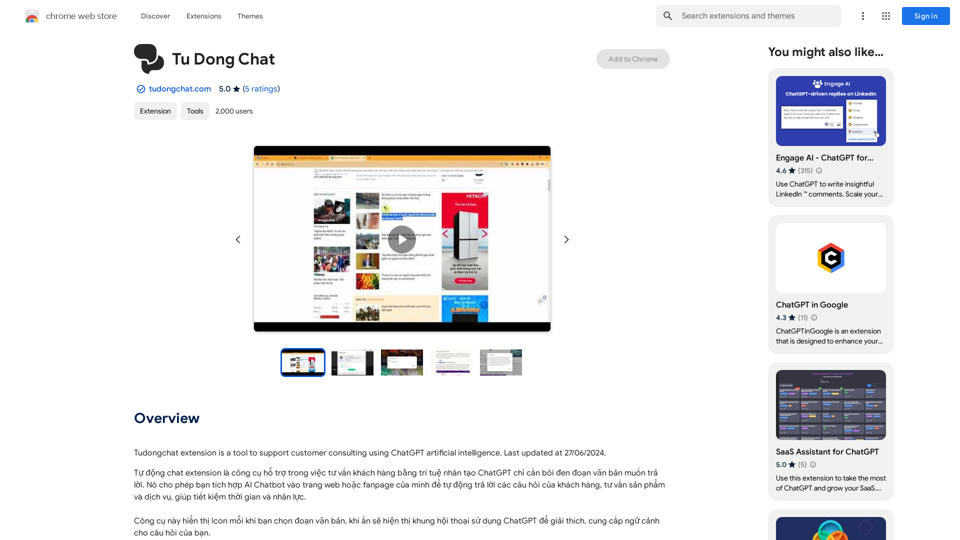
The Tudongchat extension is a tool that supports customer consulting using ChatGPT artificial intelligence. Last updated on June 27, 2024.
193.90 M
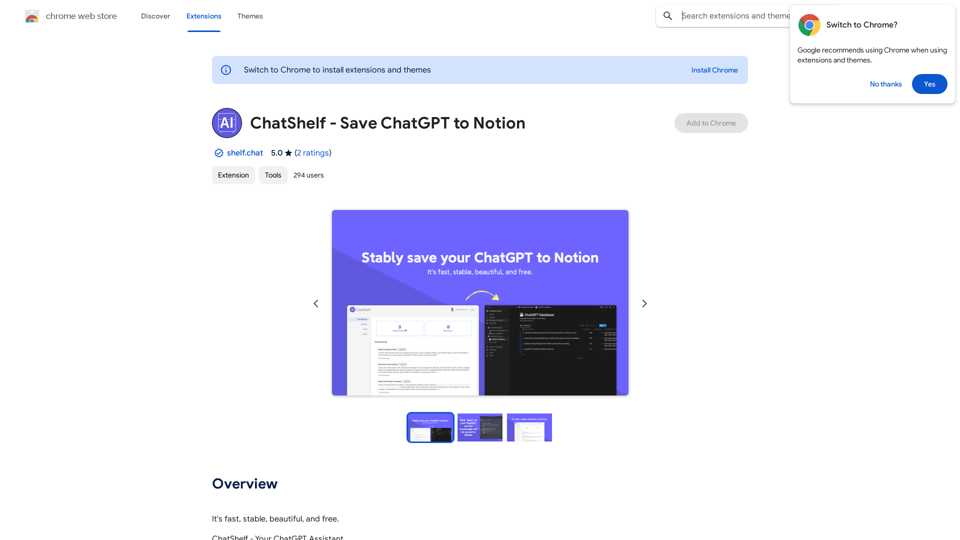
ChatShelf - Save ChatGPT to Notion ChatShelf is a tool that lets you save your ChatGPT conversations directly into Notion. It's a simple way to keep track of your AI interactions and use them later. Just copy the link to your ChatGPT conversation and paste it into ChatShelf. It will then extract the conversation and create a Notion page for you.
ChatShelf - Save ChatGPT to Notion ChatShelf is a tool that lets you save your ChatGPT conversations directly into Notion. It's a simple way to keep track of your AI interactions and use them later. Just copy the link to your ChatGPT conversation and paste it into ChatShelf. It will then extract the conversation and create a Notion page for you.It's fast, stable, beautiful, and free.
193.90 M
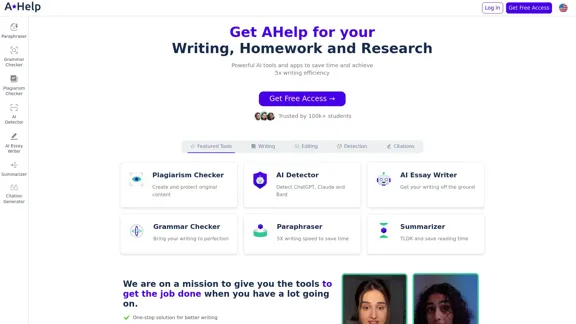
AHelp: Ultimate Hub of Educational and AI Writing Tools
AHelp: Ultimate Hub of Educational and AI Writing ToolsAHelp: Your essential toolkit for study, homework and research. Our platform offers various tools to make homework, assignments and essay writing easier.
99.04 K
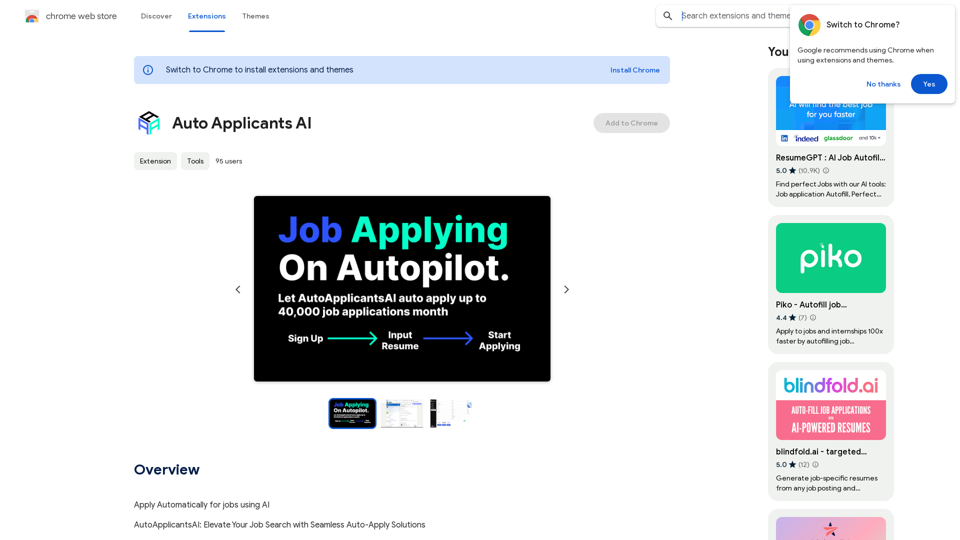
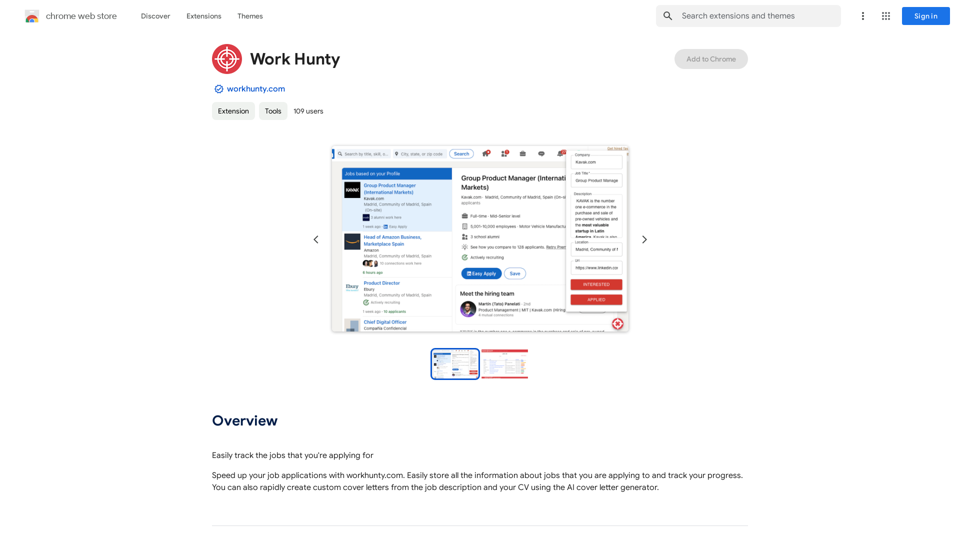
Automatically Apply for Jobs Using AI Imagine a world where you can apply for jobs with just a few clicks, powered by the intelligence of artificial intelligence. That's the promise of AI-powered job application tools. These tools can: * Scan your resume and identify relevant jobs: AI algorithms can analyze your skills and experience to match you with suitable opportunities. * Customize your cover letter for each application: Say goodbye to generic cover letters! AI can tailor your message to highlight the specific requirements of each job description. * Automate the application process: From filling out forms to submitting your documents, AI can handle the tedious tasks, saving you time and effort. * Track your applications and provide insights: Stay informed about the status of your applications and receive valuable feedback on your performance. By leveraging the power of AI, you can streamline your job search, increase your chances of getting noticed, and focus on what matters most: landing your dream job.
193.90 M