AutoApplicants AI revolutionizes job searching by offering an automated application process. This innovative tool uses artificial intelligence to streamline job applications, allowing users to apply to numerous positions with just a single click. By automating tedious tasks, AutoApplicants AI enables job seekers to focus on finding their ideal career opportunities, saving valuable time and effort in the process.
AI for Auto Applicants
Automatically Apply for Jobs Using AI
Imagine a world where you can apply for jobs with just a few clicks, powered by the intelligence of artificial intelligence.
That's the promise of AI-powered job application tools.
These tools can:
* Scan your resume and identify relevant jobs: AI algorithms can analyze your skills and experience to match you with suitable opportunities.
* Customize your cover letter for each application: Say goodbye to generic cover letters! AI can tailor your message to highlight the specific requirements of each job description.
* Automate the application process: From filling out forms to submitting your documents, AI can handle the tedious tasks, saving you time and effort.
* Track your applications and provide insights: Stay informed about the status of your applications and receive valuable feedback on your performance.
By leveraging the power of AI, you can streamline your job search, increase your chances of getting noticed, and focus on what matters most: landing your dream job.
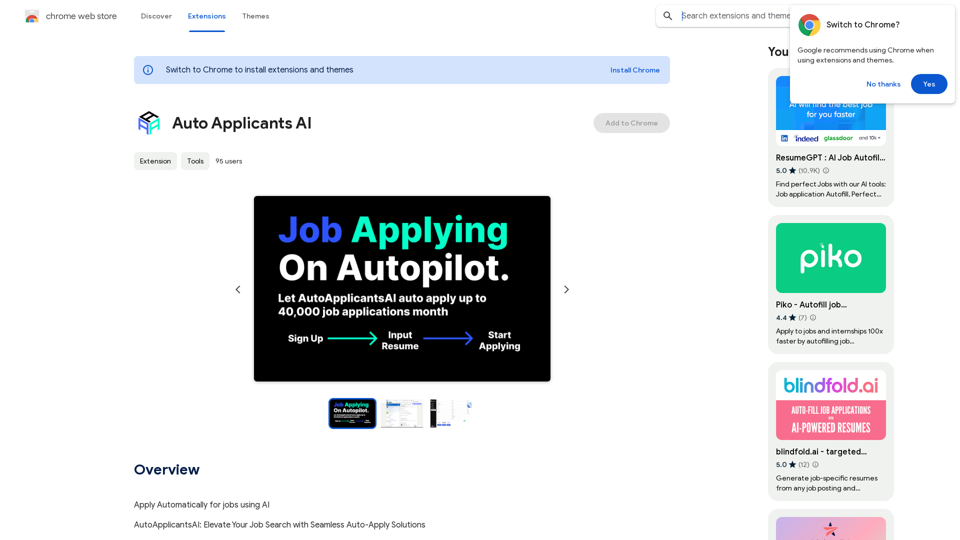
Introduction
Feature
Automated Application Process
AutoApplicants AI utilizes cutting-edge technology to automate job applications. With a single click, users can apply to thousands of jobs effortlessly, significantly reducing the time and effort typically required in job hunting.
AI-Powered Resume Generation
The platform offers AI-driven resume and cover letter creation. This feature allows users to generate tailored, professional CVs and cover letters with ease, enhancing their chances of standing out to potential employers.
Time-Saving Solution
By automating the application process, AutoApplicants AI saves users hours of tedious work. This efficiency allows job seekers to focus on more critical aspects of their job search, such as researching companies and preparing for interviews.
User-Friendly Interface
AutoApplicants AI is designed for ease of use. Users can get started by simply installing the extension, making the job application process accessible to all, regardless of technical expertise.
Privacy Protection
The platform prioritizes user privacy. AutoApplicants AI ensures that user information is not used for any training purposes, maintaining the confidentiality of personal and professional data.
Flexible Subscription Options
While AutoApplicants AI offers a free version, it also provides affordable subscription options for users who require more advanced features or rely heavily on the automated application process.
FAQ
How do I get started with AutoApplicants AI?
To begin using AutoApplicants AI, simply install the extension. Once installed, you can start applying to jobs effortlessly with a single click.
Can I customize my resume using AutoApplicants AI?
Yes, AutoApplicants AI offers AI-powered resume generation. This feature allows you to create customized, perfect CVs and cover letters with ease, tailored to your specific needs and job requirements.
How many jobs can I apply to using AutoApplicants AI?
With AutoApplicants AI, you can apply to thousands of jobs effortlessly. The automated application process allows you to explore a vast range of job opportunities quickly and efficiently.
Is my personal information safe with AutoApplicants AI?
Yes, AutoApplicants AI highly values user privacy. The platform ensures that your data will not be used for any training purposes, maintaining the confidentiality of your personal and professional information.
When should I consider subscribing to AutoApplicants AI?
If you find that the free version doesn't meet your needs and you heavily rely on the automated application process, you may want to consider subscribing to one of AutoApplicants AI's affordable products for enhanced features and capabilities.
Related Websites
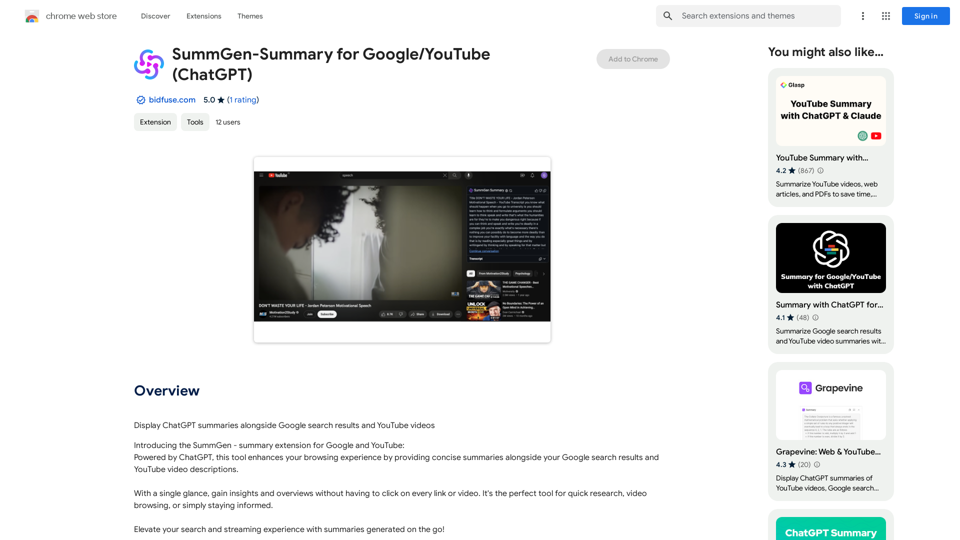
SummGen-Summary for Google/YouTube (ChatGPT) This is a summary of the capabilities and potential uses of SummGen, a text summarization model, specifically in the context of Google and YouTube. * What is SummGen? SummGen is a powerful text summarization model developed by Google DeepMind. It excels at condensing large amounts of text into concise and informative summaries. * How can SummGen be used with Google Search? Imagine searching Google for a complex topic. SummGen could analyze the top search results and generate a brief, clear summary of the key information, saving you time and effort. * Applications for YouTube: * Video Summaries: SummGen could automatically generate summaries of YouTube videos, making it easier for viewers to quickly understand the content. * Closed Captions: SummGen could enhance closed captions by providing more accurate and concise summaries of the spoken words. * Content Discovery: YouTube could use SummGen to create summaries of trending videos, helping users discover new content based on their interests. * Benefits: * Efficiency: SummGen saves time by providing concise summaries of large amounts of text. * Accessibility: Summaries can make information more accessible to people with visual or cognitive impairments. * Improved Understanding: Summaries can help users grasp complex topics more easily. SummGen has the potential to revolutionize how we interact with information on Google and YouTube, making it more efficient, accessible, and understandable.
SummGen-Summary for Google/YouTube (ChatGPT) This is a summary of the capabilities and potential uses of SummGen, a text summarization model, specifically in the context of Google and YouTube. * What is SummGen? SummGen is a powerful text summarization model developed by Google DeepMind. It excels at condensing large amounts of text into concise and informative summaries. * How can SummGen be used with Google Search? Imagine searching Google for a complex topic. SummGen could analyze the top search results and generate a brief, clear summary of the key information, saving you time and effort. * Applications for YouTube: * Video Summaries: SummGen could automatically generate summaries of YouTube videos, making it easier for viewers to quickly understand the content. * Closed Captions: SummGen could enhance closed captions by providing more accurate and concise summaries of the spoken words. * Content Discovery: YouTube could use SummGen to create summaries of trending videos, helping users discover new content based on their interests. * Benefits: * Efficiency: SummGen saves time by providing concise summaries of large amounts of text. * Accessibility: Summaries can make information more accessible to people with visual or cognitive impairments. * Improved Understanding: Summaries can help users grasp complex topics more easily. SummGen has the potential to revolutionize how we interact with information on Google and YouTube, making it more efficient, accessible, and understandable.Display ChatGPT Summaries Alongside Google Search Results and YouTube Videos This feature would allow users to see concise summaries generated by ChatGPT directly integrated with their Google search results and YouTube video pages. Imagine searching for a topic on Google and seeing a ChatGPT-generated summary at the top of the results, providing a quick overview of the key points. Or, watching a YouTube video and having a ChatGPT summary appear below, highlighting the main takeaways. This integration could significantly enhance the user experience by: * Saving time: Quickly grasp the essence of information without having to read through lengthy articles or watch entire videos. * Improving comprehension: ChatGPT summaries can rephrase complex information in a more accessible way. * Encouraging exploration: Summaries can spark curiosity and lead users to explore related content further.
193.90 M
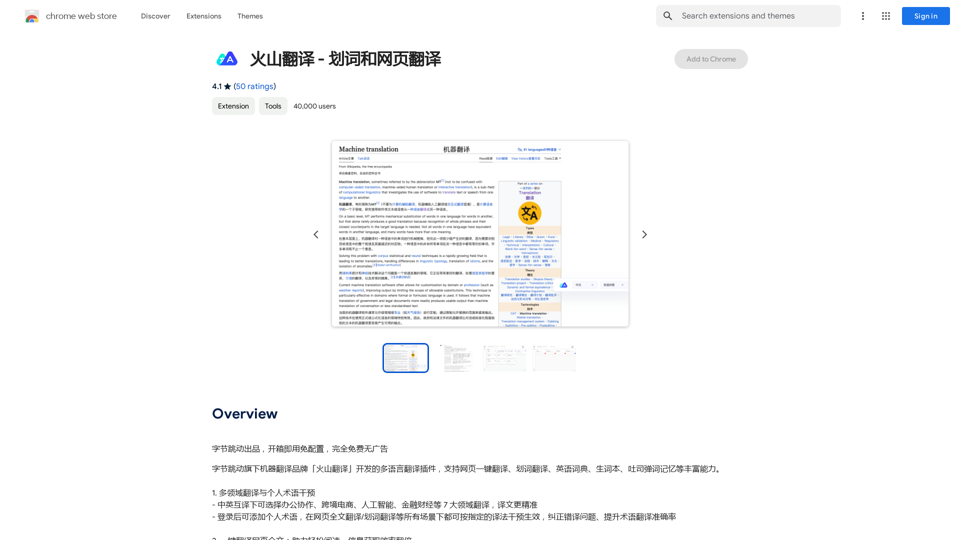
Volcano Translation - Screenshot and Webpage Translation
Volcano Translation - Screenshot and Webpage TranslationByteDance production, out of the box, no configuration required, completely free and ad-free.
193.90 M
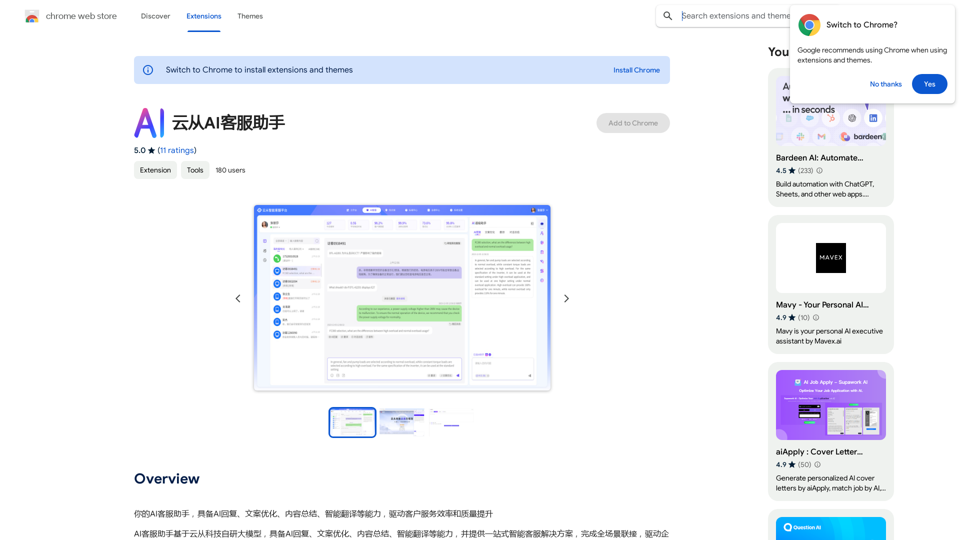
Your AI customer service assistant has the capabilities of AI replies, copywriting optimization, content summarization, and intelligent translation, driving improvements in customer service efficiency and quality.
193.90 M
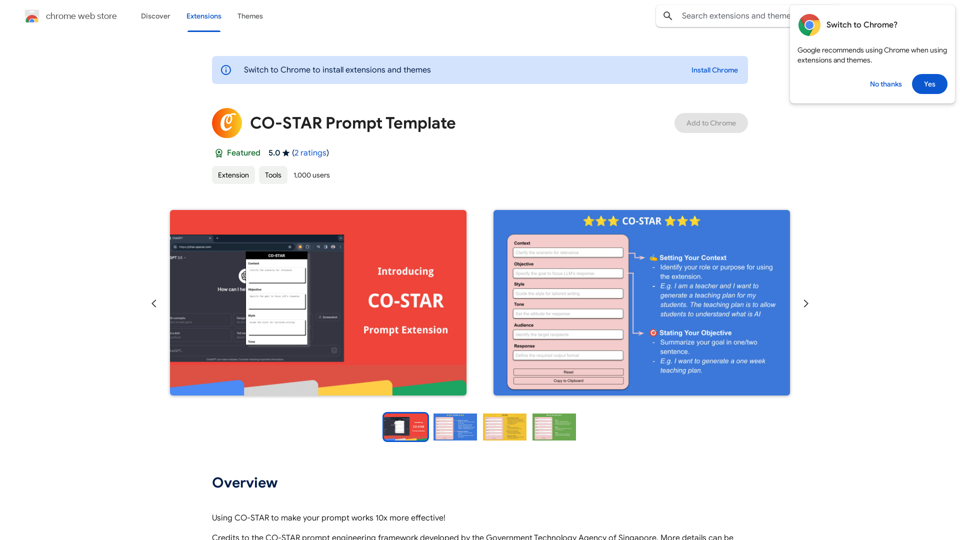
CO-STAR Prompt Template ========================== Task Description Describe the task you want the AI to perform. Be specific and concise. Input Prompt Provide the input prompt that the AI will receive. This can be a question, a statement, or a scenario. Desired Response Describe the desired response from the AI. What type of answer or output are you expecting? Constraints List any constraints or rules that the AI should follow when generating a response. This can include tone, style, or specific keywords to include or avoid. Evaluation Metrics Describe how you will evaluate the AI's response. What metrics or criteria will you use to determine the quality of the response? Example Output Provide an example of what a good response from the AI might look like. This can help clarify the task and provide a target for the AI to aim for.
CO-STAR Prompt Template ========================== Task Description Describe the task you want the AI to perform. Be specific and concise. Input Prompt Provide the input prompt that the AI will receive. This can be a question, a statement, or a scenario. Desired Response Describe the desired response from the AI. What type of answer or output are you expecting? Constraints List any constraints or rules that the AI should follow when generating a response. This can include tone, style, or specific keywords to include or avoid. Evaluation Metrics Describe how you will evaluate the AI's response. What metrics or criteria will you use to determine the quality of the response? Example Output Provide an example of what a good response from the AI might look like. This can help clarify the task and provide a target for the AI to aim for.Using CO-STAR to Make Your Prompt 10 Times More Effective!
193.90 M
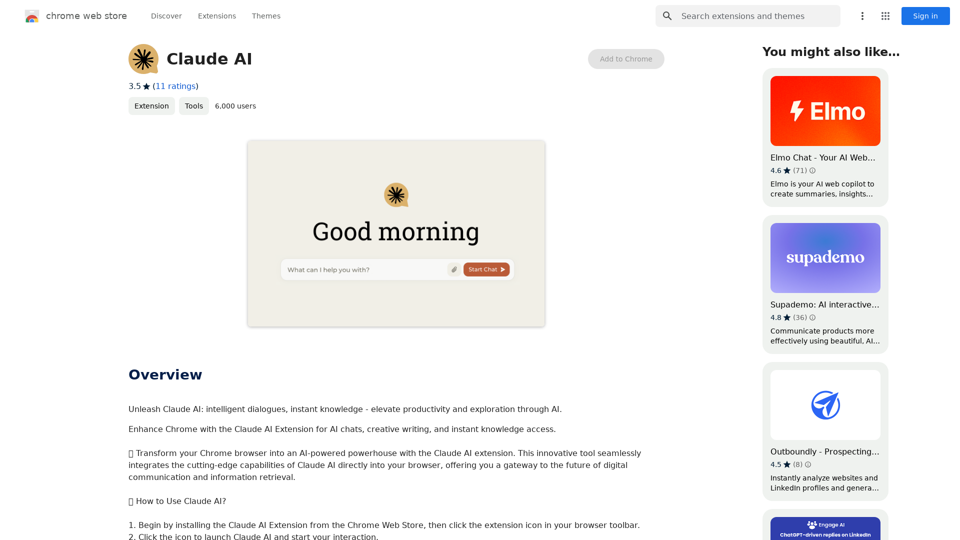
Claude AI Claude AI is an artificial intelligence model that can understand and respond to human input in a conversational manner. It is trained on a massive dataset of text from the internet and can generate human-like responses to a wide range of topics and questions. Claude AI is designed to be highly engaging and can even exhibit a sense of humor, making it a popular choice for chatbots and virtual assistants.
Claude AI Claude AI is an artificial intelligence model that can understand and respond to human input in a conversational manner. It is trained on a massive dataset of text from the internet and can generate human-like responses to a wide range of topics and questions. Claude AI is designed to be highly engaging and can even exhibit a sense of humor, making it a popular choice for chatbots and virtual assistants.Unleash Claude AI: Intelligent Dialogues, Instant Knowledge - Elevate Productivity and Exploration through AI.
193.90 M