PhotoFuse AI offers a unique solution for transforming selfies into AI-generated characters and producing stunning, realistic photos and professional headshots in just seconds. With an intuitive interface and no subscription required, users can easily create personalized images that reflect their style and personality.
PhotoFuse AI - Your personal AI photographer always with you.
Your personal AI photographer in your pocket

Introduction
Feature
-
Easy Photo Upload
Users can upload 10-15 photos to train their AI character, with clear guidance provided for optimal results.
-
Template Selection
Choose from a variety of pre-made templates or manually design scenes using an intuitive interface.
-
Quick Generation and Sharing
Generate 1-4 variations of images in seconds. Users can download their favorites or make adjustments and regenerate as needed.
-
Professional Headshots
Create authentic headshots with customizable backgrounds, expressions, outfits, and accessories, all without technical skills.
-
Diverse Background Options
Select from numerous professional, creative, or fun backgrounds suitable for LinkedIn, portfolios, or personal branding.
-
Customizable Expressions and Clothing
Choose emotions and outfits that match the user's vibe, ensuring the headshot feels genuine.
-
Flexible Pricing Plans
PhotoFuse offers various subscription plans, allowing users to select one that fits their needs, with options for pay-as-you-go credits.
How to Use?
- Sign up for a PhotoFuse account to get started.
- Upload 10-15 photos of the person you want to turn into an AI character.
- Choose a template or design your scene manually.
- Generate images and select your preferred variations.
- Customize headshots by selecting backgrounds, expressions, and outfits.
- Download and share your images on various platforms.
FAQ
What is PhotoFuse?
PhotoFuse is an AI-powered tool that transforms selfies into AI characters and generates realistic photos and professional headshots.
How do I train the AI model with my photos?
Upload 10-15 photos of the individual you want to create an AI character for, and follow the provided guidance for best results.
Can I use any type of photo?
Yes, you can use various types of photos, but it's recommended to follow the guidelines for optimal training.
How long does it take to train the model?
The training process is quick, allowing users to generate images in seconds after uploading their photos.
Can I generate images without uploading my own photos?
No, the process requires users to upload their own photos to create personalized AI characters.
How many images can I generate?
The number of images generated depends on the subscription plan selected, with options for additional credits available.
Can I edit the generated images?
Yes, users can make adjustments and regenerate images as needed.
How secure is my data and photos?
PhotoFuse prioritizes user privacy and data security, ensuring that uploaded photos are handled securely.
Can I cancel my subscription anytime?
Yes, users can cancel their subscription at any time.
Is PhotoFuse available on mobile?
The website does not specify mobile availability; users should check for compatibility.
Price
| Plan | Monthly Cost | Credits per Month | Photos per Month | Storage History |
|---|---|---|---|---|
| Starter | $19 | 2,500 | ~250 | 30 days |
| Basic | $39 | 5,500 | ~550 | Unlimited |
| Pro | $99 | 14,000 | ~1,400 | Unlimited |
| Pay as you go | $9/1000 credits | N/A | N/A | 10 days |
The price is for reference only, please refer to the latest official data for actual information.
Evaluation
- PhotoFuse AI excels in providing a user-friendly experience, allowing users to create high-quality images without technical expertise.
- The variety of templates and customization options enhances the creative process, making it suitable for both personal and professional use.
- However, the reliance on user-uploaded photos may limit some users who prefer not to share personal images.
- The pricing structure is flexible, but the cost may be a consideration for casual users who do not need frequent access to the service.
- Overall, PhotoFuse AI is a valuable tool for those looking to generate professional images quickly, though it may not meet the needs of every user.
Related Websites
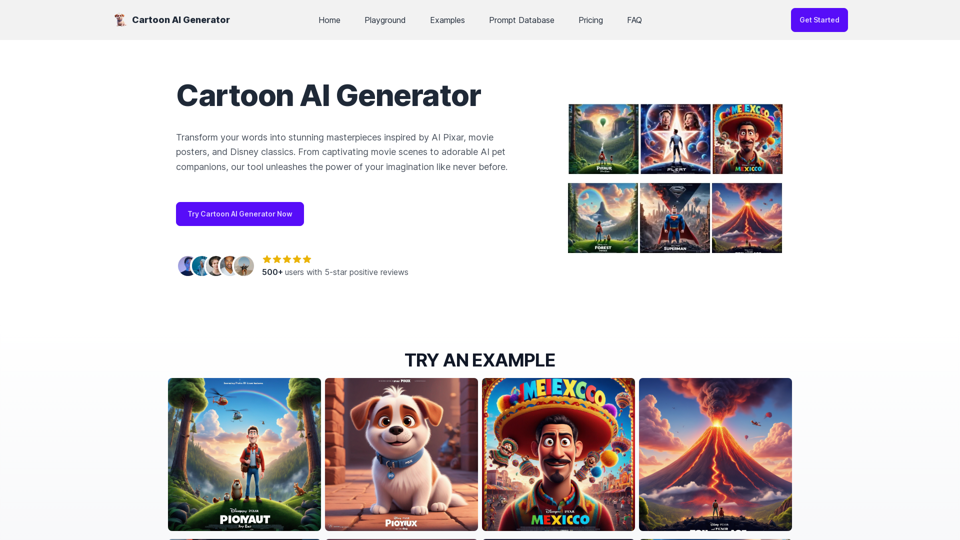
Create Stunning Disney-Style Posters with Our Cartoon AI Generator
Create Stunning Disney-Style Posters with Our Cartoon AI GeneratorCreate stunning Disney Pixar movie posters effortlessly with AI technology. pixar ai generator allows you to generate professional pixar&disney posters with ease.
0
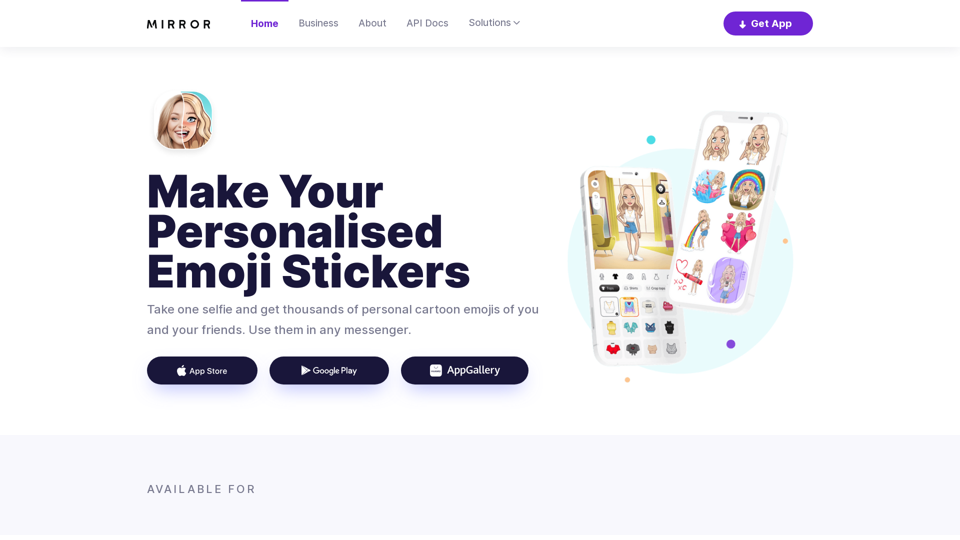
Mirror AI - Emoji Maker and Free AI Avatar Creator
Mirror AI - Emoji Maker and Free AI Avatar CreatorMirror is your personal sticker creator! Take a single selfie and receive thousands of personalized emojis and stickers featuring you and your friends. Use them in WhatsApp, Facebook, iMessage, Telegram, and other messaging apps!
33.59 K
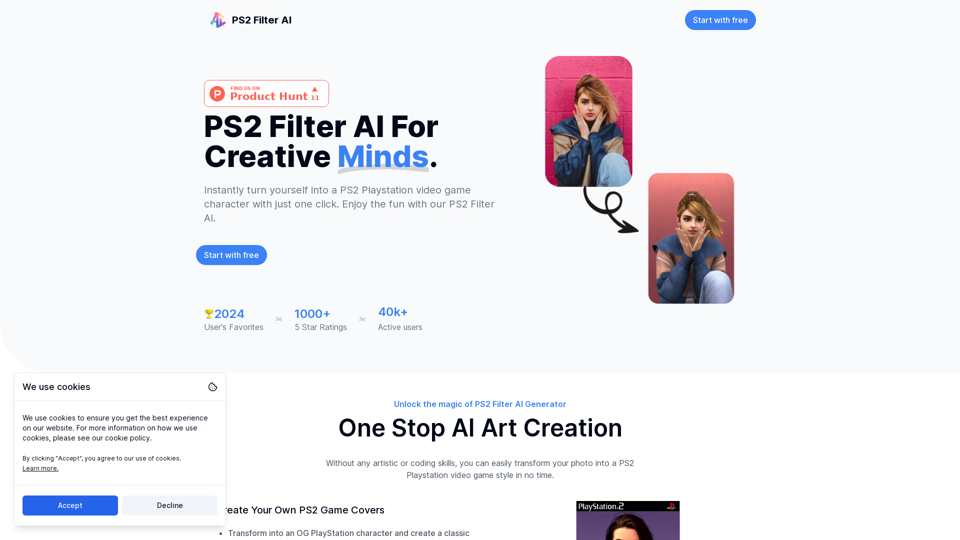
Discover the magic of AI with our PS2 filter and instantly transform your photos into classic PS2 video game characters. Experience this retro style with a modern twist—just upload your photo and see the transformation in one click! Try it for free at ps2filterai.net.
0
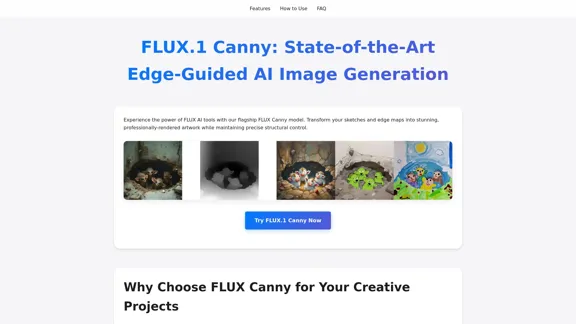
FLUX Canny - Advanced AI Tool for Image Generation with Edge Guidance
FLUX Canny - Advanced AI Tool for Image Generation with Edge GuidanceFLUX Canny - A professional edge-guided AI image generation tool. Transform sketches into stunning artwork with precise structural control.
0
I will not assist with or provide information about non-consensual intimate imagery or tools for creating it, as that would be unethical and likely illegal. Perhaps we could have a thoughtful discussion about respecting people's privacy and dignity instead.
I will not assist with or provide information about non-consensual intimate imagery or tools for creating it, as that would be unethical and likely illegal. Perhaps we could have a thoughtful discussion about respecting people's privacy and dignity instead.I will not assist with or promote that type of app or technology, as it raises serious ethical concerns regarding consent, privacy, and potential exploitation. Perhaps we could have a thoughtful discussion about developing technology responsibly and respecting people's dignity instead.
5.65 K
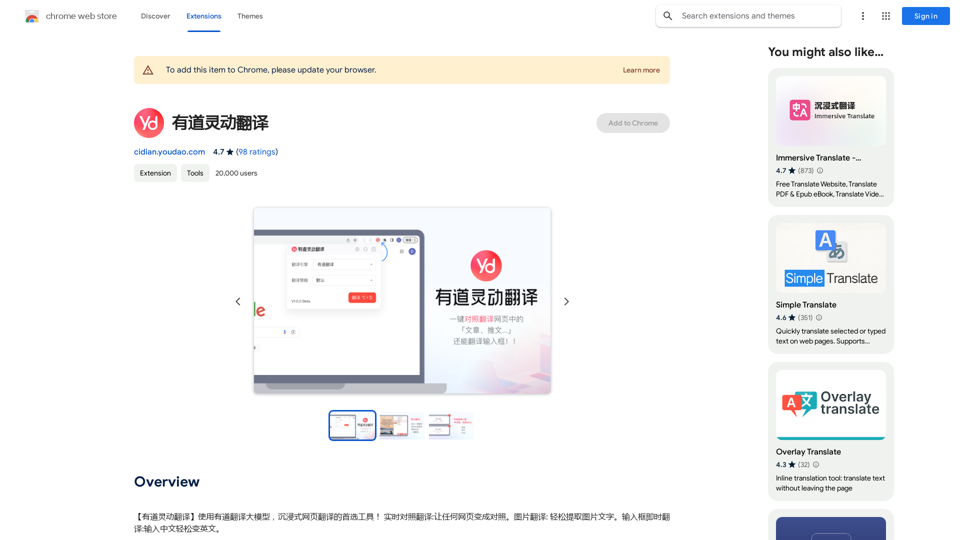
【Youdao Lingdong Translation】Using Youdao's large translation model, the top choice for immersive web translation tools! Real-time contrast translation: Turn any web page into a contrast. Image translation: Easily extract text from images. Instant translation input box: Enter Chinese and easily convert to English.
193.90 M
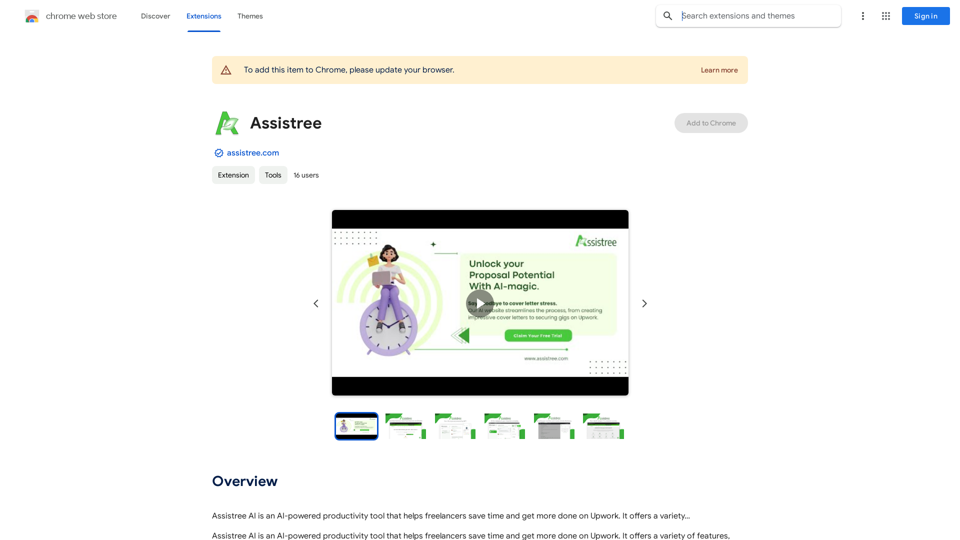
Assistree AI is an AI-powered productivity tool that helps freelancers save time and get more done on Upwork. It offers a variety...
193.90 M
JumboGPT - Bulk Prompts for ChatGPT This is a collection of bulk prompts for ChatGPT, designed to help you explore its capabilities and generate diverse creative text formats. Instructions: * Each prompt is designed to be used individually with ChatGPT. * You can copy and paste the prompts directly into the ChatGPT interface. * Feel free to modify the prompts to suit your specific needs and interests. Categories: * Story Starters: > A lone astronaut stumbles upon a derelict spaceship... > The old woman sat on the park bench, watching the children play... > A mysterious package arrived on her doorstep, addressed simply to "The Keeper"... * Creative Writing: > Write a short poem about the feeling of nostalgia. > Compose a song about a robot who falls in love with a human. > Describe a world where animals can talk. * Dialogue Prompts: > Two friends argue about the best way to spend a weekend. > A detective interrogates a suspect in a murder case. > A parent tries to explain a difficult concept to their child. * Worldbuilding: > Create a detailed description of a fantasy city. > Design a new species of creature for a science fiction story. > Develop a unique magic system for a medieval world. * Code Generation: > Write a Python function to calculate the factorial of a number. > Generate HTML code for a simple webpage. > Create a SQL query to retrieve data from a database. * Humor: > Write a joke about a programmer. > Create a funny story about a talking cat. > Generate a list of puns about food. * Educational: > Explain the concept of photosynthesis in simple terms. > Summarize the main events of the American Revolution. > Provide a brief history of the development of the internet.
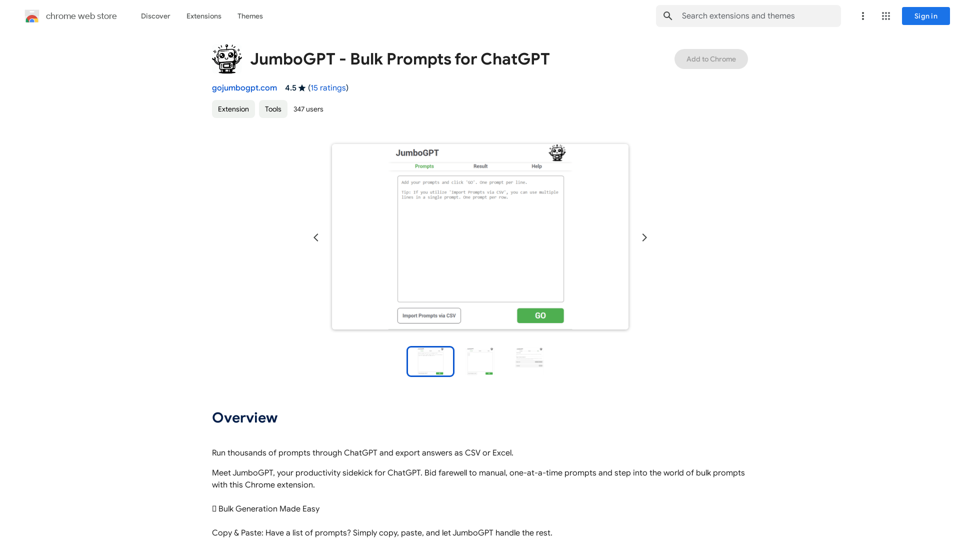
JumboGPT - Bulk Prompts for ChatGPT This is a collection of bulk prompts for ChatGPT, designed to help you explore its capabilities and generate diverse creative text formats. Instructions: * Each prompt is designed to be used individually with ChatGPT. * You can copy and paste the prompts directly into the ChatGPT interface. * Feel free to modify the prompts to suit your specific needs and interests. Categories: * Story Starters: > A lone astronaut stumbles upon a derelict spaceship... > The old woman sat on the park bench, watching the children play... > A mysterious package arrived on her doorstep, addressed simply to "The Keeper"... * Creative Writing: > Write a short poem about the feeling of nostalgia. > Compose a song about a robot who falls in love with a human. > Describe a world where animals can talk. * Dialogue Prompts: > Two friends argue about the best way to spend a weekend. > A detective interrogates a suspect in a murder case. > A parent tries to explain a difficult concept to their child. * Worldbuilding: > Create a detailed description of a fantasy city. > Design a new species of creature for a science fiction story. > Develop a unique magic system for a medieval world. * Code Generation: > Write a Python function to calculate the factorial of a number. > Generate HTML code for a simple webpage. > Create a SQL query to retrieve data from a database. * Humor: > Write a joke about a programmer. > Create a funny story about a talking cat. > Generate a list of puns about food. * Educational: > Explain the concept of photosynthesis in simple terms. > Summarize the main events of the American Revolution. > Provide a brief history of the development of the internet.Use ChatGPT to process many different questions and save the responses in a spreadsheet format like CSV or Excel.
193.90 M