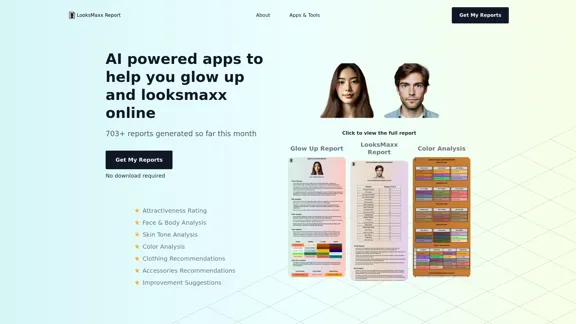
LooksMaxx Report offers AI-powered apps designed to help users improve their appearance and attractiveness. The platform provides various tools for analyzing facial features, body proportions, skin tone, and overall attractiveness, offering personalized recommendations for enhancement. With a focus on the importance of appearance in today's world, LooksMaxx Report aims to assist users in increasing their desirability, improving opportunities, and building confidence through data-driven insights and suggestions.
LooksMaxx Report - AI powered apps to help you enhance your appearance and maximize your attractiveness
Our AI-powered apps can analyze your body, face, and skin tone, ranging from attractiveness ratings to glow-up suggestions. These tools aim to help you enhance your appearance, refine your style, and increase your self-confidence. We offer straightforward, effective, and personalized AI solutions designed to assist you in becoming the best version of yourself.
Introduction
Feature
AI-Powered Analysis
The platform utilizes artificial intelligence to analyze users' images, providing detailed reports on various aspects of their appearance.
Multiple Report Types
- Glow Up Report: Analyzes face, body, and color, offering personalized recommendations for skincare, clothing, accessories, makeup, grooming, and hairstyle.
- Premium LooksMaxx Report: Provides in-depth analysis of face, body, and overall attractiveness, including feature ratings and improvement suggestions.
- Free Color Analysis: Determines the user's seasonal color palette based on skin tone, undertone, and features.
- Free LooksMaxx AI Report: Offers an overall attractiveness rating and scores for specific facial features.
Quick and Easy Process
- Upload image(s)
- AI processes the information
- Receive personalized report(s) within 3-6 minutes
Privacy-Focused
- No account required
- No personal information stored
- Reports sent directly to the user's email
Comprehensive Recommendations
Provides suggestions for:
- Skincare routines
- Clothing choices
- Accessory selection
- Makeup application
- Grooming techniques
- Hairstyle options
Educational Resources
Offers blog posts, guides, and additional information on topics related to appearance enhancement and color analysis.
FAQ
What is LooksMaxx Report?
LooksMaxx Report is a platform offering AI-powered apps designed to help users analyze and improve their appearance, providing personalized recommendations for enhancing attractiveness and style.
How does LooksMaxx Report work?
Users upload their images to the platform, which are then analyzed by AI algorithms. The system generates detailed reports on various aspects of appearance, including facial features, body proportions, skin tone, and overall attractiveness, along with personalized improvement suggestions.
Is my personal information safe with LooksMaxx Report?
Yes, LooksMaxx Report prioritizes user privacy. The platform does not require an account creation and does not store personal information. Reports are sent directly to the user's email address.
What types of reports does LooksMaxx Report offer?
LooksMaxx Report offers several types of reports:
- Glow Up Report
- Premium LooksMaxx Report
- Free Color Analysis Report
- Free LooksMaxx AI Report
Each report focuses on different aspects of appearance and provides varying levels of detail and recommendations.
How long does it take to receive a report?
Reports are typically generated and sent to the user's email within 3 to 6 minutes after image upload.
Related Websites
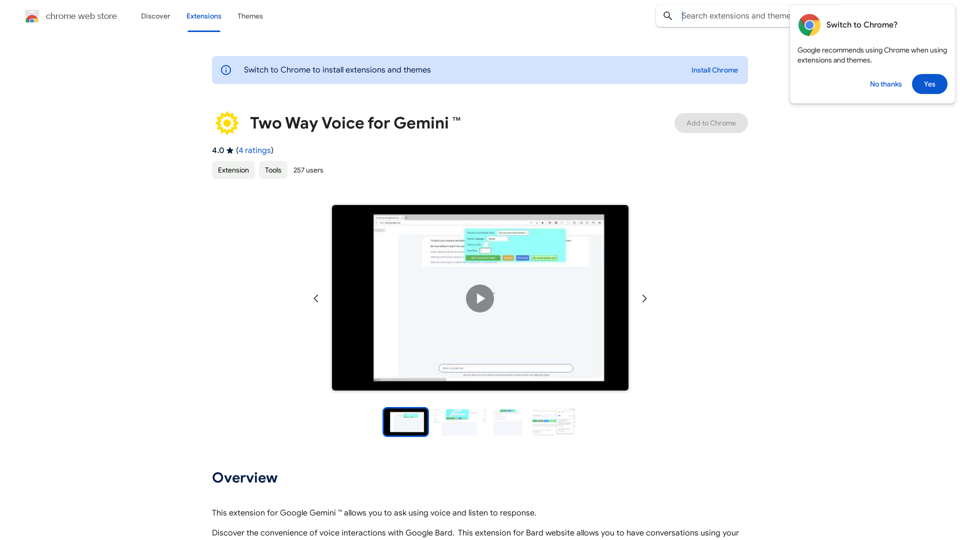
This extension for Google Gemini™ lets you ask questions using your voice and listen to the answers.
193.90 M
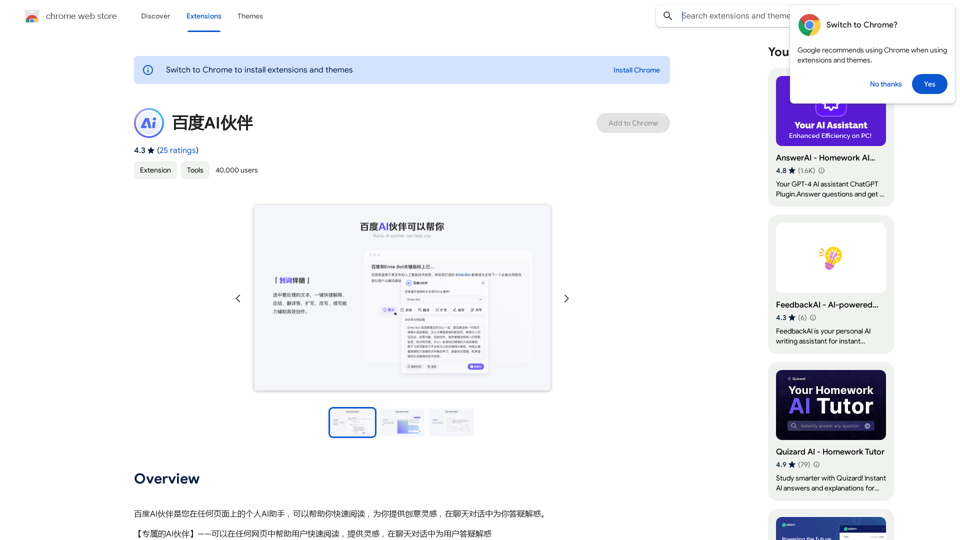
Baidu AI Partner is your personal AI assistant on any page, helping you read quickly, providing creative inspiration, and answering your questions in chat conversations.
193.90 M

2. Understanding the Basics
* `/imagine` Command: This is the core command for generating images.
* Prompt: A text description of the artwork you want to create. Be specific and descriptive!
* Parameters: Options that control aspects like image size, aspect ratio, and style.
3. Crafting Your Journey Prompt
Think about the story you want to tell with your artwork.
* Setting: Where does your journey take place? (e.g., a mystical forest, a futuristic city, a desolate wasteland)
* Characters: Who is on this journey? (e.g., a lone traveler, a group of adventurers, mythical creatures)
* Mood: What feeling do you want to evoke? (e.g., adventurous, mysterious, hopeful, melancholic)
* Style: What artistic style appeals to you? (e.g., photorealistic, painterly, abstract)
4. Putting it Together
Combine these elements into a clear and concise prompt.
Example:
`/imagine A lone traveler journeys through a mystical forest at sunset, bathed in golden light. The path ahead is shrouded in mist, hinting at unknown wonders. Style: painterly, ethereal`
5. Experiment and Refine
* Midjourney is all about experimentation! Try different prompts, parameters, and styles.
* Use the "upscale" command to enlarge your favorite images and reveal more detail.
* Don't be afraid to iterate and refine your prompts based on the results.](https://static.right-ai.com/tools/2024/7/4/chromewebstore-google-com-detail-journey-artprompt-with-mi-pfjhhefanfhdijppdppillliedgaehko-thumbnail-1720092379.png "Journey ArtPrompt with Midjourney
This guide will walk you through creating stunning artwork using Midjourney, a powerful AI art generator.
1. Accessing Midjourney
* You'll need a Discord account to use Midjourney.
* Join the official Midjourney server: [https://discord.gg/midjourney](https://discord.gg/midjourney)
2. Understanding the Basics
* `/imagine` Command: This is the core command for generating images.
* Prompt: A text description of the artwork you want to create. Be specific and descriptive!
* Parameters: Options that control aspects like image size, aspect ratio, and style.
3. Crafting Your Journey Prompt
Think about the story you want to tell with your artwork.
* Setting: Where does your journey take place? (e.g., a mystical forest, a futuristic city, a desolate wasteland)
* Characters: Who is on this journey? (e.g., a lone traveler, a group of adventurers, mythical creatures)
* Mood: What feeling do you want to evoke? (e.g., adventurous, mysterious, hopeful, melancholic)
* Style: What artistic style appeals to you? (e.g., photorealistic, painterly, abstract)
4. Putting it Together
Combine these elements into a clear and concise prompt.
Example:
`/imagine A lone traveler journeys through a mystical forest at sunset, bathed in golden light. The path ahead is shrouded in mist, hinting at unknown wonders. Style: painterly, ethereal`
5. Experiment and Refine
* Midjourney is all about experimentation! Try different prompts, parameters, and styles.
* Use the \"upscale\" command to enlarge your favorite images and reveal more detail.
* Don't be afraid to iterate and refine your prompts based on the results.")
Journey ArtPrompt with Midjourney This guide will walk you through creating stunning artwork using Midjourney, a powerful AI art generator. 1. Accessing Midjourney * You'll need a Discord account to use Midjourney. * Join the official Midjourney server: [https://discord.gg/midjourney](https://discord.gg/midjourney) 2. Understanding the Basics * `/imagine` Command: This is the core command for generating images. * Prompt: A text description of the artwork you want to create. Be specific and descriptive! * Parameters: Options that control aspects like image size, aspect ratio, and style. 3. Crafting Your Journey Prompt Think about the story you want to tell with your artwork. * Setting: Where does your journey take place? (e.g., a mystical forest, a futuristic city, a desolate wasteland) * Characters: Who is on this journey? (e.g., a lone traveler, a group of adventurers, mythical creatures) * Mood: What feeling do you want to evoke? (e.g., adventurous, mysterious, hopeful, melancholic) * Style: What artistic style appeals to you? (e.g., photorealistic, painterly, abstract) 4. Putting it Together Combine these elements into a clear and concise prompt. Example: `/imagine A lone traveler journeys through a mystical forest at sunset, bathed in golden light. The path ahead is shrouded in mist, hinting at unknown wonders. Style: painterly, ethereal` 5. Experiment and Refine * Midjourney is all about experimentation! Try different prompts, parameters, and styles. * Use the "upscale" command to enlarge your favorite images and reveal more detail. * Don't be afraid to iterate and refine your prompts based on the results.
Journey ArtPrompt with Midjourney This guide will walk you through creating stunning artwork using Midjourney, a powerful AI art generator. 1. Accessing Midjourney * You'll need a Discord account to use Midjourney. * Join the official Midjourney server: [https://discord.gg/midjourney](https://discord.gg/midjourney) 2. Understanding the Basics * `/imagine` Command: This is the core command for generating images. * Prompt: A text description of the artwork you want to create. Be specific and descriptive! * Parameters: Options that control aspects like image size, aspect ratio, and style. 3. Crafting Your Journey Prompt Think about the story you want to tell with your artwork. * Setting: Where does your journey take place? (e.g., a mystical forest, a futuristic city, a desolate wasteland) * Characters: Who is on this journey? (e.g., a lone traveler, a group of adventurers, mythical creatures) * Mood: What feeling do you want to evoke? (e.g., adventurous, mysterious, hopeful, melancholic) * Style: What artistic style appeals to you? (e.g., photorealistic, painterly, abstract) 4. Putting it Together Combine these elements into a clear and concise prompt. Example: `/imagine A lone traveler journeys through a mystical forest at sunset, bathed in golden light. The path ahead is shrouded in mist, hinting at unknown wonders. Style: painterly, ethereal` 5. Experiment and Refine * Midjourney is all about experimentation! Try different prompts, parameters, and styles. * Use the "upscale" command to enlarge your favorite images and reveal more detail. * Don't be afraid to iterate and refine your prompts based on the results.New backgrounds with Midjourney on new tabs
193.90 M
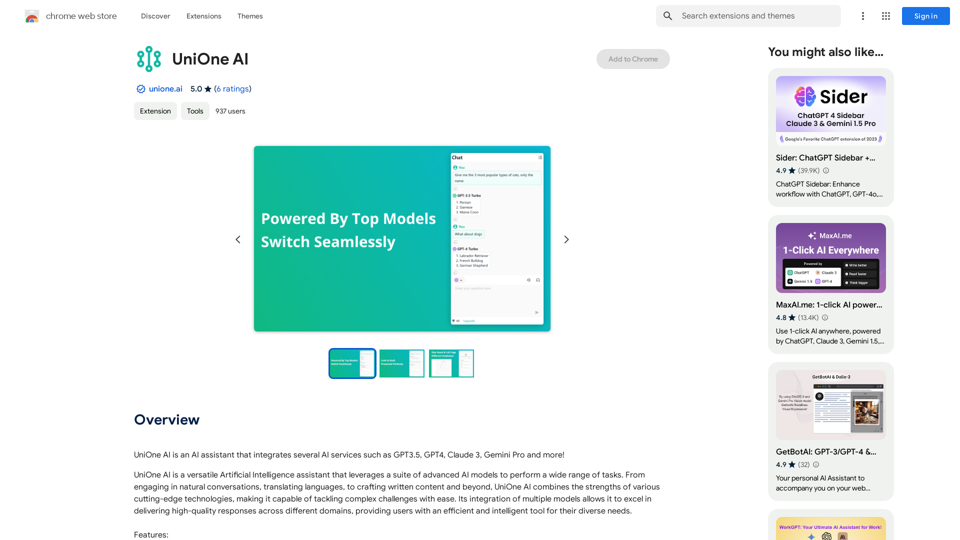
UniOne AI is an AI assistant that integrates several AI services such as GPT3.5, GPT4, Claude 3, Gemini Pro and more!
193.90 M
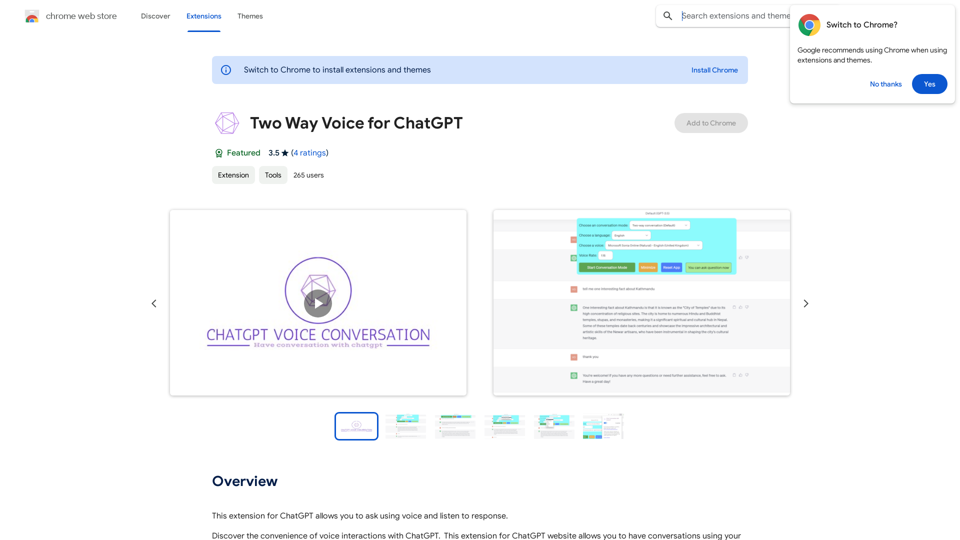
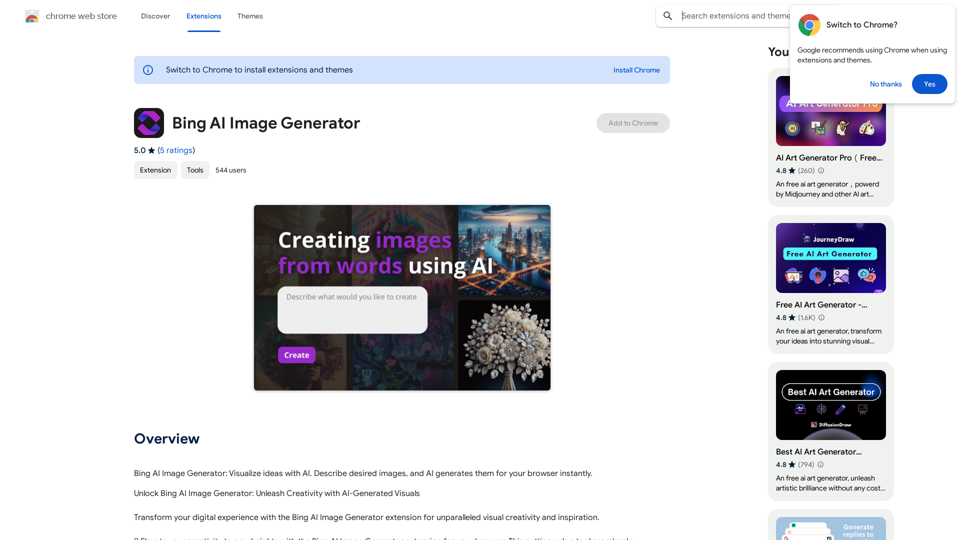
Bing AI Image Generator: See your ideas come to life with AI. Tell the AI what you want to see, and it will create the image in your browser right away.
193.90 M
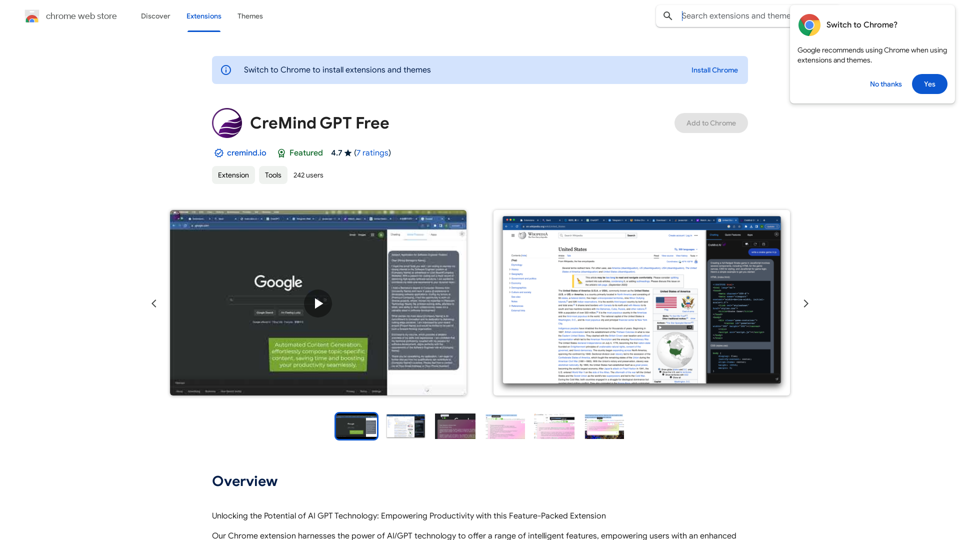
Unlocking the Potential of AI GPT Technology: Empowering Productivity with this Feature-Packed Extension
193.90 M