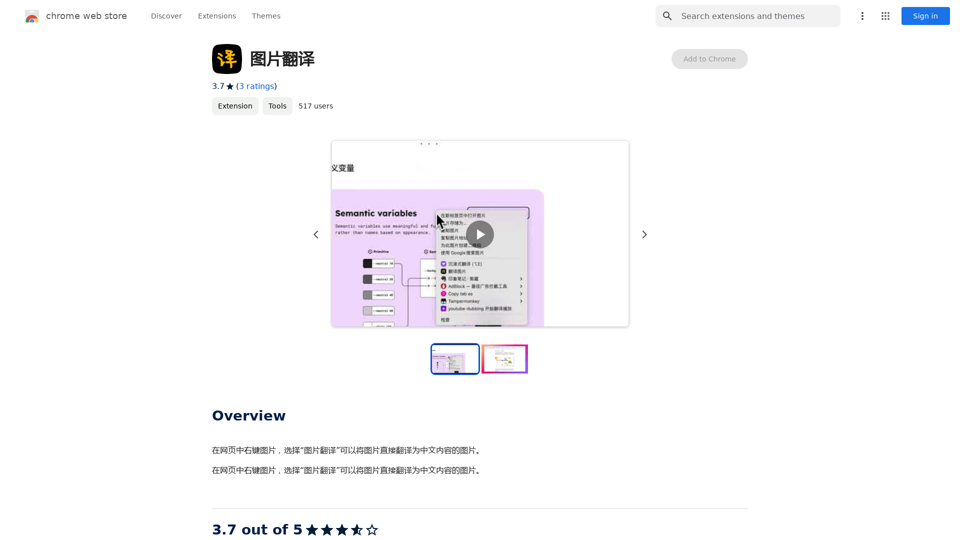
Magnific AI is an advanced image upscaling and enhancement tool that utilizes cutting-edge AI technology to transform images into high-resolution versions. Users can upscale, enhance, and generate images with remarkable detail, guided by customizable prompts and parameters. The platform is designed to be user-friendly, making it accessible for both beginners and professionals in various creative fields.
Magnific AI — The amazing image upscaling and enhancement tool
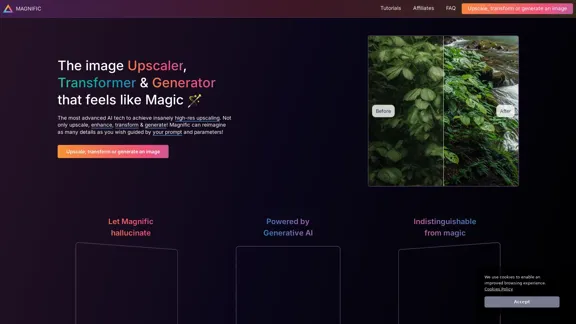
The most advanced AI upscaler and enhancer. Magnific can reimagine as many details in your image or photo as you wish, guided by your prompt and parameters!
Introduction
Feature
-
AI-Powered Upscaling
Magnific AI employs advanced algorithms to upscale images, achieving significantly higher resolutions while adding intricate details.
-
Customizable Parameters
Users can control the upscaling process through various sliders, including 'Creativity', which influences the level of detail added to the images.
-
Versatile Applications
The tool is suitable for a wide range of image types, including portraits, illustrations, landscapes, graphic designs, and more.
-
User-Friendly Interface
Designed for creators of all skill levels, Magnific AI offers an intuitive interface and comprehensive tutorials to assist users in their creative endeavors.
-
High-Quality Output
The platform ensures that the upscaled images maintain high quality, making them suitable for professional use in marketing, photography, and digital art.
-
Community Support
Magnific AI fosters a community of users who can share tips, tutorials, and experiences, enhancing the overall user experience.
How to Use?
- Start by logging into your Magnific AI account.
- Upload the image you wish to upscale or enhance.
- Adjust the 'Creativity' slider to control the level of detail added.
- Use the various parameters to customize the upscaling process according to your needs.
- Preview the changes before finalizing the upscale.
- Download the enhanced image once you are satisfied with the results.
FAQ
How does Magnific's AI upscaler & enhancer work?
Magnific AI transforms images into higher-resolution versions by adding details based on user-defined prompts and controls.
Is Magnific suitable for beginners?
Yes, the platform is designed to be accessible and user-friendly for creators of all backgrounds and skill levels.
Who can benefit from using Magnific AI?
Professionals and enthusiasts in photography, graphic design, digital art, and illustration can enhance their workflow with Magnific AI.
Will the upscaled images have artifacts?
Artifacts may occur, but they can often be controlled using the available sliders and prompts.
Is the payment service secure?
Yes, Magnific AI uses Stripe for secure payment processing, ensuring that no card details are retained.
Price
- Free Plan: $0/month
- Basic Plan: $9.99/month
- Standard Plan: $19.99/month
- Professional Plan: $49.99/month
The price is for reference only, please refer to the latest official data for actual information.
Evaluation
Magnific AI excels in providing high-quality image upscaling and enhancement, making it a valuable tool for both casual users and professionals. The ability to customize the upscaling process through various parameters is a significant advantage, allowing for tailored results. However, users may encounter artifacts if settings are not adjusted properly, which could detract from the final output. Additionally, while the tool is user-friendly, a deeper understanding of image editing principles could enhance the user experience. Overall, Magnific AI is a powerful solution for anyone looking to elevate their visual content.
Related Websites
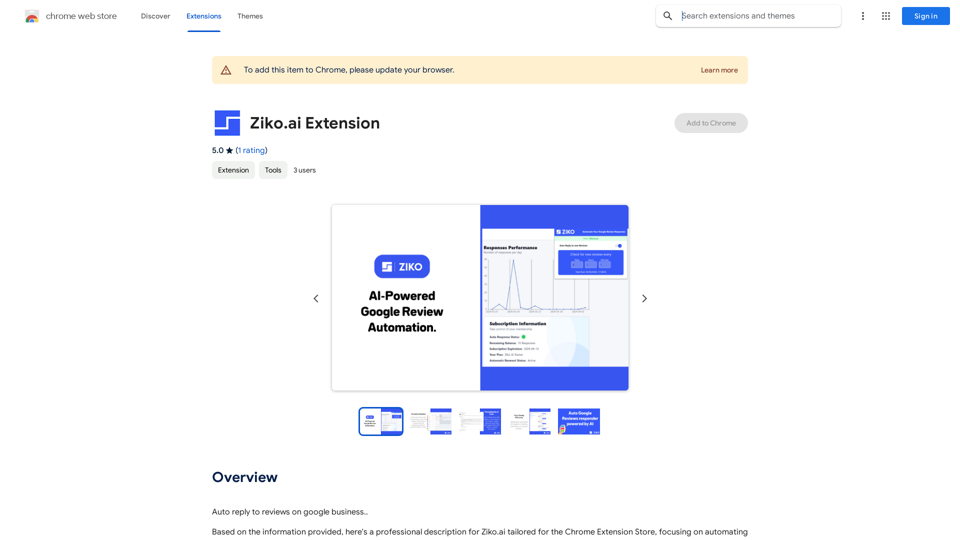
Here are some examples of auto-replies you can use for Google Business reviews: For Positive Reviews: * "Thank you so much for the wonderful review! We're thrilled you had a positive experience. We appreciate your business and look forward to seeing you again soon." * "We're so happy to hear you enjoyed your time with us! Your feedback means a lot to us. Thanks for taking the time to leave a review." * "Wow, thank you for the kind words! We strive to provide excellent service and we're glad we met your expectations. We appreciate your support!" For Negative Reviews: * "We're sorry to hear that you had a negative experience. We value your feedback and would like to learn more about what happened. Please contact us directly at [phone number] or [email address] so we can address your concerns." * "Thank you for your honest feedback. We apologize that we didn't meet your expectations. We're always working to improve our services and we appreciate you bringing this to our attention." * "We understand your frustration and sincerely apologize for any inconvenience caused. We'd like to make things right. Please contact us at [phone number] or [email address] so we can discuss this further." Tips: * Be prompt: Respond to reviews as quickly as possible. * Be genuine: Your responses should sound sincere and authentic. * Be professional: Avoid getting defensive or argumentative. * Keep it concise: Get to the point and avoid writing lengthy responses. * Offer solutions: If possible, offer a way to resolve the issue.
193.90 M

Beautiful photos that tell your story. Ready for Tinder, Instagram, Bumble, TikTok, Hinge, Grindr, Facebook, Snapchat.
38.27 K
AI Anime Generator is a free AI tool for creating anime characters and scenes. Simply input a description and allow the AI to produce your anime image.
0
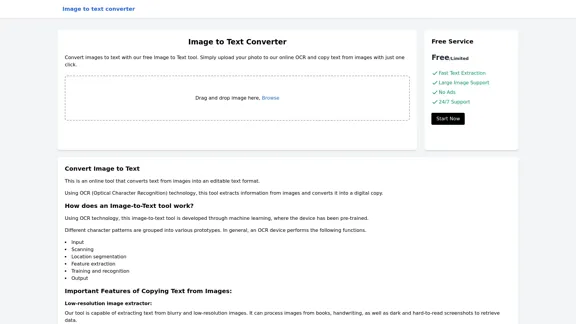
Image to text converter, converting image text to text, how to extract text from an image.
Image to text converter, converting image text to text, how to extract text from an image.Transform images with text into editable, searchable content instantly. Our advanced AI technology extracts text from any image with remarkable accuracy, supporting multiple languages and document types. Simply upload your picture, and watch as handwritten notes, printed documents, screenshots, and signs are converted to crisp, copyable text in seconds.
0
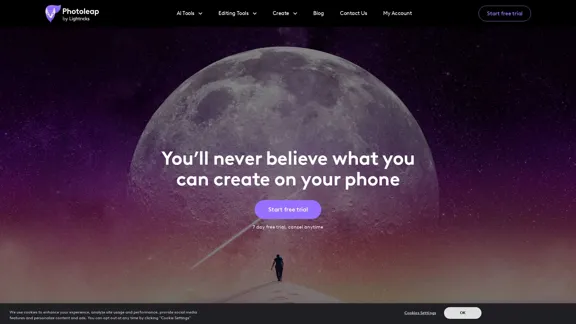
Photoleap - Creative & powerful photo editing app by Lightricks
Photoleap - Creative & powerful photo editing app by LightricksUse the comprehensive photo editor Photoleap for incredible creations on your iPhone: Alter backgrounds, eliminate objects, design collages, and apply filters & effects. Start a 7-day free trial now.
196.20 K
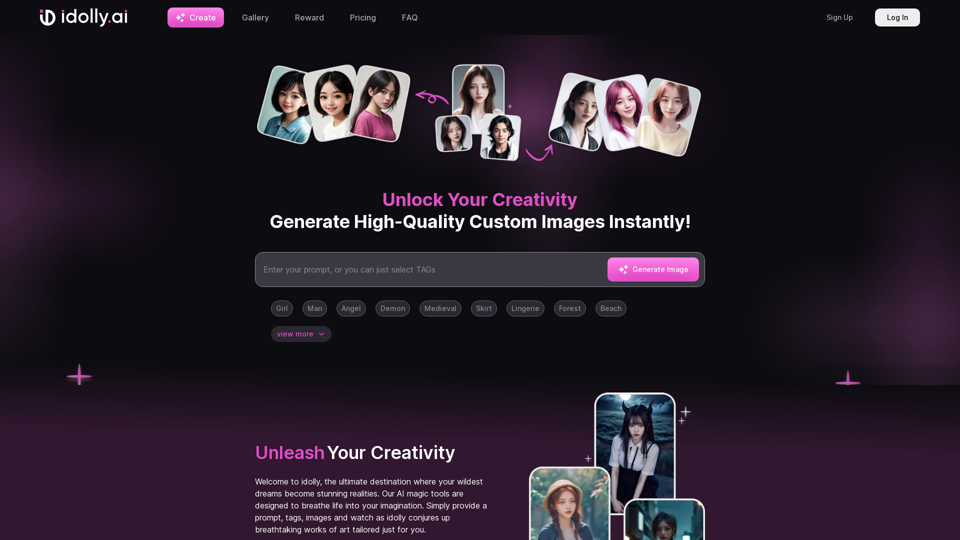
Explore idolly.ai, where imagination meets AI image creation and BlockChain. Create stunning visuals with ease using our Face Transfer and Mood Fusion technology.
9.70 K
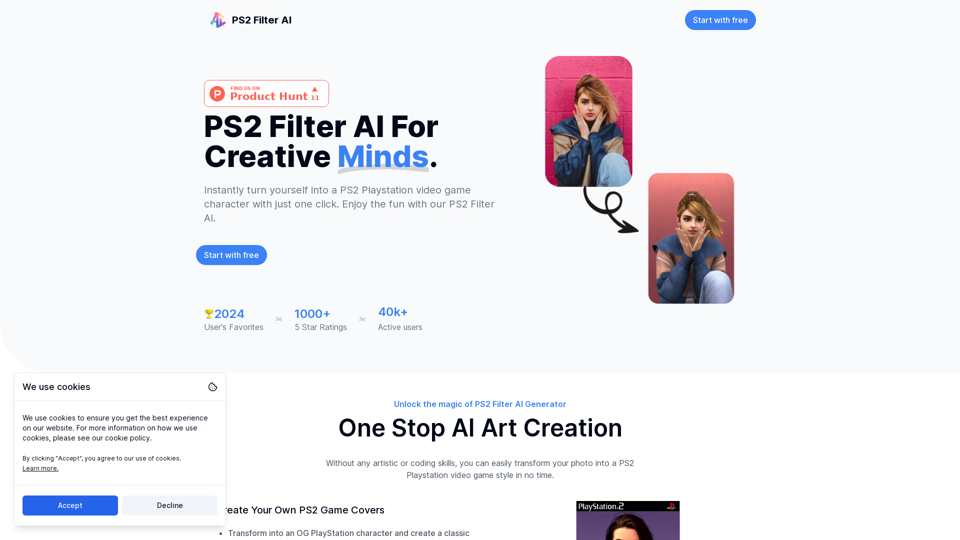
Discover the magic of AI with our PS2 filter and instantly transform your photos into classic PS2 video game characters. Experience this retro style with a modern twist—just upload your photo and see the transformation in one click! Try it for free at ps2filterai.net.
0