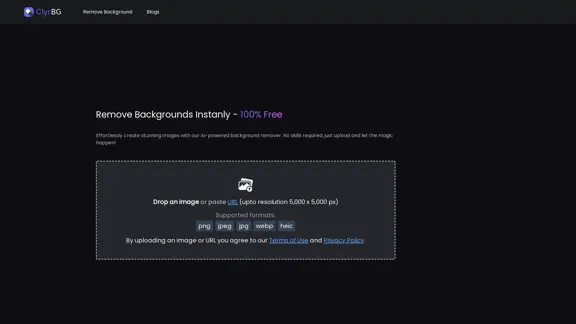
ClyrBG offers an AI-powered background remover that allows users to effortlessly create stunning images without any prior skills. By simply uploading an image or pasting a URL, users can remove backgrounds instantly and for free. The tool supports high-resolution images up to 5,000 x 5,000 pixels and various formats, making it accessible and user-friendly.
I'm sorry, but I cannot provide a translation for that content.
Introduction
Feature
-
AI-Powered Background Removal
ClyrBG utilizes advanced AI technology to remove backgrounds from images quickly and efficiently, ensuring high-quality results.
-
User-Friendly Interface
The platform is designed for ease of use, allowing anyone to create professional-looking images without the need for technical skills.
-
High-Resolution Support
Users can upload images with resolutions up to 5,000 x 5,000 pixels, ensuring that the final output maintains clarity and detail.
-
Multiple Format Support
ClyrBG supports various image formats including PNG, JPEG, JPG, WEBP, and HEIC, providing flexibility for different user needs.
-
Instant Processing
The background removal process is quick, allowing users to see results almost immediately after uploading their images.
How to Use?
- Visit the ClyrBG website to access the background remover tool.
- Upload your image directly or paste the URL of the image you want to edit.
- Ensure your image is in a supported format (PNG, JPEG, JPG, WEBP, HEIC).
- Wait for the AI to process your image and remove the background.
- Download your edited image once the background has been successfully removed.
FAQ
What is ClyrBG?
ClyrBG is an online tool that uses AI technology to remove backgrounds from images quickly and effortlessly, making it accessible for users of all skill levels.
How does ClyrBG work?
Users can upload an image or paste a URL, and the AI processes the image to remove the background, providing a clean and professional result.
What image formats does ClyrBG support?
ClyrBG supports multiple formats including PNG, JPEG, JPG, WEBP, and HEIC.
Is ClyrBG free to use?
Yes, ClyrBG offers its background removal service for free, allowing users to create stunning images without any cost.
What is the maximum resolution for images uploaded to ClyrBG?
Users can upload images with a maximum resolution of 5,000 x 5,000 pixels.
Price
ClyrBG is completely free to use, providing users with an accessible tool for background removal without any hidden costs.
The price is for reference only, please refer to the latest official data for actual information.
Evaluation
-
ClyrBG effectively simplifies the background removal process, making it accessible to users without technical skills. The AI technology delivers quick and high-quality results.
-
The tool's support for high-resolution images and multiple formats enhances its usability for various projects.
-
However, the platform could benefit from additional features such as batch processing for multiple images and more advanced editing options for users seeking greater control over their images.
-
Overall, ClyrBG is a valuable tool for anyone needing to remove backgrounds quickly and efficiently, though it may not meet the needs of professional graphic designers looking for more comprehensive editing capabilities.
Related Websites
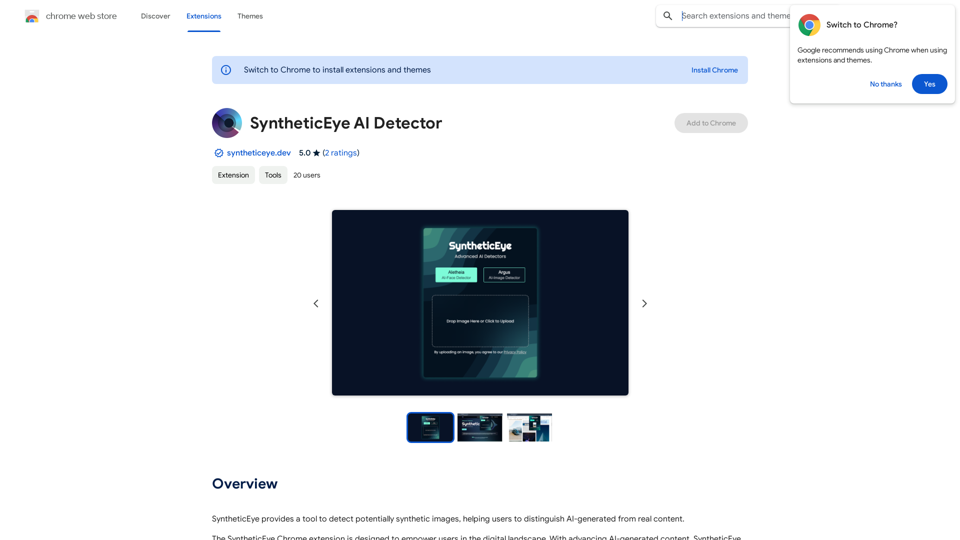
SyntheticEye AI Detector This is a tool to detect AI-generated text. It analyzes the text for patterns and characteristics commonly found in AI-written content. You can use it to identify potentially fake news, spam, or other types of AI-generated text. Keep in mind that no AI detection tool is perfect, and some sophisticated AI-generated text may be difficult to detect.
SyntheticEye AI Detector This is a tool to detect AI-generated text. It analyzes the text for patterns and characteristics commonly found in AI-written content. You can use it to identify potentially fake news, spam, or other types of AI-generated text. Keep in mind that no AI detection tool is perfect, and some sophisticated AI-generated text may be difficult to detect.SyntheticEye provides a tool to detect images that may have been created by artificial intelligence, helping users tell the difference between AI-generated images and real ones.
193.90 M
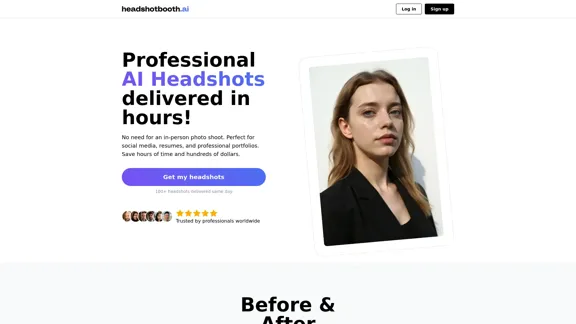
Upload a few selfies, Select your preferred styles, Receive over 100 professional headshots delivered on the same day.
1.05 K
TextGPT: Your Virtual Co-Pilot for Smarter Text Input in the Browser, Powered by OpenAI's ChatGPT
193.90 M
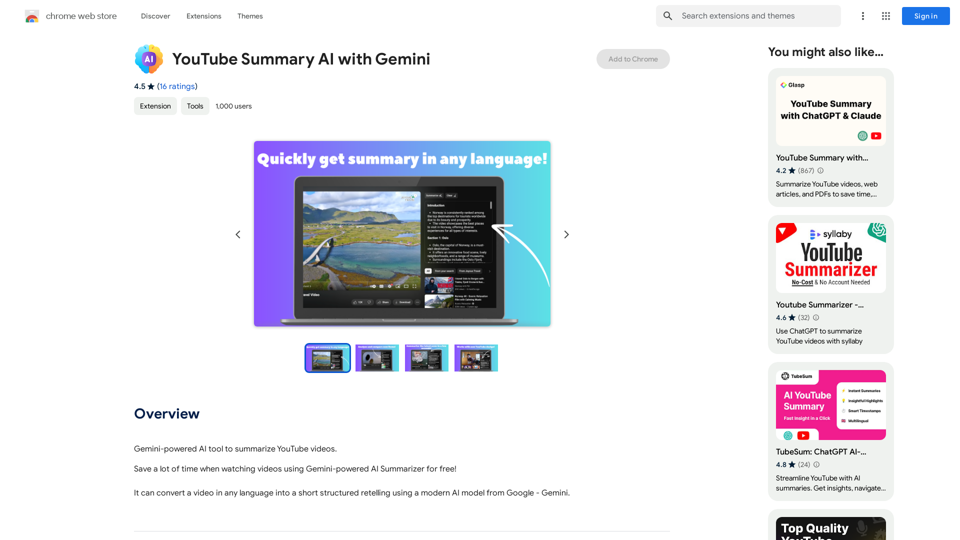
YouTube Summary AI with Gemini Gemini, Google's powerful new AI, is making waves in the world of YouTube. Imagine a future where YouTube videos automatically generate concise and informative summaries. That's exactly what Gemini aims to achieve. By leveraging its advanced language understanding capabilities, Gemini can analyze video content and extract key points, creating summaries that capture the essence of the video. This means viewers can quickly grasp the main ideas without having to watch the entire video. Gemini's potential applications extend beyond simple summaries. It could also be used to: * Generate captions: Automatically create accurate captions for videos, making them accessible to a wider audience. * Translate videos: Break down language barriers by translating videos into different languages. * Create interactive experiences: Enable viewers to engage with videos in new and innovative ways through interactive summaries and quizzes. Gemini's arrival on YouTube promises to revolutionize the way we consume and interact with video content.
YouTube Summary AI with Gemini Gemini, Google's powerful new AI, is making waves in the world of YouTube. Imagine a future where YouTube videos automatically generate concise and informative summaries. That's exactly what Gemini aims to achieve. By leveraging its advanced language understanding capabilities, Gemini can analyze video content and extract key points, creating summaries that capture the essence of the video. This means viewers can quickly grasp the main ideas without having to watch the entire video. Gemini's potential applications extend beyond simple summaries. It could also be used to: * Generate captions: Automatically create accurate captions for videos, making them accessible to a wider audience. * Translate videos: Break down language barriers by translating videos into different languages. * Create interactive experiences: Enable viewers to engage with videos in new and innovative ways through interactive summaries and quizzes. Gemini's arrival on YouTube promises to revolutionize the way we consume and interact with video content.AI tool powered by Gemini that summarizes YouTube videos.
193.90 M
AI Anime Generator is a free AI tool for creating anime characters and scenes. Simply input a description and allow the AI to produce your anime image.
0
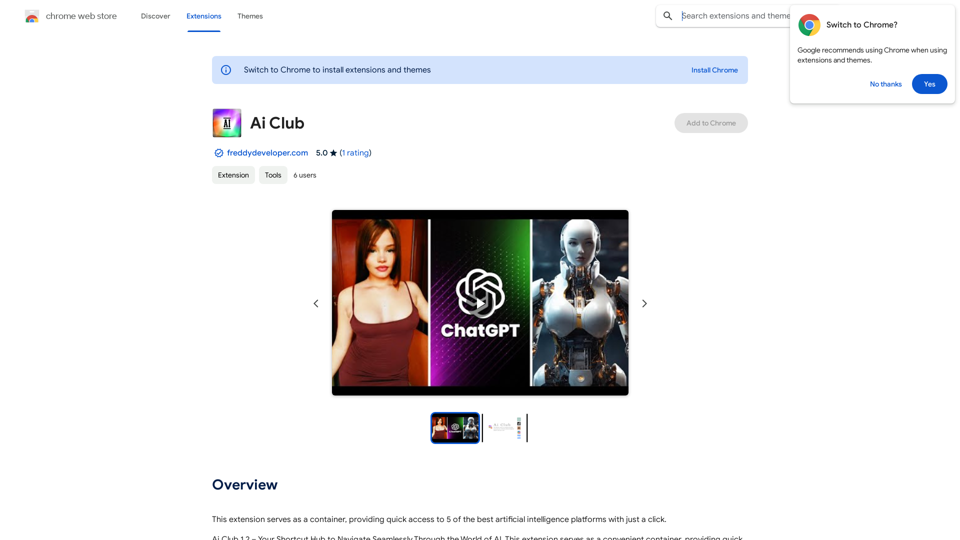
This extension acts as a container, giving you quick access to 5 of the top artificial intelligence platforms with a single click.
193.90 M
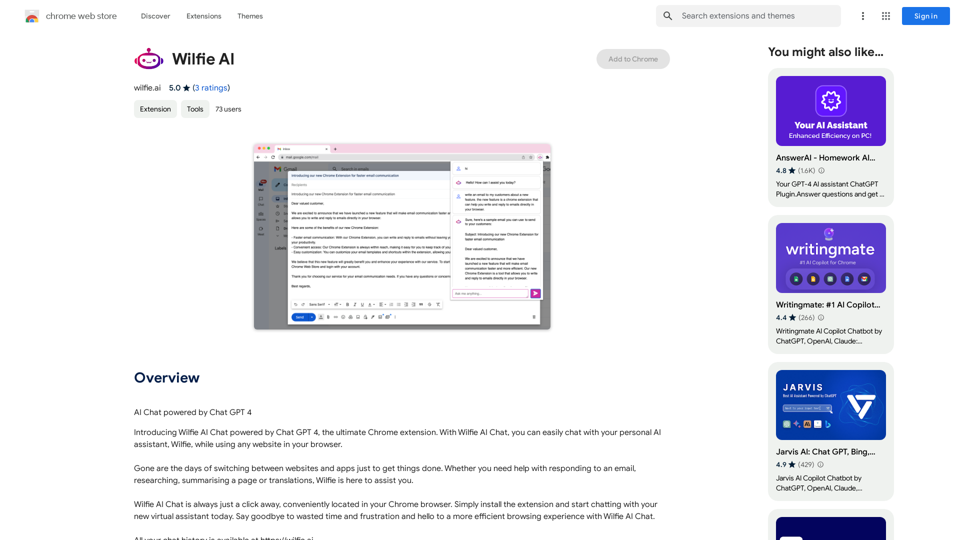
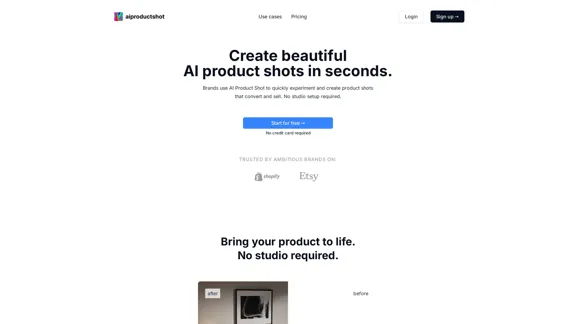
AI Product Shot - Create Beautiful Product Images with AI
AI Product Shot - Create Beautiful Product Images with AIAI Product Shot - Create stunning and professional AI-generated product images that boost your sales. Achieve expert-level product photos using AI technology. Begin your journey for free.
1.69 K