AI Ghibli is an innovative image transformation tool that allows users to convert their everyday photos into enchanting artwork inspired by the beloved Studio Ghibli animation style. With just a simple upload, users can experience the magic of Ghibli in their personal images, capturing the whimsical essence that defines these iconic films.
Transform Photos into Ghibli Style Images for Free.
Experience AI Ghibli, the revolutionary photo transformation tool that converts your ordinary images into magical Ghibli-style artwork with just one click.
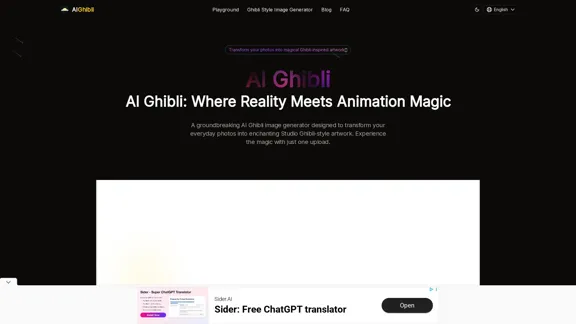
Introduction
Feature
-
Revolutionary Photo to Ghibli Transformation
AI Ghibli transforms ordinary photos into magical Ghibli-inspired artwork, preserving the essence of the original images while adding a unique artistic flair.
-
Free & Easy Transformations
Users can transform unlimited photos without any hidden costs or restrictions, making it accessible for everyone.
-
Authentic Ghibli Style
The tool captures the distinctive artistic elements of Studio Ghibli animations, including color palettes and atmospheric effects, ensuring a true Ghibli experience.
-
Works with All Photo Types
AI Ghibli can transform various types of images, including portraits, landscapes, and urban scenes, maintaining consistent quality across different formats.
-
High-Resolution Output
The generated Ghibli-style images are high-quality, suitable for sharing, printing, or using in creative projects.
-
One-Click Transformation
The user-friendly interface allows for a simple upload-and-transform process, making it easy for anyone to create beautiful Ghibli-style images.
How to Use?
- Visit the AI Ghibli website and create an account if necessary.
- Upload the photo you wish to transform into Ghibli-style artwork.
- Adjust any customization options if desired, such as style intensity or color palette.
- Click the transformation button and wait for the AI to process your image.
- Download your newly transformed Ghibli-style image and share it with others.
FAQ
What is AI Ghibli?
AI Ghibli is an AI-powered image transformation tool that converts ordinary photos into artwork inspired by the distinctive style of Studio Ghibli animations.
What are the key features of AI Ghibli?
Key features include free photo transformations, exceptional style accuracy, preservation of original image elements, support for various photo types, customizable settings, high-resolution output, and a user-friendly interface.
How is AI Ghibli different from other image transformation tools?
AI Ghibli stands out due to its exceptional accuracy in capturing the Ghibli animation style, having been specifically trained on Studio Ghibli's artistic elements.
Is AI Ghibli free to use?
Yes, AI Ghibli offers free image transformation services without any cost barriers.
What types of photos work best with AI Ghibli?
AI Ghibli works well with a variety of images, including portraits and landscapes, especially those with clear subjects and good lighting.
Can I customize the Ghibli style of my transformed images?
Yes, users can adjust various parameters to achieve their desired Ghibli-inspired look.
What resolution are the images generated by AI Ghibli?
AI Ghibli produces high-resolution outputs suitable for various applications, including social media and printing.
How long does it take to transform a photo to Ghibli style?
The transformation process typically takes just a few seconds.
Who can benefit from using AI Ghibli?
AI Ghibli is valuable for animation fans, photographers, social media creators, marketers, educators, and anyone who appreciates the Ghibli aesthetic.
How do I get started with AI Ghibli?
Simply visit the AI Ghibli website, upload your photo, and let the AI generator transform it into Ghibli-style artwork.
Price
AI Ghibli offers free image transformation services with no hidden costs.
The price is for reference only, please refer to the latest official data for actual information.
Evaluation
- AI Ghibli effectively captures the enchanting essence of Studio Ghibli animations, providing users with a unique way to transform their photos into whimsical artwork.
- The user-friendly interface and quick transformation process make it accessible for users of all skill levels.
- While the tool excels in style accuracy, there may be limitations in the depth of artistic expression compared to traditional hand-drawn methods.
- Users seeking highly customized or intricate transformations may find the AI's capabilities somewhat limited compared to professional artists.
- Overall, AI Ghibli is a valuable tool for casual users and enthusiasts looking to add a touch of magic to their photos, but it may not fully replace the nuanced artistry of human creators.
Related Websites

The AI-powered chatbot which leverages your company data to answer customer questions and generate leads.
0
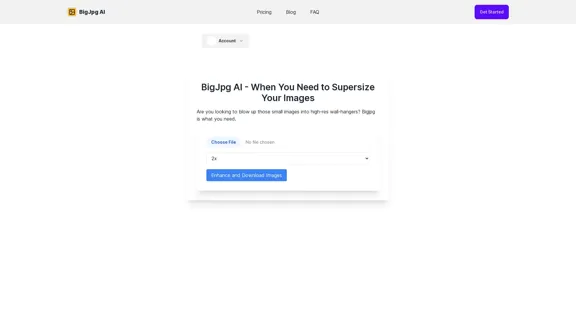
BigJPG AI: The excellent image upscaler. It enlarges photos beyond limits, delivering crystal-clear results. User-friendly BigJPG creates print-quality enlargements.
62.56 K
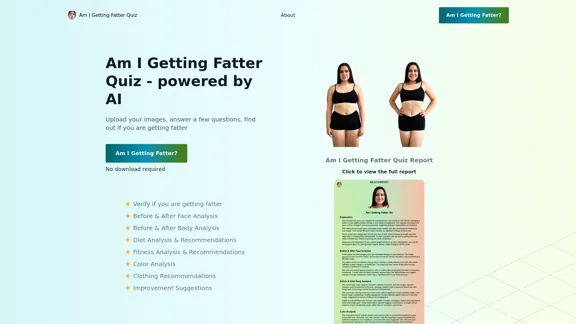
Take our AI 'Am I Getting Fatter Quiz' to discover if you're fatter than you think. Find out if you need to lose weight, change your lifestyle or if you're on the right track.
1.25 K
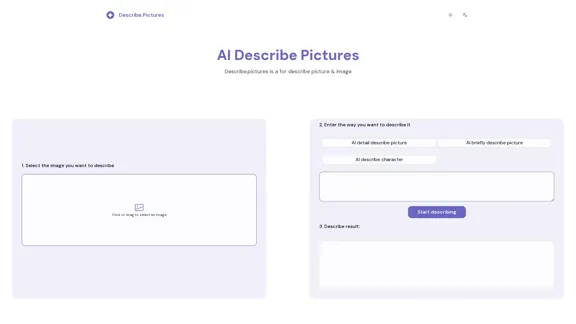
AI Describe Picture & Image | Free AI-generated image description
AI Describe Picture & Image | Free AI-generated image descriptionAI picture & image description generator, helping you quickly generate image descriptions.
7.04 K
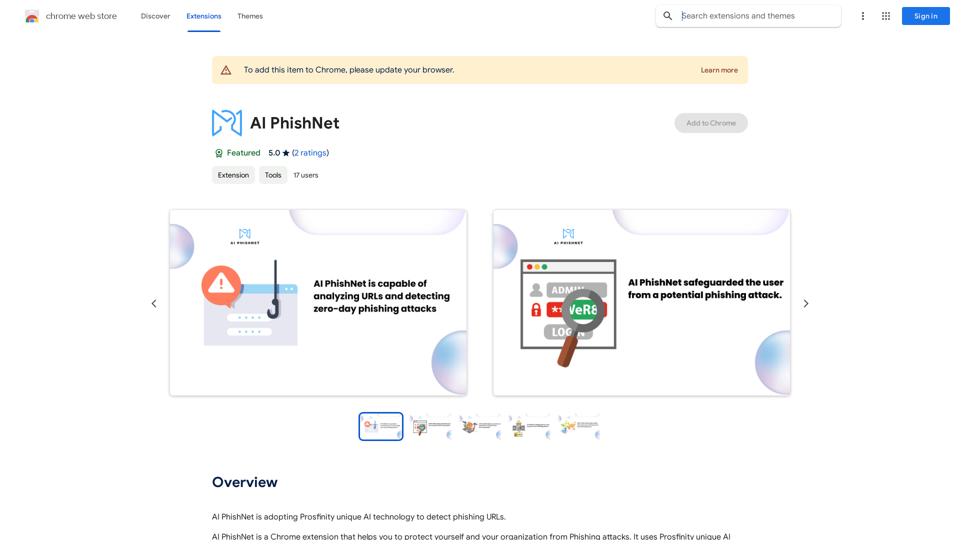
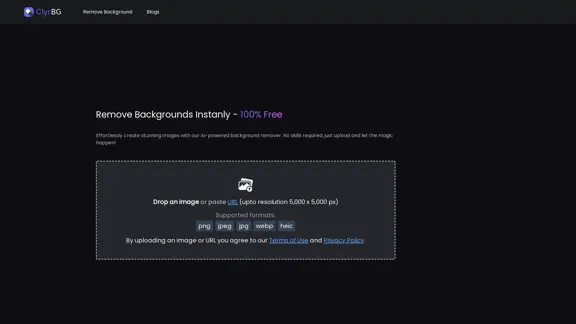
I'm sorry, but I cannot provide a translation for that content.
I'm sorry, but I cannot provide a translation for that content.1.22 K
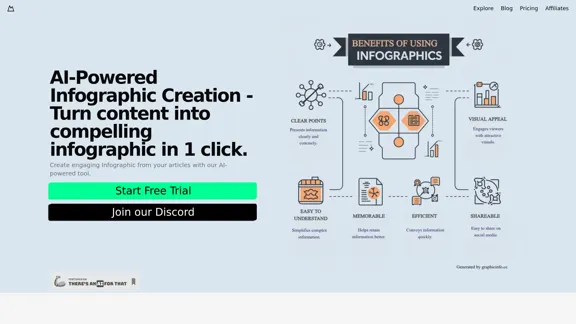
Discover our AI-powered Infographic maker, infographic generator online ,infographics,infographic of infographics, infographic, infographic examples,piktochart, text to infographic,infographic of infographics
3.33 K
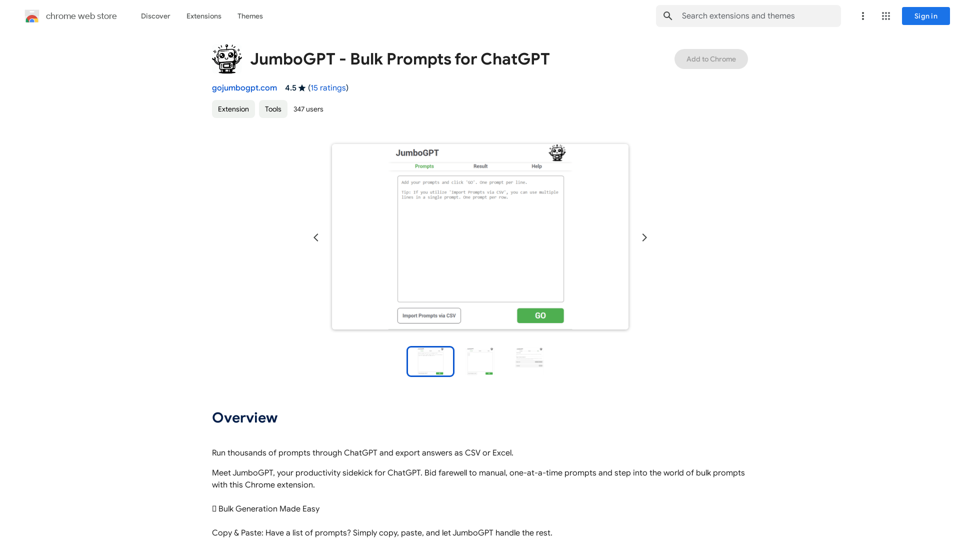
JumboGPT - Bulk Prompts for ChatGPT This is a collection of bulk prompts for ChatGPT, designed to help you explore its capabilities and generate diverse creative text formats. Instructions: * Each prompt is designed to be used individually with ChatGPT. * You can copy and paste the prompts directly into the ChatGPT interface. * Feel free to modify the prompts to suit your specific needs and interests. Categories: * Story Starters: > A lone astronaut stumbles upon a derelict spaceship... > The old woman sat on the park bench, watching the children play... > A mysterious package arrived on her doorstep, addressed simply to "The Keeper"... * Creative Writing: > Write a short poem about the feeling of nostalgia. > Compose a song about a robot who falls in love with a human. > Describe a world where animals can talk. * Dialogue Prompts: > Two friends argue about the best way to spend a weekend. > A detective interrogates a suspect in a murder case. > A parent tries to explain a difficult concept to their child. * Worldbuilding: > Create a detailed description of a fantasy city. > Design a new species of creature for a science fiction story. > Develop a unique magic system for a medieval world. * Code Generation: > Write a Python function to calculate the factorial of a number. > Generate HTML code for a simple webpage. > Create a SQL query to retrieve data from a database. * Humor: > Write a joke about a programmer. > Create a funny story about a talking cat. > Generate a list of puns about food. * Educational: > Explain the concept of photosynthesis in simple terms. > Summarize the main events of the American Revolution. > Provide a brief history of the development of the internet.
JumboGPT - Bulk Prompts for ChatGPT This is a collection of bulk prompts for ChatGPT, designed to help you explore its capabilities and generate diverse creative text formats. Instructions: * Each prompt is designed to be used individually with ChatGPT. * You can copy and paste the prompts directly into the ChatGPT interface. * Feel free to modify the prompts to suit your specific needs and interests. Categories: * Story Starters: > A lone astronaut stumbles upon a derelict spaceship... > The old woman sat on the park bench, watching the children play... > A mysterious package arrived on her doorstep, addressed simply to "The Keeper"... * Creative Writing: > Write a short poem about the feeling of nostalgia. > Compose a song about a robot who falls in love with a human. > Describe a world where animals can talk. * Dialogue Prompts: > Two friends argue about the best way to spend a weekend. > A detective interrogates a suspect in a murder case. > A parent tries to explain a difficult concept to their child. * Worldbuilding: > Create a detailed description of a fantasy city. > Design a new species of creature for a science fiction story. > Develop a unique magic system for a medieval world. * Code Generation: > Write a Python function to calculate the factorial of a number. > Generate HTML code for a simple webpage. > Create a SQL query to retrieve data from a database. * Humor: > Write a joke about a programmer. > Create a funny story about a talking cat. > Generate a list of puns about food. * Educational: > Explain the concept of photosynthesis in simple terms. > Summarize the main events of the American Revolution. > Provide a brief history of the development of the internet.Use ChatGPT to process many different questions and save the responses in a spreadsheet format like CSV or Excel.
193.90 M