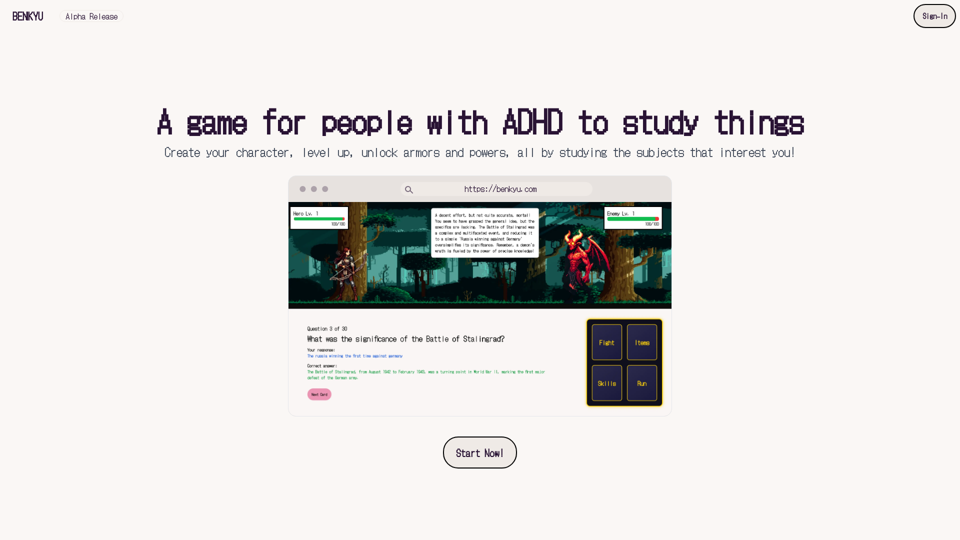
Benkyu is an innovative online platform designed to transform traditional studying into an engaging adventure for users with ADHD. By incorporating game-like elements such as character creation, leveling up, and unlocking abilities, Benkyu makes learning more interactive and enjoyable. The platform offers customizable learning experiences, unique classes tailored to different ADHD types, and various features to enhance the studying process.
Study
A Learning Game for Individuals with ADHD
This innovative game is specifically designed for individuals with Attention Deficit Hyperactivity Disorder (ADHD) to make learning an engaging and enjoyable experience.
Introduction
Feature
Interactive Study Game
Benkyu turns study sessions into exciting challenges, allowing users to earn rewards as they master new concepts. This gamified approach helps maintain focus and motivation for individuals with ADHD.
Customizable Learning Experience
Users can personalize their learning journey by:
- Uploading books, documents, or slides
- Adding website links
- Joining public stories to cover various subjects
Unique Classes and Powers
Benkyu offers six distinct classes, each designed for different ADHD types:
- The Warrior
- The Archer
- The Rogue
- The Mage
- The Cleric
- (Additional class)
Each class comes with two special powers to assist users in navigating their learning adventure.
User-Friendly Interface
Benkyu features a simple sign-up process and an intuitive interface, making it easy for users to:
- Create their character
- Choose their class
- Begin their learning adventure
Flexible Account Options
| Account Type | Features | Access |
|---|---|---|
| Free | Limited | Basic |
| Subscription | Full | Extended |
FAQ
Is Benkyu suitable for users with ADHD?
Yes, Benkyu is specifically designed for users with ADHD, offering a unique and engaging way to study that caters to their needs.
Can I use Benkyu for free?
Yes, Benkyu offers a free account option with limited features. A subscription unlocks additional benefits and extended access.
How do I choose the right class for me?
Choose a class that resonates with your ADHD type for a more personalized experience. Benkyu offers six unique classes, each tailored to different ADHD types.
Related Websites
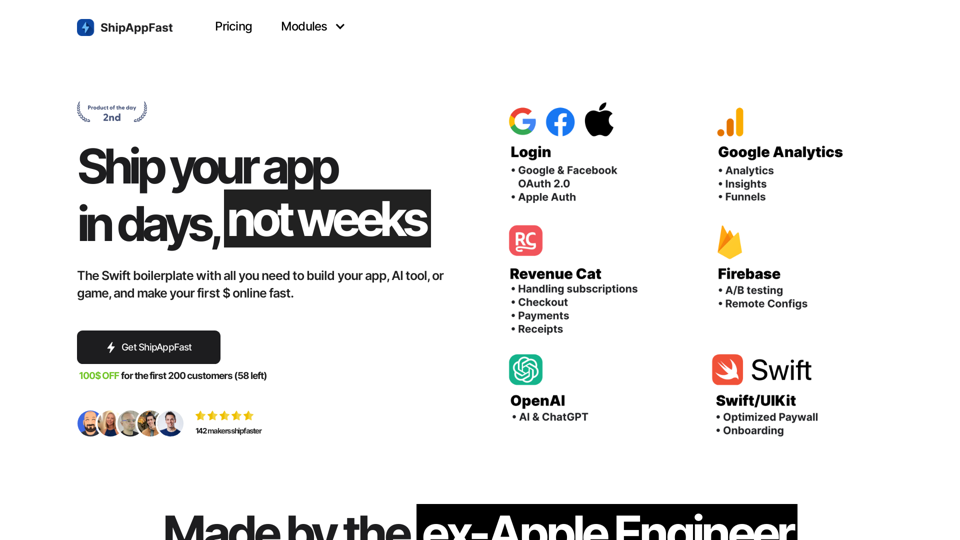
The Swift boilerplate with all the necessary elements to bring your product to customers. From concept to production in just 5 minutes.
0
![Midjourney API - Automate Midjourney AI Image Generation
This document outlines how to use the Midjourney API to automate the generation of AI images.
What is the Midjourney API?
The Midjourney API allows developers to programmatically interact with the powerful Midjourney AI model. This means you can generate images, control various parameters, and integrate Midjourney into your own applications and workflows.
Why Use the Midjourney API?
* Automation: Automate the creation of images for various purposes, such as marketing materials, website content, or research projects.
* Customization: Fine-tune image generation by controlling parameters like aspect ratio, style, and seed values.
* Integration: Seamlessly integrate Midjourney's capabilities into your existing tools and platforms.
Getting Started
1. Sign Up for a Midjourney Account: You'll need a Midjourney account to access the API.
2. Obtain an API Key: Once you have an account, you can generate an API key from your account settings.
3. Choose a Programming Language: The Midjourney API supports various programming languages, including Python, JavaScript, and Go.
4. Install the API Client: Install the appropriate API client library for your chosen language.
5. Start Generating Images: Use the API client to send image generation requests to the Midjourney server.
Example (Python):
```python
import midjourney
Replace with your actual API key
api_key = "YOUR_API_KEY"
Create a Midjourney client
client = midjourney.Client(api_key=api_key)
Generate an image
response = client.create_image(prompt="A cat wearing a hat", num_images=1)
Print the image URL
print(response.images[0].url)
```
Documentation and Resources
For detailed information about the Midjourney API, including available endpoints, parameters, and examples, please refer to the official documentation: [https://docs.midjourney.com/](https://docs.midjourney.com/)](https://static.right-ai.com/tools/2024/7/10/apiframe-pro-thumbnail-1720625482.png "Midjourney API - Automate Midjourney AI Image Generation
This document outlines how to use the Midjourney API to automate the generation of AI images.
What is the Midjourney API?
The Midjourney API allows developers to programmatically interact with the powerful Midjourney AI model. This means you can generate images, control various parameters, and integrate Midjourney into your own applications and workflows.
Why Use the Midjourney API?
* Automation: Automate the creation of images for various purposes, such as marketing materials, website content, or research projects.
* Customization: Fine-tune image generation by controlling parameters like aspect ratio, style, and seed values.
* Integration: Seamlessly integrate Midjourney's capabilities into your existing tools and platforms.
Getting Started
1. Sign Up for a Midjourney Account: You'll need a Midjourney account to access the API.
2. Obtain an API Key: Once you have an account, you can generate an API key from your account settings.
3. Choose a Programming Language: The Midjourney API supports various programming languages, including Python, JavaScript, and Go.
4. Install the API Client: Install the appropriate API client library for your chosen language.
5. Start Generating Images: Use the API client to send image generation requests to the Midjourney server.
Example (Python):
```python
import midjourney
Replace with your actual API key
api_key = \"YOUR_API_KEY\"
Create a Midjourney client
client = midjourney.Client(api_key=api_key)
Generate an image
response = client.create_image(prompt=\"A cat wearing a hat\", num_images=1)
Print the image URL
print(response.images[0].url)
```
Documentation and Resources
For detailed information about the Midjourney API, including available endpoints, parameters, and examples, please refer to the official documentation: [https://docs.midjourney.com/](https://docs.midjourney.com/)")
Midjourney API - Automate Midjourney AI Image Generation This document outlines how to use the Midjourney API to automate the generation of AI images. What is the Midjourney API? The Midjourney API allows developers to programmatically interact with the powerful Midjourney AI model. This means you can generate images, control various parameters, and integrate Midjourney into your own applications and workflows. Why Use the Midjourney API? * Automation: Automate the creation of images for various purposes, such as marketing materials, website content, or research projects. * Customization: Fine-tune image generation by controlling parameters like aspect ratio, style, and seed values. * Integration: Seamlessly integrate Midjourney's capabilities into your existing tools and platforms. Getting Started 1. Sign Up for a Midjourney Account: You'll need a Midjourney account to access the API. 2. Obtain an API Key: Once you have an account, you can generate an API key from your account settings. 3. Choose a Programming Language: The Midjourney API supports various programming languages, including Python, JavaScript, and Go. 4. Install the API Client: Install the appropriate API client library for your chosen language. 5. Start Generating Images: Use the API client to send image generation requests to the Midjourney server. Example (Python): ```python import midjourney Replace with your actual API key api_key = "YOUR_API_KEY" Create a Midjourney client client = midjourney.Client(api_key=api_key) Generate an image response = client.create_image(prompt="A cat wearing a hat", num_images=1) Print the image URL print(response.images[0].url) ``` Documentation and Resources For detailed information about the Midjourney API, including available endpoints, parameters, and examples, please refer to the official documentation: [https://docs.midjourney.com/](https://docs.midjourney.com/)
Midjourney API - Automate Midjourney AI Image Generation This document outlines how to use the Midjourney API to automate the generation of AI images. What is the Midjourney API? The Midjourney API allows developers to programmatically interact with the powerful Midjourney AI model. This means you can generate images, control various parameters, and integrate Midjourney into your own applications and workflows. Why Use the Midjourney API? * Automation: Automate the creation of images for various purposes, such as marketing materials, website content, or research projects. * Customization: Fine-tune image generation by controlling parameters like aspect ratio, style, and seed values. * Integration: Seamlessly integrate Midjourney's capabilities into your existing tools and platforms. Getting Started 1. Sign Up for a Midjourney Account: You'll need a Midjourney account to access the API. 2. Obtain an API Key: Once you have an account, you can generate an API key from your account settings. 3. Choose a Programming Language: The Midjourney API supports various programming languages, including Python, JavaScript, and Go. 4. Install the API Client: Install the appropriate API client library for your chosen language. 5. Start Generating Images: Use the API client to send image generation requests to the Midjourney server. Example (Python): ```python import midjourney Replace with your actual API key api_key = "YOUR_API_KEY" Create a Midjourney client client = midjourney.Client(api_key=api_key) Generate an image response = client.create_image(prompt="A cat wearing a hat", num_images=1) Print the image URL print(response.images[0].url) ``` Documentation and Resources For detailed information about the Midjourney API, including available endpoints, parameters, and examples, please refer to the official documentation: [https://docs.midjourney.com/](https://docs.midjourney.com/)Easily integrate Midjourney AI into your apps using the Midjourney API. Start creating AI images automatically today!
0
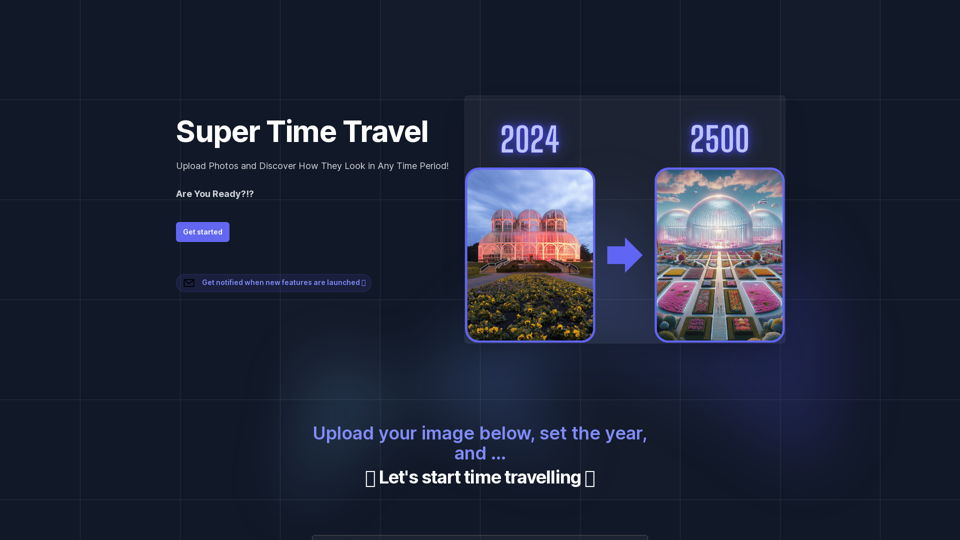
Super Time Travel - Explore the Past... and the Future
Super Time Travel - Explore the Past... and the FutureSuper Time Travel lets you upload your photos and see them transformed to any past or future year. Experience your images as they would appear in any historical era or future setting with the magic of AI.
0
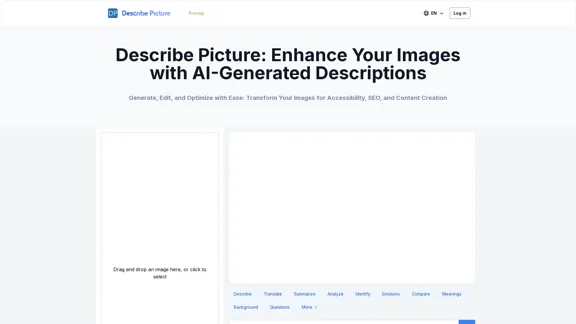
Describe Picture: AI-Generated Image Descriptions for Enhanced Accessibility and SEO
Describe Picture: AI-Generated Image Descriptions for Enhanced Accessibility and SEODescribe Picture is an AI-driven platform that generates detailed descriptions of your images, enhancing accessibility, SEO, and content creation. Upload your images and let our AI provide accurate and editable descriptions to improve your digital content.
10.10 K
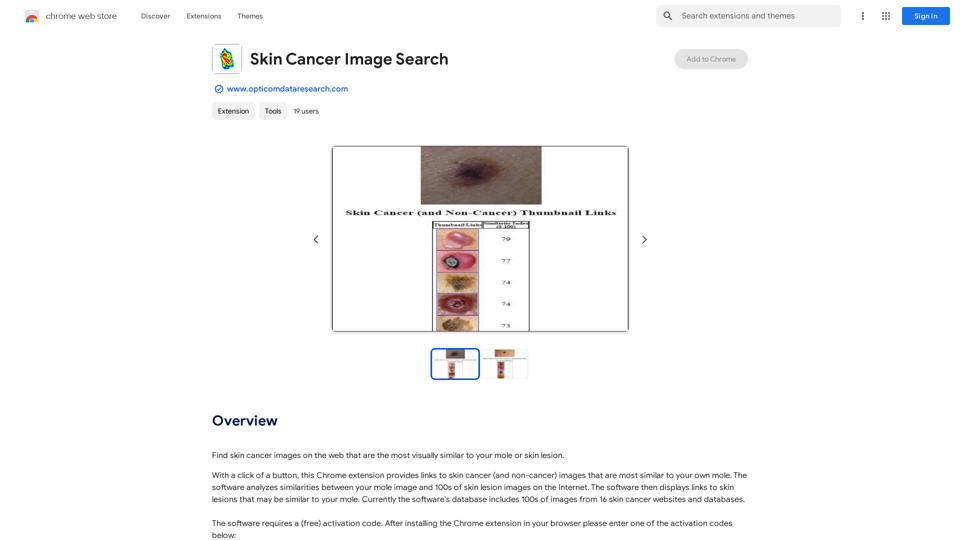
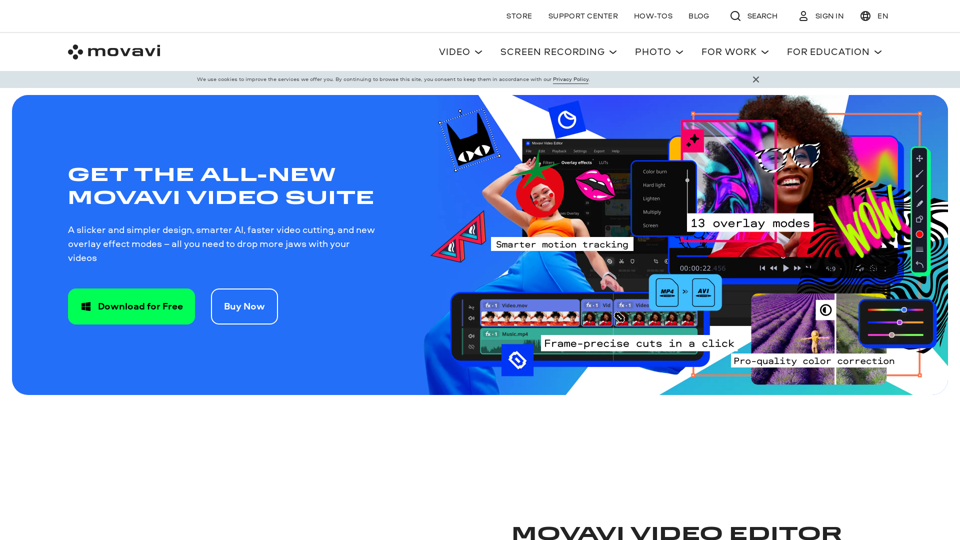
Video Editor 2024 and Other Cool Programs from Movavi – Download for Free
Video Editor 2024 and Other Cool Programs from Movavi – Download for FreeMovavi offers fast and easy-to-use photo and video editing software that is safe and trusted worldwide. Try it all out for free!
3.27 M