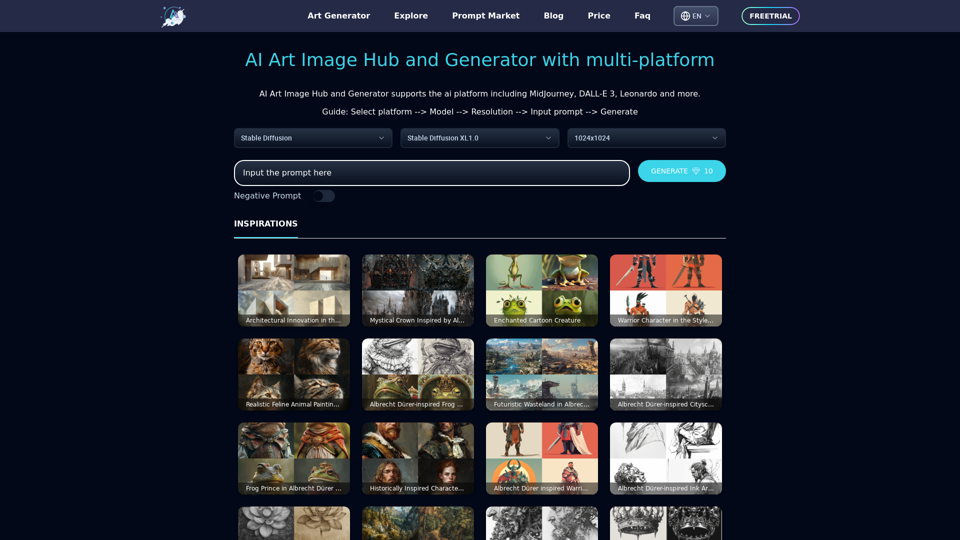
ArtiverseHub is a comprehensive AI-driven platform that offers access to a wide range of AI technologies for artistic creation. It integrates multiple AI models, including popular ones like MidJourney, DALL-E 3, Leonardo, and Stable Diffusion, to cater to various artistic needs. The platform is designed to be user-friendly, allowing both free and subscription-based access to its diverse array of AI-powered tools for image generation and other artistic tasks.
ArtiverseHub - AI Art Generator
Unleash your creativity with ArtiverseHub's online AI art generator. Enjoy support for multiple platforms including DALL-E (ChatGPT), Leonardo.ai, Stability.ai, and several others.
Introduction
Feature
Multi-AI Model Integration
ArtiverseHub incorporates a variety of AI models, including:
- MidJourney
- DALL-E 3
- Leonardo
- Stable Diffusion This integration allows users to access multiple AI technologies in one platform.
Versatile Image Generation
Users can create images in various styles and categories:
- Anime
- Animal
- Character
- Art
- Car
- And more
Free Access
ArtiverseHub offers free access to its AI art generator, allowing users to explore and utilize a wide range of AI models and styles without cost.
Subscription Benefits
While free access is available, subscribing to the platform provides:
- Additional benefits
- Extended access beyond free usage limits
Privacy Protection
ArtiverseHub prioritizes user privacy:
- User information is not used for training data
- Users can delete their accounts at any time
- All user data is removed upon account deletion
Affordable Subscription Options
For users who require more extensive access beyond the free tier, ArtiverseHub offers affordable subscription products.
FAQ
What types of AI models does ArtiverseHub offer?
ArtiverseHub provides a diverse range of AI models for various artistic applications, including:
- Anime generation
- Animal imagery
- Character creation
- General art
- Car design
- And many more
How can I use ArtiverseHub without a subscription?
Every user can access ArtiverseHub's AI art generator for free, which includes:
- Use of multiple AI models
- Access to various artistic styles
- Creation of images in different categories
When should I consider subscribing to ArtiverseHub?
Consider subscribing to ArtiverseHub if:
- Free usage limits no longer meet your needs
- You heavily rely on the platform for your artistic projects
- You require extended access to AI models and features
Is my data safe on ArtiverseHub?
ArtiverseHub takes user privacy seriously:
- Your information is not used for training purposes
- You have the option to delete your account at any time
- All your data is removed when you delete your account
Related Websites
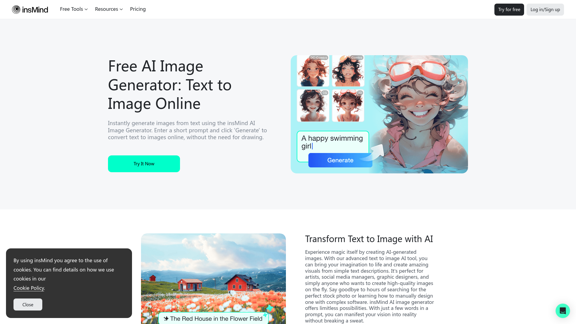
100% Free AI Image Generator: Text to Image Online | insMind
100% Free AI Image Generator: Text to Image Online | insMindLooking for a free AI image generator from text? Create stunning images with a simple text prompt using the most advanced AI text-to-image generator.
1.77 M
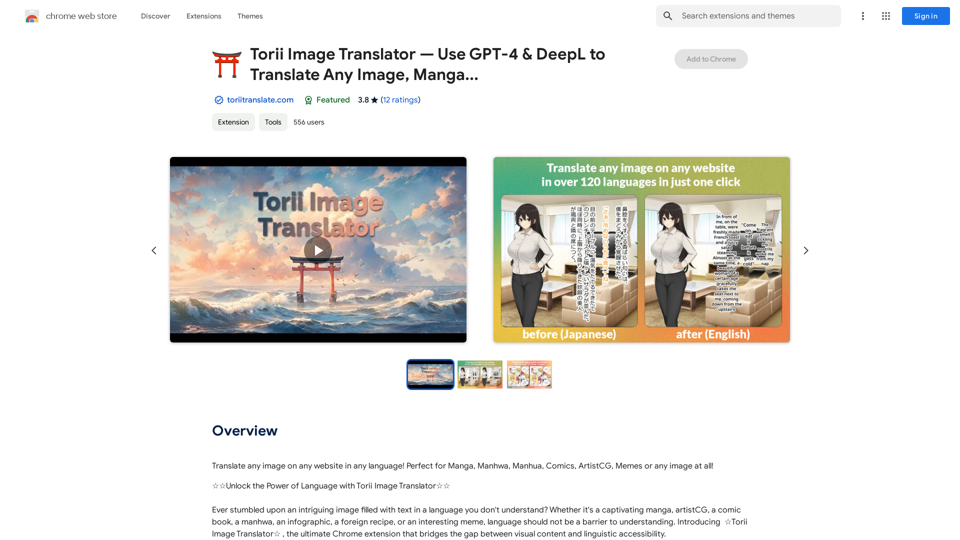
Torii Image Translator — Use GPT-4 & DeepL to Translate Any Image, Manga...
Torii Image Translator — Use GPT-4 & DeepL to Translate Any Image, Manga...Translate any image on any website into any language! Perfect for Manga, Manhwa, Manhua, Comics, ArtistCG, Memes, or any image at all!
193.90 M
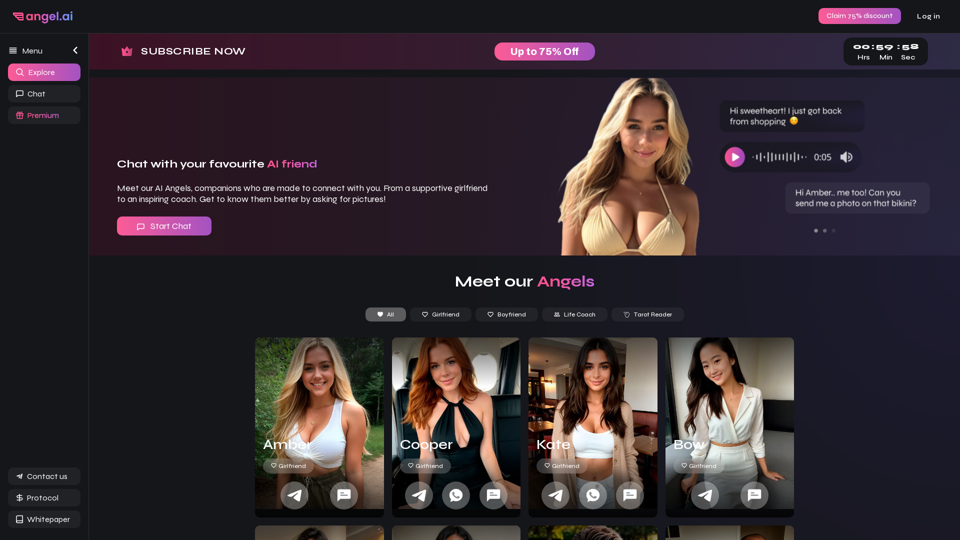
Angel AI is an innovative platform that offers a unique AI-driven experience, allowing users to interact with AI companions that feel real.
13.97 K
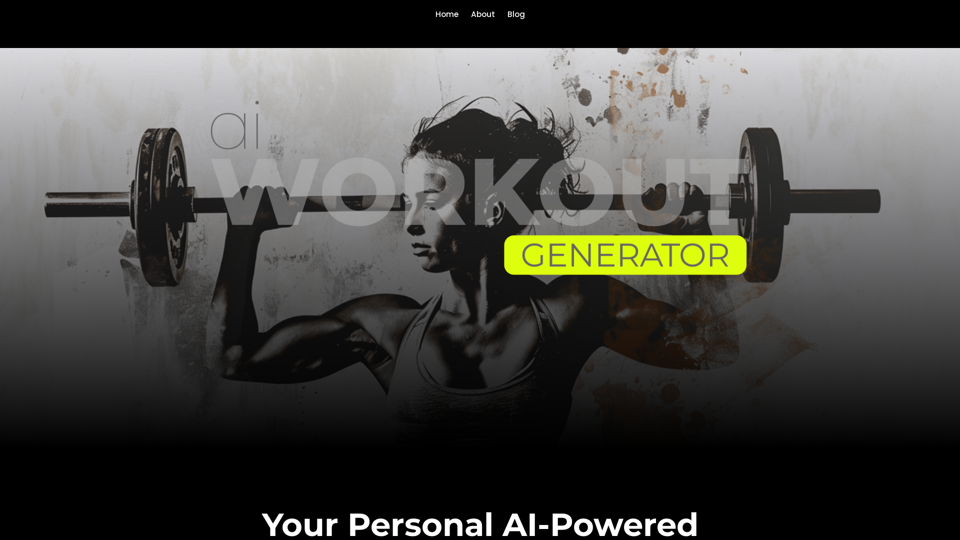
Ai Workout Generator ===================== What is an AI Workout Generator? An AI workout generator is a tool that uses artificial intelligence to create personalized workout plans tailored to an individual's fitness goals, fitness level, and preferences. How does it work? The AI workout generator uses machine learning algorithms to analyze a user's input data, such as their fitness goals, fitness level, and exercise preferences. It then generates a customized workout plan that includes a series of exercises, sets, reps, and weights tailored to the user's specific needs. Benefits of using an AI Workout Generator * Personalized workouts: The AI workout generator creates a workout plan that is tailored to the user's specific fitness goals and fitness level. * Time-saving: The AI workout generator saves time by eliminating the need to research and create a workout plan from scratch. * Increased motivation: The AI workout generator provides a sense of accountability and motivation, as users are more likely to stick to a workout plan that is tailored to their specific needs. * Improved results: The AI workout generator helps users achieve their fitness goals faster and more efficiently, as the workout plan is optimized for their specific needs. How to use an AI Workout Generator 1. Input your data: Enter your fitness goals, fitness level, and exercise preferences into the AI workout generator. 2. Select your workout type: Choose the type of workout you want to do, such as strength training, cardio, or yoga. 3. Generate your workout plan: The AI workout generator will create a customized workout plan tailored to your specific needs. 4. Start your workout: Follow the workout plan and track your progress. Conclusion An AI workout generator is a powerful tool that can help individuals achieve their fitness goals faster and more efficiently. By providing personalized workout plans, the AI workout generator saves time, increases motivation, and improves results. Whether you're a beginner or an experienced athlete, an AI workout generator can help you take your fitness to the next level.
Ai Workout Generator ===================== What is an AI Workout Generator? An AI workout generator is a tool that uses artificial intelligence to create personalized workout plans tailored to an individual's fitness goals, fitness level, and preferences. How does it work? The AI workout generator uses machine learning algorithms to analyze a user's input data, such as their fitness goals, fitness level, and exercise preferences. It then generates a customized workout plan that includes a series of exercises, sets, reps, and weights tailored to the user's specific needs. Benefits of using an AI Workout Generator * Personalized workouts: The AI workout generator creates a workout plan that is tailored to the user's specific fitness goals and fitness level. * Time-saving: The AI workout generator saves time by eliminating the need to research and create a workout plan from scratch. * Increased motivation: The AI workout generator provides a sense of accountability and motivation, as users are more likely to stick to a workout plan that is tailored to their specific needs. * Improved results: The AI workout generator helps users achieve their fitness goals faster and more efficiently, as the workout plan is optimized for their specific needs. How to use an AI Workout Generator 1. Input your data: Enter your fitness goals, fitness level, and exercise preferences into the AI workout generator. 2. Select your workout type: Choose the type of workout you want to do, such as strength training, cardio, or yoga. 3. Generate your workout plan: The AI workout generator will create a customized workout plan tailored to your specific needs. 4. Start your workout: Follow the workout plan and track your progress. Conclusion An AI workout generator is a powerful tool that can help individuals achieve their fitness goals faster and more efficiently. By providing personalized workout plans, the AI workout generator saves time, increases motivation, and improves results. Whether you're a beginner or an experienced athlete, an AI workout generator can help you take your fitness to the next level.AI generated workouts reviewed and Approved by American College of Sports Medicine certified Personal Trainers.
3.30 K

AI Hug | AI-powered Photo Embrace & Text-to-Video Creator
AI Hug | AI-powered Photo Embrace & Text-to-Video CreatorAI Hug brings people closer through AI. Create heartwarming embraces from photos and transform your words into captivating videos.
0
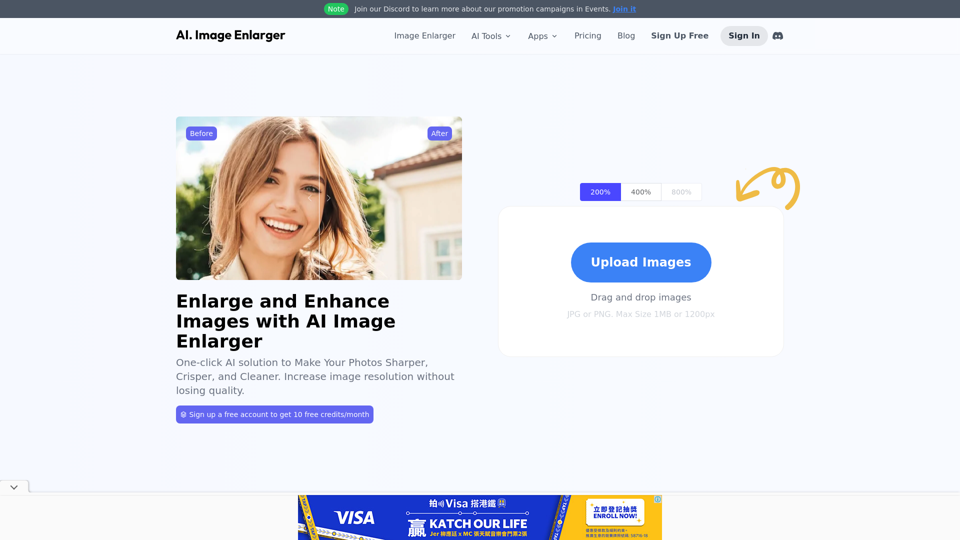
AI Image Enlarger | Enlarge Images Without Losing Quality!
AI Image Enlarger | Enlarge Images Without Losing Quality!AI Image Enlarger is a FREE online tool for automatically upscaling and enhancing small images. It can make jpg/png pictures larger without compromising quality.
614.68 K
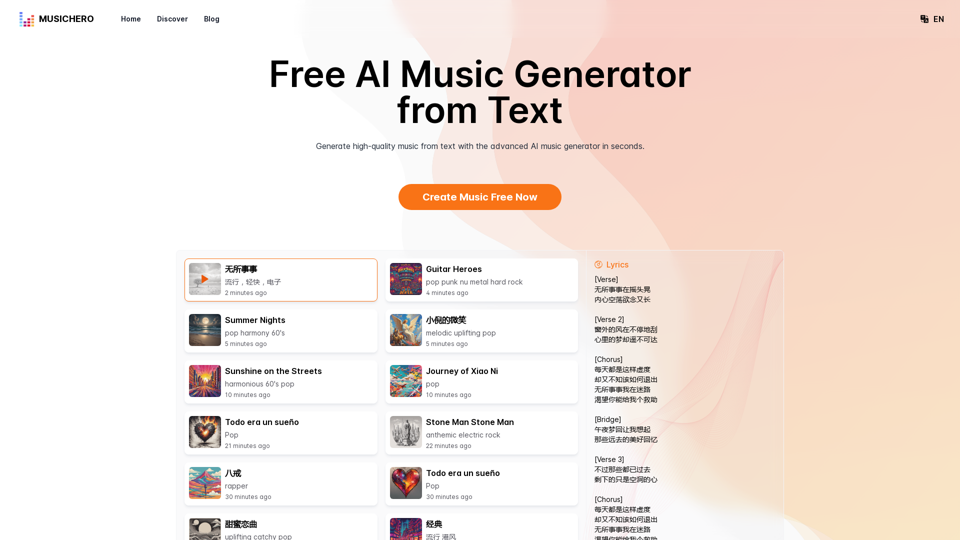
MusicHero.ai: Free AI Music Generator from Text Online
MusicHero.ai: Free AI Music Generator from Text OnlineGenerate high-quality music quickly with the advanced AI music generator. Platforms like MusicHero.ai, powered by Suno V3.5 technology, offer AI music generator free online services. Create music from text or lyrics effortlessly with this versatile text to music AI tool.
577.73 K