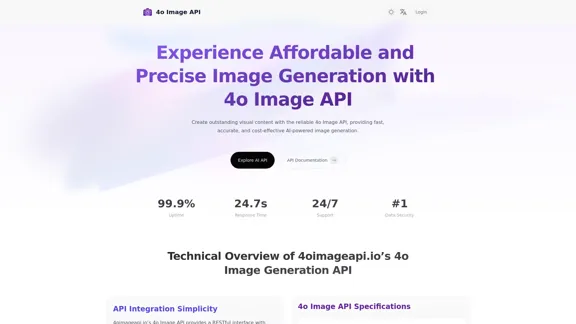
4oimageapi.io’s 4o Image API offers an affordable and reliable solution for AI-powered image generation. It enables users to create high-quality visual content quickly and accurately, making it suitable for various applications, from marketing to product visualization. The API is designed for ease of integration, providing comprehensive documentation and support to ensure a smooth user experience.
4o Image API: Affordable, Stable, and Versatile AI Image Generation
4oimageapi.io’s 4o Image API provides affordable, stable, and accurate AI image generation, allowing creators to easily produce high-quality visuals. With features such as text-to-image and image-to-image transformations, along with a variety of artistic styles, it offers dependable and effective tools for creative projects.
Introduction
Feature
-
Image-to-Image Generation
Users can upload images and modify them based on detailed prompts, allowing for style transfer and content enhancement.
-
Text-to-Image Conversion
The API accurately transforms text prompts into high-quality images, capturing specific scenes or abstract concepts with remarkable detail.
-
Text Rendering
It excels at integrating clear text into images, making it ideal for infographics, signs, and advertisements.
-
Versatile Style Transformation
Supports a wide range of artistic styles, enabling users to tailor images to fit their creative vision.
-
Fast Response Time
The API is optimized for speed, delivering high-quality visuals within seconds to a minute.
-
High-Concurrency Support
Capable of handling multiple image generation requests simultaneously, ensuring reliable performance under heavy usage.
-
24/7 Customer Support
Offers dedicated support to assist users with integration issues and advanced features.
How to Use?
- Register for an account on 4oimageapi.io to access the API features.
- Generate your unique API key after logging in.
- Follow the detailed instructions in the developer documentation to integrate the API into your application.
FAQ
What makes 4oimageapi.io’s 4o Image Generation API unique?
The API stands out due to its seamless integration, fast processing times, and high-quality outputs, offering flexible image generation capabilities.
What is the pricing for 4oimageapi.io’s ChatGPT image generation API?
4oimageapi.io provides flexible and transparent pricing designed for businesses of all sizes, allowing for scalable usage without high costs.
How can 4oimageapi.io’s GPT-4o Image API improve your creative workflow?
It enables rapid generation of high-quality visuals from text prompts or modifications of existing images, streamlining the design process.
Does 4oimageapi.io offer a free trial for the OpenAI Image Generation API?
Yes, a free trial is available, allowing users to test the API's capabilities before committing to a paid plan.
Price
| Plan Type | Price |
|---|---|
| Free Plan | $0/month |
| Basic Plan | $9.99/month |
| Standard Plan | $19.99/month |
| Professional Plan | $49.99/month |
The price is for reference only, please refer to the latest official data for actual information.
Evaluation
- The 4o Image API demonstrates strong capabilities in generating high-quality images quickly, making it suitable for various applications.
- The integration process is straightforward, supported by comprehensive documentation.
- However, the API's performance may vary based on the complexity of the prompts, which could affect user experience.
- While the API excels in many areas, expanding the range of artistic styles and improving the accuracy of text rendering could enhance its appeal further.
- Overall, it is a valuable tool for businesses and creatives looking to streamline their visual content creation process.
Related Websites
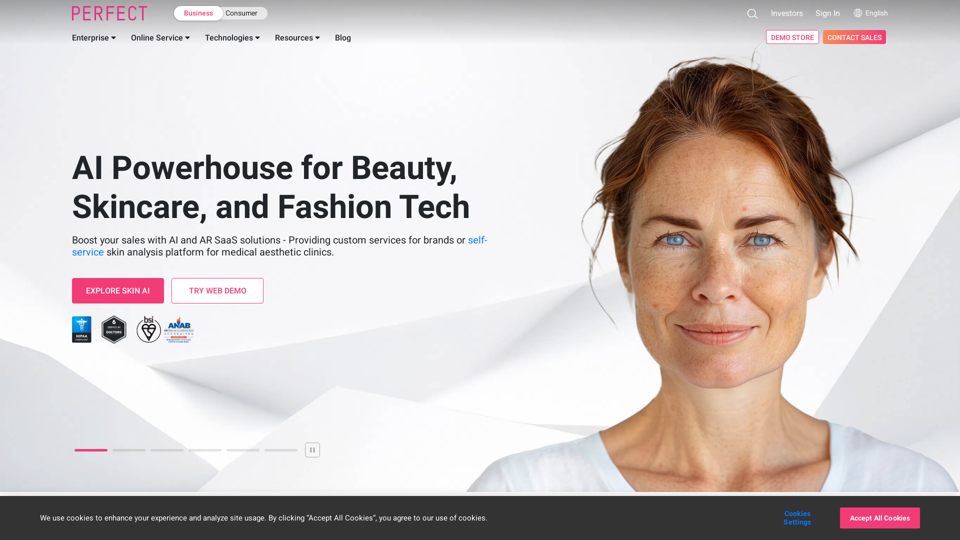
AI & AR Business Solutions for Skin, Beauty & Fashion
AI & AR Business Solutions for Skin, Beauty & FashionReimagine AI with YouCam: Elevate Your Brand by Cropping Complete Beauty Tech & Fashion Tech Solutions. Digitally transform your business with AI & AR ecommerce experiences.
7.10 M
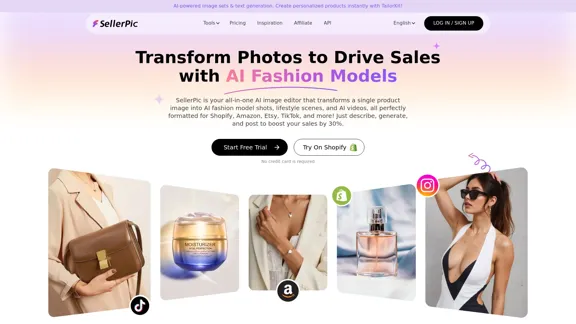
SellerPic: AI Fashion Models and Product Image Creator
SellerPic: AI Fashion Models and Product Image CreatorTransform your eCommerce store with AI Fashion Models and AI Product Images. Create stunning images that drive sales and revenue. Try it FREE!
203.22 K
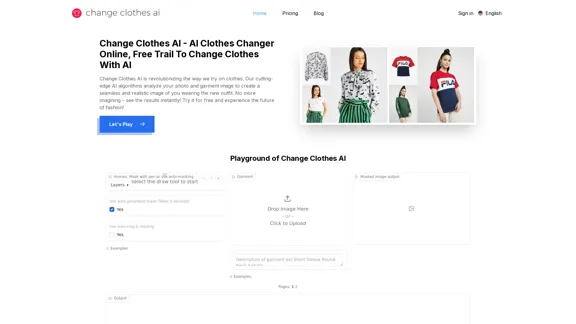
Change Clothes AI - AI Clothes Changer Online, Free Trial To Change Clothes With AI
Change Clothes AI - AI Clothes Changer Online, Free Trial To Change Clothes With AIChange Clothes AI is an online outfit changer powered by AI technology. Easily swap clothes in your photos by uploading a portrait and garment image. Our AI algorithm generates a new image in seconds, letting you experiment with different looks and find the perfect outfit.
19.55 K
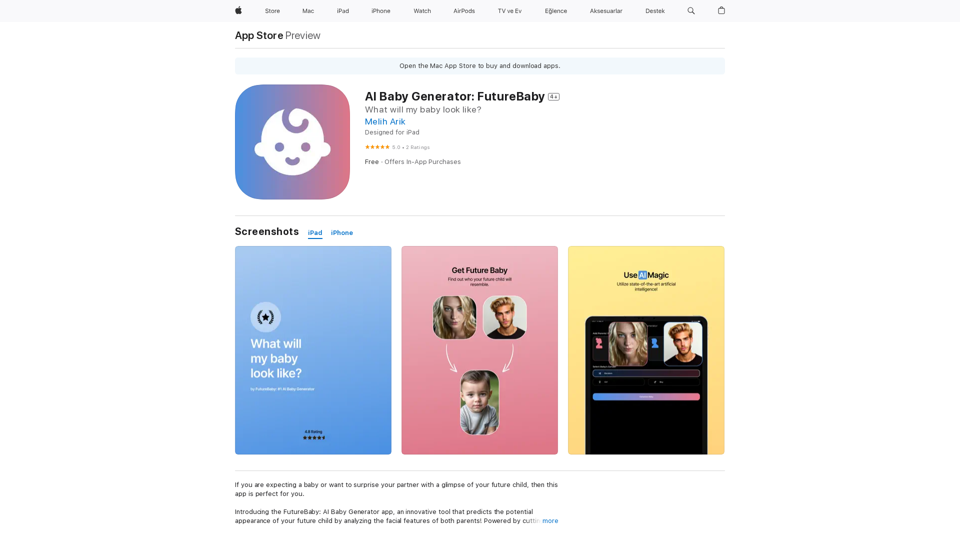
Introducing the FutureBaby: AI Baby Generator app, an innovative tool that predicts the potential appearance of your future child by analyzing the facial features of you and your partner.
124.77 M
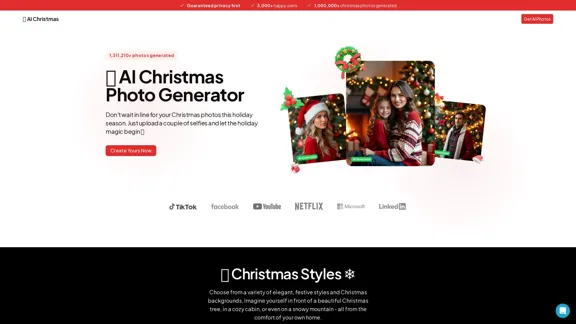
AI Christmas Photo Generator | The Best Christmas AI Generator
AI Christmas Photo Generator | The Best Christmas AI GeneratorDon't wait in line for your Christmas photos this holiday season. Just upload a couple of selfies and let the holiday magic begin 💫
295

2. Understanding the Basics
* `/imagine` Command: This is the core command for generating images.
* Prompt: A text description of the artwork you want to create. Be specific and descriptive!
* Parameters: Options that control aspects like image size, aspect ratio, and style.
3. Crafting Your Journey Prompt
Think about the story you want to tell with your artwork.
* Setting: Where does your journey take place? (e.g., a mystical forest, a futuristic city, a desolate wasteland)
* Characters: Who is on this journey? (e.g., a lone traveler, a group of adventurers, mythical creatures)
* Mood: What feeling do you want to evoke? (e.g., adventurous, mysterious, hopeful, melancholic)
* Style: What artistic style appeals to you? (e.g., photorealistic, painterly, abstract)
4. Putting it Together
Combine these elements into a clear and concise prompt.
Example:
`/imagine A lone traveler journeys through a mystical forest at sunset, bathed in golden light. The path ahead is shrouded in mist, hinting at unknown wonders. Style: painterly, ethereal`
5. Experiment and Refine
* Midjourney is all about experimentation! Try different prompts, parameters, and styles.
* Use the "upscale" command to enlarge your favorite images and reveal more detail.
* Don't be afraid to iterate and refine your prompts based on the results.](https://static.right-ai.com/tools/2024/7/4/chromewebstore-google-com-detail-journey-artprompt-with-mi-pfjhhefanfhdijppdppillliedgaehko-thumbnail-1720092379.png "Journey ArtPrompt with Midjourney
This guide will walk you through creating stunning artwork using Midjourney, a powerful AI art generator.
1. Accessing Midjourney
* You'll need a Discord account to use Midjourney.
* Join the official Midjourney server: [https://discord.gg/midjourney](https://discord.gg/midjourney)
2. Understanding the Basics
* `/imagine` Command: This is the core command for generating images.
* Prompt: A text description of the artwork you want to create. Be specific and descriptive!
* Parameters: Options that control aspects like image size, aspect ratio, and style.
3. Crafting Your Journey Prompt
Think about the story you want to tell with your artwork.
* Setting: Where does your journey take place? (e.g., a mystical forest, a futuristic city, a desolate wasteland)
* Characters: Who is on this journey? (e.g., a lone traveler, a group of adventurers, mythical creatures)
* Mood: What feeling do you want to evoke? (e.g., adventurous, mysterious, hopeful, melancholic)
* Style: What artistic style appeals to you? (e.g., photorealistic, painterly, abstract)
4. Putting it Together
Combine these elements into a clear and concise prompt.
Example:
`/imagine A lone traveler journeys through a mystical forest at sunset, bathed in golden light. The path ahead is shrouded in mist, hinting at unknown wonders. Style: painterly, ethereal`
5. Experiment and Refine
* Midjourney is all about experimentation! Try different prompts, parameters, and styles.
* Use the \"upscale\" command to enlarge your favorite images and reveal more detail.
* Don't be afraid to iterate and refine your prompts based on the results.")
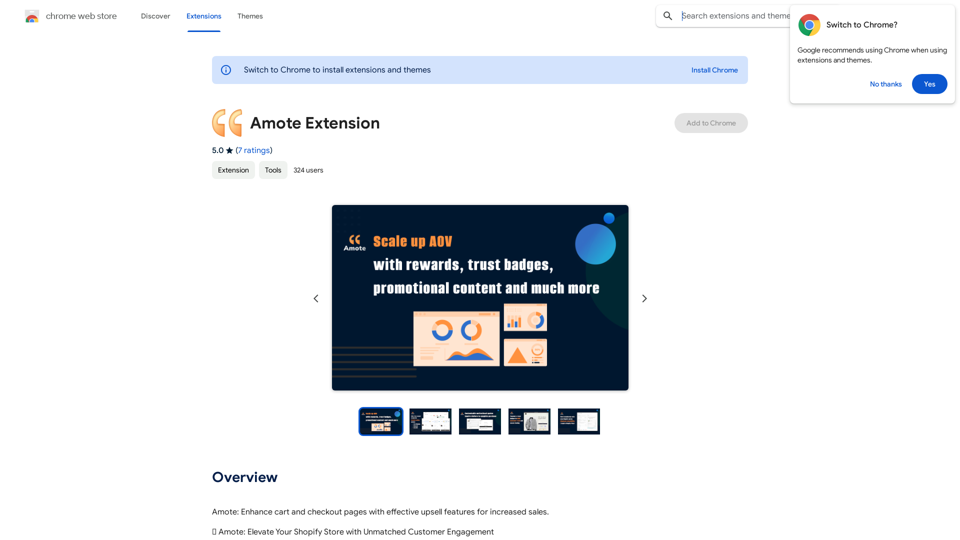
Journey ArtPrompt with Midjourney This guide will walk you through creating stunning artwork using Midjourney, a powerful AI art generator. 1. Accessing Midjourney * You'll need a Discord account to use Midjourney. * Join the official Midjourney server: [https://discord.gg/midjourney](https://discord.gg/midjourney) 2. Understanding the Basics * `/imagine` Command: This is the core command for generating images. * Prompt: A text description of the artwork you want to create. Be specific and descriptive! * Parameters: Options that control aspects like image size, aspect ratio, and style. 3. Crafting Your Journey Prompt Think about the story you want to tell with your artwork. * Setting: Where does your journey take place? (e.g., a mystical forest, a futuristic city, a desolate wasteland) * Characters: Who is on this journey? (e.g., a lone traveler, a group of adventurers, mythical creatures) * Mood: What feeling do you want to evoke? (e.g., adventurous, mysterious, hopeful, melancholic) * Style: What artistic style appeals to you? (e.g., photorealistic, painterly, abstract) 4. Putting it Together Combine these elements into a clear and concise prompt. Example: `/imagine A lone traveler journeys through a mystical forest at sunset, bathed in golden light. The path ahead is shrouded in mist, hinting at unknown wonders. Style: painterly, ethereal` 5. Experiment and Refine * Midjourney is all about experimentation! Try different prompts, parameters, and styles. * Use the "upscale" command to enlarge your favorite images and reveal more detail. * Don't be afraid to iterate and refine your prompts based on the results.
Journey ArtPrompt with Midjourney This guide will walk you through creating stunning artwork using Midjourney, a powerful AI art generator. 1. Accessing Midjourney * You'll need a Discord account to use Midjourney. * Join the official Midjourney server: [https://discord.gg/midjourney](https://discord.gg/midjourney) 2. Understanding the Basics * `/imagine` Command: This is the core command for generating images. * Prompt: A text description of the artwork you want to create. Be specific and descriptive! * Parameters: Options that control aspects like image size, aspect ratio, and style. 3. Crafting Your Journey Prompt Think about the story you want to tell with your artwork. * Setting: Where does your journey take place? (e.g., a mystical forest, a futuristic city, a desolate wasteland) * Characters: Who is on this journey? (e.g., a lone traveler, a group of adventurers, mythical creatures) * Mood: What feeling do you want to evoke? (e.g., adventurous, mysterious, hopeful, melancholic) * Style: What artistic style appeals to you? (e.g., photorealistic, painterly, abstract) 4. Putting it Together Combine these elements into a clear and concise prompt. Example: `/imagine A lone traveler journeys through a mystical forest at sunset, bathed in golden light. The path ahead is shrouded in mist, hinting at unknown wonders. Style: painterly, ethereal` 5. Experiment and Refine * Midjourney is all about experimentation! Try different prompts, parameters, and styles. * Use the "upscale" command to enlarge your favorite images and reveal more detail. * Don't be afraid to iterate and refine your prompts based on the results.New backgrounds with Midjourney on new tabs
193.90 M
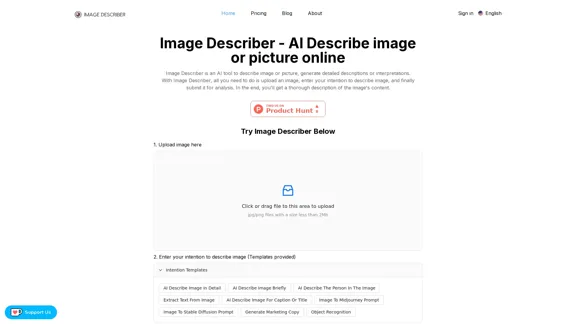
Image Describer - AI Describe Image or Picture Online With the advancement of Artificial Intelligence (AI), it is now possible to describe images or pictures online using an Image Describer. This innovative tool uses computer vision and machine learning algorithms to analyze and identify the contents of an image, generating a descriptive text of what it sees. How it Works The process is quite simple: 1. Upload an Image: You can upload an image or enter the URL of an online image to the Image Describer tool. 2. AI Analysis: The AI algorithm analyzes the image, detecting objects, people, animals, and other elements within the picture. 3. Generate Description: The AI generates a descriptive text based on the analysis, providing a clear and concise description of the image. Applications of Image Describer The Image Describer has numerous applications, including: * Accessibility: Helping visually impaired individuals to understand the content of an image. * E-commerce: Providing product descriptions for online shopping platforms. * Search Engine Optimization (SEO): Generating alt tags and descriptions for images to improve search engine rankings. * Content Creation: Assisting writers and content creators with image descriptions. Benefits of Image Describer The Image Describer offers several benefits, including: * Time-Saving: Automating the process of image description, saving time and effort. * Accuracy: Providing accurate and objective descriptions of images. * Efficiency: Enabling individuals to focus on other tasks while the AI handles image description. Try it Out Experience the power of AI-driven image description today! Upload an image or enter a URL to see the Image Describer in action.
Image Describer - AI Describe Image or Picture Online With the advancement of Artificial Intelligence (AI), it is now possible to describe images or pictures online using an Image Describer. This innovative tool uses computer vision and machine learning algorithms to analyze and identify the contents of an image, generating a descriptive text of what it sees. How it Works The process is quite simple: 1. Upload an Image: You can upload an image or enter the URL of an online image to the Image Describer tool. 2. AI Analysis: The AI algorithm analyzes the image, detecting objects, people, animals, and other elements within the picture. 3. Generate Description: The AI generates a descriptive text based on the analysis, providing a clear and concise description of the image. Applications of Image Describer The Image Describer has numerous applications, including: * Accessibility: Helping visually impaired individuals to understand the content of an image. * E-commerce: Providing product descriptions for online shopping platforms. * Search Engine Optimization (SEO): Generating alt tags and descriptions for images to improve search engine rankings. * Content Creation: Assisting writers and content creators with image descriptions. Benefits of Image Describer The Image Describer offers several benefits, including: * Time-Saving: Automating the process of image description, saving time and effort. * Accuracy: Providing accurate and objective descriptions of images. * Efficiency: Enabling individuals to focus on other tasks while the AI handles image description. Try it Out Experience the power of AI-driven image description today! Upload an image or enter a URL to see the Image Describer in action.AI Image Describer is a tool to describe images or pictures online. It can be used as an image description and caption generator. Additionally, it supports image-to-prompt and text extraction from photos.
5.16 K