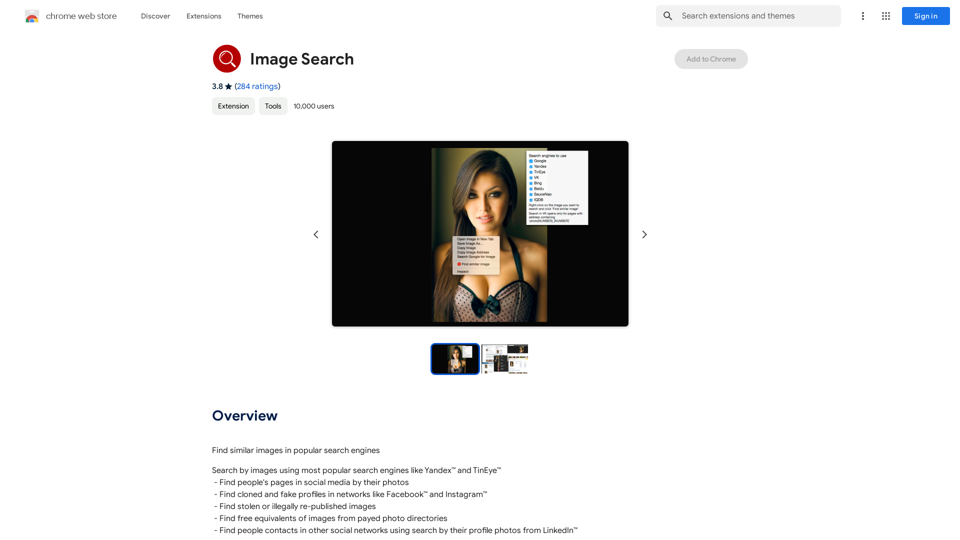
Reverse Image Search is a powerful Chrome extension that enables users to find similar images across popular search engines like Yandex and TinEye. This tool simplifies the process of image searching by allowing users to right-click on any image and select "Find similar image." It offers versatile functionality, from finding similar images to locating social media profiles and identifying stolen or illegally republished content.
Image Search
Find Similar Images in Popular Search Engines
You can find similar images in popular search engines like Google, Bing, and Yandex using the following methods:
#Google Images
* Drag and drop an image into the search bar or click on the camera icon to upload an image.
* Click on the "Search by image" button.
* Google will display a list of similar images.
#Bing Images
* Click on the "Images" tab on the Bing homepage.
* Click on the "Camera" icon in the search bar.
* Upload an image or enter the image URL.
* Bing will display a list of similar images.
#Yandex Images
* Click on the "Images" tab on the Yandex homepage.
* Click on the "Lens" icon in the search bar.
* Upload an image or enter the image URL.
* Yandex will display a list of similar images.
These search engines use advanced algorithms to find similar images based on various factors such as color, shape, and texture.
Introduction
Feature
Effortless Image Search
Right-click on any image and select "Find similar image" to instantly search across multiple engines.
Multi-Engine Support
Search for images using popular engines like Yandex and TinEye simultaneously or individually.
Social Media Profile Discovery
Locate people's social media pages using their photos, helping to find contacts across various networks.
Fake Profile Detection
Identify cloned and fake profiles on platforms like Facebook and Instagram.
Copyright Protection
Find stolen or illegally re-published images to protect your visual content.
Cost-Effective Image Sourcing
Discover free alternatives to images from paid photo directories.
Professional Networking
Find professional contacts on other social networks using LinkedIn profile photos.
User-Friendly Interface
Simple right-click functionality makes the extension easy to use for all skill levels.
Free to Use
The extension is completely free, providing powerful image search capabilities at no cost.
FAQ
How do I use Reverse Image Search?
Right-click on an image and select "Find similar image". You can then choose to search in a specific engine or all supported engines simultaneously.
Which search engines does Reverse Image Search support?
The extension supports popular search engines like Yandex and TinEye.
Is Reverse Image Search free to use?
Yes, Reverse Image Search is completely free to use.
Can I use this extension to find stolen images?
Yes, you can use Reverse Image Search to locate stolen or illegally re-published images.
Does it work for finding social media profiles?
Absolutely. You can use the extension to find people's pages on social media platforms using their photos.
Can it help in identifying fake profiles?
Yes, Reverse Image Search can assist in finding cloned and fake profiles on networks like Facebook and Instagram.
Is it possible to find free alternatives to paid stock photos?
Yes, you can use the extension to find free equivalents of images from paid photo directories.
Related Websites
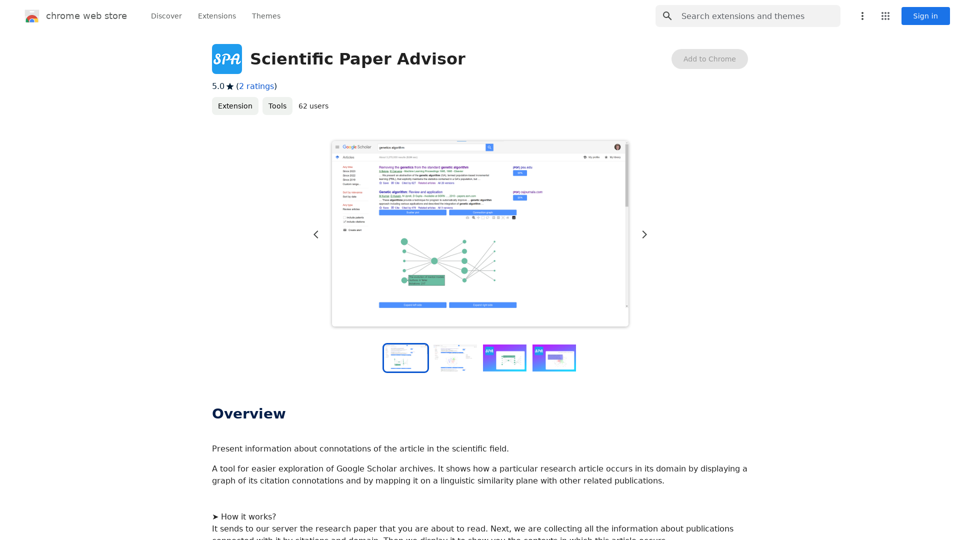
Scientific Paper Advisor This is a tool to help you write a scientific paper. Features: * Generate a paper outline: Provide a topic and get a structured outline to guide your writing. * Suggest relevant literature: Find recent research papers related to your topic. * Check for plagiarism: Ensure your work is original and properly cited. * Improve grammar and style: Polish your writing for clarity and conciseness. * Format your paper: Adhere to standard scientific paper formatting guidelines. Let me know how I can help you with your scientific paper!
Scientific Paper Advisor This is a tool to help you write a scientific paper. Features: * Generate a paper outline: Provide a topic and get a structured outline to guide your writing. * Suggest relevant literature: Find recent research papers related to your topic. * Check for plagiarism: Ensure your work is original and properly cited. * Improve grammar and style: Polish your writing for clarity and conciseness. * Format your paper: Adhere to standard scientific paper formatting guidelines. Let me know how I can help you with your scientific paper!Please provide me with the article so I can analyze its connotations in the scientific field.
193.90 M
Free AI Photo Editor: Edit and Create Images Online
Free AI Photo Editor: Edit and Create Images OnlinePokecut is an AI-powered photo editor that transforms ordinary images into stunning masterpieces effortlessly. Remove backgrounds, enhance photos, and generate images online without signing up.
772.96 K
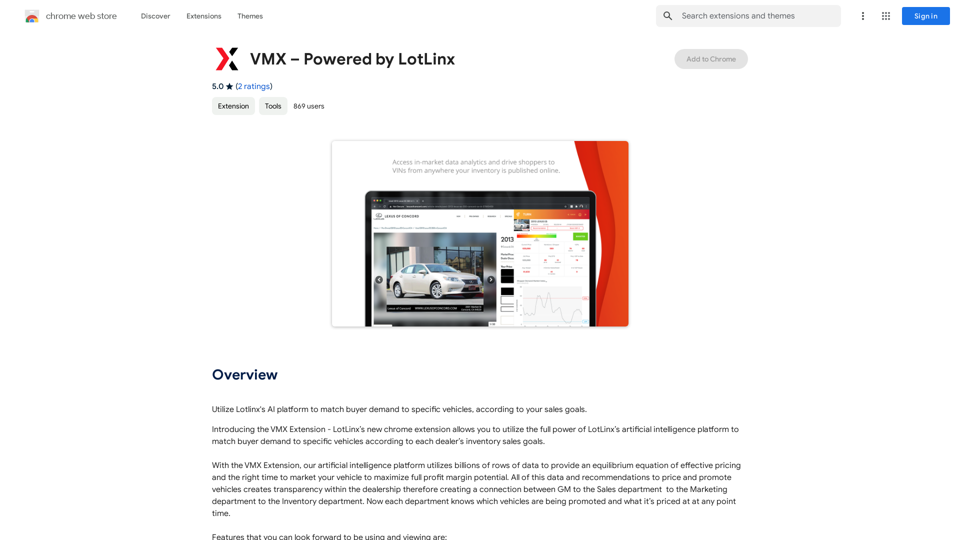
Utilize Lotlinx's AI platform to match buyer demand to specific vehicles, according to your sales goals.
193.90 M
![Simplified Chrome Extension
This is a basic Chrome extension designed to be easy to understand and modify.
Manifest File (manifest.json):
```json
{
"manifest_version": 3,
"name": "Simplified Extension",
"version": "1.0",
"description": "A simple Chrome extension example.",
"permissions": [
"activeTab"
],
"action": {
"default_popup": "popup.html"
}
}
```
Popup HTML (popup.html):
```html
<!DOCTYPE html>
<html>
<head>
<title>Simplified Extension</title>
</head>
<body>
<h1>Hello from the extension!</h1>
<p>This is a simple popup.</p>
</body>
</html>
```
Explanation:
* manifest.json: This file tells Chrome what your extension does.
* `manifest_version`: Specifies the version of the manifest file format.
* `name`: The name of your extension.
* `version`: The current version of your extension.
* `description`: A brief description of your extension.
* `permissions`: Lists the permissions your extension needs to function. Here, it needs access to the active tab.
* `action`: Defines the popup that appears when the extension icon is clicked.
* popup.html: This file contains the HTML code for the popup window.
How it works:
1. When you install the extension, Chrome reads the `manifest.json` file.
2. When you click the extension icon, Chrome opens the `popup.html` file in a new window.
3. The popup displays the "Hello from the extension!" message.](https://static.right-ai.com/tools/2024/7/4/chromewebstore-google-com-detail-simplified-chrome-extensi-hibfheifkaehlpnfggmfimfbhhffcmla-thumbnail-1720057553.png "Simplified Chrome Extension
This is a basic Chrome extension designed to be easy to understand and modify.
Manifest File (manifest.json):
```json
{
\"manifest_version\": 3,
\"name\": \"Simplified Extension\",
\"version\": \"1.0\",
\"description\": \"A simple Chrome extension example.\",
\"permissions\": [
\"activeTab\"
],
\"action\": {
\"default_popup\": \"popup.html\"
}
}
```
Popup HTML (popup.html):
```html
<!DOCTYPE html>
<html>
<head>
<title>Simplified Extension</title>
</head>
<body>
<h1>Hello from the extension!</h1>
<p>This is a simple popup.</p>
</body>
</html>
```
Explanation:
* manifest.json: This file tells Chrome what your extension does.
* `manifest_version`: Specifies the version of the manifest file format.
* `name`: The name of your extension.
* `version`: The current version of your extension.
* `description`: A brief description of your extension.
* `permissions`: Lists the permissions your extension needs to function. Here, it needs access to the active tab.
* `action`: Defines the popup that appears when the extension icon is clicked.
* popup.html: This file contains the HTML code for the popup window.
How it works:
1. When you install the extension, Chrome reads the `manifest.json` file.
2. When you click the extension icon, Chrome opens the `popup.html` file in a new window.
3. The popup displays the \"Hello from the extension!\" message.")
Simplified Chrome Extension This is a basic Chrome extension designed to be easy to understand and modify. Manifest File (manifest.json): ```json { "manifest_version": 3, "name": "Simplified Extension", "version": "1.0", "description": "A simple Chrome extension example.", "permissions": [ "activeTab" ], "action": { "default_popup": "popup.html" } } ``` Popup HTML (popup.html): ```html <!DOCTYPE html> <html> <head> <title>Simplified Extension</title> </head> <body> <h1>Hello from the extension!</h1> <p>This is a simple popup.</p> </body> </html> ``` Explanation: * manifest.json: This file tells Chrome what your extension does. * `manifest_version`: Specifies the version of the manifest file format. * `name`: The name of your extension. * `version`: The current version of your extension. * `description`: A brief description of your extension. * `permissions`: Lists the permissions your extension needs to function. Here, it needs access to the active tab. * `action`: Defines the popup that appears when the extension icon is clicked. * popup.html: This file contains the HTML code for the popup window. How it works: 1. When you install the extension, Chrome reads the `manifest.json` file. 2. When you click the extension icon, Chrome opens the `popup.html` file in a new window. 3. The popup displays the "Hello from the extension!" message.
Simplified Chrome Extension This is a basic Chrome extension designed to be easy to understand and modify. Manifest File (manifest.json): ```json { "manifest_version": 3, "name": "Simplified Extension", "version": "1.0", "description": "A simple Chrome extension example.", "permissions": [ "activeTab" ], "action": { "default_popup": "popup.html" } } ``` Popup HTML (popup.html): ```html <!DOCTYPE html> <html> <head> <title>Simplified Extension</title> </head> <body> <h1>Hello from the extension!</h1> <p>This is a simple popup.</p> </body> </html> ``` Explanation: * manifest.json: This file tells Chrome what your extension does. * `manifest_version`: Specifies the version of the manifest file format. * `name`: The name of your extension. * `version`: The current version of your extension. * `description`: A brief description of your extension. * `permissions`: Lists the permissions your extension needs to function. Here, it needs access to the active tab. * `action`: Defines the popup that appears when the extension icon is clicked. * popup.html: This file contains the HTML code for the popup window. How it works: 1. When you install the extension, Chrome reads the `manifest.json` file. 2. When you click the extension icon, Chrome opens the `popup.html` file in a new window. 3. The popup displays the "Hello from the extension!" message.Design & Collaborate Marketing made easy #Simplified
193.90 M

100% Free AI Image Generator: Text to Image Online | insMind
100% Free AI Image Generator: Text to Image Online | insMindLooking for a free AI image generator from text? Create stunning images with a simple text prompt using the most advanced AI text-to-image generator.
1.77 M