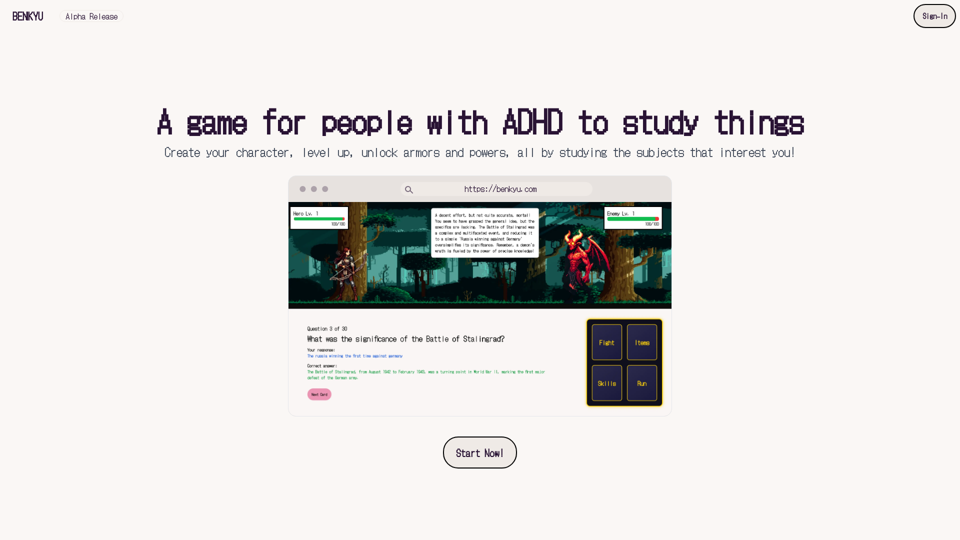
Benkyu is an innovative online platform designed to transform traditional studying into an engaging adventure for users with ADHD. By incorporating game-like elements such as character creation, leveling up, and unlocking abilities, Benkyu makes learning more interactive and enjoyable. The platform offers customizable learning experiences, unique classes tailored to different ADHD types, and various features to enhance the studying process.
Study
A Learning Game for Individuals with ADHD
This innovative game is specifically designed for individuals with Attention Deficit Hyperactivity Disorder (ADHD) to make learning an engaging and enjoyable experience.
Introduction
Feature
Interactive Study Game
Benkyu turns study sessions into exciting challenges, allowing users to earn rewards as they master new concepts. This gamified approach helps maintain focus and motivation for individuals with ADHD.
Customizable Learning Experience
Users can personalize their learning journey by:
- Uploading books, documents, or slides
- Adding website links
- Joining public stories to cover various subjects
Unique Classes and Powers
Benkyu offers six distinct classes, each designed for different ADHD types:
- The Warrior
- The Archer
- The Rogue
- The Mage
- The Cleric
- (Additional class)
Each class comes with two special powers to assist users in navigating their learning adventure.
User-Friendly Interface
Benkyu features a simple sign-up process and an intuitive interface, making it easy for users to:
- Create their character
- Choose their class
- Begin their learning adventure
Flexible Account Options
| Account Type | Features | Access |
|---|---|---|
| Free | Limited | Basic |
| Subscription | Full | Extended |
FAQ
Is Benkyu suitable for users with ADHD?
Yes, Benkyu is specifically designed for users with ADHD, offering a unique and engaging way to study that caters to their needs.
Can I use Benkyu for free?
Yes, Benkyu offers a free account option with limited features. A subscription unlocks additional benefits and extended access.
How do I choose the right class for me?
Choose a class that resonates with your ADHD type for a more personalized experience. Benkyu offers six unique classes, each tailored to different ADHD types.
Related Websites
Stock Images, Photos, Vectors, Video, and Music | Shutterstock
Stock Images, Photos, Vectors, Video, and Music | ShutterstockDownload the best royalty free images from Shutterstock, including photos, vectors, and illustrations. Enjoy straightforward pricing and simple licensing.
71.43 M
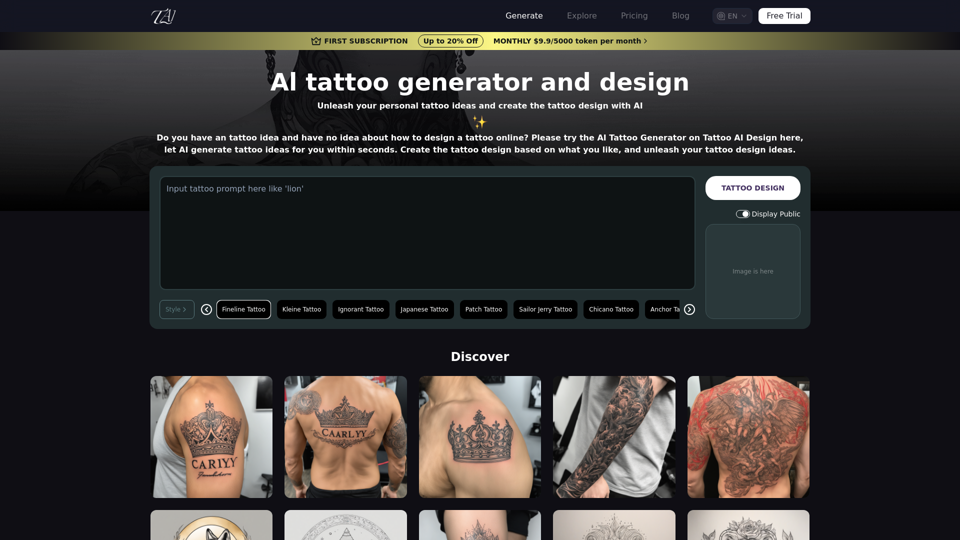
Tattoo AI Design is a tool that offers a free AI Tattoo Generator and Design service. It provides inspiration through AI-generated Tattoo Designs. The goal of Tattoo AI Design is to spark amazing ideas for users and help them create their own unique tattoo designs.
601
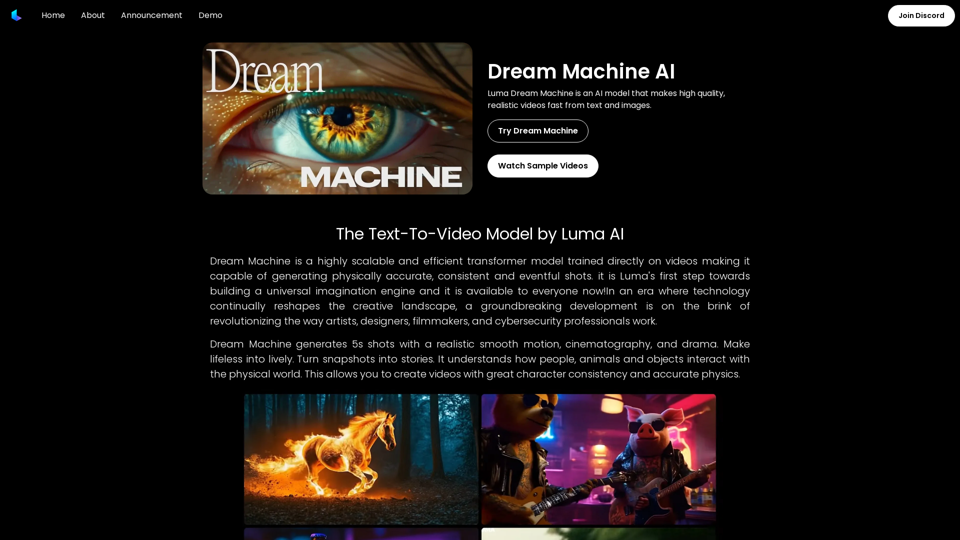
Dream Machine AI: Try Luma AI Video Generator for Free
Dream Machine AI: Try Luma AI Video Generator for FreeTry Dream Machine AI Video Generator for Free Online. Dream Machine is a new text-to-video model by Luma Ai, able to create high-definition videos.
0

2. Understanding the Basics
* `/imagine` Command: This is the core command for generating images.
* Prompt: A text description of the artwork you want to create. Be specific and descriptive!
* Parameters: Options that control aspects like image size, aspect ratio, and style.
3. Crafting Your Journey Prompt
Think about the story you want to tell with your artwork.
* Setting: Where does your journey take place? (e.g., a mystical forest, a futuristic city, a desolate wasteland)
* Characters: Who is on this journey? (e.g., a lone traveler, a group of adventurers, mythical creatures)
* Mood: What feeling do you want to evoke? (e.g., adventurous, mysterious, hopeful, melancholic)
* Style: What artistic style appeals to you? (e.g., photorealistic, painterly, abstract)
4. Putting it Together
Combine these elements into a clear and concise prompt.
Example:
`/imagine A lone traveler journeys through a mystical forest at sunset, bathed in golden light. The path ahead is shrouded in mist, hinting at unknown wonders. Style: painterly, ethereal`
5. Experiment and Refine
* Midjourney is all about experimentation! Try different prompts, parameters, and styles.
* Use the "upscale" command to enlarge your favorite images and reveal more detail.
* Don't be afraid to iterate and refine your prompts based on the results.](https://static.right-ai.com/tools/2024/7/4/chromewebstore-google-com-detail-journey-artprompt-with-mi-pfjhhefanfhdijppdppillliedgaehko-thumbnail-1720092379.png "Journey ArtPrompt with Midjourney
This guide will walk you through creating stunning artwork using Midjourney, a powerful AI art generator.
1. Accessing Midjourney
* You'll need a Discord account to use Midjourney.
* Join the official Midjourney server: [https://discord.gg/midjourney](https://discord.gg/midjourney)
2. Understanding the Basics
* `/imagine` Command: This is the core command for generating images.
* Prompt: A text description of the artwork you want to create. Be specific and descriptive!
* Parameters: Options that control aspects like image size, aspect ratio, and style.
3. Crafting Your Journey Prompt
Think about the story you want to tell with your artwork.
* Setting: Where does your journey take place? (e.g., a mystical forest, a futuristic city, a desolate wasteland)
* Characters: Who is on this journey? (e.g., a lone traveler, a group of adventurers, mythical creatures)
* Mood: What feeling do you want to evoke? (e.g., adventurous, mysterious, hopeful, melancholic)
* Style: What artistic style appeals to you? (e.g., photorealistic, painterly, abstract)
4. Putting it Together
Combine these elements into a clear and concise prompt.
Example:
`/imagine A lone traveler journeys through a mystical forest at sunset, bathed in golden light. The path ahead is shrouded in mist, hinting at unknown wonders. Style: painterly, ethereal`
5. Experiment and Refine
* Midjourney is all about experimentation! Try different prompts, parameters, and styles.
* Use the \"upscale\" command to enlarge your favorite images and reveal more detail.
* Don't be afraid to iterate and refine your prompts based on the results.")
Journey ArtPrompt with Midjourney This guide will walk you through creating stunning artwork using Midjourney, a powerful AI art generator. 1. Accessing Midjourney * You'll need a Discord account to use Midjourney. * Join the official Midjourney server: [https://discord.gg/midjourney](https://discord.gg/midjourney) 2. Understanding the Basics * `/imagine` Command: This is the core command for generating images. * Prompt: A text description of the artwork you want to create. Be specific and descriptive! * Parameters: Options that control aspects like image size, aspect ratio, and style. 3. Crafting Your Journey Prompt Think about the story you want to tell with your artwork. * Setting: Where does your journey take place? (e.g., a mystical forest, a futuristic city, a desolate wasteland) * Characters: Who is on this journey? (e.g., a lone traveler, a group of adventurers, mythical creatures) * Mood: What feeling do you want to evoke? (e.g., adventurous, mysterious, hopeful, melancholic) * Style: What artistic style appeals to you? (e.g., photorealistic, painterly, abstract) 4. Putting it Together Combine these elements into a clear and concise prompt. Example: `/imagine A lone traveler journeys through a mystical forest at sunset, bathed in golden light. The path ahead is shrouded in mist, hinting at unknown wonders. Style: painterly, ethereal` 5. Experiment and Refine * Midjourney is all about experimentation! Try different prompts, parameters, and styles. * Use the "upscale" command to enlarge your favorite images and reveal more detail. * Don't be afraid to iterate and refine your prompts based on the results.
Journey ArtPrompt with Midjourney This guide will walk you through creating stunning artwork using Midjourney, a powerful AI art generator. 1. Accessing Midjourney * You'll need a Discord account to use Midjourney. * Join the official Midjourney server: [https://discord.gg/midjourney](https://discord.gg/midjourney) 2. Understanding the Basics * `/imagine` Command: This is the core command for generating images. * Prompt: A text description of the artwork you want to create. Be specific and descriptive! * Parameters: Options that control aspects like image size, aspect ratio, and style. 3. Crafting Your Journey Prompt Think about the story you want to tell with your artwork. * Setting: Where does your journey take place? (e.g., a mystical forest, a futuristic city, a desolate wasteland) * Characters: Who is on this journey? (e.g., a lone traveler, a group of adventurers, mythical creatures) * Mood: What feeling do you want to evoke? (e.g., adventurous, mysterious, hopeful, melancholic) * Style: What artistic style appeals to you? (e.g., photorealistic, painterly, abstract) 4. Putting it Together Combine these elements into a clear and concise prompt. Example: `/imagine A lone traveler journeys through a mystical forest at sunset, bathed in golden light. The path ahead is shrouded in mist, hinting at unknown wonders. Style: painterly, ethereal` 5. Experiment and Refine * Midjourney is all about experimentation! Try different prompts, parameters, and styles. * Use the "upscale" command to enlarge your favorite images and reveal more detail. * Don't be afraid to iterate and refine your prompts based on the results.New backgrounds with Midjourney on new tabs
193.90 M
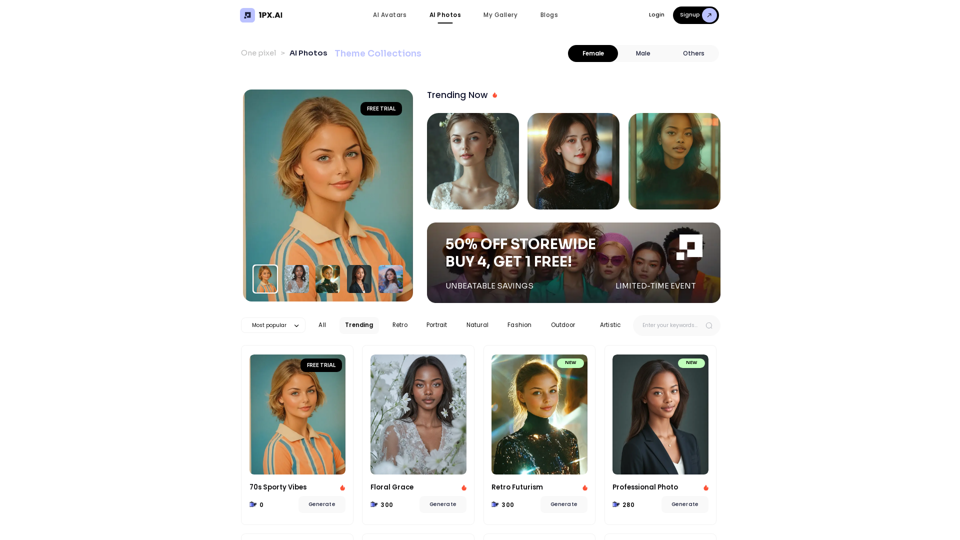
Here is the translation in English, keeping the original format: AI Photo, Photo AI, AI Photo Editing, AI Generated Photos, Free AI Photo Editor, AI Photo Generator, AI Avatar Generator
105
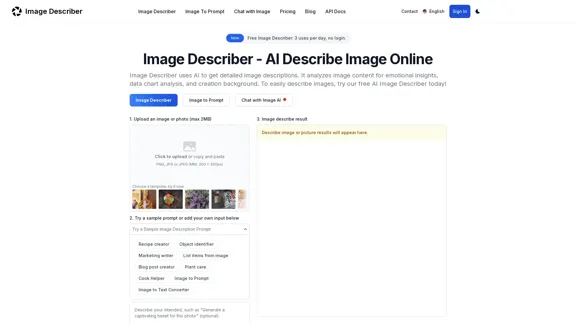
Image Describer - Free AI to Describe Images Online (No Login Required)
Image Describer - Free AI to Describe Images Online (No Login Required)Discover AI-Powered Image Descriptions with Image Describer. Gain Instant Insights and Unlock New Perspectives and Efficiency for Your Work and Creations. Join Us Today!
25.53 K