LessonShip is an innovative AI-powered platform designed to revolutionize the way teachers create and manage classroom instructional materials. By leveraging advanced artificial intelligence technology, LessonShip enables educators to quickly generate high-quality lesson plans, homework assignments, quizzes, and rubrics. This efficient tool not only saves time but also ensures that the content aligns with educational standards, making it an invaluable asset for modern educators.
Welcome - LessonShip
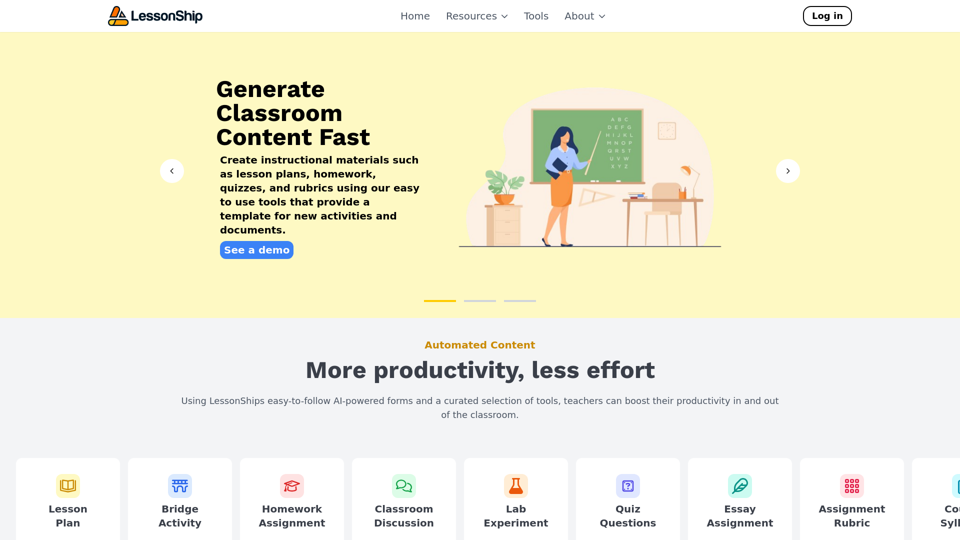
LessonShip is an AI-powered LMS that allows teachers to quickly generate classroom instructional materials with our easy-to-use forms.
Introduction
Feature
AI-Powered Form Generation
LessonShip's core functionality revolves around its intelligent form generation system. Teachers can easily create a wide array of instructional materials by simply filling out user-friendly forms. This feature significantly reduces the time and effort required for lesson preparation.
Editing and Organization Tools
The platform offers robust editing and organization capabilities, allowing teachers to:
- Customize generated content
- Manage and categorize materials
- Easily retrieve and reuse content
This streamlined approach enhances efficiency and promotes better resource management.
Standard-Aligned Content Creation
LessonShip ensures that all generated materials can be tailored to meet specific educational standards. This feature guarantees that:
- Content aligns with curriculum requirements
- Learning objectives are consistently met
- Students receive standardized, high-quality educational materials
Learning Management System (LMS) Integration
To further streamline workflows, LessonShip seamlessly integrates with popular LMS platforms such as:
- Google Classroom
- Canvas
- Other common LMS solutions
This integration allows for a more cohesive and efficient teaching experience.
FAQ
What types of instructional materials can LessonShip generate?
LessonShip can generate a variety of classroom materials, including:
- Lesson plans
- Homework assignments
- Quizzes
- Rubrics
- Other essential teaching resources
How user-friendly is LessonShip?
LessonShip is designed with ease of use in mind. Teachers can generate materials by simply filling out intuitive forms, making the platform accessible even for those with limited technical expertise.
Are there different pricing options available for LessonShip?
Yes, LessonShip offers various pricing plans to accommodate different needs and budgets. Schools and educators are encouraged to contact the LessonShip team for detailed information on available pricing options.
Related Websites

ChatsNow is an AI assistant that uses OpenAI's GPT-4 and GPT-3.5, as well as Claude2, to provide various services, such as chat, translation, and Vision.
193.90 M
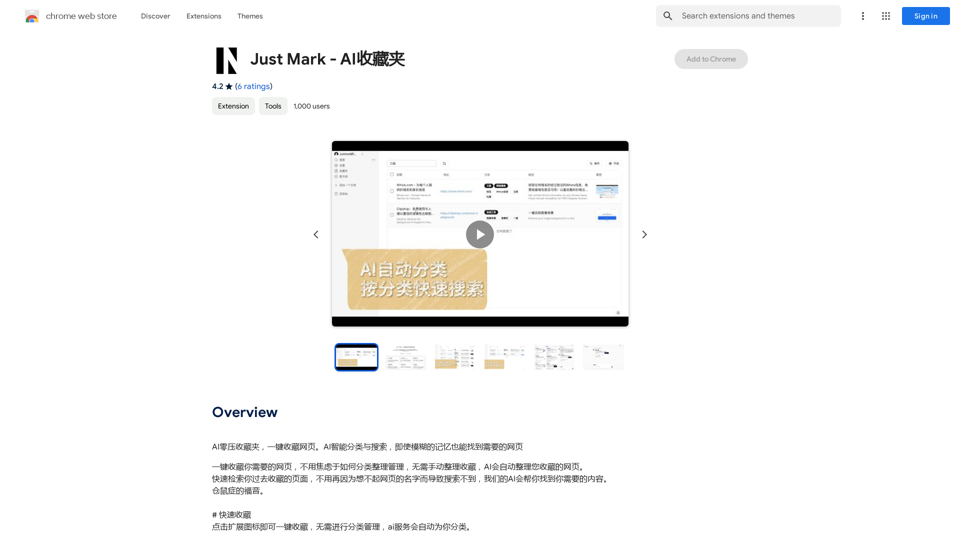
AI Zero-Pressure Bookmark Folder, one-click to collect web pages. AI intelligent classification and search, even with vague memories, you can find the web pages you need.
193.90 M
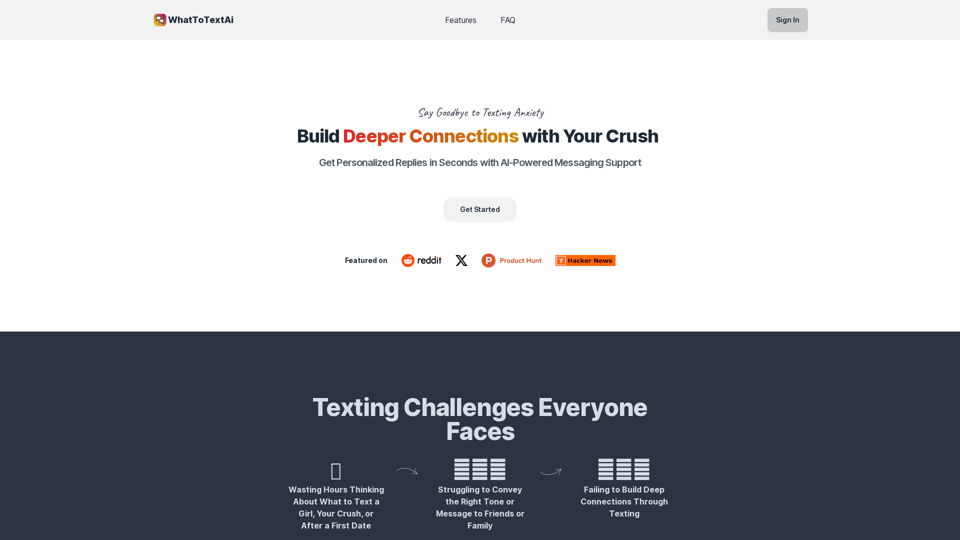
WhatToTextAi =============== WhatToTextAi is an AI-powered texting assistant that helps you come up with the perfect response to any situation.
WhatToTextAi =============== WhatToTextAi is an AI-powered texting assistant that helps you come up with the perfect response to any situation.Overcome texting anxiety with WhatToText AI. Get personalized, human-like replies for any situation in seconds. Improve your English texting skills and build deeper connections. Perfect for non-native speakers and anyone looking to enhance their messaging game.
0
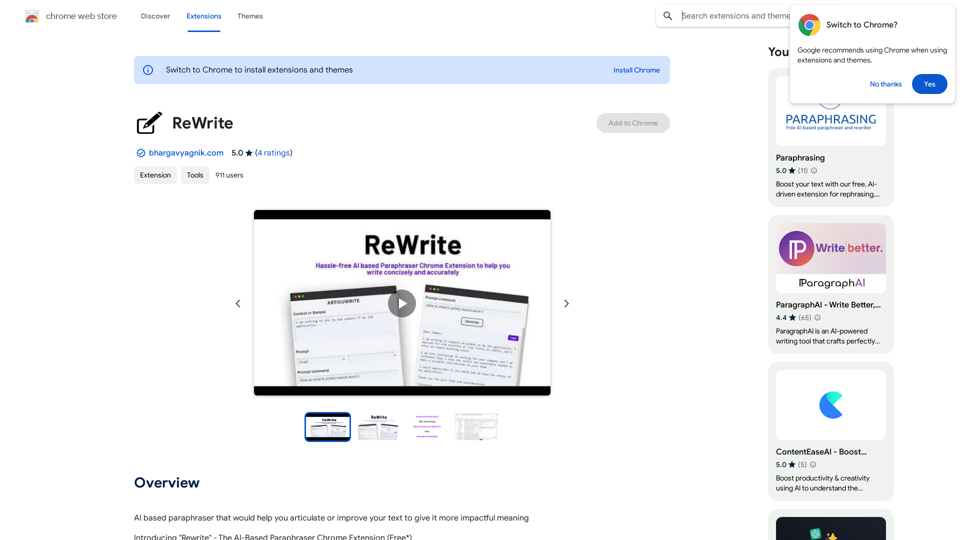
Please provide me with the text you would like me to rewrite in English.
Please provide me with the text you would like me to rewrite in English.An AI-powered rephraser that can help you express your ideas more clearly and powerfully.
193.90 M
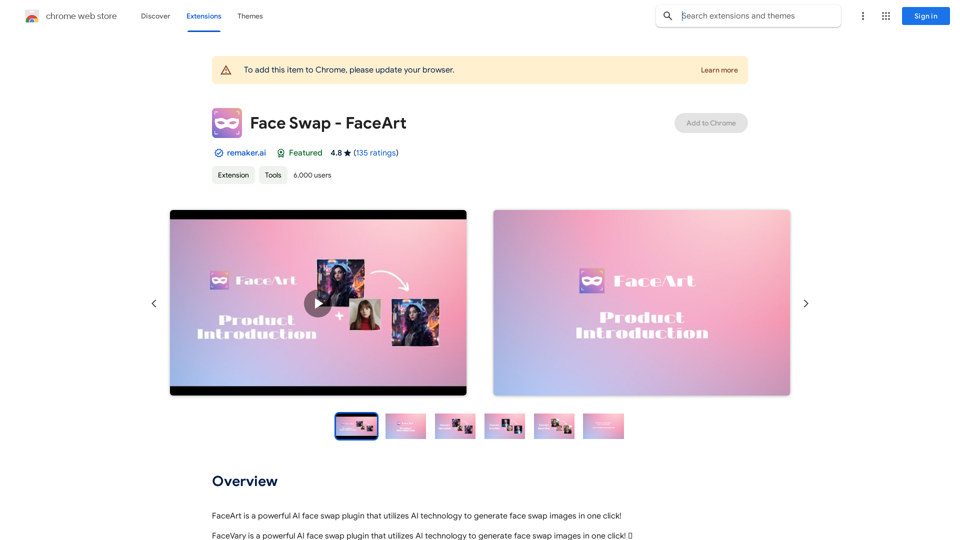
FaceArt is a powerful AI face swap plugin that utilizes AI technology to generate face swap images in one click!
193.90 M
LocalhostAI - Your AI Assistant for Chrome and Gemini Nano
LocalhostAI - Your AI Assistant for Chrome and Gemini NanoLocalhostAI: Your AI assistant designed to work seamlessly with Chrome and Gemini Nano. Enhance your productivity with advanced AI models.
0