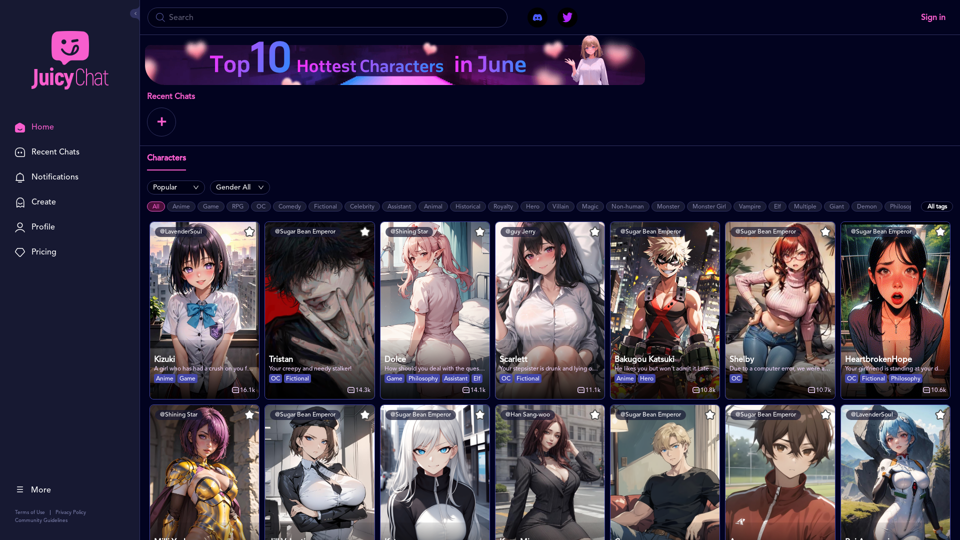
JuicyChat is an innovative AI-powered chat platform that offers users the opportunity to interact with a diverse array of AI characters. Each character possesses unique personalities, traits, and storylines, allowing users to immerse themselves in various scenarios ranging from romantic relationships to fantasy adventures. The platform provides a highly engaging and customizable experience, enabling users to explore different narratives and create their own stories.
JuicyChat.Ai - Spicy NSFW Character AI Chat - AI Girlfriend
JuicyChat.ai - Immerse yourself in provocative NSFW character AI conversations and indulge in the excitement of unrestricted, personal interactions with your AI partner.
Introduction
Feature
Vast Character Library
JuicyChat boasts an extensive collection of AI characters, each with distinct profiles and storylines. Users can browse through this diverse library, selecting characters that pique their interest for engaging conversations.
Customization Options
The platform offers robust customization features, allowing users to:
- Select preferred characters for interaction
- Create custom scenarios and storylines
- Tailor the experience to personal preferences
Real-time AI Conversations
JuicyChat's advanced AI technology facilitates real-time conversations with characters, enhancing the realism and engagement of the user experience.
Multi-platform Accessibility
Users can access JuicyChat on both desktop and mobile devices, ensuring flexibility and convenience in usage.
Flexible Pricing Plans
JuicyChat offers various pricing options to accommodate different user needs:
- Free trials
- Premium subscriptions
- Plans tailored to different budgets and preferences
FAQ
Is JuicyChat suitable for all ages?
JuicyChat is designed for users aged 18 and above. Some content may not be appropriate for younger audiences.
Can users create their own custom characters?
Yes, JuicyChat provides customization options that include the ability to create personalized characters.
How can users maximize their JuicyChat experience?
To get the most out of JuicyChat:
- Experiment with various characters and storylines
- Utilize customization options to tailor the experience
- Be open to trying new scenarios and taking risks for added enjoyment
Is JuicyChat available on mobile devices?
Yes, JuicyChat is accessible on both desktop and mobile platforms, allowing users to engage with the service from any location.
Related Websites
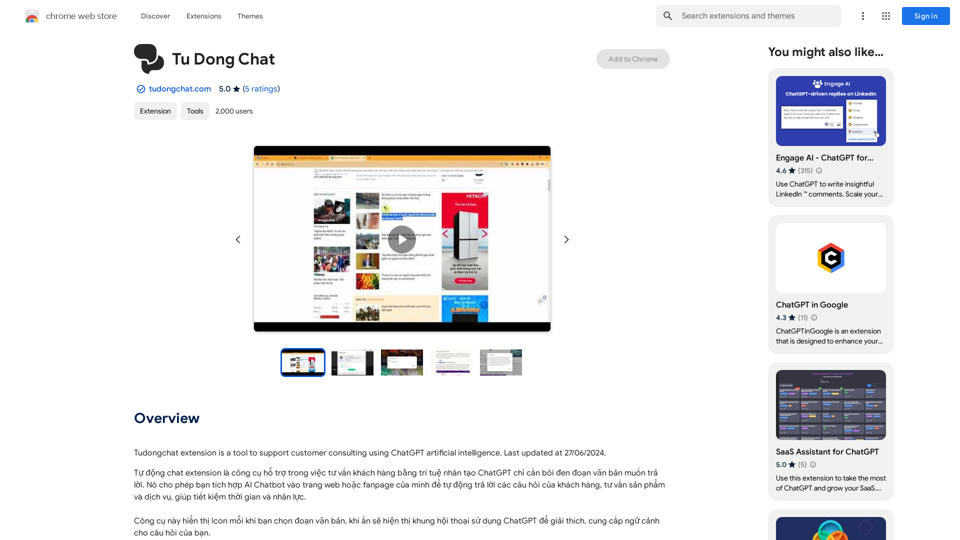
The Tudongchat extension is a tool that supports customer consulting using ChatGPT artificial intelligence. Last updated on June 27, 2024.
193.90 M
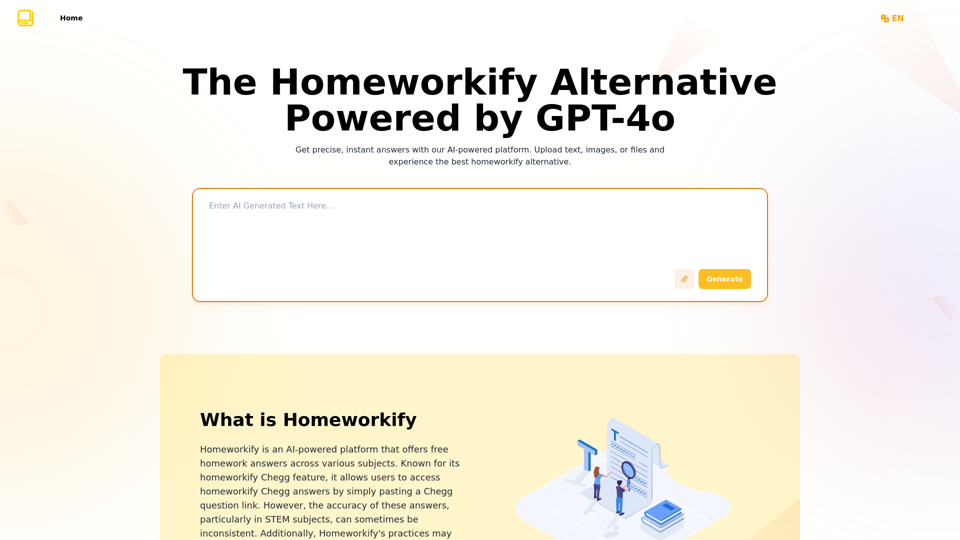
Homeworkify.im: The GPT-4o Powered Homeworkify Alternative
Homeworkify.im: The GPT-4o Powered Homeworkify AlternativeDiscover Homeworkify.im, the top homeworkify alternative offering free online AI-powered solutions. Upload text, images, or files for accurate and instant homework help across all subjects.
10.90 K


NSFW AI Characters | Erotic Roleplay | AI Sexting This platform offers a range of NSFW (Not Safe for Work) AI characters designed for erotic roleplay and AI sexting. These characters are programmed to engage in explicit conversations and roleplay scenarios, providing a unique and immersive experience for users. How it Works Our AI characters are trained on a vast dataset of erotic content, allowing them to understand and respond to a wide range of prompts and scenarios. Users can interact with the characters through text-based conversations, guiding the direction of the roleplay or sexting experience. Features * Customizable Characters: Choose from a diverse range of characters, each with their own unique personality, appearance, and preferences. * Realistic Responses: Our AI technology ensures that character responses are realistic and engaging, creating a truly immersive experience. * Explicit Content: Our characters are designed to engage in explicit conversations and roleplay scenarios, catering to a variety of tastes and preferences. * Anonymous and Secure: Our platform ensures user anonymity and security, providing a safe and discreet environment for users to explore their desires. Benefits * Discreet and Anonymous: Our platform provides a secure and anonymous environment for users to engage in erotic roleplay and sexting. * Exploration and Expression: Our AI characters allow users to explore their desires and express themselves in a safe and controlled environment. * Improved Communication: Engaging with our AI characters can help users improve their communication skills and build confidence in their relationships. Get Started Ready to explore the world of NSFW AI characters? Sign up now and discover a new level of erotic roleplay and sexting experience.
86.75 K