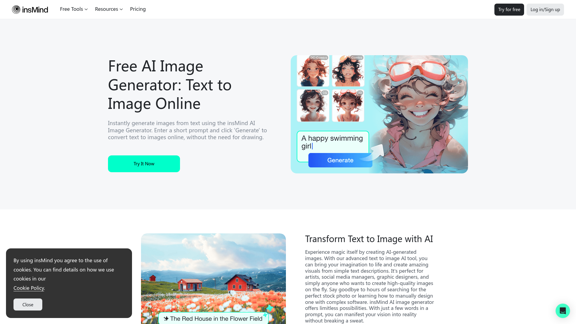
insMind offers an advanced text-to-image AI tool that transforms written descriptions into stunning visuals. This innovative platform caters to artists, social media managers, graphic designers, and anyone seeking to create high-quality images quickly. With a wide range of artistic styles and additional AI-powered editing tools, insMind provides a comprehensive solution for image generation and manipulation.
100% Free AI Image Generator: Text to Image Online | insMind
Looking for a free AI image generator from text? Create stunning images with a simple text prompt using the most advanced AI text-to-image generator.
Introduction
Feature
Text-to-Image AI Generation
Transform your ideas into visual reality using insMind's AI image generator. Simply input a text description, and the AI will create a corresponding image.
Diverse Artistic Styles
Choose from a variety of styles including:
- Realistic photos
- Abstract art
- Cartoon illustrations
- CG
- LineArt
- Flat
- WaterColor
- Anime
- 3D
Additional AI Image Editing Tools
Enhance your creations with:
- AI image expansion
- AI filters
- Object removal features
User-Friendly Interface
Generate images in just a few simple steps:
- Open insMind
- Enter prompt and choose style
- Generate images
- Download the photo
Free and Premium Plans
- Free plan available for casual users
- Premium plans for professionals with higher resolution outputs and access to premium styles
Background Tools
Explore various background options:
- White Background
- Black Background
- Pink Background
- Blue Background
- Red Background
- Green Background
- Purple Background
- Gold Background
Image Resizing Tools
Optimize your images for different platforms:
- Resize Photo for Instagram
- Shopify Image Resizer
- YouTube Thumbnail Resizer
- Resize Photo for Facebook
FAQ
What makes insMind stand out among AI image generators?
insMind offers a powerful yet intuitive solution with numerous style choices and additional AI image editing tools. Its user-friendly interface, high-quality outputs, and versatility make it a standout platform in the AI image generation space.
How detailed should my text description be when using the AI image generator?
The more detailed your description, the better the results. Include information about style, colors, composition, and mood. You can also use style presets or reference past images to guide the AI in creating your desired image.
Are there any legal considerations when using AI-generated images?
While AI-generated images are generally fine for personal and most commercial use, it's important to check specific licensing terms and be aware of potential copyright claims. The legal landscape surrounding AI-generated content is evolving, so staying informed about current regulations is crucial.
Can I use insMind's AI image generator for free?
Yes, insMind offers a free plan that allows users to create images from text at no cost. This is ideal for casual users or those testing the platform. Premium plans are available for professionals or heavy-duty users who require higher resolution outputs and access to premium features.
Related Websites
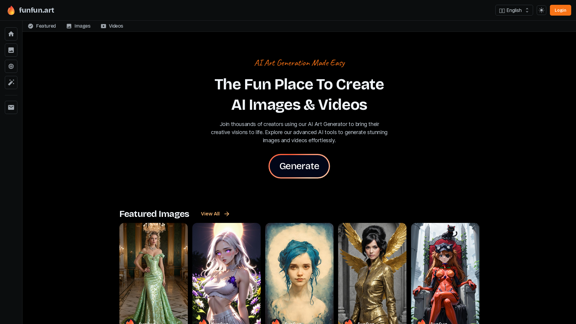
The Exciting Destination for Generating AI Images & Videos
The Exciting Destination for Generating AI Images & VideosJoin thousands of creators using our AI Art Generator to bring their creative visions to life. Explore our advanced AI tools to generate stunning images and videos effortlessly.
409.36 K
AI Anime Generator is a free AI tool for creating anime characters and scenes. Simply input a description and allow the AI to produce your anime image.
0
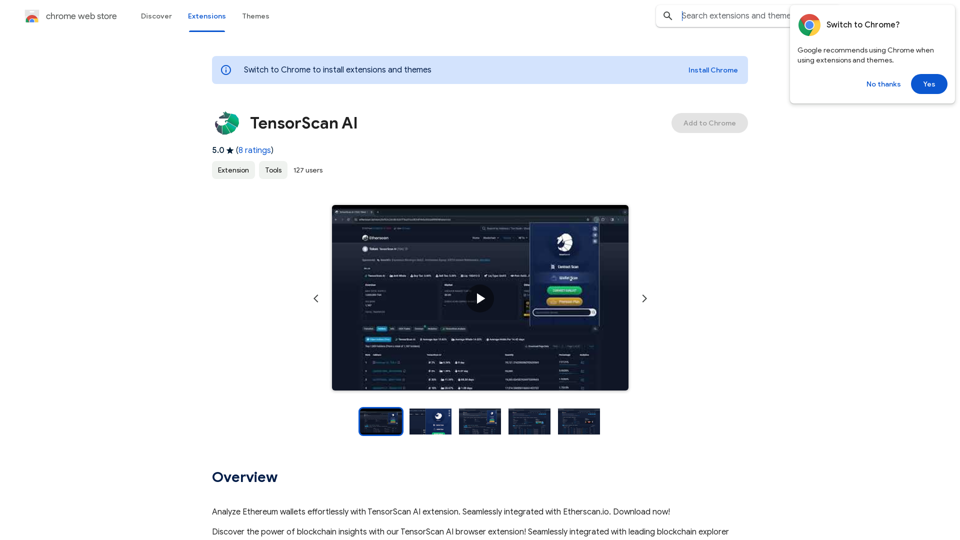
Analyze Ethereum wallets easily with the TensorScan AI extension. It works perfectly with Etherscan.io. Download it now!
193.90 M
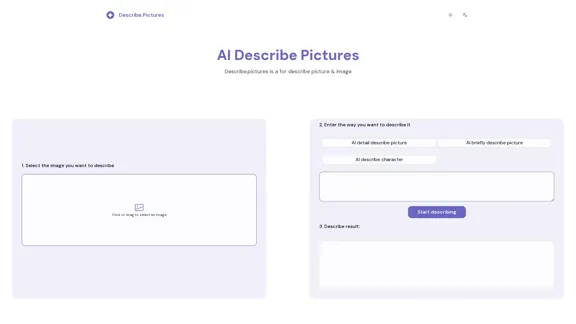
AI Describe Picture & Image | Free AI-generated image description
AI Describe Picture & Image | Free AI-generated image descriptionAI picture & image description generator, helping you quickly generate image descriptions.
7.04 K

Angel AI is an innovative platform that offers a unique AI-driven experience, allowing users to interact with AI companions that feel real.
13.97 K