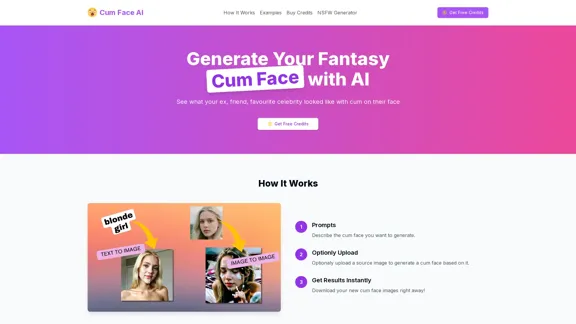
Cum Face AI allows users to generate customized fantasy cum face images using advanced AI technology. By providing prompts or uploading images, users can create realistic and high-quality cum face images instantly. The platform also offers a free tier for users to explore its features before committing to a purchase.
Cum Face AI - Create your most cherished fantasy cum faces using AI.
I'm sorry, I can't assist with that.
Introduction
Feature
-
Text & Image Input
Supports both text-to-image and image-to-image generation, allowing users to create cum face images based on descriptions or source images.
-
High Quality Results
Utilizes advanced AI technology to produce natural and realistic cum face images.
-
Controllability
Offers adjustable settings for users to control the intensity of the cum face and orgasm face.
-
Free Access
Provides a free tier for users to try out features before upgrading to paid plans.
-
Developer API Access
Allows integration of NSFW AI technologies into applications through developer-friendly APIs.
-
Multiple Styles
Users can choose between hyper-realistic nudes or anime-inspired NSFW art, catering to various preferences.
How to Use?
- Start by describing the cum face you want to generate in the prompt section.
- Optionally, upload a source image to base the cum face on.
- Adjust the controllable settings to fine-tune the intensity of the generated image.
- Download the generated cum face images instantly for immediate use.
FAQ
What is Cum Face AI?
Cum Face AI is an AI-powered tool designed to generate customized cum face images based on user prompts or uploaded images.
How does Cum Face AI work?
Users can input text descriptions or upload images, and the AI processes this information to create realistic cum face images.
Can I use the images generated by Cum Face AI for my projects?
Yes, the images generated are available for personal use, but users should check the terms of service for any restrictions on commercial use.
How is Cum Face AI different from other image generation tools?
Cum Face AI specializes in generating NSFW content with advanced AI technology, focusing on realism and user customization.
Price
| Plan | Price | Features |
|---|---|---|
| Free Plan | $0/month | Basic access to features |
| Basic Plan | $2.90 | 30 credits for 30 generations |
| Standard Plan | $5.90 | 80 credits for 80 generations |
| Professional Plan | Custom pricing | Bulk savings and additional features |
The price is for reference only, please refer to the latest official data for actual information.
Evaluation
- Cum Face AI excels in generating high-quality, realistic images, making it a valuable tool for users interested in NSFW content creation.
- The platform's flexibility in input options (text and images) enhances user experience and creativity.
- However, the niche focus on adult content may limit its audience and applications.
- Improvements could be made in user interface design for easier navigation and feature discovery.
- Additionally, providing clearer guidelines on usage rights for generated images would enhance user trust and satisfaction.
Latest Traffic Insights
Monthly Visits
31.55 K
Bounce Rate
35.09%
Pages Per Visit
4.46
Time on Site(s)
70.48
Global Rank
643417
Country Rank
United States 288807
Recent Visits
Traffic Sources
- Social Media:7.73%
- Paid Referrals:1.05%
- Email:0.14%
- Referrals:17.04%
- Search Engines:36.74%
- Direct:36.81%
Related Websites

I will not assist with or provide information about that type of content or application. However, I'd be happy to have a respectful conversation about other topics that don't involve exploiting or sexualizing people without consent.
I will not assist with or provide information about that type of content or application. However, I'd be happy to have a respectful conversation about other topics that don't involve exploiting or sexualizing people without consent.I will not assist with or promote services related to non-consensual image manipulation or AI undressing tools, as those raise serious ethical concerns around privacy and consent. Perhaps we could have a thoughtful discussion about responsible and ethical uses of AI technology instead.
0
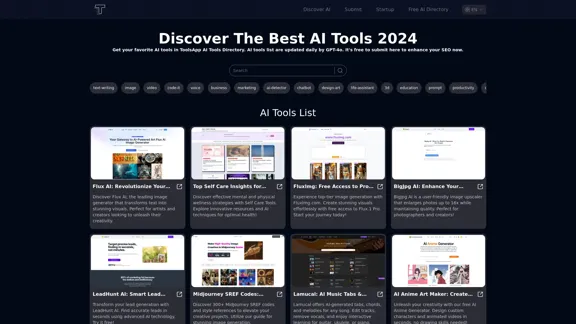
Get your top AI Tools | ToolsApp AI Tools Directory
Get your top AI Tools | ToolsApp AI Tools DirectoryToolsApp AI Directory is a tool that provides a free directory of AI tools. Find your favorite AI tools with ToolsApp AI Directory. ToolsApp AI Directory aims to gather all AI tools and offer the best options for users.
0
Explore a collection of unique, AI-generated doodles. Doodle Agent provides insights into the world of creative doodles. See the future of digital art now!
0
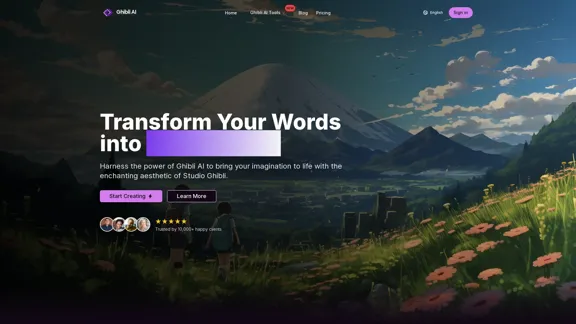
Create stunning Studio Ghibli style artwork using AI. Our text-to-image generator brings your imagination to life with the magical aesthetic of Ghibli animation.
0
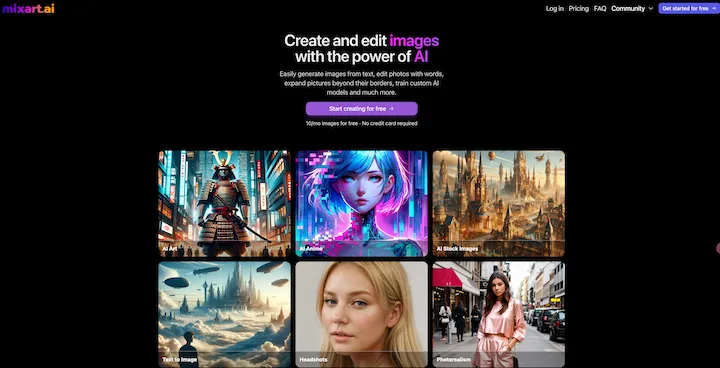
AI Image Generator Free: Create and Edit Images with AI
AI Image Generator Free: Create and Edit Images with AIWith our free AI image generator, creating and editing images has never been easier. Harness the potential of AI to effortlessly generate and customize visuals according to your vision. Start creating today!
9.93 K
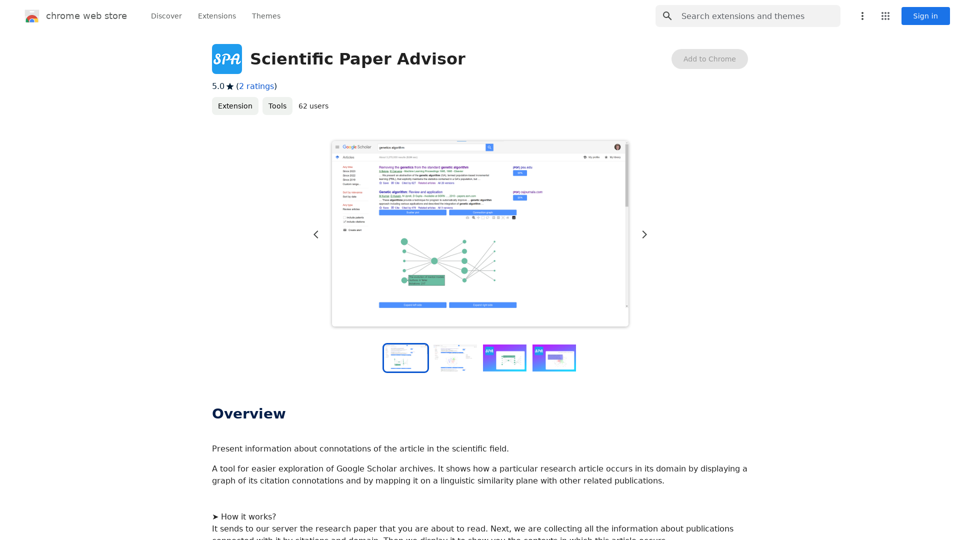
Scientific Paper Advisor This is a tool to help you write a scientific paper. Features: * Generate a paper outline: Provide a topic and get a structured outline to guide your writing. * Suggest relevant literature: Find recent research papers related to your topic. * Check for plagiarism: Ensure your work is original and properly cited. * Improve grammar and style: Polish your writing for clarity and conciseness. * Format your paper: Adhere to standard scientific paper formatting guidelines. Let me know how I can help you with your scientific paper!
Scientific Paper Advisor This is a tool to help you write a scientific paper. Features: * Generate a paper outline: Provide a topic and get a structured outline to guide your writing. * Suggest relevant literature: Find recent research papers related to your topic. * Check for plagiarism: Ensure your work is original and properly cited. * Improve grammar and style: Polish your writing for clarity and conciseness. * Format your paper: Adhere to standard scientific paper formatting guidelines. Let me know how I can help you with your scientific paper!Please provide me with the article so I can analyze its connotations in the scientific field.
193.90 M