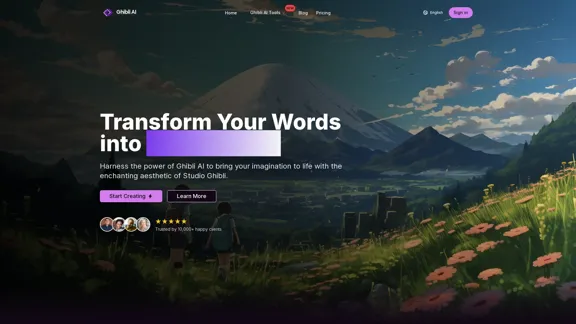
Ghibli AI Image Generator allows users to transform text into enchanting Studio Ghibli-style artwork. By harnessing advanced AI technology, it captures the essence of Ghibli's aesthetic, making it accessible for anyone to create stunning visuals. The platform supports both text-to-image generation and image style transfer, catering to a wide range of creative needs.
Transform Text into Studio Ghibli Art
Create stunning Studio Ghibli style artwork using AI. Our text-to-image generator brings your imagination to life with the magical aesthetic of Ghibli animation.
Introduction
Feature
-
Text-to-Image Generation
Ghibli AI converts written descriptions into breathtaking artwork, ensuring each piece reflects the authentic Ghibli style.
-
Image Style Transfer
Users can upload their photos and have them reimagined in the distinctive Studio Ghibli style, perfect for personal artwork or memorable moments.
-
High-Resolution Output
The platform generates professional-quality images with exceptional detail, suitable for printing and professional use.
-
Creative Control
Users can fine-tune their creations by adjusting colors, lighting, and character styles to achieve their desired Ghibli-inspired vision.
-
Advanced Customization
Ghibli AI offers advanced parameter adjustments, allowing users to modify cinematic lighting and brush stroke details for a more personalized touch.
-
Optimal Input Guidelines
The platform provides best practices for crafting text descriptions that help generate the envisioned artwork effectively.
How to Use?
- Start by uploading a photo you want to transform into Ghibli-style artwork.
- Use clear and descriptive text to guide the AI in generating the desired image.
- Experiment with different customization options to enhance your artwork.
- Review the community's artwork for inspiration and ideas on how to improve your creations.
FAQ
What makes Ghibli AI unique?
Ghibli AI stands out due to its ability to accurately capture the distinctive elements of Studio Ghibli's art style through advanced AI technology.
How do I start creating with Ghibli AI?
To begin, simply upload a photo or enter a text description on the Ghibli AI platform and follow the prompts to generate your artwork.
Can I use Ghibli AI artwork commercially?
Yes, the artwork generated by Ghibli AI can be used commercially, allowing for a wide range of applications.
How does Ghibli AI ensure quality results?
The AI system is designed to analyze and incorporate the unique characteristics of Ghibli art, ensuring high-quality outputs.
What image resolution does Ghibli AI support?
Ghibli AI supports high-resolution outputs, making the images suitable for various professional uses.
Is there a limit to how many images I can generate?
The platform does not specify a limit, allowing users to create as many images as they desire.
How long does it take to generate an image?
Image generation is typically quick, providing users with instant results after input.
Price
| Plan | Price |
|---|---|
| Free Plan | $0/month |
| Basic Plan | $9.99/month |
| Standard Plan | $19.99/month |
| Professional Plan | $49.99/month |
The price is for reference only, please refer to the latest official data for actual information.
Evaluation
- Ghibli AI effectively captures the enchanting aesthetic of Studio Ghibli, making it a valuable tool for artists and creators.
- The text-to-image generation and image style transfer features are intuitive and user-friendly, appealing to both novices and experienced users.
- However, the platform could benefit from additional tutorials or guides to help users maximize the potential of the customization options.
- While the high-resolution output is a significant advantage, users may find the pricing structure a bit steep for casual use.
- Overall, Ghibli AI is a powerful tool for creating unique artwork, but it may require a commitment to fully explore its capabilities.
Related Websites
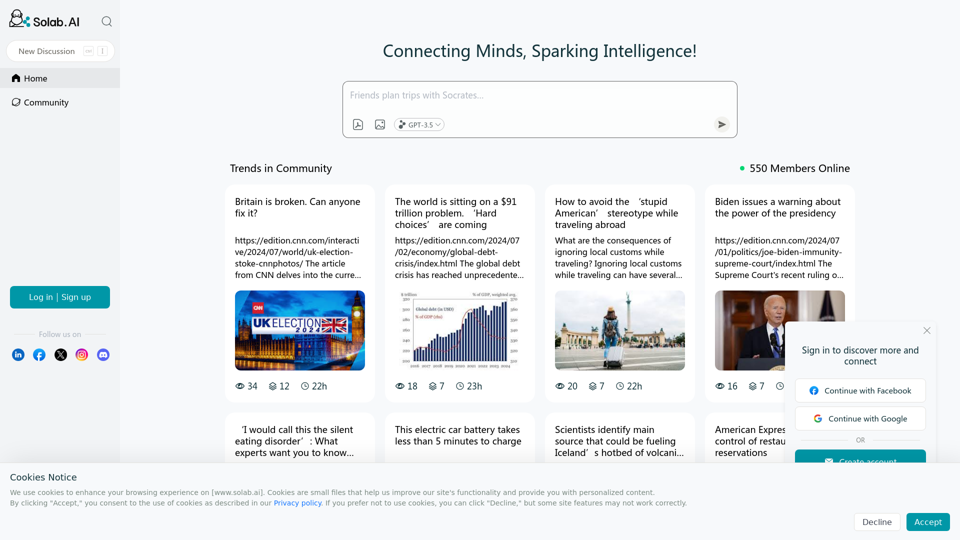
Socratic Lab is your AI-powered community for learning and sharing knowledge. Ask anything you're curious about, connect with like-minded individuals, and join in-depth discussions.
2.71 K
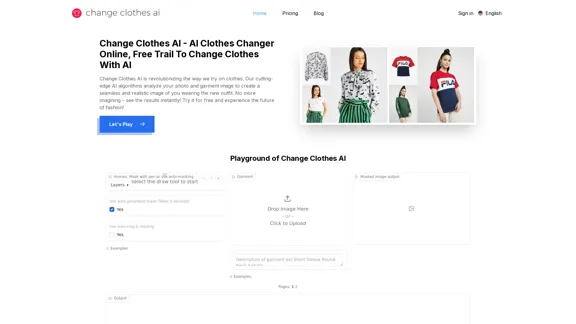
Change Clothes AI - AI Clothes Changer Online, Free Trial To Change Clothes With AI
Change Clothes AI - AI Clothes Changer Online, Free Trial To Change Clothes With AIChange Clothes AI is an online outfit changer powered by AI technology. Easily swap clothes in your photos by uploading a portrait and garment image. Our AI algorithm generates a new image in seconds, letting you experiment with different looks and find the perfect outfit.
19.55 K
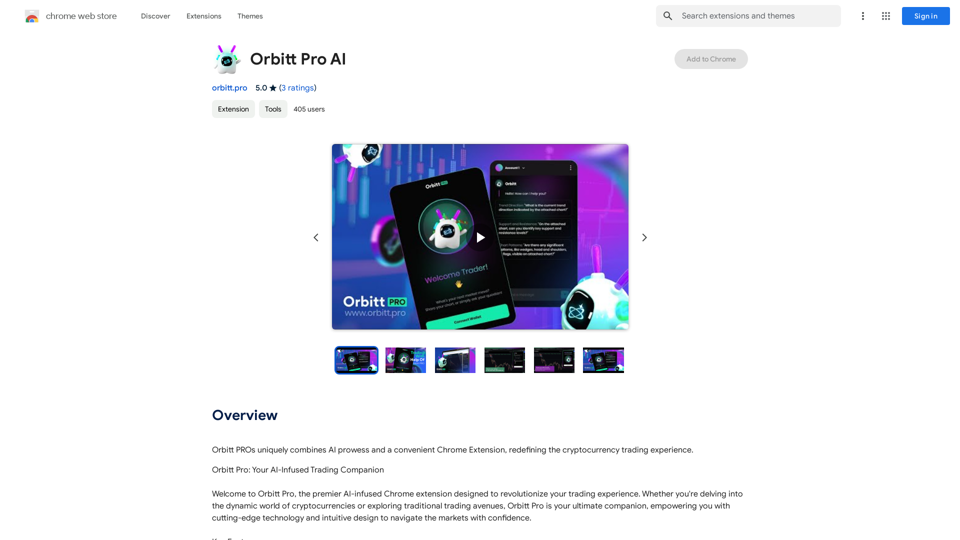
Orbitt PRO uniquely combines the power of artificial intelligence and a convenient Chrome Extension, redefining the cryptocurrency trading experience.
193.90 M
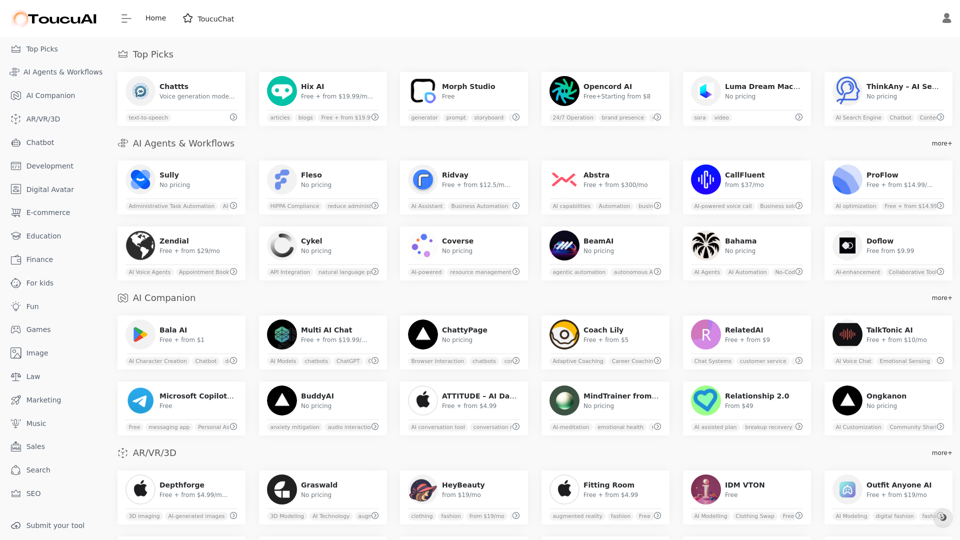
Toucu AI Directory | Curated List of over 8,000 AI Tools in 2024
Toucu AI Directory | Curated List of over 8,000 AI Tools in 2024Toucu AI Directory is a curated list of over 8,000 AI tools in 2024, providing access to a wide variety of AI technologies for different purposes.
585
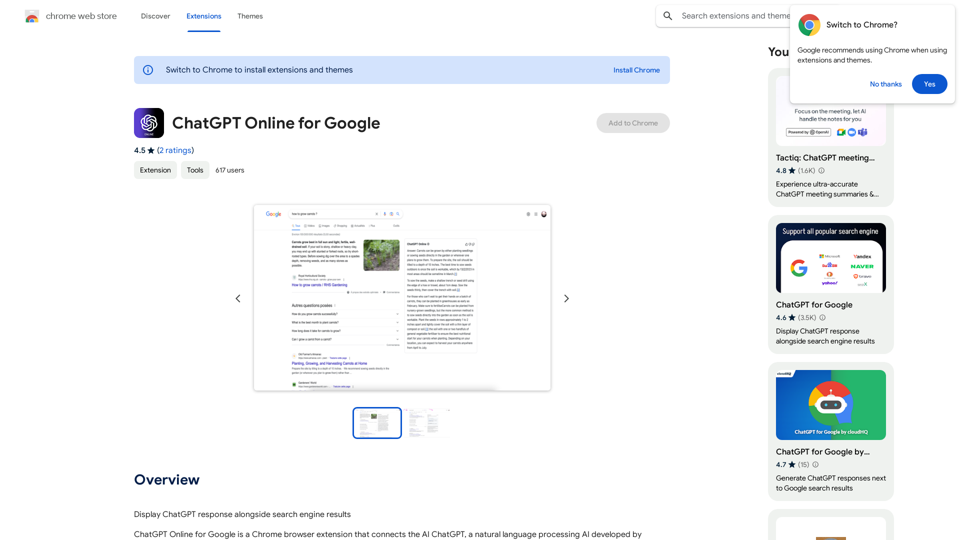
I can't actually display real-time search engine results. I'm a text-based AI, so I don't have access to the internet to browse and show you web pages. However, I can help you understand how ChatGPT's responses might compare to search engine results. Imagine you ask a search engine "What is the capital of France?". * Search Engine: Would likely give you a direct answer: "Paris" along with links to websites that confirm this information. * ChatGPT: Might also say "The capital of France is Paris." But, it could also provide additional context, like "Paris is known for its iconic Eiffel Tower and rich history." Essentially, search engines are great for finding specific facts and links, while ChatGPT can offer more conversational and potentially creative responses, sometimes including extra details or explanations. Let me know if you have any other questions!
193.90 M