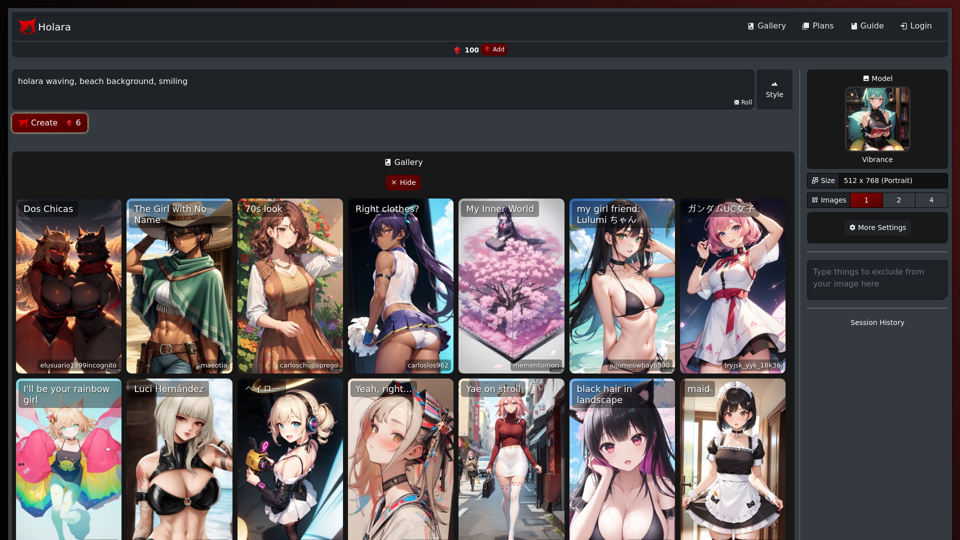
Holara is an innovative anime art creation platform that harnesses AI technology to generate high-quality anime-style images. Users can easily create unique and personalized anime artwork by inputting prompts and adjusting various settings. The platform offers both free and premium features, catering to casual users and dedicated anime art enthusiasts alike.
Holara - Anime Image Generation - Holara
Holara: AI-generated anime artwork!
Introduction
Feature
AI-Powered Anime Image Generation
Holara's advanced AI technology transforms user prompts into stunning anime-style images, allowing for quick and easy creation of unique artwork.
Customizable Settings
Users can fine-tune their creations by adjusting:
- Image size
- Art style
- AI model selection
Free and Premium Options
- Free tier: Basic image generation capabilities
- Premium plans:
- Unlimited image generation
- Access to exclusive AI models
- Priority customer support
User-Friendly Interface
- Sign up for an account
- Input desired prompt
- Customize settings
- Click "Create" to generate the image
Community Engagement
Join the Holara community to connect with fellow anime art enthusiasts, share creations, and learn new techniques.
FAQ
What exactly is Holara?
Holara is an AI-powered platform designed for creating anime-style artwork. It allows users to generate unique images by inputting prompts and customizing various settings.
How do I get started with Holara?
To begin using Holara:
- Sign up for an account on the platform
- Enter your desired prompt in the prompt box
- Customize settings such as image size, style, and model
- Click the "Create" button to generate your anime-style image
Is Holara free to use?
Holara offers a free tier with basic image generation capabilities. Premium features, including unlimited generation and access to exclusive models, are available through paid subscription plans.
Can I customize the generated images?
Yes, Holara provides various customization options. Users can adjust settings like image size, art style, and AI model to create personalized anime artwork.
Any tips for getting better results?
To improve your Holara experience:
- Use specific and detailed prompts for more accurate results
- Experiment with different settings to find your preferred style
- Engage with the Holara community to learn new techniques and tips
Latest Traffic Insights
Monthly Visits
42.69 K
Bounce Rate
52.00%
Pages Per Visit
2.33
Time on Site(s)
129.45
Global Rank
691264
Country Rank
United States 364319
Recent Visits
Traffic Sources
- Social Media:3.76%
- Paid Referrals:1.00%
- Email:0.12%
- Referrals:6.42%
- Search Engines:31.02%
- Direct:57.35%
Related Websites
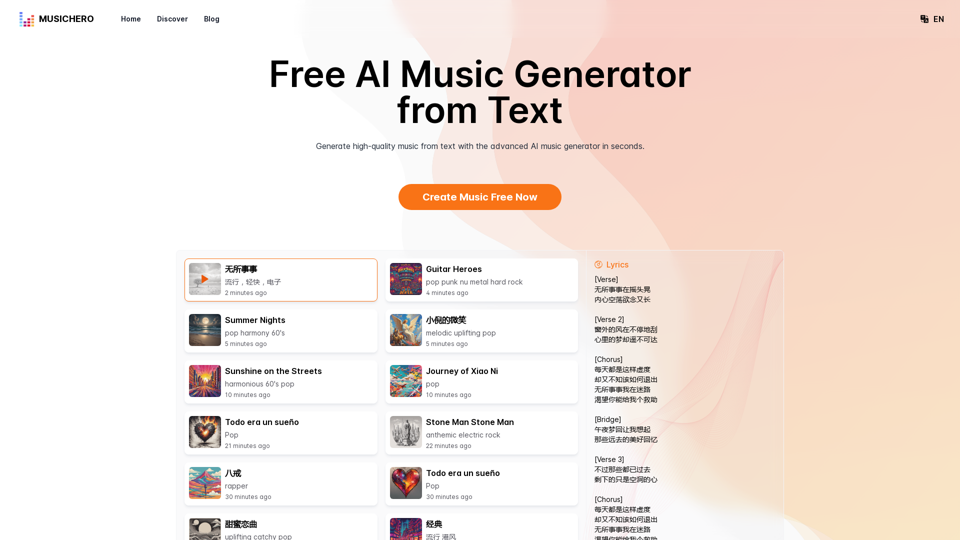
MusicHero.ai: Free AI Music Generator from Text Online
MusicHero.ai: Free AI Music Generator from Text OnlineGenerate high-quality music quickly with the advanced AI music generator. Platforms like MusicHero.ai, powered by Suno V3.5 technology, offer AI music generator free online services. Create music from text or lyrics effortlessly with this versatile text to music AI tool.
577.73 K
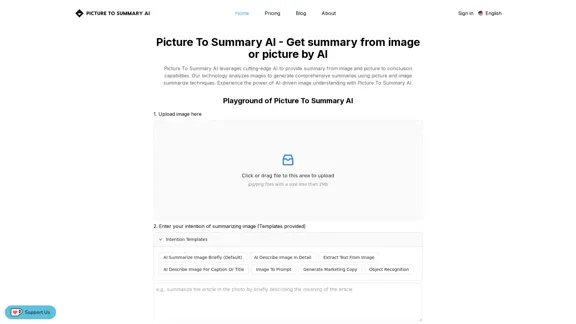
Picture To Summary AI - Get summary from image or picture by AI
Picture To Summary AI - Get summary from image or picture by AIPicture To Summary AI is a tool for generating summaries from images or pictures.
5.16 K

Cloudbooklet AI is the free and most popular source to find and use all the artificial intelligence tools and AI news. Follow us to stay updated in AI.
167.63 K
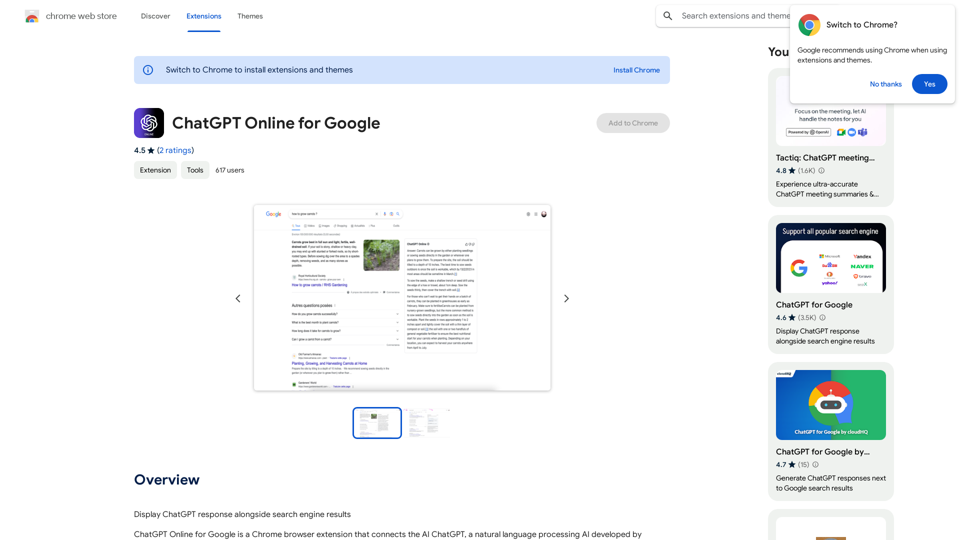
I can't actually display real-time search engine results. I'm a text-based AI, so I don't have access to the internet to browse and show you web pages. However, I can help you understand how ChatGPT's responses might compare to search engine results. Imagine you ask a search engine "What is the capital of France?". * Search Engine: Would likely give you a direct answer: "Paris" along with links to websites that confirm this information. * ChatGPT: Might also say "The capital of France is Paris." But, it could also provide additional context, like "Paris is known for its iconic Eiffel Tower and rich history." Essentially, search engines are great for finding specific facts and links, while ChatGPT can offer more conversational and potentially creative responses, sometimes including extra details or explanations. Let me know if you have any other questions!
193.90 M
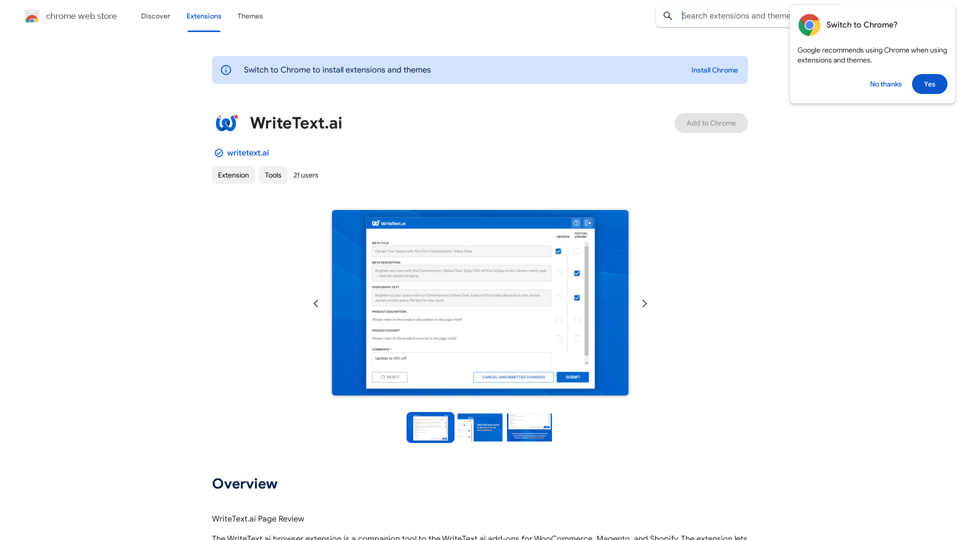
WriteText.ai Page Review WriteText.ai is an AI-powered writing assistant that helps you generate different creative text formats, like poems, code, scripts, musical pieces, email, letters, etc. It's designed to be user-friendly and accessible to everyone, regardless of their writing experience. Here's a breakdown of its key features and benefits: * Multiple Text Formats: WriteText.ai can generate a variety of text formats, including poems, code, scripts, musical pieces, emails, letters, and more. This versatility makes it a valuable tool for writers, developers, and anyone who needs to create different types of content. * User-Friendly Interface: The platform boasts a clean and intuitive interface that is easy to navigate, even for beginners. * AI-Powered Generation: WriteText.ai leverages the power of artificial intelligence to generate high-quality text. The AI model is trained on a massive dataset of text and code, allowing it to produce creative and coherent outputs. * Customization Options: Users can customize their text generation by providing specific instructions, keywords, or examples. This level of control ensures that the generated text meets their exact needs. * Fast and Efficient: WriteText.ai is designed to be fast and efficient, generating text quickly and accurately. This saves users time and effort, allowing them to focus on other aspects of their work. Overall, WriteText.ai is a powerful and versatile AI writing assistant that can be a valuable tool for a wide range of users. Its user-friendly interface, multiple text format options, and AI-powered generation make it a compelling choice for anyone looking to enhance their writing process.
193.90 M
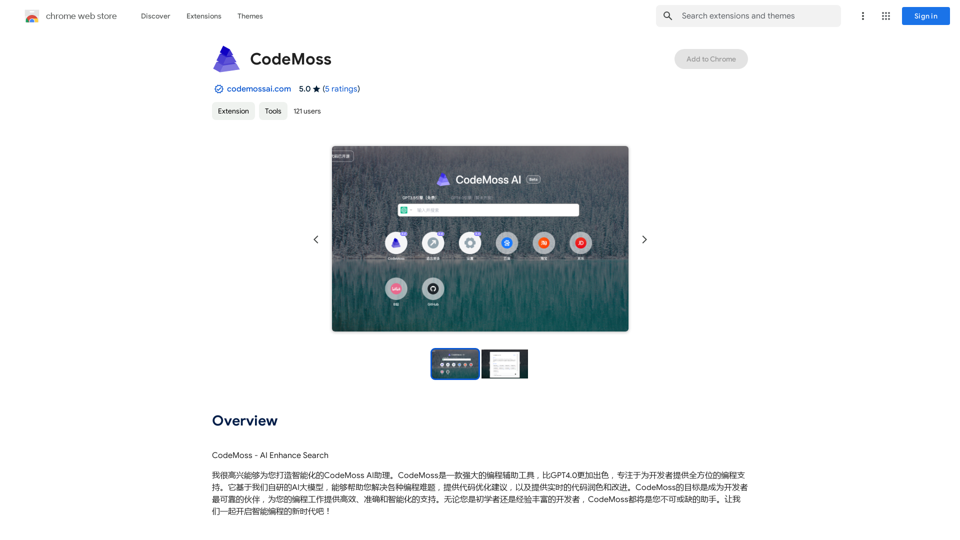
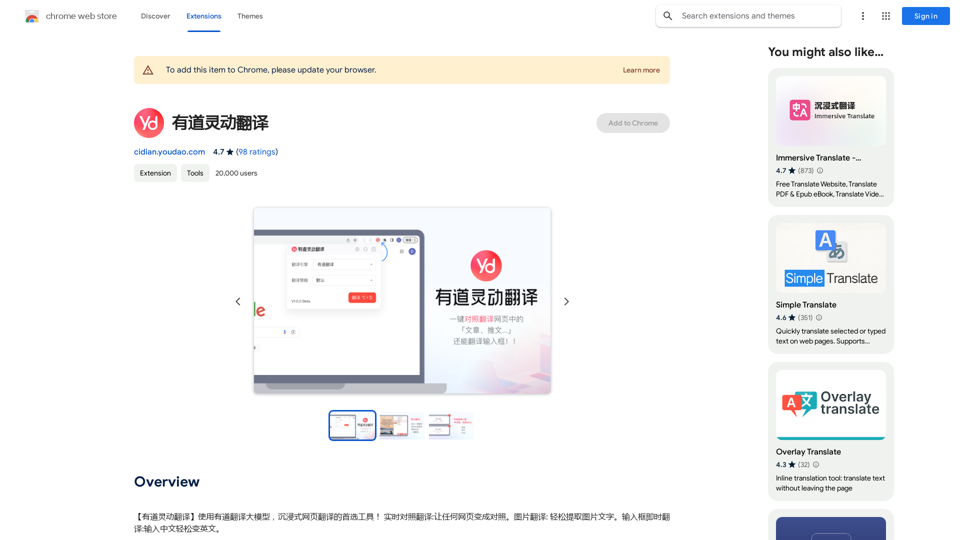
【Youdao Lingdong Translation】Using Youdao's large translation model, the top choice for immersive web translation tools! Real-time contrast translation: Turn any web page into a contrast. Image translation: Easily extract text from images. Instant translation input box: Enter Chinese and easily convert to English.
193.90 M
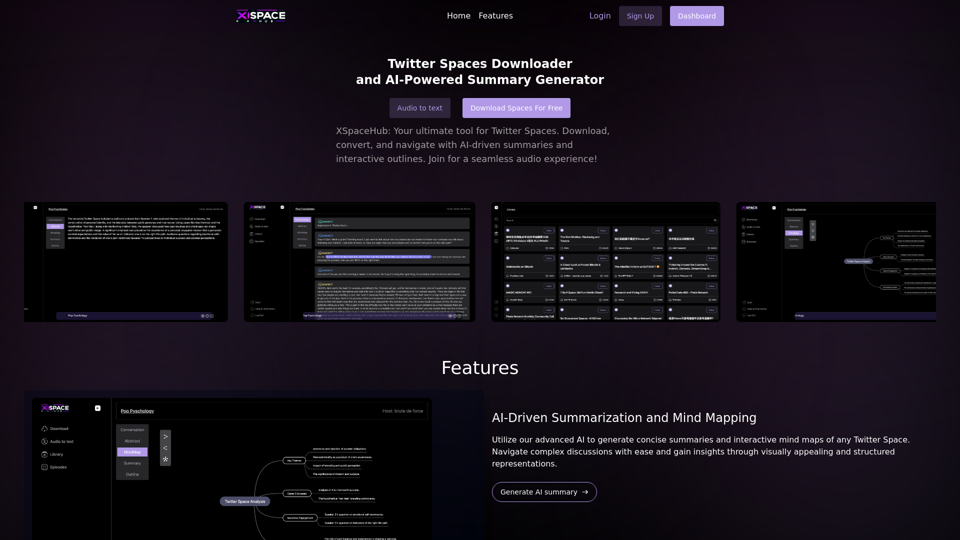
Spaces Downloader and AI-Powered Summary Generator | xspacehub.com
Spaces Downloader and AI-Powered Summary Generator | xspacehub.comXSPaceHub is your ultimate tool to download, convert, summarize, and navigate Twitter Spaces. Access a rich library, enjoy AI-driven summaries, interactive mind maps, and detailed outlines with clickable audio timestamps. Join now for a seamless audio experience!
0