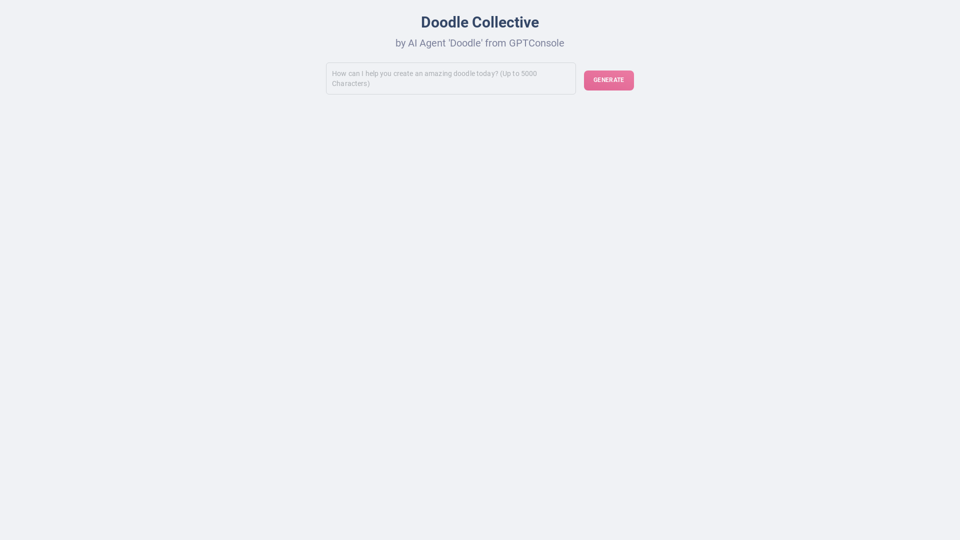
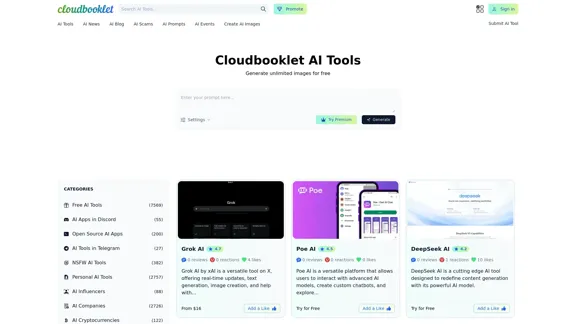
Cloudbooklet is a comprehensive platform that offers a vast collection of AI tools, news, and resources. It features over 25,000 AI tools across various categories, including image generation, text processing, and personal AI applications. The site is designed to cater to a wide range of users, from casual enthusiasts to professionals seeking advanced AI solutions.
Cloudbooklet AI Tools, AI News & More
Cloudbooklet AI is the free and most popular source to find and use all the artificial intelligence tools and AI news. Follow us to stay updated in AI.
Introduction
Feature
-
Extensive Collection of AI Tools
Cloudbooklet hosts a diverse array of AI tools, including those for image generation, text analysis, and personal AI applications. Users can easily navigate through categories to find tools that suit their needs.
-
User-Friendly Interface
The platform is designed with user experience in mind, making it easy for users to search for and access various AI tools. The layout is intuitive, allowing for quick navigation.
-
Trending Searches and Top Rated AIs
Users can explore trending searches and top-rated AI tools, helping them discover popular and effective solutions quickly.
-
Free and Premium Options
Cloudbooklet offers both free and premium tools, allowing users to choose based on their budget and requirements. This flexibility caters to a wide audience.
-
Regular Updates and New Launches
The platform frequently updates its offerings, introducing new tools and features to keep users engaged and informed about the latest advancements in AI technology.
-
Community Engagement
Users can interact with the platform through reviews and likes, fostering a sense of community and shared experiences among AI enthusiasts.
How to Use?
-
Explore Categories: Take advantage of the categorized listings to find specific tools that meet your needs.
-
Check Trending Searches: Regularly check the trending searches section to discover popular tools and stay updated on the latest trends.
-
Utilize Free Trials: Make use of free trials for premium tools to assess their functionality before committing to a purchase.
-
Engage with the Community: Participate in reviews and discussions to share experiences and gain insights from other users.
FAQ
What is Cloudbooklet?
Cloudbooklet is an online platform that aggregates a wide range of AI tools, news, and resources, making it accessible for users interested in exploring artificial intelligence applications.
How can I find specific AI tools on Cloudbooklet?
You can use the search function or browse through the categorized listings to find specific AI tools that suit your needs.
Are there any costs associated with using Cloudbooklet?
Cloudbooklet offers both free and premium tools. Users can choose to access free tools or subscribe to premium options for advanced features.
How often are new tools added to Cloudbooklet?
The platform regularly updates its offerings, introducing new tools and features to keep users informed about the latest advancements in AI technology.
Price
| Plan Type | Price |
|---|---|
| Free Plan | $0/month |
| Basic Plan | $9.99/month |
| Standard Plan | $19.99/month |
| Professional Plan | $49.99/month |
The price is for reference only, please refer to the latest official data for actual information.
Evaluation
- Cloudbooklet provides a vast selection of AI tools, making it a valuable resource for users with varying needs and expertise levels.
- The user interface is intuitive, which enhances the overall user experience and facilitates easy navigation.
- However, the sheer volume of tools may overwhelm some users, making it challenging to find the most relevant options quickly.
- While the platform offers both free and premium tools, the value of premium subscriptions could be better communicated to potential users.
- Overall, Cloudbooklet is a robust platform for exploring AI tools, but improvements in user guidance and tool categorization could enhance usability further.
Related Websites
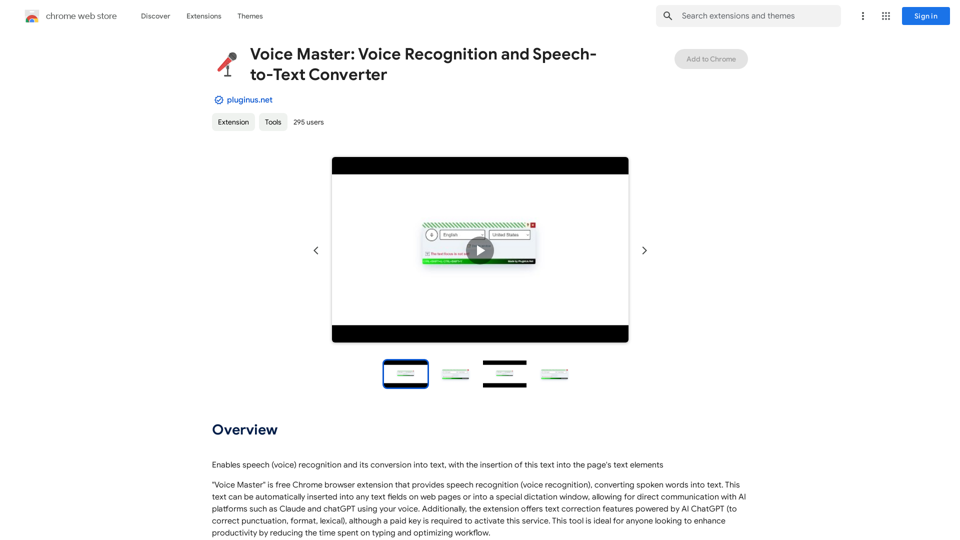
Voice Master: Voice Recognition and Speech-to-Text Converter
Voice Master: Voice Recognition and Speech-to-Text ConverterAllows you to speak and have your words recognized as text, which is then added to the text parts of the webpage.
193.90 M
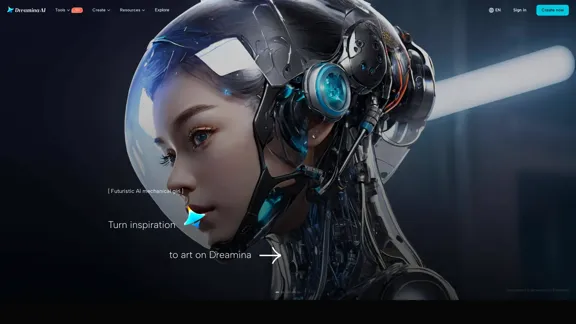
Dreamina: Free AI Image Generator - Create Art and Images from Text
Dreamina: Free AI Image Generator - Create Art and Images from TextCreate stunning art, images, and more with prompts. Turn your images into captivating animations. Dreamina is an AI platform designed to simplify your creation.
5.53 M
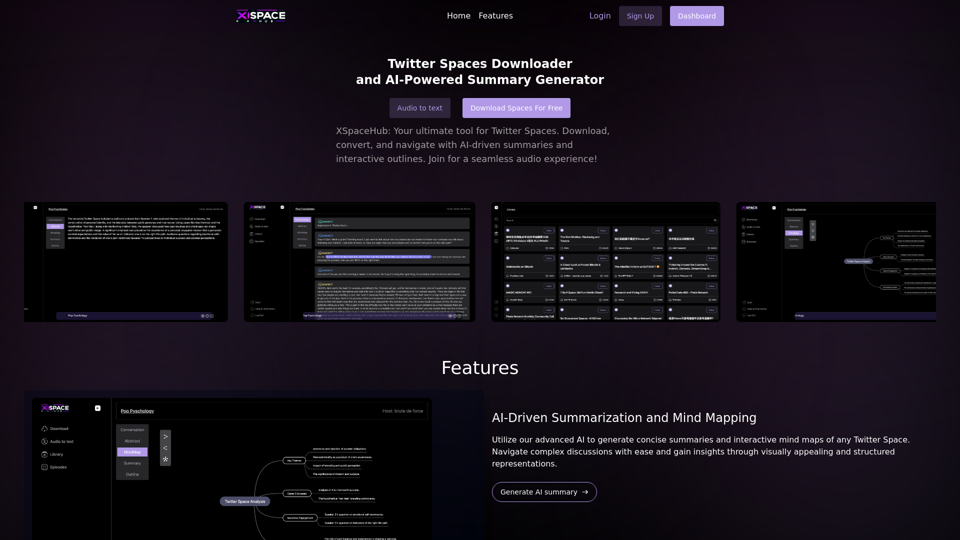
Spaces Downloader and AI-Powered Summary Generator | xspacehub.com
Spaces Downloader and AI-Powered Summary Generator | xspacehub.comXSPaceHub is your ultimate tool to download, convert, summarize, and navigate Twitter Spaces. Access a rich library, enjoy AI-driven summaries, interactive mind maps, and detailed outlines with clickable audio timestamps. Join now for a seamless audio experience!
0
PNG Maker Online Free: Convert Text to PNG with Transparent Backgrounds
PNG Maker Online Free: Convert Text to PNG with Transparent BackgroundsEffortlessly create high-quality PNG images using PNG maker. Our png maker online free tool transforms text to PNG with customizable options. Ideal for web designers and content creators needing a transparent PNG maker.
121.14 K
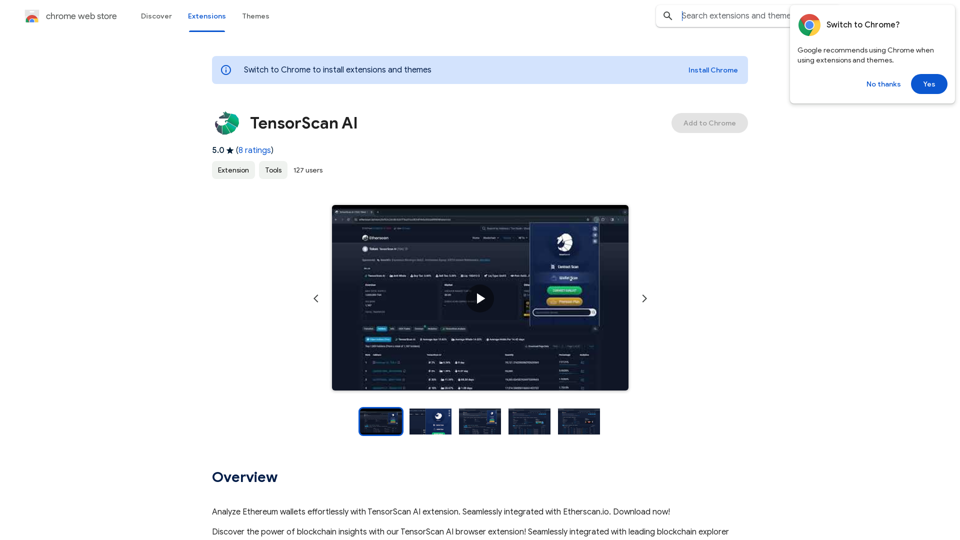
Analyze Ethereum wallets easily with the TensorScan AI extension. It works perfectly with Etherscan.io. Download it now!
193.90 M
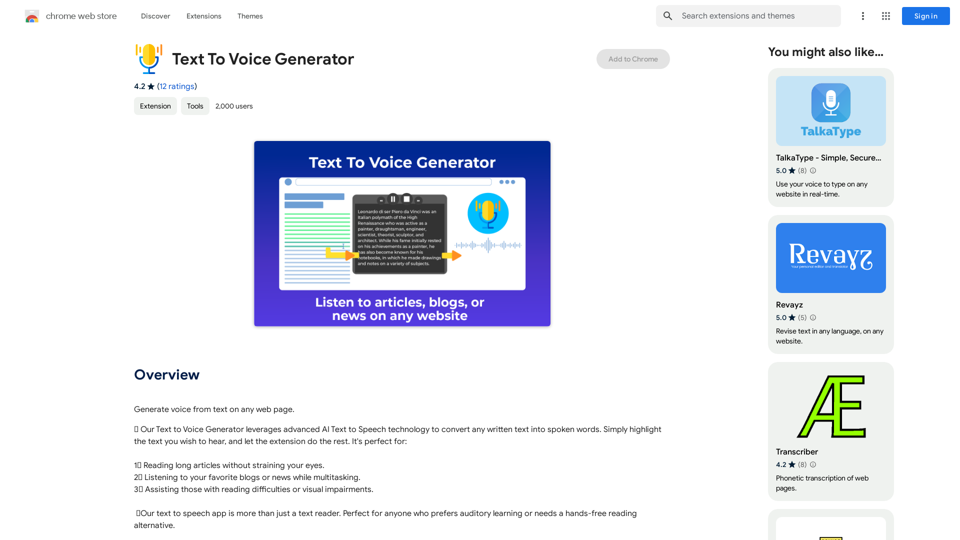
Text to Voice Generator ========================== A text-to-voice generator, also known as a text-to-speech (TTS) system, is a software that converts written text into a spoken voice output. This technology has been widely used in various applications, including virtual assistants, audiobooks, and language learning platforms. How it Works --------------- The process of generating voice from text involves several steps: 1. Text Analysis: The input text is analyzed to identify the language, syntax, and semantics. 2. Phonetic Transcription: The text is converted into a phonetic transcription, which represents the sounds of the spoken language. 3. Prosody Generation: The phonetic transcription is then used to generate the prosody, or rhythm and intonation, of the spoken voice. 4. Waveform Generation: The prosody and phonetic transcription are combined to generate the audio waveform, which is the final spoken voice output. Types of Text-to-Voice Generators ----------------------------------- There are two main types of text-to-voice generators: Rule-Based Systems These systems use a set of predefined rules to generate the spoken voice output. They are often limited in their ability to produce natural-sounding voices and may sound robotic. Machine Learning-Based Systems These systems use machine learning algorithms to learn from large datasets of spoken voices and generate more natural-sounding voices. They are often more advanced and can produce high-quality voice outputs. Applications of Text-to-Voice Generators ----------------------------------------- Text-to-voice generators have a wide range of applications, including: Virtual Assistants Virtual assistants, such as Siri and Alexa, use text-to-voice generators to respond to user queries. Audiobooks Text-to-voice generators can be used to create audiobooks from written texts, making it easier for people to access written content. Language Learning Language learning platforms use text-to-voice generators to provide pronunciation guidance and practice exercises for learners. Accessibility Text-to-voice generators can be used to assist people with disabilities, such as visual impairments, by providing an auditory interface to written content.
Text to Voice Generator ========================== A text-to-voice generator, also known as a text-to-speech (TTS) system, is a software that converts written text into a spoken voice output. This technology has been widely used in various applications, including virtual assistants, audiobooks, and language learning platforms. How it Works --------------- The process of generating voice from text involves several steps: 1. Text Analysis: The input text is analyzed to identify the language, syntax, and semantics. 2. Phonetic Transcription: The text is converted into a phonetic transcription, which represents the sounds of the spoken language. 3. Prosody Generation: The phonetic transcription is then used to generate the prosody, or rhythm and intonation, of the spoken voice. 4. Waveform Generation: The prosody and phonetic transcription are combined to generate the audio waveform, which is the final spoken voice output. Types of Text-to-Voice Generators ----------------------------------- There are two main types of text-to-voice generators: Rule-Based Systems These systems use a set of predefined rules to generate the spoken voice output. They are often limited in their ability to produce natural-sounding voices and may sound robotic. Machine Learning-Based Systems These systems use machine learning algorithms to learn from large datasets of spoken voices and generate more natural-sounding voices. They are often more advanced and can produce high-quality voice outputs. Applications of Text-to-Voice Generators ----------------------------------------- Text-to-voice generators have a wide range of applications, including: Virtual Assistants Virtual assistants, such as Siri and Alexa, use text-to-voice generators to respond to user queries. Audiobooks Text-to-voice generators can be used to create audiobooks from written texts, making it easier for people to access written content. Language Learning Language learning platforms use text-to-voice generators to provide pronunciation guidance and practice exercises for learners. Accessibility Text-to-voice generators can be used to assist people with disabilities, such as visual impairments, by providing an auditory interface to written content.Generate Voice from Text on Any Web Page With the advancement of technology, it is now possible to generate voice from text on any web page. This feature is particularly useful for people who prefer listening to content rather than reading it. Here's how you can do it: #Method 1: Using Browser Extension You can use a browser extension like Read Aloud or SpeakIt! to generate voice from text on any web page. These extensions are available for both Google Chrome and Mozilla Firefox browsers. #Method 2: Using Online Tools There are several online tools available that can convert text to speech. Some popular tools include NaturalReader, Voice Dream Reader, and Google Text-to-Speech. You can copy and paste the text from any web page into these tools to generate voice. #Method 3: Using Screen Reader If you are using a Windows operating system, you can use the built-in Narrator screen reader to generate voice from text on any web page. For Mac users, you can use VoiceOver. By using any of these methods, you can easily generate voice from text on any web page and enjoy a more convenient and accessible reading experience.
193.90 M
Transform Photos into Ghibli Style Images for Free.
Transform Photos into Ghibli Style Images for Free.Experience AI Ghibli, the revolutionary photo transformation tool that converts your ordinary images into magical Ghibli-style artwork with just one click.
51