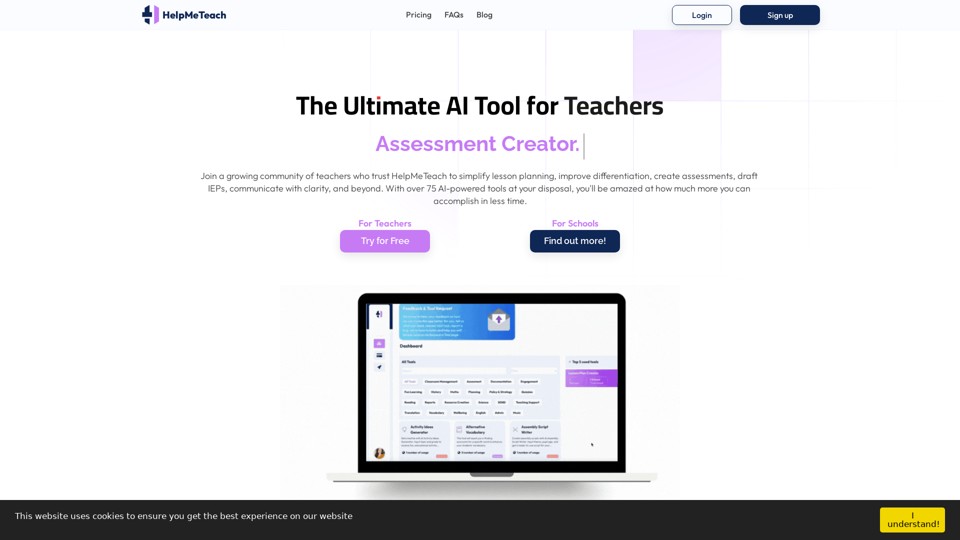
HelpMeTeach is an AI-powered platform designed to simplify teachers' workflow by providing tools for lesson planning, assessment creation, and report writing. With over 75 AI-driven tools, it aims to streamline educational processes, enhance differentiation, and enable the creation of customized content for educators.
HelpMeTeach - AI Simplifies Teaching | Lesson Plans, Assessments, and More!
Revolutionize your teaching with HelpMeTeach, the premier AI assistant for teachers. Simplify lesson plans and assessments, generate ideas, and create reports with ease. Enhance work-life balance and reduce workload with our 70+ teacher tools. Start now!
Introduction
Feature
Lesson Planning
HelpMeTeach offers an AI tool that creates tailored lesson plans based on specific goals, grade levels, subjects, and teaching methods, streamlining the planning process for educators.
Assessment Creator
The AI Assessment Creator simplifies the creation of custom assessments. Teachers can easily generate assessments by selecting the type, grade level, objectives, and questions.
Report Writer
The AI Report Writer enables teachers to effortlessly create personalized student reports. By inputting student details, educators can quickly generate, edit, and export comprehensive reports.
Original Content Generation
HelpMeTeach empowers learning by helping teachers craft unique, standards-aligned educational material, igniting students' potential with customized content.
Easy Customization
The platform allows users to add, remove, and restyle AI-generated responses, ensuring that the content aligns with modern pedagogies and evolving assessment landscapes.
Multiple Subscription Plans
HelpMeTeach offers three subscription tiers:
| Plan | Price | Trial Period |
|---|---|---|
| Basic | $5.95/month | 7 Days Free |
| Standard | $7.95/month | 7 Days Free |
| Advanced | $11.95/month | 7 Days Free |
School and Institute Packages
Premium packages are available for schools and educational institutes, with customized AI tools tailored to specific requirements based on staff numbers.
FAQ
How does HelpMeTeach work?
HelpMeTeach utilizes OpenAI's advanced models, enhanced through careful refinement of inputs, adjustments to model parameters, and extensive training and testing.
What are the best practices for using HelpMeTeach?
Users are encouraged to regenerate content if the initial response doesn't meet expectations, utilizing the regeneration feature for multiple attempts.
Can you develop new features based on user suggestions?
Yes, users can submit ideas for new tools through the 'Request A Tool' feature on the 'Dashboard' page.
How can I cancel my subscription?
To cancel a subscription, users should visit the 'My Account' page, select 'Cancel, update card,' and follow the prompts on the Stripe payment portal.
How does the tool creation process work?
Users select a tool, fill in a prompt describing their needs, and click Generate. Within seconds, AI-generated content is ready for editing, copying, and exporting.
Related Websites
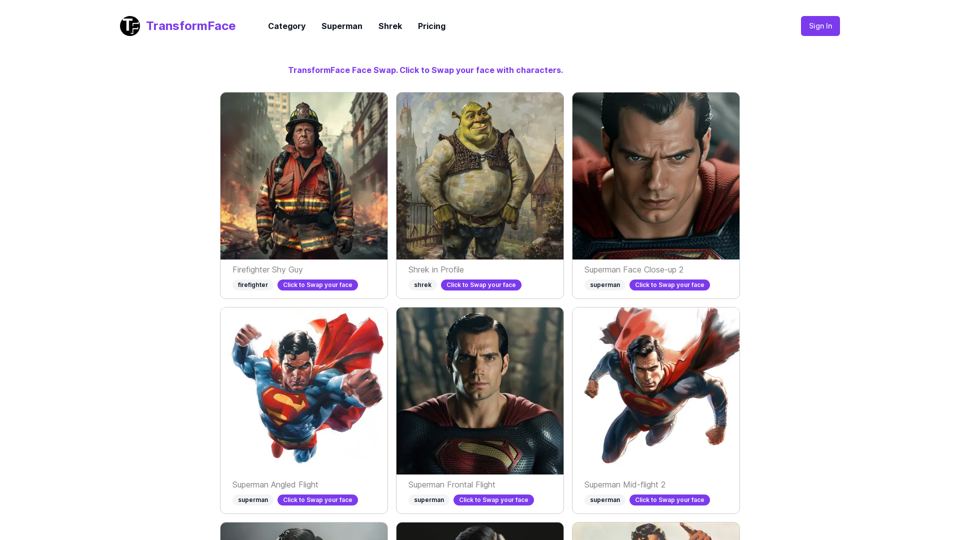
TransformFace Swap with AI. Click to add your photo/face. or in a more natural English tone: Transform Your Face Swap with AI. Click to Upload Your Photo!
TransformFace Swap with AI. Click to add your photo/face. or in a more natural English tone: Transform Your Face Swap with AI. Click to Upload Your Photo!Upload your face or photo and swap faces with TransformFace. Free Download Image. TransformFace
0
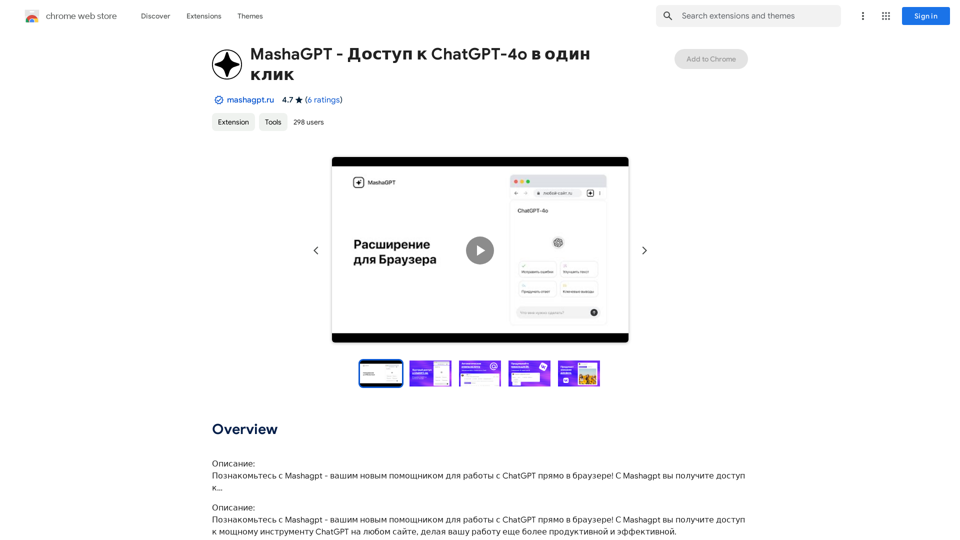
Description: Meet Mashagpt - your new helper for working with ChatGPT right in your browser! With Mashagpt you'll get access to...
193.90 M
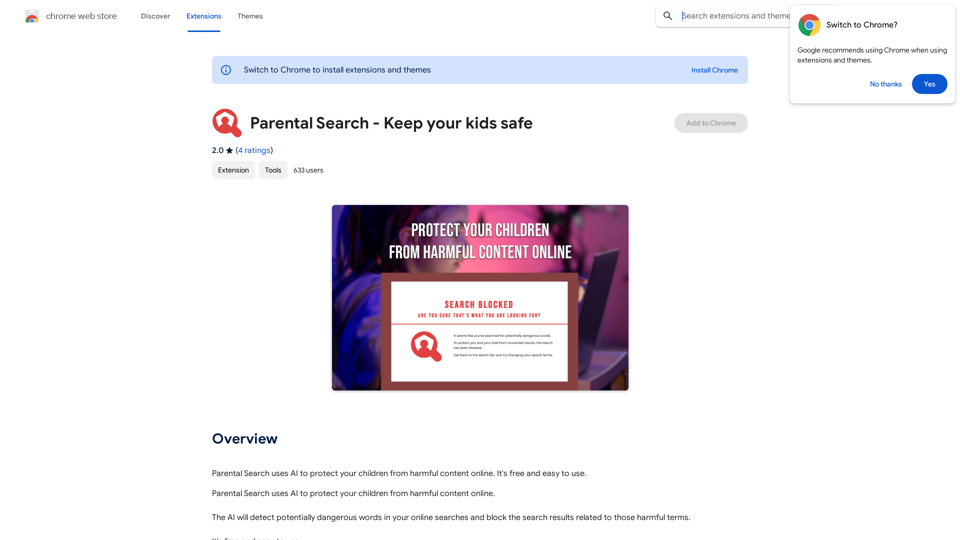
Parental Search uses AI to protect your children from harmful content online. It's free and easy to use.
193.90 M
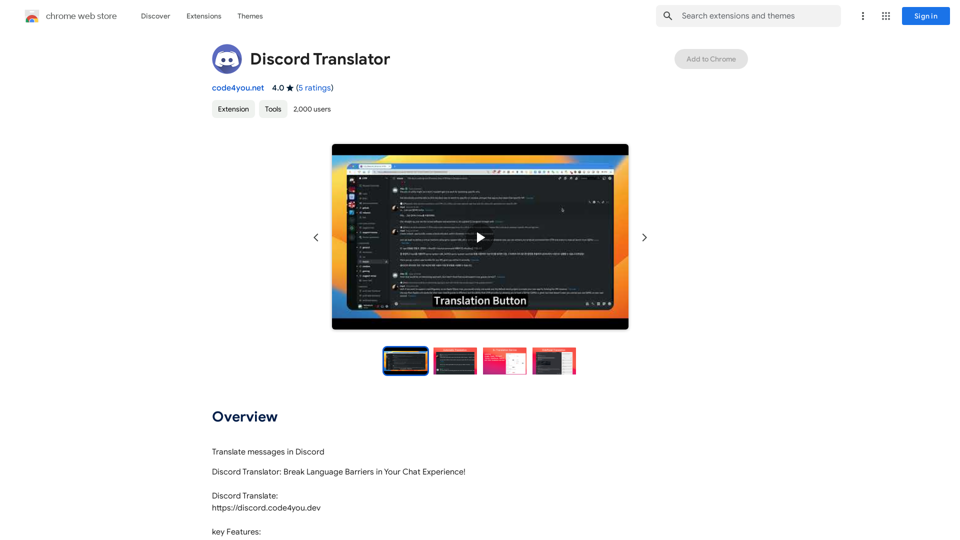
Translate Messages in Discord ============================= What is the "Translate" feature in Discord? The "Translate" feature in Discord allows users to translate messages in real-time, making it easier for people who speak different languages to communicate with each other. How to use the "Translate" feature in Discord? #1. Enable the "Translate" feature To enable the "Translate" feature, you need to go to the "User Settings" and click on the "Language" tab. Then, toggle the switch next to "Translator" to the "On" position. #2. Set your preferred language After enabling the "Translate" feature, you need to set your preferred language. You can do this by clicking on the "Language" dropdown menu and selecting your preferred language from the list. #3. Translate messages Once you've set your preferred language, you can start translating messages. To translate a message, simply hover over the message and click on the "Translate" button that appears. #4. View translated messages After clicking the "Translate" button, the message will be translated into your preferred language. You can view the translated message below the original message. Benefits of the "Translate" feature in Discord The "Translate" feature in Discord has several benefits, including: * Improved communication: The "Translate" feature helps to break down language barriers, making it easier for people who speak different languages to communicate with each other. * Increased accessibility: The "Translate" feature makes Discord more accessible to people who may not speak the dominant language of a server or community. * Enhanced collaboration: The "Translate" feature enables people to collaborate more effectively, even if they speak different languages.
193.90 M
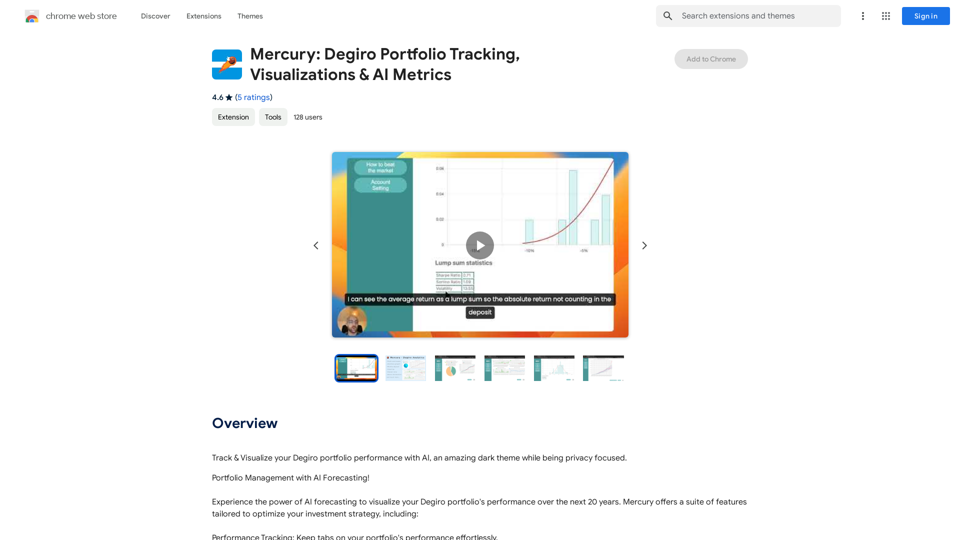
Mercury: Degiro Portfolio Tracking, Visualizations & AI Metrics
Mercury: Degiro Portfolio Tracking, Visualizations & AI MetricsTrack and visualize your Degiro portfolio performance with AI, featuring an amazing dark theme and a focus on privacy.
193.90 M
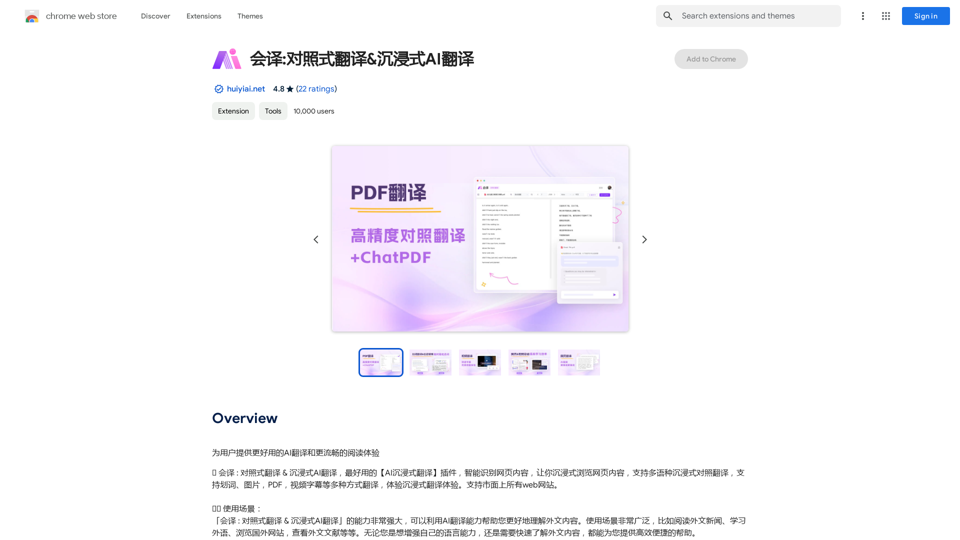
Translation Methods: Comparative Translation & Immersive AI Translation
Translation Methods: Comparative Translation & Immersive AI TranslationProvide users with better AI translation and a more fluent reading experience.
193.90 M