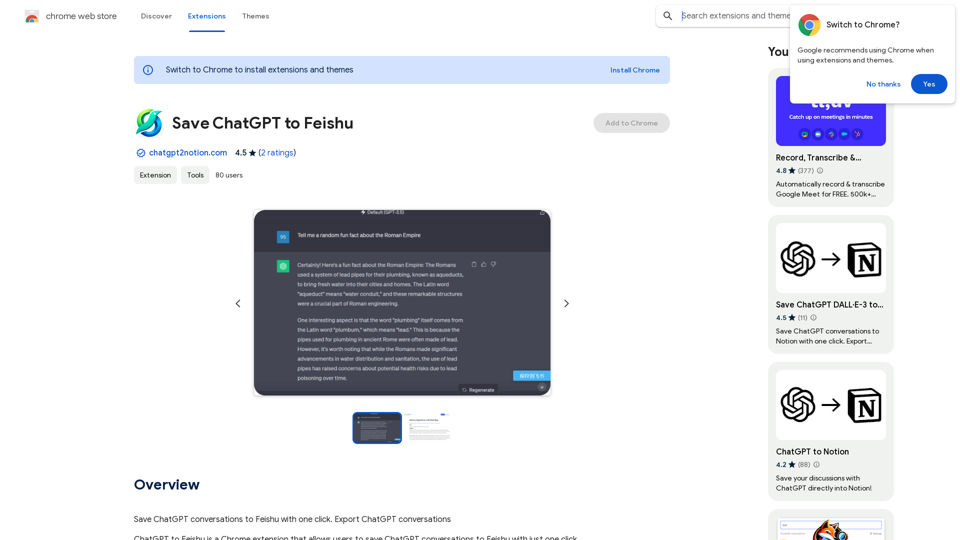
ChatGPT to Feishu is a Chrome extension that enables users to save ChatGPT conversations to Feishu with a single click. This tool enhances efficiency in learning, working, and daily management by providing a seamless integration between ChatGPT and Feishu. It's designed to be user-friendly, accurate, and reliable, catering to users who frequently interact with ChatGPT and need to store or share their conversations.
Save ChatGPT to Feishu
Save ChatGPT conversations to Feishu with one click. Export ChatGPT conversations.
Introduction
Feature
One-Click Saving
Save entire ChatGPT conversations to Feishu effortlessly with just one click, streamlining your workflow and information management.
Easy Installation and Use
Install the extension from the Chrome Web Store and start using it immediately. The simple interface ensures a smooth user experience.
Free of Charge
ChatGPT to Feishu is completely free, with no hidden costs or subscription fees.
Multi-Platform Compatibility
While primarily designed for Feishu, the extension also supports saving conversations to other platforms like Notion and Google Meet.
Step-by-Step Usage Guide
- Install the extension
- Open ChatGPT in a new Chrome tab
- Start a conversation
- Click "Save to Feishu" in the extension toolbar
- Select your Feishu account
- Conversation saved automatically
Regular Updates and Support
The extension is regularly updated to ensure compatibility with the latest Chrome versions. FAQs and developer support are available for troubleshooting.
FAQ
Is ChatGPT to Feishu free to use?
Yes, ChatGPT to Feishu is a completely free Chrome extension. There are no subscription fees or hidden costs associated with its use.
How do I install and use ChatGPT to Feishu?
To use ChatGPT to Feishu:
- Install the extension from the Chrome Web Store
- Open ChatGPT in a new Chrome tab
- Start a conversation with ChatGPT
- Click the "Save to Feishu" button in the extension toolbar
- Select your Feishu account
- The conversation will be automatically saved to your Feishu account
Can I use this extension with platforms other than Feishu?
Yes, while primarily designed for Feishu, the extension also supports saving conversations to other platforms such as Notion and Google Meet.
Related Websites
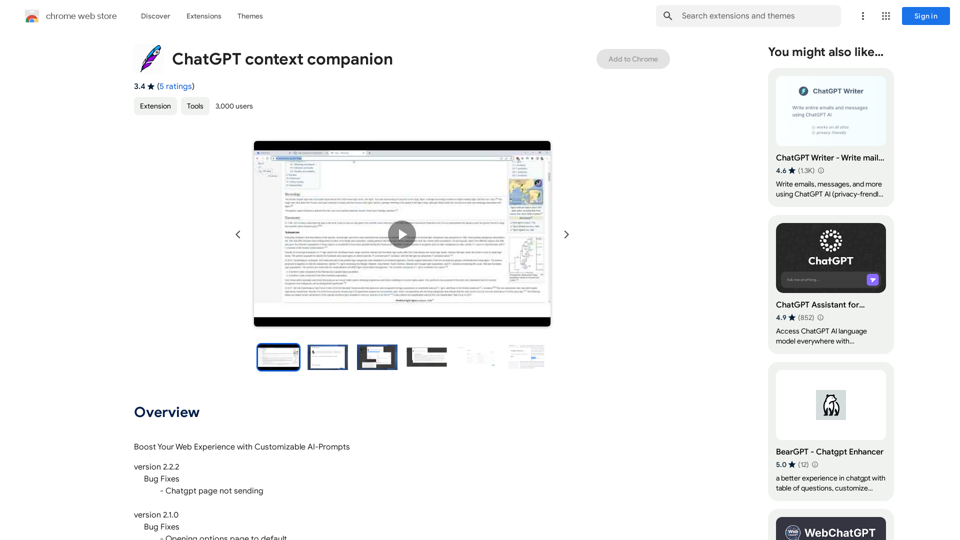
ChatGPT Context Companion The ChatGPT Context Companion is an innovative tool designed to enhance the conversational experience with ChatGPT, a cutting-edge language model. This companion tool provides users with a more comprehensive and engaging interaction by offering real-time suggestions, relevant information, and personalized responses. Key Features * Real-time Suggestions: The Context Companion provides users with relevant suggestions based on the conversation, enabling them to explore new topics, ask follow-up questions, or delve deeper into a subject. * Relevant Information: The tool offers users access to a vast knowledge base, providing them with accurate and up-to-date information on a wide range of topics, from science and history to entertainment and culture. * Personalized Responses: By analyzing the conversation context, the Context Companion generates personalized responses that cater to the user's interests, preferences, and communication style. Benefits * Enhanced Engagement: The ChatGPT Context Companion fosters a more engaging and interactive conversation, encouraging users to explore new ideas, ask questions, and learn from the conversation. * Improved Understanding: By providing users with relevant information and suggestions, the tool helps to clarify complex topics, resolve misunderstandings, and promote a deeper understanding of the subject matter. * Increased Productivity: The Context Companion saves users time and effort by offering quick access to relevant information, enabling them to focus on the conversation and achieve their goals more efficiently. Applications * Education: The ChatGPT Context Companion is an invaluable resource for students, teachers, and researchers, providing them with a wealth of information, suggestions, and insights to support their learning and research endeavors. * Business: The tool is an excellent communication aid for professionals, enabling them to access relevant information, generate ideas, and respond to customer inquiries more effectively. * Entertainment: The Context Companion adds a new dimension to online conversations, making them more engaging, informative, and enjoyable for users.
ChatGPT Context Companion The ChatGPT Context Companion is an innovative tool designed to enhance the conversational experience with ChatGPT, a cutting-edge language model. This companion tool provides users with a more comprehensive and engaging interaction by offering real-time suggestions, relevant information, and personalized responses. Key Features * Real-time Suggestions: The Context Companion provides users with relevant suggestions based on the conversation, enabling them to explore new topics, ask follow-up questions, or delve deeper into a subject. * Relevant Information: The tool offers users access to a vast knowledge base, providing them with accurate and up-to-date information on a wide range of topics, from science and history to entertainment and culture. * Personalized Responses: By analyzing the conversation context, the Context Companion generates personalized responses that cater to the user's interests, preferences, and communication style. Benefits * Enhanced Engagement: The ChatGPT Context Companion fosters a more engaging and interactive conversation, encouraging users to explore new ideas, ask questions, and learn from the conversation. * Improved Understanding: By providing users with relevant information and suggestions, the tool helps to clarify complex topics, resolve misunderstandings, and promote a deeper understanding of the subject matter. * Increased Productivity: The Context Companion saves users time and effort by offering quick access to relevant information, enabling them to focus on the conversation and achieve their goals more efficiently. Applications * Education: The ChatGPT Context Companion is an invaluable resource for students, teachers, and researchers, providing them with a wealth of information, suggestions, and insights to support their learning and research endeavors. * Business: The tool is an excellent communication aid for professionals, enabling them to access relevant information, generate ideas, and respond to customer inquiries more effectively. * Entertainment: The Context Companion adds a new dimension to online conversations, making them more engaging, informative, and enjoyable for users.Boost Your Web Experience with Customizable AI-Prompts
193.90 M

Here is the translation: AI Photo, Photo AI, AI Photo Editing, AI Generated Photos, Free AI Photo Editor, AI Photo Generator, AI Avatar Generator
105

Save time by reading a summary of the video you are watching. Supports ChatGPT, Gemini, and Claude AI.
193.90 M
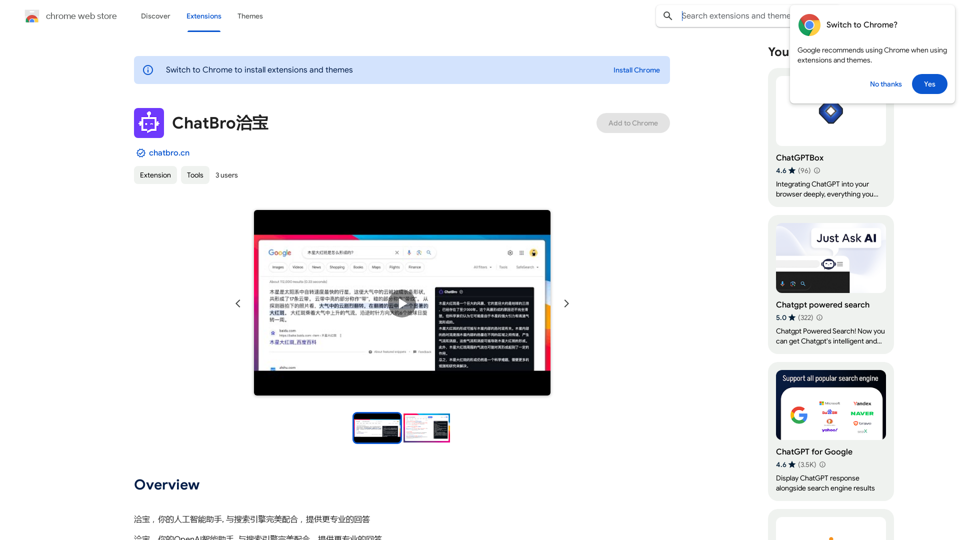
ChatBao, your AI assistant, works perfectly with search engines to provide more professional answers.
193.90 M

Find inspiration online and buy the look. Choose any picture while you're browsing and search for similar styles from Fynd's entire catalog.
193.90 M