Resmate.io is a Chrome extension that revolutionizes the job search process with an AI-powered toolkit. It streamlines and optimizes job applications using advanced machine learning techniques. The extension offers features like job tracking, resume optimization, automated document generation, interview preparation, and personalized feedback, all designed to enhance the user's job search experience and increase their chances of success.
resmate.io: Speed up your job hunt
Job seekers use resmate.io to organize and optimize their applications with our AI tools.
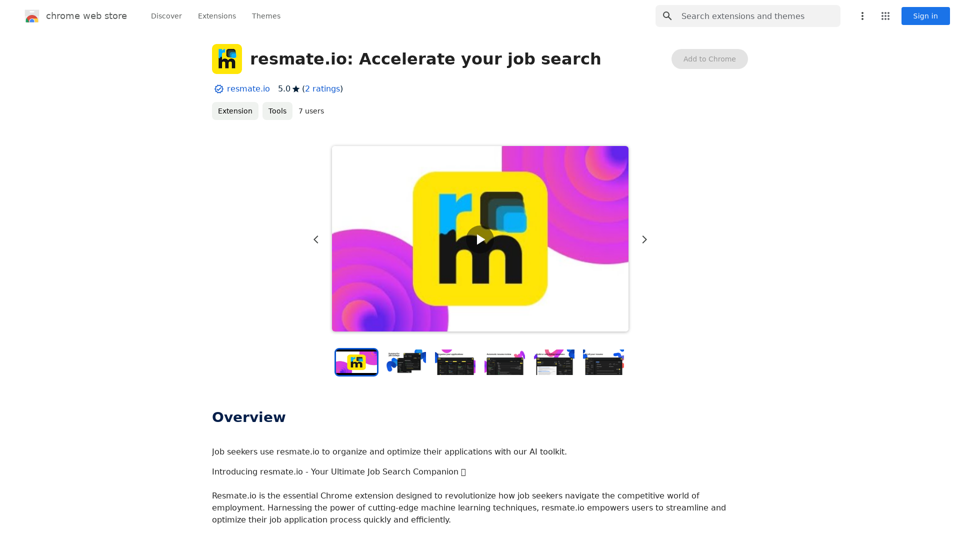
Introduction
Feature
Job Tracker
- Centralized hub for organizing job applications
- Helps users stay on top of deadlines
- Prevents missed opportunities
Resume Optimizer
- AI-powered analysis of job listings
- Tailors resumes to match specific job requirements
- Enhances application stand-out potential
Automations
- Utilizes GPT-4 for generating customized resumes and cover letters
- Quick creation of professionally optimized documents
- Showcases user's experience and skills effectively
Interview Prep
- Provides tailored practice questions
- Customized to specific job and company
- Boosts user confidence for interviews
Document Customization and Export
- Intuitive editor for resume and cover letter customization
- Range of stylish templates available
- Free PDF export without watermarks
Personalized Feedback
- Provides insights on resume improvement
- Aligns feedback with job listing context
- Helps users enhance their applications
FAQ
What is Resmate.io?
Resmate.io is a Chrome extension that provides a comprehensive AI-powered toolkit to revolutionize the job search process. It streamlines and optimizes job applications using advanced machine learning techniques.
What are the key features of Resmate.io?
The key features of Resmate.io include:
- Job Tracker
- Resume Optimizer
- Automations (using GPT-4)
- Interview Prep
- Document Customization and Export
- Personalized Feedback
How do I use Resmate.io?
Resmate.io offers a user-friendly interface that allows you to:
- Track job applications in a centralized hub
- Generate customized resumes and cover letters
- Prepare for interviews with tailored questions
- Customize and export documents easily
What pricing plans does Resmate.io offer?
Resmate.io provides a range of pricing plans to suit different needs:
- Free plan
- Premium plans with additional features and benefits For detailed information, users are advised to check the pricing page on the Resmate.io website.
Related Websites
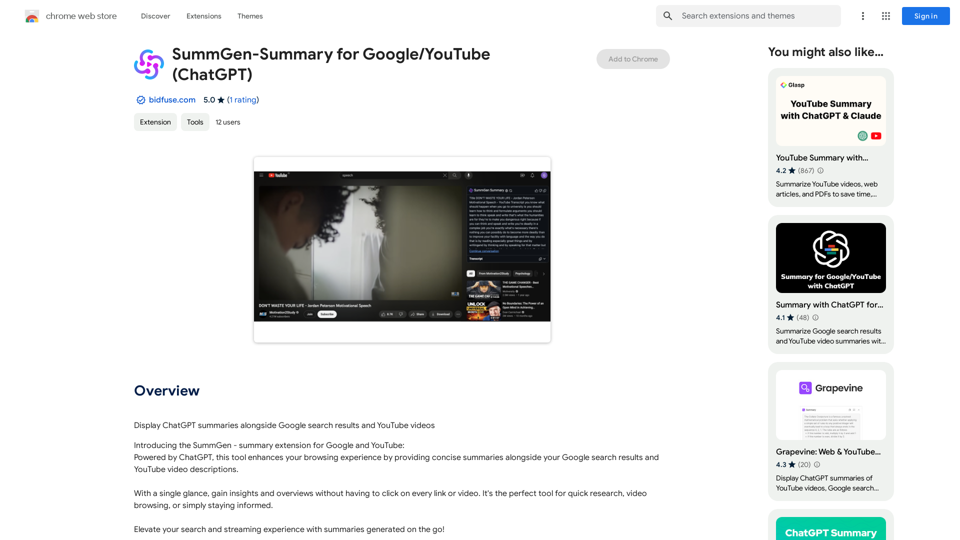
SummGen-Summary for Google/YouTube (ChatGPT) This is a summary of the capabilities and potential uses of SummGen, a text summarization model, specifically in the context of Google and YouTube. * What is SummGen? SummGen is a powerful text summarization model developed by Google DeepMind. It excels at condensing large amounts of text into concise and informative summaries. * How can SummGen be used with Google Search? Imagine searching Google for a complex topic. SummGen could analyze the top search results and generate a brief, clear summary of the key information, saving you time and effort. * Applications for YouTube: * Video Summaries: SummGen could automatically generate summaries of YouTube videos, making it easier for viewers to quickly understand the content. * Closed Captions: SummGen could enhance closed captions by providing more accurate and concise summaries of the spoken words. * Content Discovery: YouTube could use SummGen to create summaries of trending videos, helping users discover new content based on their interests. * Benefits: * Efficiency: SummGen saves time by providing concise summaries of large amounts of text. * Accessibility: Summaries can make information more accessible to people with visual or cognitive impairments. * Improved Understanding: Summaries can help users grasp complex topics more easily. SummGen has the potential to revolutionize how we interact with information on Google and YouTube, making it more efficient, accessible, and understandable.
SummGen-Summary for Google/YouTube (ChatGPT) This is a summary of the capabilities and potential uses of SummGen, a text summarization model, specifically in the context of Google and YouTube. * What is SummGen? SummGen is a powerful text summarization model developed by Google DeepMind. It excels at condensing large amounts of text into concise and informative summaries. * How can SummGen be used with Google Search? Imagine searching Google for a complex topic. SummGen could analyze the top search results and generate a brief, clear summary of the key information, saving you time and effort. * Applications for YouTube: * Video Summaries: SummGen could automatically generate summaries of YouTube videos, making it easier for viewers to quickly understand the content. * Closed Captions: SummGen could enhance closed captions by providing more accurate and concise summaries of the spoken words. * Content Discovery: YouTube could use SummGen to create summaries of trending videos, helping users discover new content based on their interests. * Benefits: * Efficiency: SummGen saves time by providing concise summaries of large amounts of text. * Accessibility: Summaries can make information more accessible to people with visual or cognitive impairments. * Improved Understanding: Summaries can help users grasp complex topics more easily. SummGen has the potential to revolutionize how we interact with information on Google and YouTube, making it more efficient, accessible, and understandable.Display ChatGPT Summaries Alongside Google Search Results and YouTube Videos This feature would allow users to see concise summaries generated by ChatGPT directly integrated with their Google search results and YouTube video pages. Imagine searching for a topic on Google and seeing a ChatGPT-generated summary at the top of the results, providing a quick overview of the key points. Or, watching a YouTube video and having a ChatGPT summary appear below, highlighting the main takeaways. This integration could significantly enhance the user experience by: * Saving time: Quickly grasp the essence of information without having to read through lengthy articles or watch entire videos. * Improving comprehension: ChatGPT summaries can rephrase complex information in a more accessible way. * Encouraging exploration: Summaries can spark curiosity and lead users to explore related content further.
193.90 M
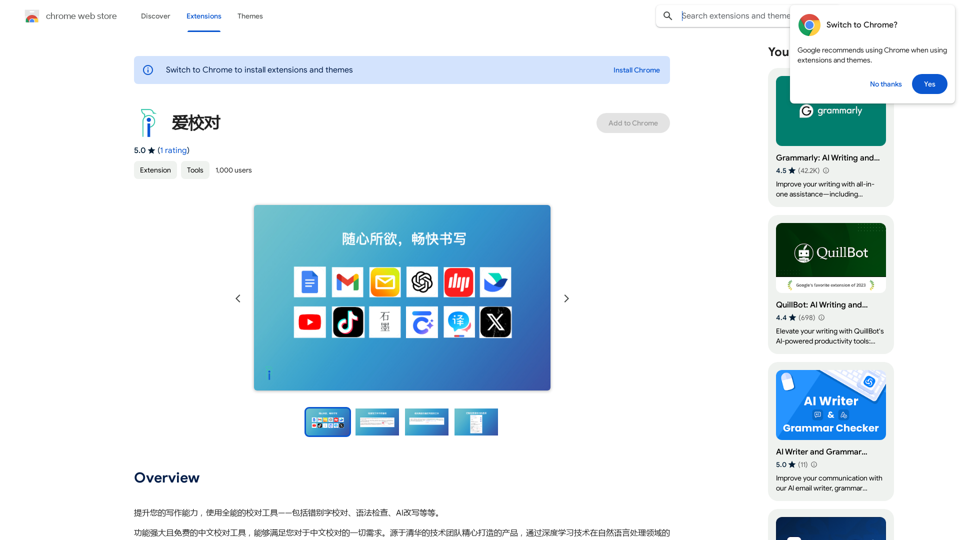
Enhance your writing skills with an all-powerful proofreading tool, including typo correction, grammar checking, AI rewriting, and more.
193.90 M
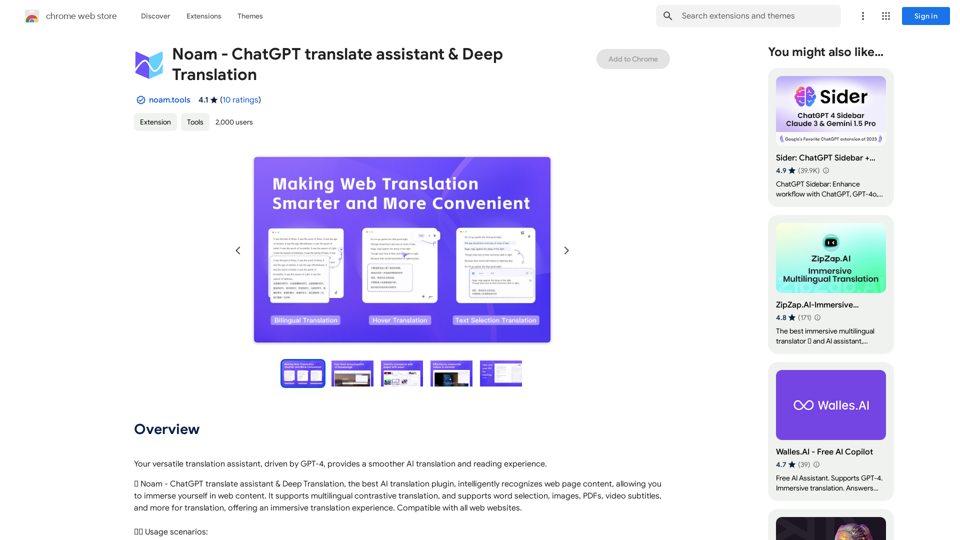
Noam - ChatGPT Translation Assistant & Deep Translation
Noam - ChatGPT Translation Assistant & Deep TranslationYour versatile translation assistant, driven by GPT-4, provides a smoother AI translation and reading experience.
193.90 M
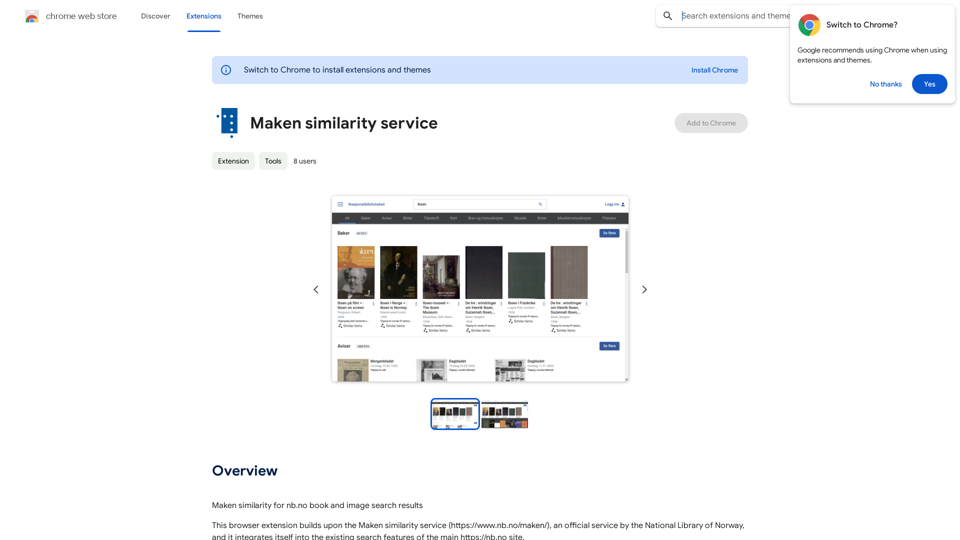
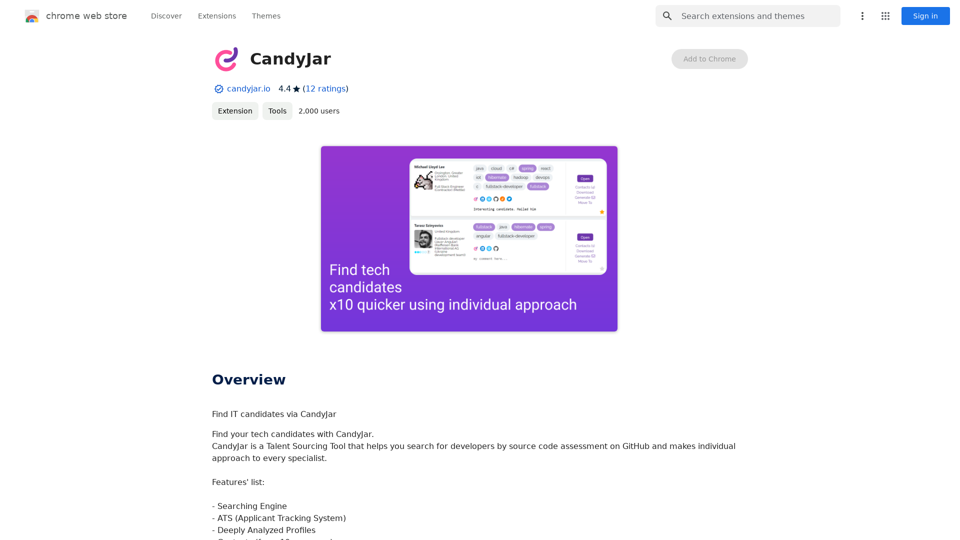
Comparing Similarity for nb.no Book and Image Search Results Let's explore how to measure the similarity between: * Book search results from nb.no (the Norwegian National Library) * Image search results from various sources This comparison can be valuable for understanding: * How well visual representations match textual descriptions. * Potential for using images to enhance book discovery. * Developing new search functionalities that combine text and image data. We can use various techniques to assess similarity, including: * Textual Similarity: Analyzing the keywords, topics, and overall content of book descriptions and image captions. * Visual Similarity: Comparing the visual features of images using algorithms like convolutional neural networks (CNNs). * Hybrid Approaches: Combining textual and visual similarity measures for a more comprehensive evaluation. By comparing similarity scores across different methods, we can gain insights into the strengths and weaknesses of each approach and identify the most effective way to connect books and images.
193.90 M
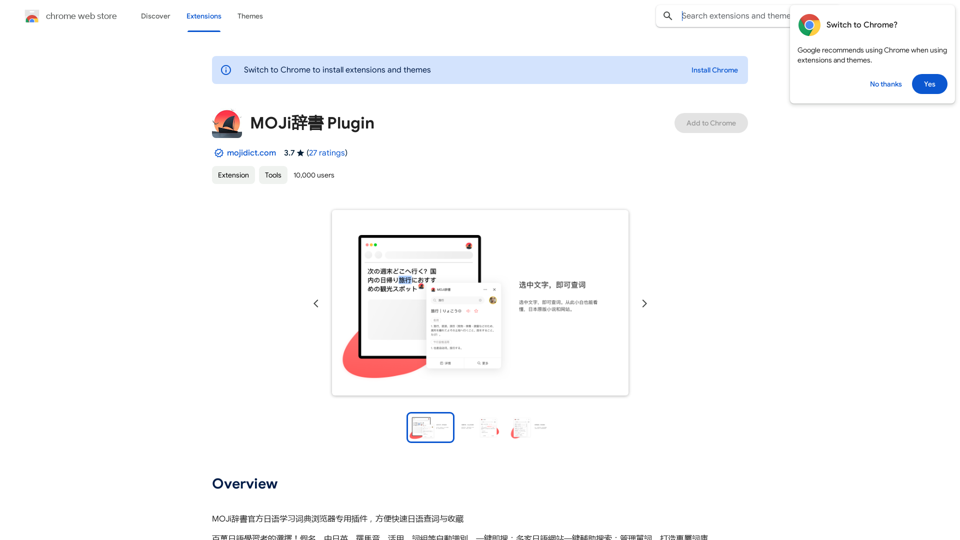
MOJi Dictionary is an official Japanese learning dictionary browser extension that makes it easy and fast to look up and save Japanese words.
193.90 M
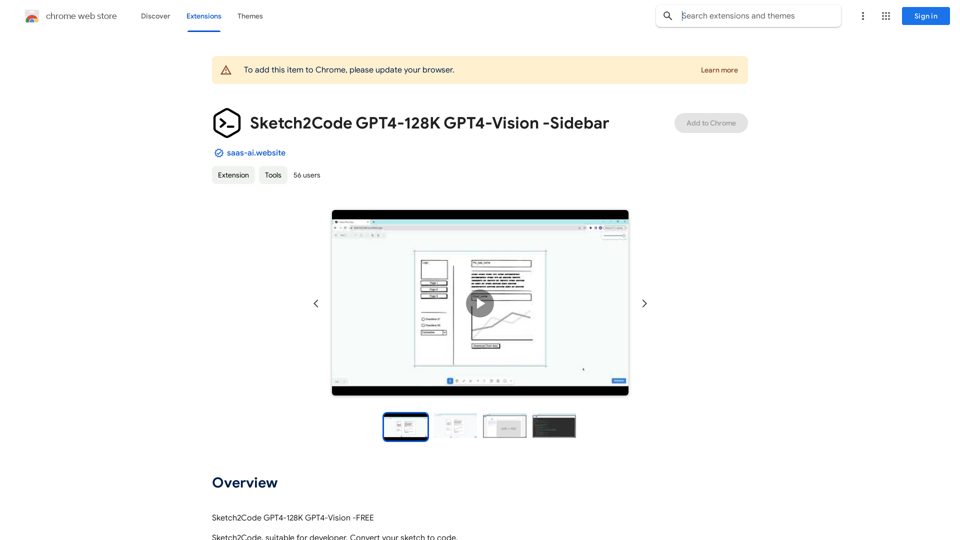
Sketch2Code GPT4-128K GPT4-Vision - Sidebar This is a simple sidebar for a Sketch2Code application powered by GPT4-128K and GPT4-Vision. It likely contains: * Upload Sketch: A button or area to upload an image sketch. * Code Generation Options: Settings to choose the programming language, desired code complexity, or other generation parameters. * Output Code: A display area to show the generated code. * Clear Output: A button to clear the generated code. Let me know if you'd like me to elaborate on any specific aspect of the sidebar!
Sketch2Code GPT4-128K GPT4-Vision - Sidebar This is a simple sidebar for a Sketch2Code application powered by GPT4-128K and GPT4-Vision. It likely contains: * Upload Sketch: A button or area to upload an image sketch. * Code Generation Options: Settings to choose the programming language, desired code complexity, or other generation parameters. * Output Code: A display area to show the generated code. * Clear Output: A button to clear the generated code. Let me know if you'd like me to elaborate on any specific aspect of the sidebar!Sketch2Code GPT4-128K GPT4-Vision - FREE
193.90 M

AG Intelligent Assistant - GPT Chat, Drawing, Vision, Networking
AG Intelligent Assistant - GPT Chat, Drawing, Vision, NetworkingDriven by models such as GPT-4 Turbo and GPT-4 O, this private AI work assistant supports a wide range of functions, including GPT networking, PDF analysis, GPT-4 Vision, SD drawing, and DALL·E 3 drawing, making it your most powerful AI work assistant!
193.90 M