Job Tracker is a Chrome extension designed to simplify and enhance the job application process. It offers a centralized platform for saving, tracking, and managing job applications, while also providing AI-powered tools for resume optimization and interview preparation. The extension aims to streamline job searches, improve application quality, and expand professional networks.
Job Tracker
Save, track, and manage all your job applications in one place. Build your professional network and get hired.
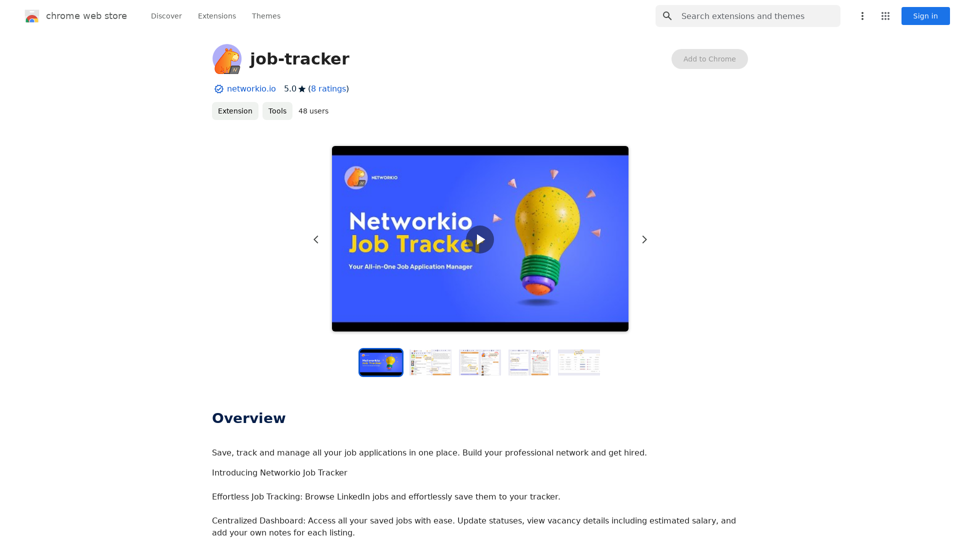
Introduction
Feature
Effortless Job Tracking
- Browse LinkedIn jobs
- Save job listings directly to the tracker
- Centralized dashboard for easy access to all saved jobs
Comprehensive Job Management
- Update application statuses
- View vacancy details including estimated salary
- Add personal notes to each job listing
AI-Powered Tools
- Generate customized cover letters for each application
- Simulate interviews with AI interview tool
- Extract keywords to optimize resumes for applicant tracking systems
Networking Opportunities
- Expand professional network with brief introductions
- Browse profiles of Networkio members for potential connections
Flexible Pricing Model
- Free version with limited features
- Paid subscription for extended access and additional benefits
Multi-Device Accessibility
- Use Job Tracker across multiple devices with a single subscription
User-Friendly Interface
- Streamlined job search process
- Time-saving features for efficient application management
FAQ
Is Job Tracker free to use?
Yes, Job Tracker offers a free version with limited features. Users can access basic functionalities without cost, while a paid subscription is available for extended access and additional benefits.
Can I use Job Tracker on multiple devices?
Yes, Job Tracker is accessible on multiple devices with a single subscription. This allows users to manage their job applications seamlessly across different platforms.
How do I cancel my subscription?
You can cancel your subscription at any time through the Job Tracker dashboard. The process is designed to be straightforward and user-friendly.
What are the main features of Job Tracker?
Job Tracker offers several key features:
- Effortless job tracking from LinkedIn
- Centralized dashboard for managing applications
- AI-powered tools for cover letters and interview preparation
- Networking opportunities with other professionals
- Resume optimization for applicant tracking systems
How can Job Tracker help in my job search?
Job Tracker can significantly improve your job search by:
- Streamlining the application process
- Providing AI-powered tools for customizing cover letters and resumes
- Offering interview simulation for better preparation
- Facilitating networking with other professionals in your industry
- Centralizing all your job applications in one easy-to-manage platform
Related Websites
An all-in-one tool for organizing, collecting, and managing information. Build your structured knowledge base from fragmented information.
193.90 M
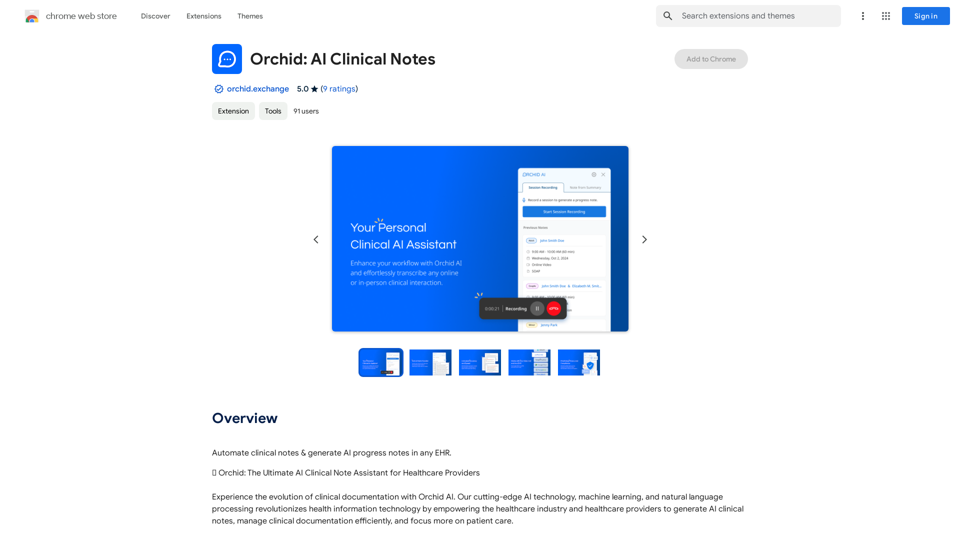
Automatically create clinical notes and generate AI-powered progress notes in any electronic health record (EHR) system.
193.90 M
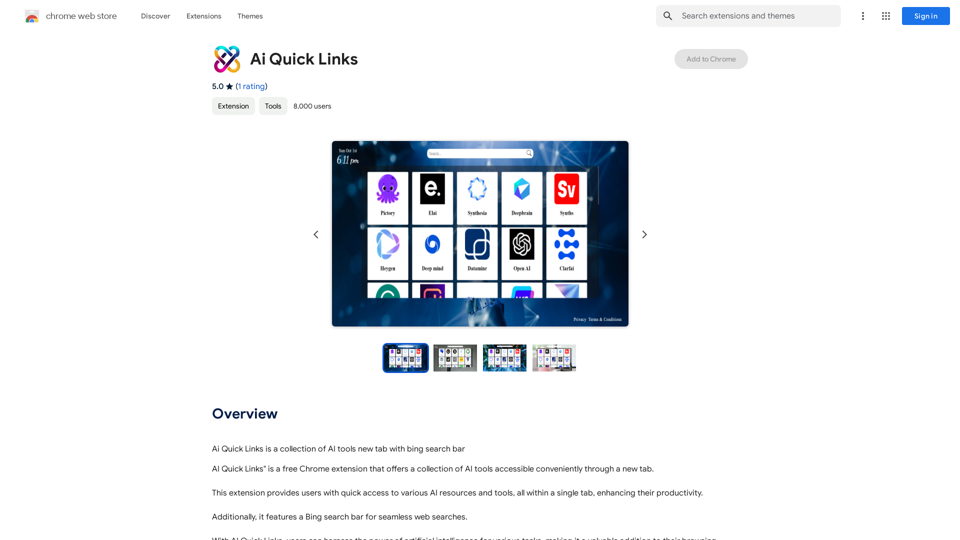
Ai Quick Links is a collection of AI tools for your new tab page, which also includes a Bing search bar.
193.90 M
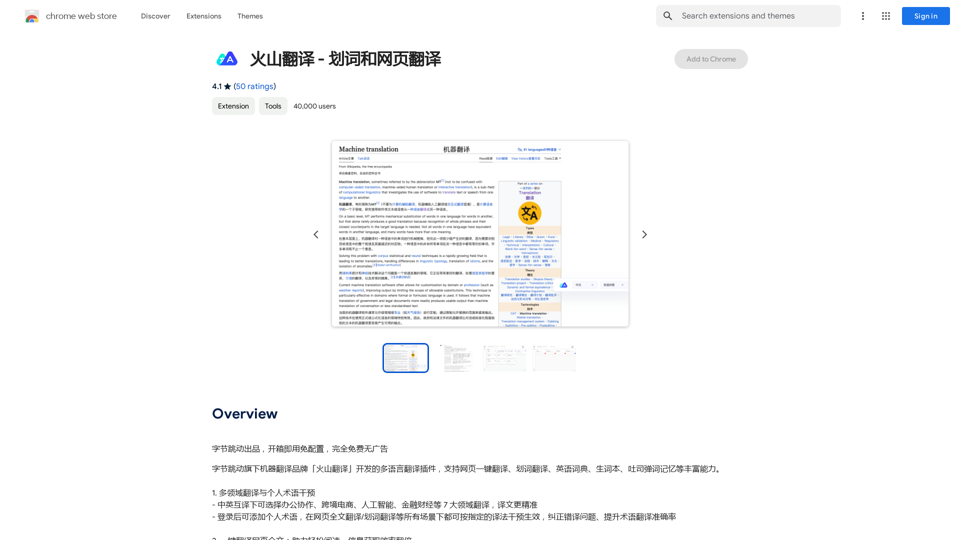
Volcano Translation - Screenshot and Webpage Translation
Volcano Translation - Screenshot and Webpage TranslationByteDance production, out of the box, no configuration required, completely free and ad-free.
193.90 M
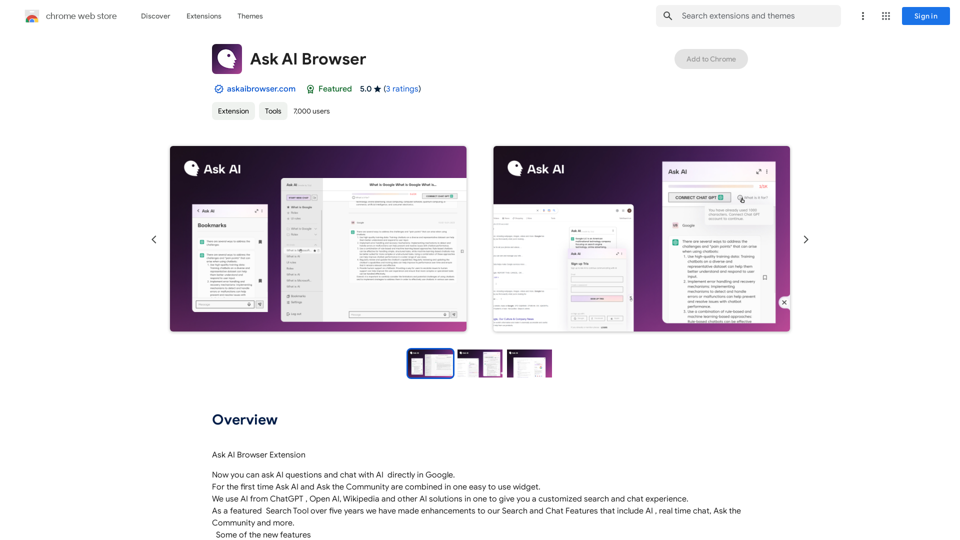
Ask AI Browser Extension ========================== Description The Ask AI browser extension is a cutting-edge tool that revolutionizes the way you interact with the internet. This innovative extension harnesses the power of artificial intelligence to provide you with instant answers, suggestions, and insights as you browse the web. Features * Instant Answers: Get quick answers to your questions without leaving the current webpage. * Smart Suggestions: Receive relevant suggestions based on your browsing history and preferences. * AI-driven Insights: Uncover hidden gems and interesting facts about the topics you're interested in. * Personalized Experience: Enjoy a tailored browsing experience that adapts to your needs and preferences. How it Works 1. Install the Extension: Add the Ask AI browser extension to your favorite browser. 2. Ask Your Question: Type your question in the search bar or highlight a phrase on a webpage. 3. Get Instant Answers: Receive accurate and relevant answers, suggestions, and insights in real-time. Benefits * Save Time: Get instant answers and reduce your search time. * Enhance Productivity: Stay focused on your tasks with relevant suggestions and insights. * Improve Knowledge: Expand your knowledge with interesting facts and hidden gems. Get Started Download the Ask AI browser extension today and experience the future of browsing!
193.90 M
The ChatGPT Smart Search extension uses ChatGPT's API to make a simple but powerful search tool.
193.90 M
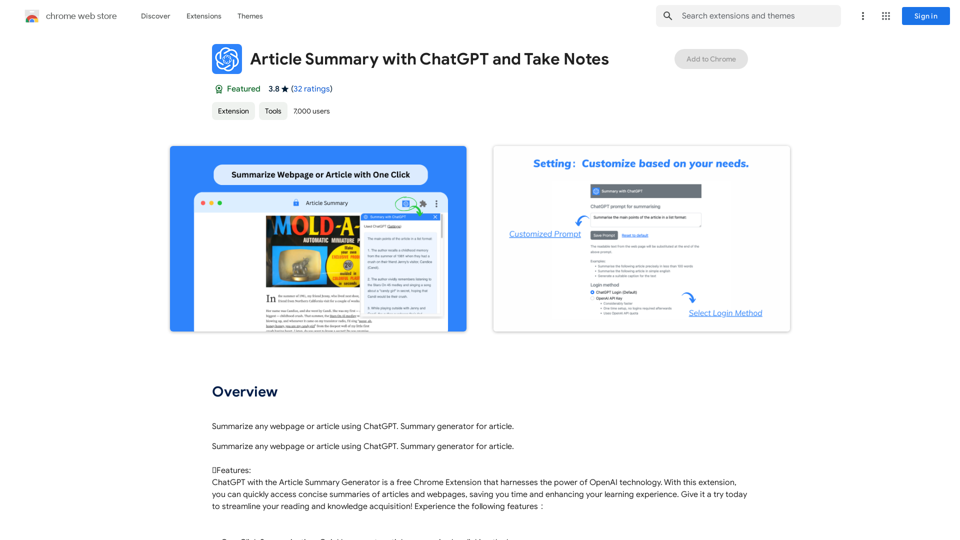
Article Summary with ChatGPT and Take Notes This is a guide on how to use ChatGPT to summarize articles and take notes effectively. Step 1: Provide ChatGPT with the Article Copy and paste the full text of the article into the ChatGPT interface. Step 2: Craft Your Prompt Tell ChatGPT what you want it to do. Here are some examples: * Summarize: "Please summarize this article in 200 words." * Key Points: "What are the main points of this article?" * Bullet Points: "Summarize the key findings of this article in bullet points." * Notes: "Take notes on this article, focusing on the author's arguments and supporting evidence." Step 3: Review and Refine ChatGPT will generate a summary, key points, bullet points, or notes based on your prompt. * Read carefully: Make sure the output accurately reflects the article's content. * Edit as needed: You can ask ChatGPT to rephrase sections or provide more detail. * Add your own insights: Don't just copy ChatGPT's output. Use it as a starting point and add your own thoughts, questions, and connections. Tips for Effective Use: * Be specific: The more specific your prompt, the better the output will be. * Experiment with different prompts: Try various phrasing to see what works best. * Use ChatGPT as a tool: It's a powerful aid, but it's not a replacement for critical reading and thinking.
Article Summary with ChatGPT and Take Notes This is a guide on how to use ChatGPT to summarize articles and take notes effectively. Step 1: Provide ChatGPT with the Article Copy and paste the full text of the article into the ChatGPT interface. Step 2: Craft Your Prompt Tell ChatGPT what you want it to do. Here are some examples: * Summarize: "Please summarize this article in 200 words." * Key Points: "What are the main points of this article?" * Bullet Points: "Summarize the key findings of this article in bullet points." * Notes: "Take notes on this article, focusing on the author's arguments and supporting evidence." Step 3: Review and Refine ChatGPT will generate a summary, key points, bullet points, or notes based on your prompt. * Read carefully: Make sure the output accurately reflects the article's content. * Edit as needed: You can ask ChatGPT to rephrase sections or provide more detail. * Add your own insights: Don't just copy ChatGPT's output. Use it as a starting point and add your own thoughts, questions, and connections. Tips for Effective Use: * Be specific: The more specific your prompt, the better the output will be. * Experiment with different prompts: Try various phrasing to see what works best. * Use ChatGPT as a tool: It's a powerful aid, but it's not a replacement for critical reading and thinking.I can do that! Please provide me with the URL of the webpage or article you'd like me to summarize. I'll do my best to create a concise and easy-to-understand summary for you.
193.90 M